

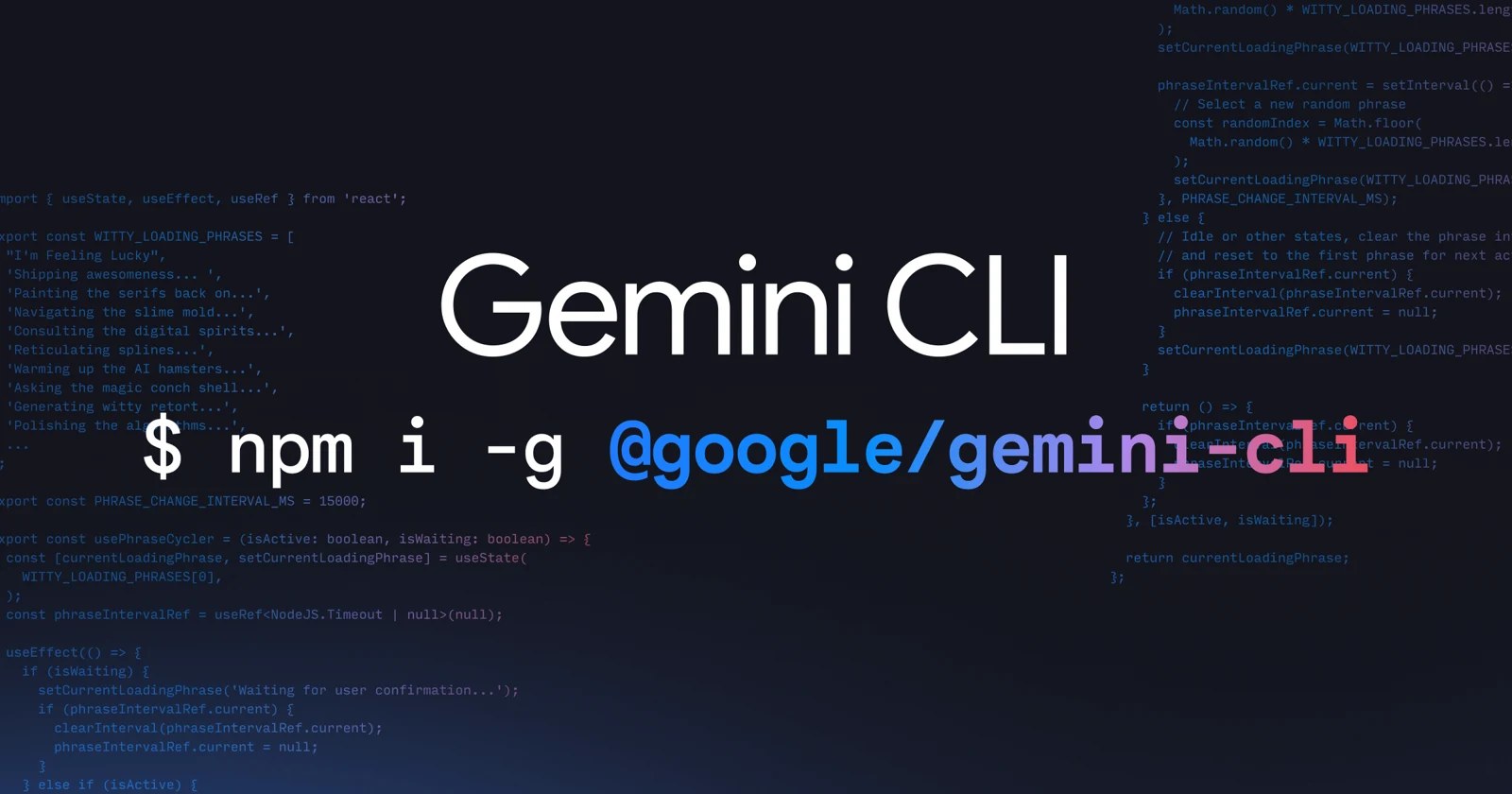
Codebase understanding and editing
Query large codebases in natural language, inspect project context, summarize changes, troubleshoot issues, and propose or apply edits across local files.
TOOL PROFILE TOOLAI
An open-source AI agent for understanding code, automating tasks, and building workflows from your terminal.
 View full image
THE BIG PICTURE
Gemini CLI brings Gemini models into a local terminal session, using project context to answer questions, edit files, execute commands, and help with development workflows. It can work across large codebases, manage sessions, and connect to additional tools through MCP servers.
A CLOSER LOOK
Explore product screens and published examples. Open any image for a closer look.
WHAT YOU CAN DO
Get to know the capabilities. Find your own way to use them.
Query large codebases in natural language, inspect project context, summarize changes, troubleshoot issues, and propose or apply edits across local files.
Use images, PDFs, or sketches as inputs when generating new applications, allowing visual references and documents to contribute to development prompts.
Run system commands from the agent workflow, with documentation covering safe execution, trusted folders, sandboxing, and policy controls.
Run Gemini CLI non-interactively for automation, with text, structured JSON, and newline-delimited stream-JSON output formats for scripts.
Connect remote agents and custom tools through MCP servers, extending workflows to services such as GitHub, Slack, databases, and media generation.
Use GEMINI.md files, memory settings, ignore patterns, and configuration controls to supply durable instructions and exclude selected project content.
Create automatic session snapshots, resume conversations, and rewind or replay work when exploring complex changes or recovering from an unsuccessful step.
Select models, configure generation parameters, create custom commands, use extensions and agent skills, and integrate the CLI with an IDE.
MADE FOR YOUR WORKFLOW
Start Gemini CLI in a cloned project and ask for an architectural summary, important modules, recent changes, or explanations of specific implementation decisions.
Combine headless mode with structured output to summarize pull requests, inspect test results, prepare routine reports, or coordinate repeatable development tasks.
Provide a sketch, image, or PDF and ask Gemini CLI to create an initial application structure that can then be refined within the local project.
YOUR FIRST STEPS
Run npx @google/gemini-cli for an immediate session, or install globally with npm install -g @google/gemini-cli.
Sign in with Google for an eligible organizational Code Assist account, configure GEMINI_API_KEY for API access, or configure Vertex AI variables.
Change into a repository or working directory and start gemini; use --include-directories when additional local directories are relevant.
Use prompts, GEMINI.md project context, .geminiignore patterns, and model-selection options to define the task and available information.
Use --output-format json or stream-json for scripts, and configure MCP servers, extensions, hooks, or custom commands when additional tools are needed.
TAKE A LOOK AROUND
Explore the tool's demo or video to see its interface and workflow.
PLAN YOUR NEXT STEP
The software is open source under the Apache License 2.0. Access depends on authentication: Google sign-in for eligible Code Assist accounts, Gemini API keys with usage-based billing, or Vertex AI with a billing account. Free individual access and Google AI Pro or Ultra access moved to Antigravity CLI on June 18, 2026.
PLAN
Google sign-in for Gemini Code Assist Standard or Enterprise licenses and Code Assist for GitHub on Google Cloud.
PLAN
Use a Gemini API key when specific model selection or paid API access is required.
Usage-based billing
PLAN
Use Google Cloud credentials and Vertex AI settings for enterprise-oriented access and integration with existing Google Cloud infrastructure.
Billing account required
Prices, usage limits and terms can change. Confirm the latest details on the tool's official website before subscribing.
Sources checked
It is an open-source terminal agent that brings Gemini models into local development environments for code understanding, editing, automation, and tool-connected workflows.
The documented options include npx, global npm installation, Homebrew on macOS or Linux, MacPorts on macOS, and npm inside an Anaconda environment.
Yes. Headless mode supports non-interactive execution, structured JSON output, and stream-JSON events for automation and monitoring.
Yes. MCP server configuration can connect Gemini CLI to custom tools and remote agents, including integrations for repositories, messaging, databases, and media generation.
Free individual access and Google AI Pro or Ultra access moved to Antigravity CLI on June 18, 2026. Gemini CLI remains intended for enterprise Code Assist workflows and supported paid credentials.
No. Gemini CLI is not optimized for Gemini 4 Argon; Antigravity is identified for that model generation.
FROM THE COMMUNITY
Sign in to share your experience and help others find the right tool.
YOUR NEXT DISCOVERY

Raber is an AI-powered drag-and-drop page builder for React that streamlines your team's workflow by enabling content creators to participate directly in the page building process.

Liner is a free tool that lets you train your ML models easily. It takes your training data and gives you an easy-to-integrate ML model. No coding or expertise in machine learning required.

Onboard lets you enter the link for any GitHub repo and turns into a subject matter expert on it. You can ask our AI chat questions to find where in the repo certain functionality is, where a specific code change should be made, and more.
Posium is an AI-driven end-to-end testing platform that uses generative AI to create automated tests for web and mobile applications, helping developers and QA teams increase testing efficiency by 10x.
MAKE YOUR NEXT MOVE
Visit the official website to explore the latest features and get started.