
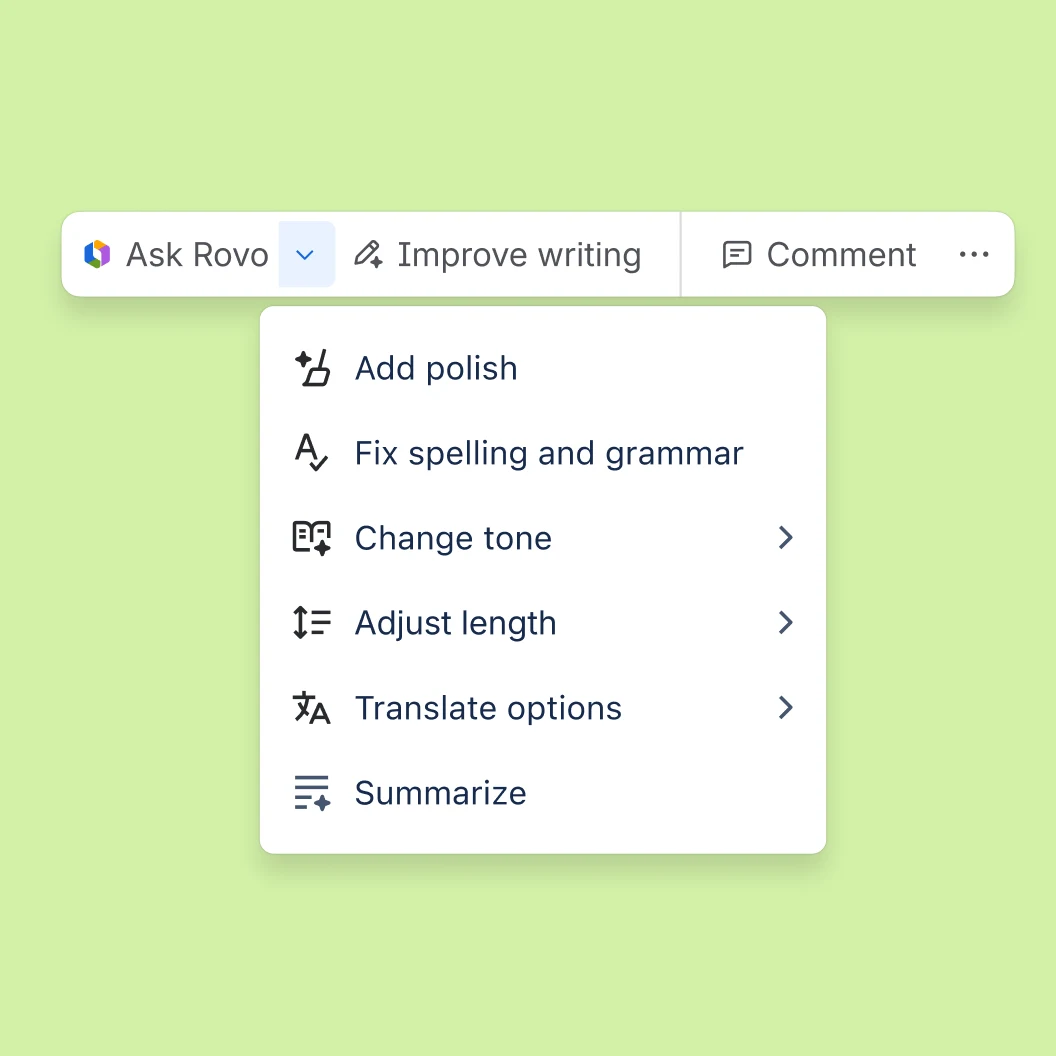
Teamwork Graph context
Rovo connects work, knowledge, people, and systems through the Teamwork Graph, bringing together context from Atlassian products and supported third-party sources.

TOOL PROFILE TOOLAI
AI for connected teamwork, knowledge, and workflows
 View full image
THE BIG PICTURE
Atlassian Rovo brings company knowledge and AI assistance into everyday teamwork. It connects work items, documents, people and supported external tools through the Teamwork Graph.
Search helps locate information, Chat answers questions in context, and Agents carry out defined workflows. Studio lets teams shape reusable AI experiences. Rovo is included with eligible Atlassian Cloud subscriptions, with usage allowances shared across the organization.
| Tool Name | Atlassian Rovo |
|---|---|
| Category | Productivity , Search engine |
| Pricing Model | Rovo is included with eligible Jira, Confluence, Jira Service Management, Service Collection, and Teamwork Collection Standard, Premium, and Enterprise Cloud plans. Included usage is measured in shared organizational Rovo credits. Extra usage can be enabled and billed at $0.01 per credit over the allowance. |
| Platform & Capabilities | Jira, Confluence, Jira Service Management, Teamwork Collection, Service Collection, web browser, desktop, mobile, Chrome browser extension, command line, and supported MCP integrations. Full AI capabilities require Atlassian Cloud. |
| Listed Date | 2026-10-27 |
| Top Alternatives | Coda AI , ChatGPT for YouTube , Todo.is |
A CLOSER LOOK
Explore product screens and published examples. Open any image for a closer look.
WHAT YOU CAN DO
Get to know the capabilities. Find your own way to use them.
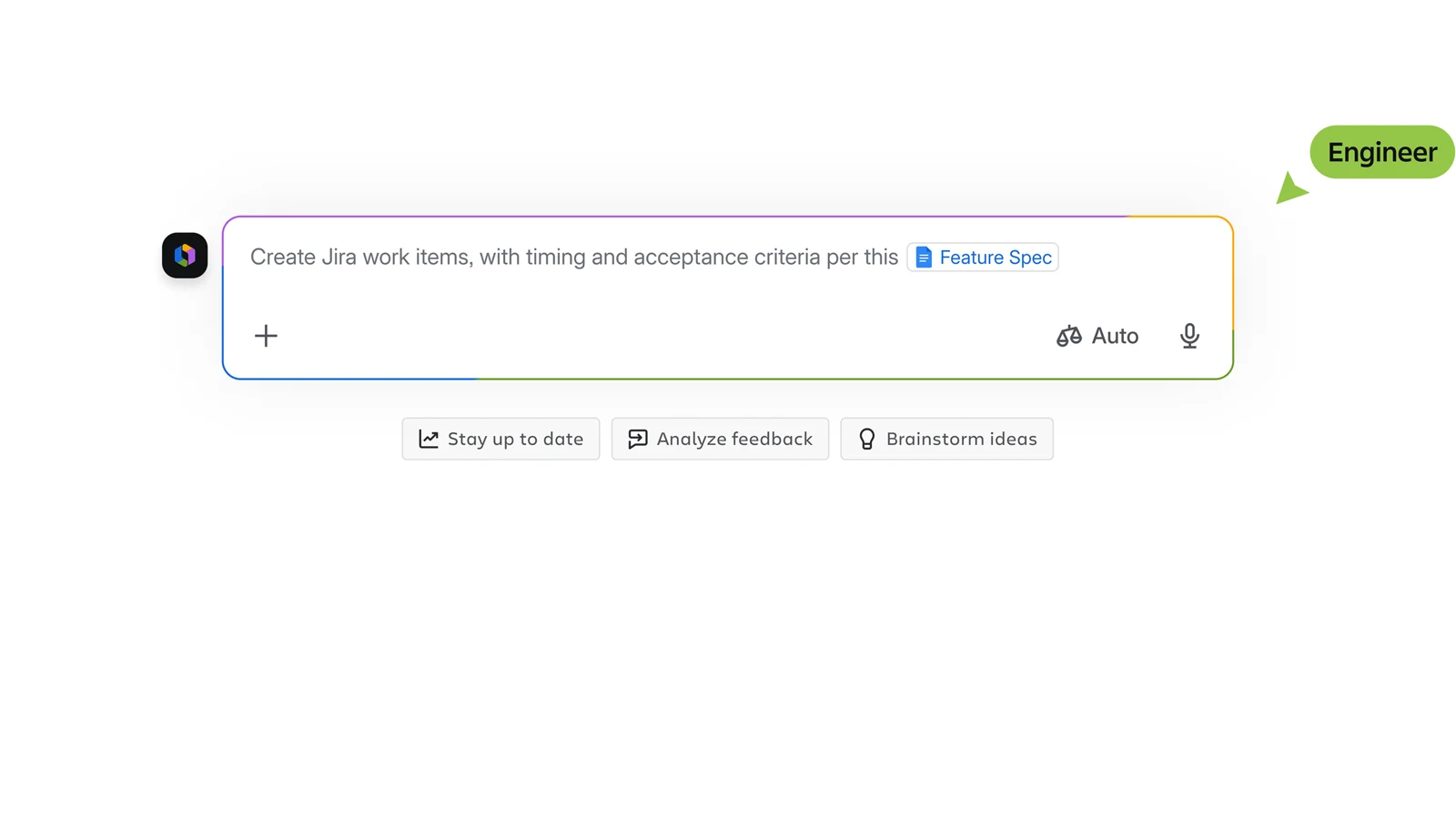
Rovo connects work, knowledge, people, and systems through the Teamwork Graph, bringing together context from Atlassian products and supported third-party sources.
Search surfaces organizational knowledge across Atlassian and connected tools, helping users locate relevant information without manually searching separate applications.
Rovo Chat provides conversational help using organizational context, with quick-answer and deeper work-oriented interactions for questions, decisions, and research.
Agents can handle workflow next steps, route backlog work, perform agentic tasks, and keep processes moving according to configured instructions and access.
Studio provides a place to work with Rovo capabilities, including creating and shaping agents or other AI-supported experiences for team workflows.
Connectors extend Rovo beyond Atlassian by indexing supported SaaS sources, including Google tools, so employees can search broader organizational knowledge.
Users can access Rovo inside Atlassian apps, through desktop and mobile experiences, a browser extension, command line, and supported MCP connections.
Administrators can manage AI activation, connected data access, usage visibility, extra-usage settings, spending limits, and notifications from Atlassian Administration.
MADE FOR YOUR WORKFLOW
Ask Rovo to gather related project, roadmap, customer-insight, and engineering context before prioritizing work or preparing a planning discussion.
Use agents to help triage incoming work, route items, suggest next steps, or support repetitive service processes while keeping human review in the workflow.
Connect relevant SaaS sources and use Search or Chat to answer internal questions, summarize distributed documentation, and reduce time spent locating information.
YOUR FIRST STEPS
Use an Atlassian Cloud Standard, Premium, or Enterprise plan for Jira, Confluence, Jira Service Management, Service Collection, or Teamwork Collection.
An organization administrator can keep Rovo activated, deactivate AI, and configure the access policies appropriate for the team.
Add supported third-party connectors and review which data sources Rovo can access before inviting broader usage.
Start with a focused question in an Atlassian app or at chat.rovo.com, then compare answers with the underlying project and knowledge context.
Monitor Rovo credits in Administration, review app and user consumption, configure alerts and limits, and decide whether extra usage should remain enabled.
TAKE A LOOK AROUND
Explore the tool's demo or video to see its interface and workflow.
PLAN YOUR NEXT STEP
Rovo is included with eligible Jira, Confluence, Jira Service Management, Service Collection, and Teamwork Collection Standard, Premium, and Enterprise Cloud plans. Included usage is measured in shared organizational Rovo credits. Extra usage can be enabled and billed at $0.01 per credit over the allowance.
PLAN
Rovo access is included for eligible Jira, Confluence, Jira Service Management, Service Collection, or Teamwork Collection Standard plans. Allowances vary by product.
Included with eligible Atlassian Cloud subscription
PLAN
Premium plans include Rovo with a larger allowance than corresponding Standard plans, combined into the organization's shared pool.
Included with eligible Atlassian Cloud subscription
PLAN
Enterprise plans include Rovo and administrative controls for usage, access, governance, and organization-wide deployment.
Included with eligible Atlassian Cloud subscription
Prices, usage limits and terms can change. Confirm the latest details on the tool's official website before subscribing.
No separate Rovo purchase is required when an eligible Standard, Premium, or Enterprise Atlassian Cloud plan is present.
Rovo credits measure AI feature usage and enriched Teamwork Graph access. Usage depends on the type and complexity of an interaction.
Full Rovo AI capabilities require Atlassian Cloud. Data Center connectors for Jira and Confluence can synchronize information with cloud-based Rovo.
Yes. Organization administrators can deactivate AI. Core apps such as Search and Studio remain available, while AI-powered Chat and Agents become unavailable.
If extra usage is enabled, billable usage can continue until an administrator-defined cap. If disabled, new credit-consuming requests pause until the allowance resets.
Billing and organization administrators can open Administration, then Insights and Platform usage, to review allowance, trends, app usage, user usage, and exported data.
FROM THE COMMUNITY
Sign in to share your experience and help others find the right tool.
FEATURED BADGE

YOUR NEXT DISCOVERY

A platform to streamline workflow processes.

A Google Chrome Extension to summarize YouTube videos.

An all-in-one task and project management app.

Use AI to write Excel and Google Sheets formulas in seconds. No need waste hours searching the web for the right formula. Just provide text instructions and let the AI work for you. Use our Chrome Extension to use AI without leaving Google Sheets or Excel!
MAKE YOUR NEXT MOVE
Visit the official website to explore the latest features and get started.