}

TOOL PROFILE TOOLAI

AI Formatter

AI-powered document formatting with professional templates for resumes, cover letters, agendas, invoices and more

aiformatter.netPRODUCT PREVIEW
Illustration published on the official product website; see the source page for its context. View full image
Illustration published on the official product website; see the source page for its context.Images: 4

THE BIG PICTURE

About AI Formatter

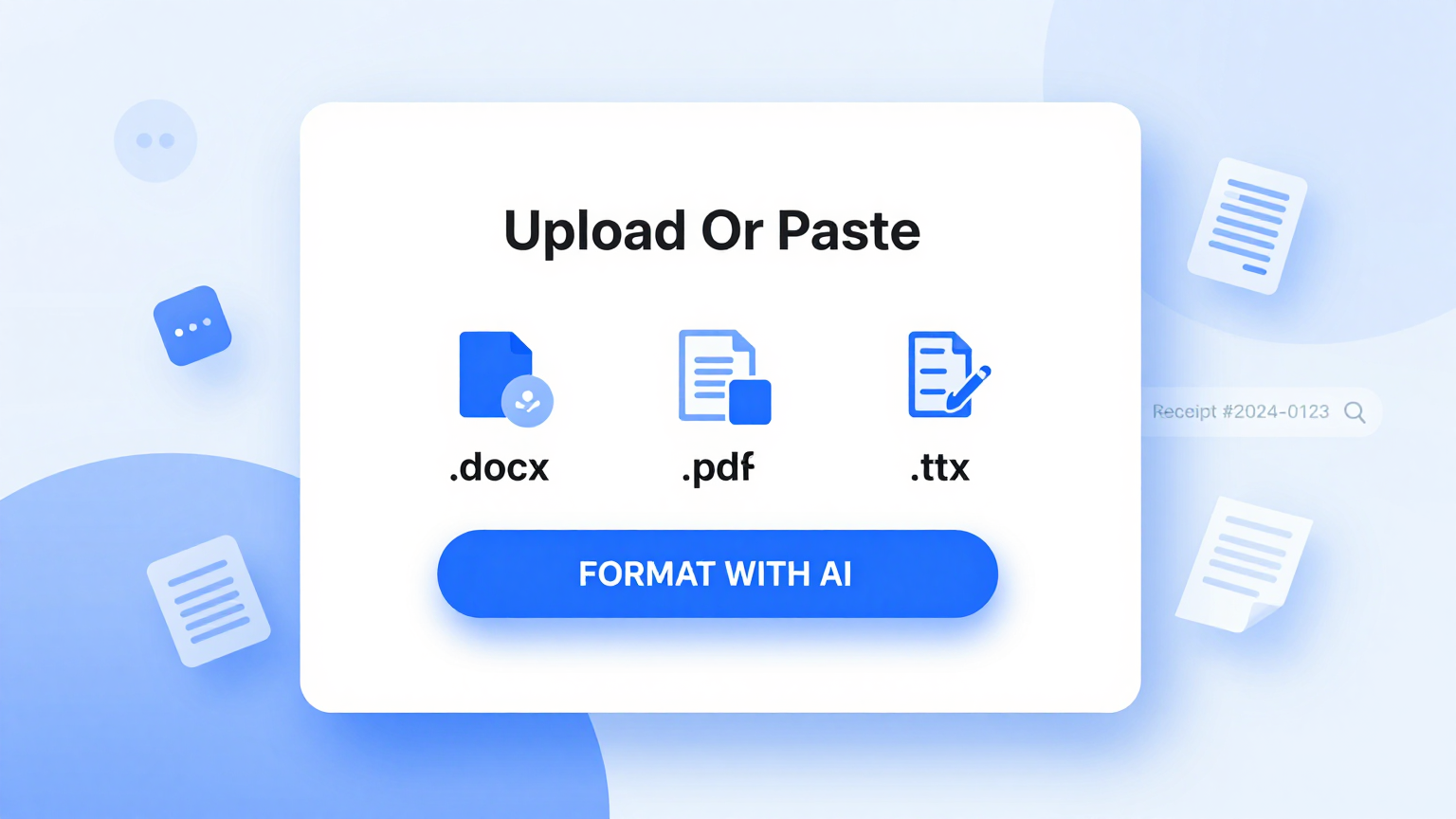
AI Formatter is a browser-based document formatting service operated by Sun Sky LLC. According to its homepage, users upload an existing file or paste raw text, choose a professional template, and let the AI formatter render the content into that template while keeping the original information. The site positions the product around a library of templates and a set of specialized generators, including a resume formatter, an AI cover letter generator, a meeting agenda formatter, invoice, receipt and quotation tools, and a product review generator.

The workflow described on the site is template-driven: pick a template, supply content by upload or text input, run the formatter, then edit the rendered result in an online editor and download or share it. The homepage states that output can be downloaded in multiple formats including Word and PDF, and the FAQ template page specifically lists Microsoft Word (.docx) and PDF exports. The product review generator page adds HTML as an export option for that tool.

AI Formatter presents itself as a suite rather than a single tool. The homepage lists a very large catalogue of online tools and templates covering business, legal, academic, construction, hospitality and personal documents, and the pricing page advertises access to over 10,000 professional templates. The company states that documents are encrypted during processing and that personal information is not stored longer than necessary, with the ability to delete data at any time. These are vendor claims presented on the official pages.

Tool Name AI Formatter
Category Document Assistant , Productivity
Pricing Model Subscription plans plus one-time credit packs. Basic is $19.99/month with 100 credits (1 credit = 1 page rendered). Pro is $29.99/month with 200 credits. A 50-credit top-up pack is $5.00 as a one-time purchase with no subscription required.
Platform & Capabilities Browser-based web application; the site describes editing and downloading online and does not document dedicated desktop or mobile apps.
Listed Date 2026-02-03
Top Alternatives CognosysAI , AIDA , PowerBrain AI Writing Tool & Chat GPT
}

WHAT YOU CAN DO

A toolkit worth exploring

Get to know the capabilities. Find your own way to use them.

Template-driven AI formatting

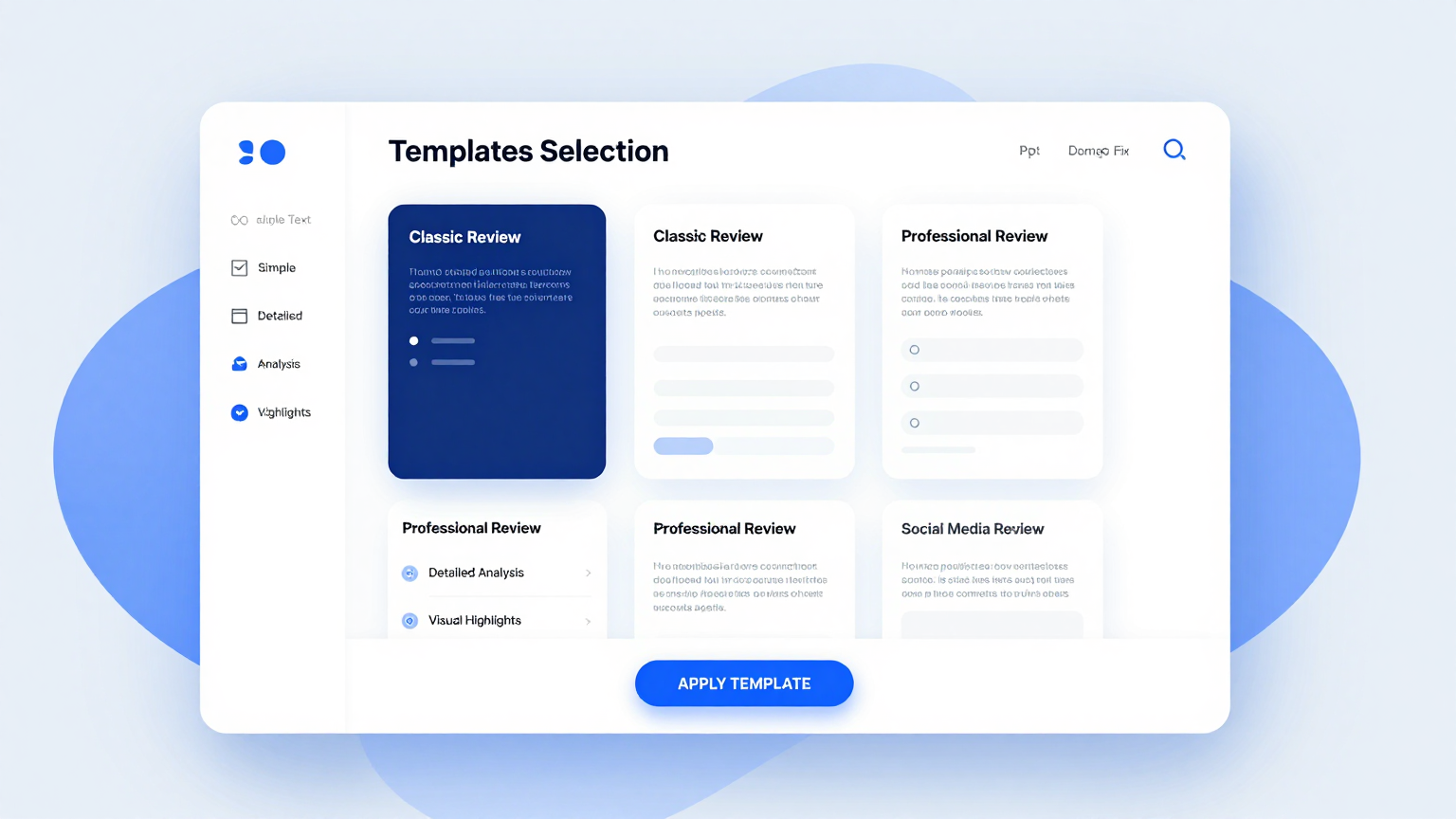
Users select from a library of professional templates and the AI formatter renders their uploaded file or raw text into the chosen layout while, per the site, maintaining the original information and applying professional structure.

Resume formatter

A dedicated tool that formats resumes and, according to the homepage, produces ATS-optimized resumes intended to pass automated screening systems and impress recruiters. Users can upload an existing resume or start from scratch.

AI cover letter generator

Accepts an uploaded draft or raw text and produces a polished, personalized cover letter in the selected template.

Meeting agenda formatter

Transforms meeting notes or draft agendas into a structured, professional meeting agenda format.

Business document generators

The suite includes invoice, receipt and quotation tools. The homepage describes uploading data or entering details to produce business-ready invoices, receipts and quotations.

Product review generator

Generates structured product reviews with ratings, pros, cons and recommendations. It supports single-product reviews, comparison reviews and roundup or top-ten formats, and includes a built-in rating system with visual scores across criteria such as quality, value, ease of use and design.

Online editor and multi-format export

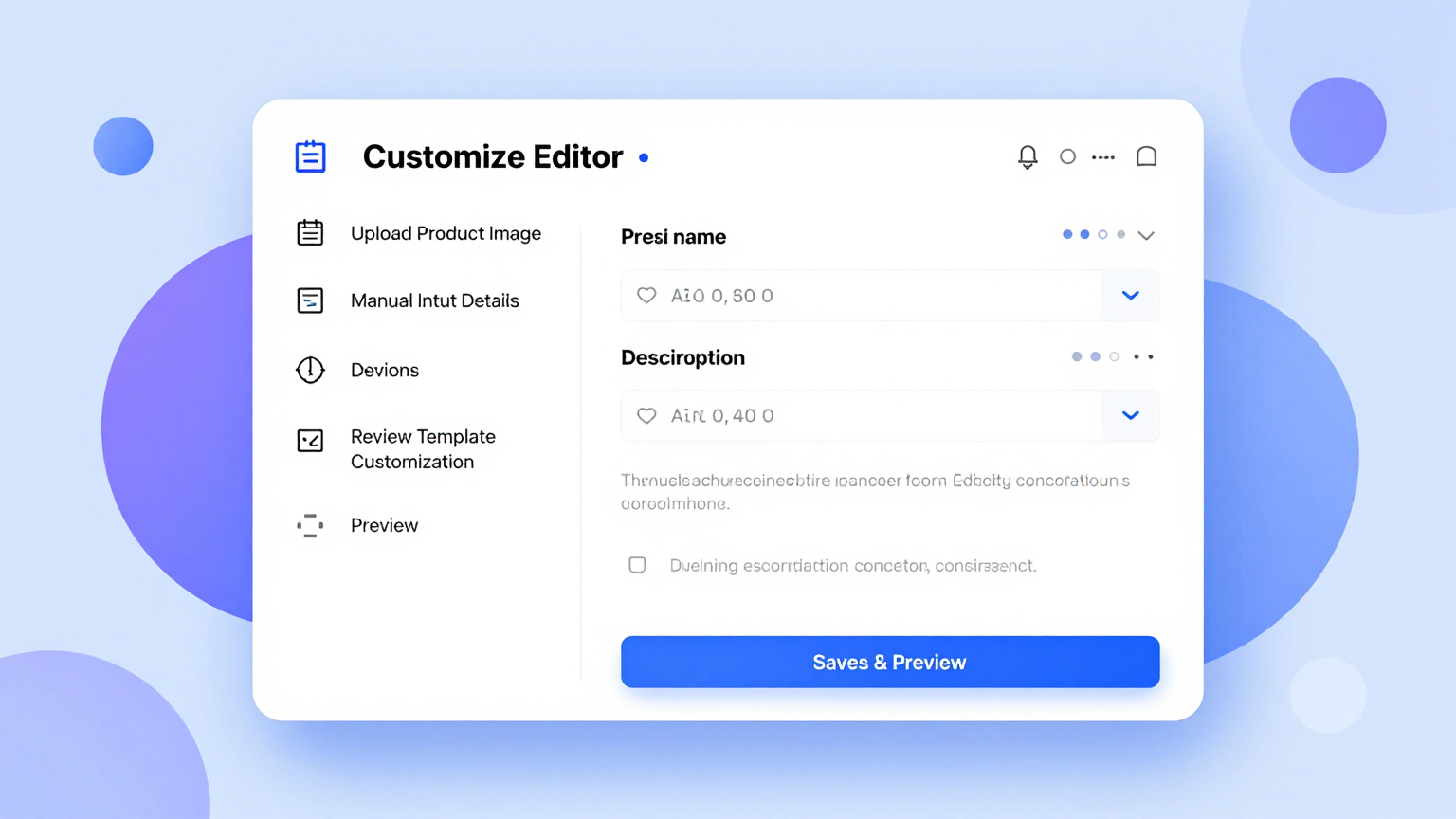
After formatting, users can edit the rendered document, adjust formatting and layouts, then share it or download it. Word and PDF are cited on the homepage and FAQ template page; the product review generator also lists HTML.

Large template catalogue

The homepage presents an extensive collection of templates spanning resumes, cover letters, agendas, invoices, receipts, quotations, legal and business documents, academic formats and more. The pricing page advertises over 10,000 professional templates.

MADE FOR YOUR WORKFLOW

Where it fits into your day

USE CASE 01

Job application preparation

Job seekers can use the resume formatter and cover letter generator to turn existing drafts or raw text into professionally formatted, ATS-oriented application documents.

USE CASE 02

Business paperwork

Small businesses and freelancers can produce invoices, receipts and quotations from entered data or uploaded files, then download them for clients.

USE CASE 03

Meeting organisation

Teams can convert rough meeting notes into a structured agenda, and the broader template library covers related documents such as meeting minutes.

USE CASE 04

Review and affiliate content

Writers can generate structured product reviews, including comparison and roundup formats, and export them for blogs, review platforms or affiliate content, adding their own experience and verifying specifications.

USE CASE 05

General document formatting

Users with raw text or an existing file can apply a professional template to letters, reports, proposals and many other document types in the catalogue.

YOUR FIRST STEPS

From first click to first result

Try it on the official website
  1. Choose a template

    Select a professional template from the library, such as an ATS-optimized resume template, a cover letter template or a meeting agenda format.

  2. Upload content or input text

    Upload an existing document or paste raw text directly into the text box. The product review generator also accepts product details or a product URL for auto-extraction.

  3. Start formatting

    Click the start formatting action and let the AI formatter process the content and render it into the selected template.

  4. Edit and customise

    Review the rendered document in the online editor and adjust content, formatting and layout as needed.

  5. Download or share

    Export the finished document in a supported format such as Word or PDF, or share it directly.

PLAN YOUR NEXT STEP

A plan for the way you work

Subscription plans plus one-time credit packs. Basic is $19.99/month with 100 credits (1 credit = 1 page rendered). Pro is $29.99/month with 200 credits. A 50-credit top-up pack is $5.00 as a one-time purchase with no subscription required.

Subscribe on the tool's website

PLAN

Basic

Ideal for individuals and light users. Includes 100 credits (1 credit = 1 page rendered), full access to all templates including premium designs, AI optimization for content refinement, real-time online editing, watermark-free high-resolution downloads, and export history with version control.

19.99

month

  • 100 credits (up to 100 pages)
  • Full template access
  • AI content optimization
  • Real-time online editing
  • Watermark-free downloads
  • Export history and version control
View plan on website

PLAN

Pro

Designed for professionals and teams needing more capacity. Includes 200 credits (up to 200 pages), everything in Basic, real-time online editing with all features, watermark-free downloads in multiple formats, and export history.

29.99

month

  • 200 credits (up to 200 pages)
  • Everything in Basic
  • Real-time online editing
  • Watermark-free multi-format downloads
  • Export history
View plan on website

PLAN

Credit Pack

A one-time top-up of 50 credits for $5.00 with no subscription required and instant access.

5.00

one-time

  • 50 credits per pack
  • One-time purchase
  • No recurring fees
  • Instant access
View plan on website

Prices, usage limits and terms can change. Confirm the latest details on the tool's official website before subscribing.

Prices, credit allowances and the credit-pack amount are stated on the official pricing page. The site notes refunds can be requested within 24 hours of purchase via payment history.

A FEW MORE THINGS

Good questions. Useful answers.

More on the official website

How does AI Formatter create professional documents?

The homepage describes a three-step process: upload a file or input raw text, select a formatter tool such as the resume formatter, AI cover letter generator or meeting agenda format, and click start formatting. The AI formatter then transforms the content while maintaining the original information.

What document types does AI Formatter support?

The site lists a broad range of document types, including resumes, cover letters, meeting agendas, invoices, receipts, quotations, product reviews, letters, reports, proposals and many more, each with dedicated tools or templates.

Can I edit documents after formatting?

Yes. The homepage states that after processing you can edit the rendered content, adjust formatting, modify layouts and fine-tune any aspect, then share the document or download it in multiple formats.

What formats can I download?

The homepage and FAQ template page cite Word and PDF downloads. The product review generator page additionally lists HTML as an export option for that tool.

Is my data secure?

The homepage states that Sun Sky LLC encrypts documents during processing, does not store personal information longer than necessary, and allows users to delete their data at any time. The product review generator page adds that content is not shared with third parties and that session data can be deleted after download. These are vendor claims.

How much does AI Formatter cost?

The pricing page lists Basic at $19.99 per month with 100 credits and Pro at $29.99 per month with 200 credits, where one credit equals one page rendered. A 50-credit top-up pack is available for $5.00 as a one-time purchase with no subscription required.

Is there a free option?

The homepage states that formatting tools are available for free and that no credit card is required to start. The FAQ template page says its template designs are free to download, edit and use for personal or commercial projects without an account. The subscription plans on the pricing page cover higher credit allowances and premium features.

FROM THE COMMUNITY

What has your experience been?

FEATURED BADGE

Embed "Featured on ToolAI.io" Badge

Featured on ToolAI.io

YOUR NEXT DISCOVERY

More tools to explore

Explore all tools

MAKE YOUR NEXT MOVE

Ready to explore AI Formatter?

Visit the official website to explore the latest features and get started.

Visit official website
AI Formatteraiformatter.net
Visit website

GALLERY

PASS IT ALONG

Share AI Formatter