Formswrite
Main Features
- Smart Question Detection: Automatically identifies different question types including multiple choice, true/false, and open-ended questions
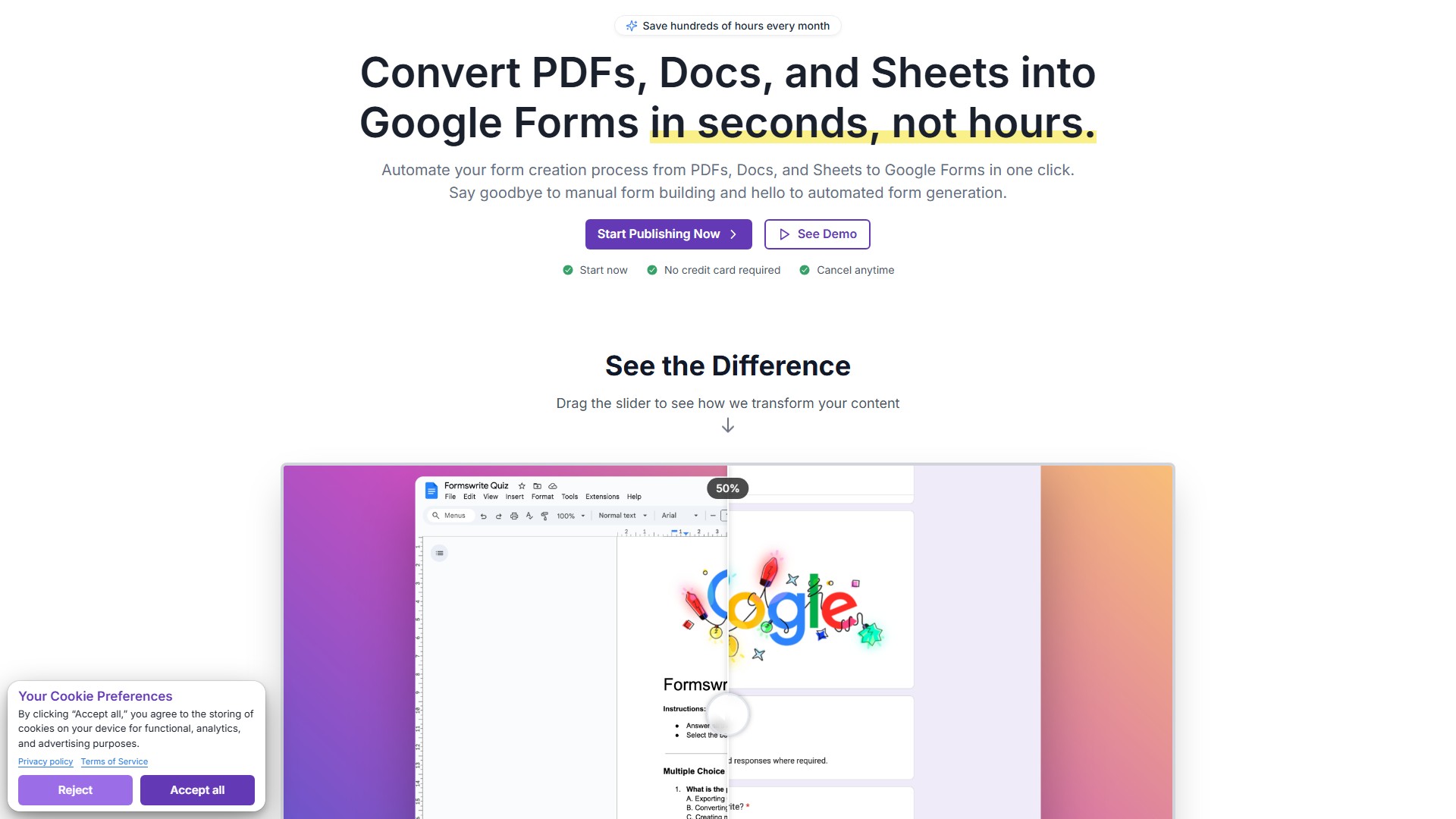
- One-Click Conversion: Instantly transform documents into fully functional Google Forms
- Format Preservation: Maintains original document formatting and images
- Automatic Scoring Setup: Creates answer keys and point allocation automatically
- Response Analytics: Track student performance with built-in Google Forms analytics
How It Works
- Write quizzes and assessments in Google Docs using simple formatting guidelines
- Formswrite AI automatically detects question types and converts to interactive Google Forms
- Share forms and collect responses, track scores and analyze results directly through Google Forms
Target Users
- Educators (teachers, professors)
- Training centers
- Schools and universities
- Professionals needing to create assessments and quizzes
Key Advantages
- Save 30+ minutes per quiz
- Support for all question types
- No manual formatting required
- Professional appearance maintained
- Seamless integration with Google ecosystem
Pricing Plans
- Trial: $2.99 one-time, includes 1 AI-powered conversion
- Basic: $9.99/month (billed yearly), unlimited form creation
- Lifetime: $600 one-time, permanent access to all features
Special Features
- Template library access
- Team collaboration tools (up to 5 members)
- API access and webhooks
- Custom branding and themes
- Advanced analytics dashboard
- Priority email support
Pricing Mode:
Free Trial
Paid
Traffic Analysis
Last Updated 2025-12
Powered by Website Insights
Global Rank
345,686
SimiliarWeb Data
Country Rank
542,842
US
Monthly Visits
119.2K
16.0%
User Engagement Analysis
Bounce Rate
39.0%
Pages Per Visit
1.94
Avg Visit Duration
0.6m
Traffic Sources Distribution
Search
66.0%
Direct
24.0%
Referrals
5.0%
Social
3.0%
Paid
1.0%
Top Countries
US
11.0%
FR
6.0%
IN
5.0%
ID
4.0%
VN
4.0%
Similar Sites
No data
Top Keywords Analysis
SEO Performance Insights
formswrite
how to align the code properly in google docs
how to copy or upload questions to google forms
google forms
turn google docs table into spreadshee
Comment