生産性
ChatGPTの履歴をEvernoteに保存
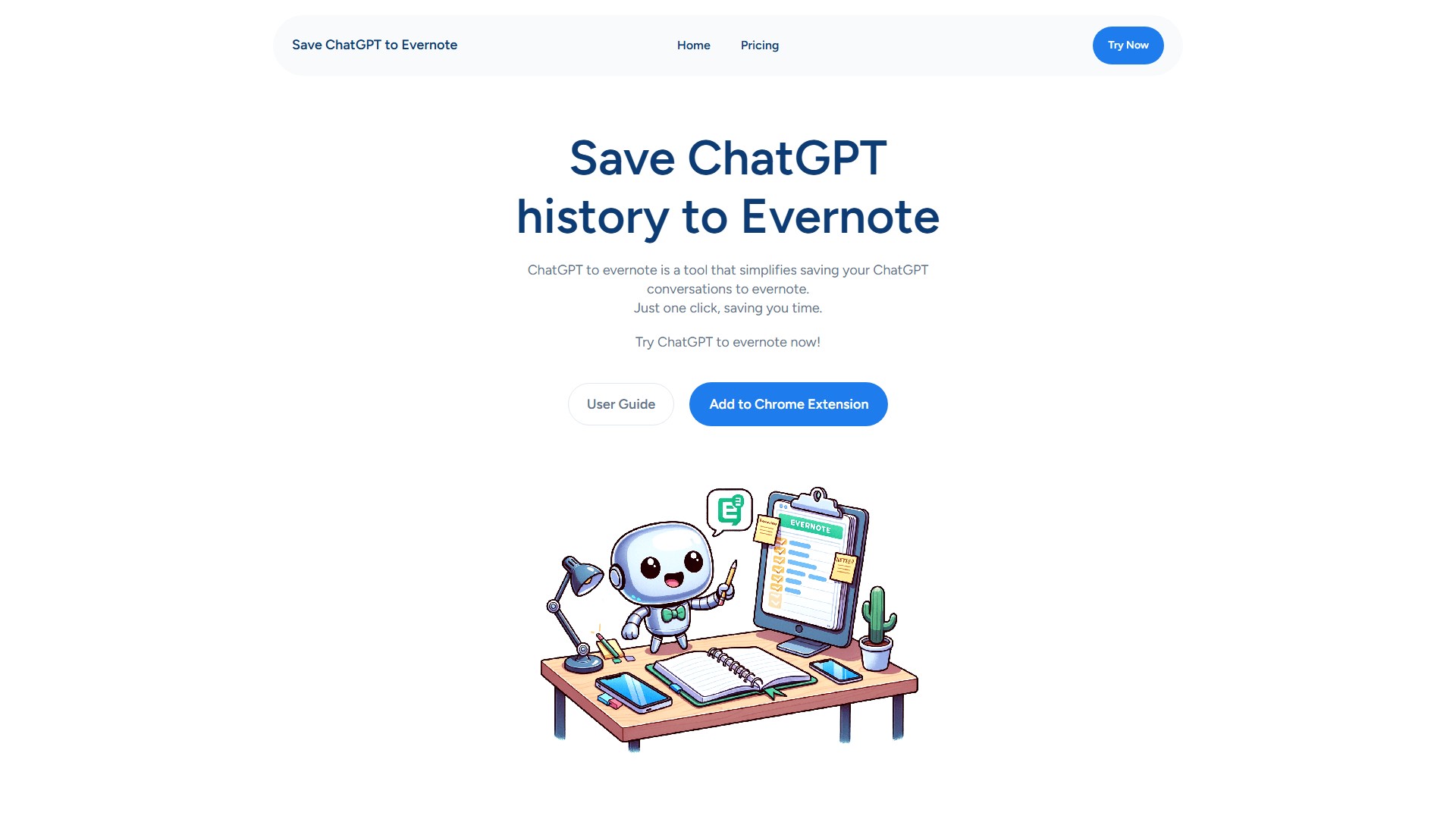
ChatGPTの会話をワンクリックでEvernoteに保存できます。ノートブックやタグを指定でき、Evernoteの整理機能で会話を管理・共有できます。
閲覧数
11.7K
月間訪問数
11.7K
世界ランキング
##14,993,092
票数
0
このツールについて
主な機能
ChatGPT to Evernoteは、ChatGPTの会話をEvernoteに保存する作業を簡単にします。現在の会話をワンクリックで保存でき、ChatGPTの履歴全体を一括保存することも可能です。
利用手順
- ワンクリック保存:ブラウザーのバーにアイコンを固定し、Evernoteに接続します。プラグインのアイコンをクリックして保存画面を開き、必要に応じてタイトルとタグを設定し、「Save」をクリックして会話を保存します。
- 一括保存:Evernoteに接続し、ノートブックを選択し、ページを選択して、一括保存を開始します。
料金
複数のサブスクリプションプランがあります。
- Basic Package:月額3.9ドル、月200回まで保存、36時間以内のサポート回答。
- Basic Package:月額4.9ドル、保存回数無制限、24時間以内のサポート回答。
- Pro Max Package:年額5.9ドル、保存回数無制限、ChatGPT会話の一括保存、24時間以内のサポート回答。
- Pro Max Package:年額39.9ドル、保存回数無制限、24時間以内のサポート回答。
- Pro Max Package:年額43.9ドル、保存回数無制限、ChatGPT会話の一括保存、24時間以内のサポート回答。
対象ユーザーと主なメリット
ChatGPTの会話記録をEvernoteに保存・整理したいユーザー向けです。ワンクリック操作で時間を節約でき、履歴全体の一括処理にも対応し、保存後すぐにEvernoteで確認できます。
トラフィック分析
このツールのトラフィック、ランキング、エンゲージメントの指標。
世界ランキング
##14,993,092
国別ランキング
#- -
月間訪問数
11.7K
訪問数の推移
トレンドデータなし
エンゲージメント
- 直帰率--
- 1回の訪問あたりのページ数--
- 平均滞在時間--
トラフィックソース
ソースデータなし
上位の国
国別データなし
インターフェースプレビュー