FineCam

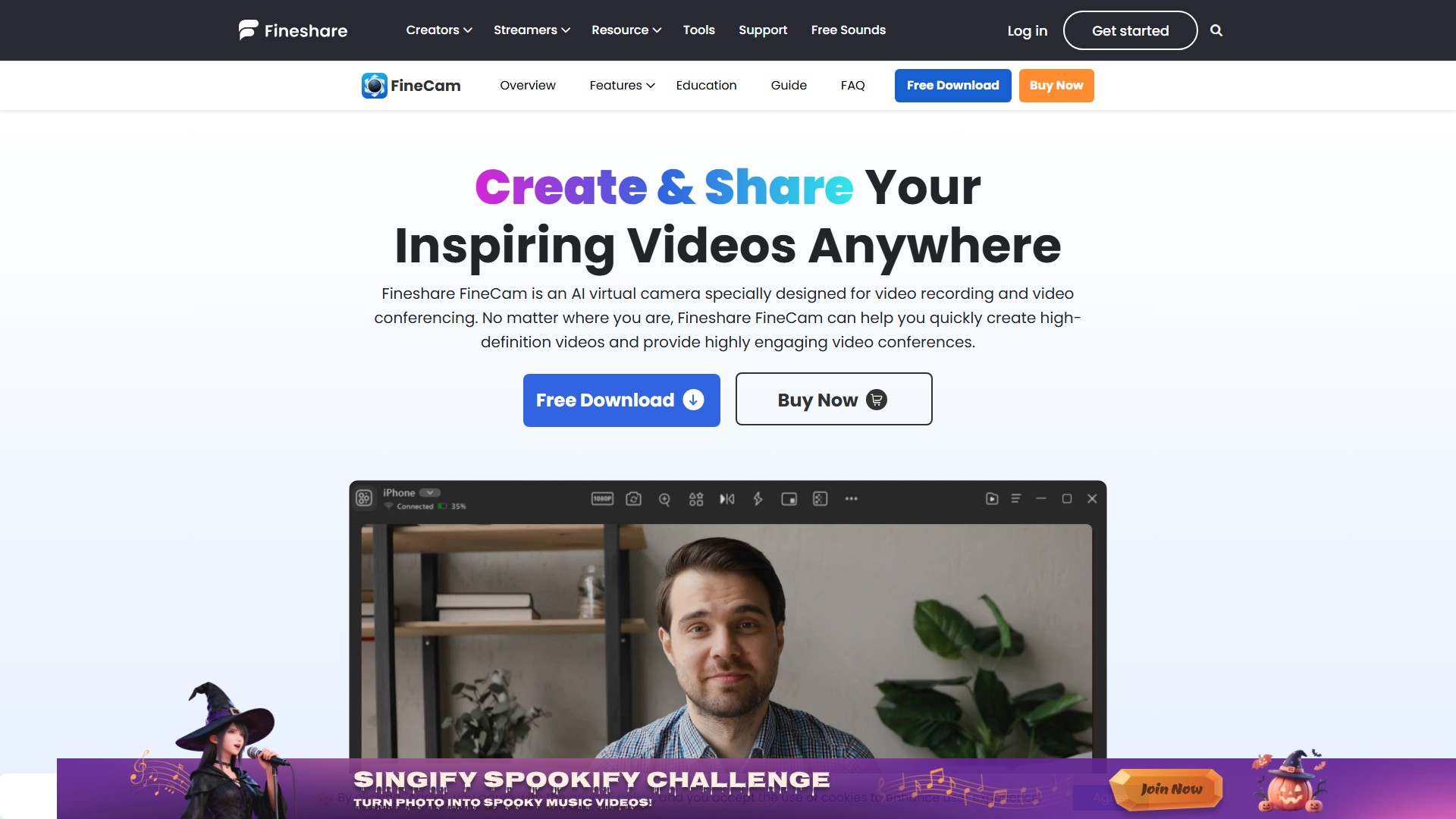
Fineshare FineCam is an AI virtual camera specially designed for video recording and video conferencing. No matter where you are, it can help you quickly create high-definition videos and provide highly engaging video conferences.

Main Features & Characteristics:

  1. Use phone as webcam: Turns your smartphone into a portable HD webcam with wireless connectivity and multiple angles. You can adjust camera settings for the best look with video preview, control over zoom, orientation, resolution, front or rear camera, add camera shapes, and adjust overlay, brightness, and contrast with ease.
  2. Connect any camera: Easily connect your phone's camera, digital camera, DLSR camera, action camera, external webcam, or integrated webcam, or all of them to FineCam. There is no limit to the number of connected cameras.
  3. Advanced AI algorithm: Use AI to automatically remove background. Apply unique and creative background to enhance your video. Based on a deep learning model, use semantic analysis and edge detection to quickly remove background.
  4. Video switcher: Capture video from different angles and seamlessly switch between multiple scenes.
  5. Desktop camera mode: Easily position your webcam footage anywhere on the screen, helping you to record both your screen and webcam more accurately.
  6. AI Background Generator: Generate unique backgrounds in seconds and bring personality and professionalism to your video conferences and video recordings.
  7. Video enhancement: Provide a range of filters and adjustments that can adjust video brightness, enhance the vividness of colors in your video.
  8. Smart portrait mode: Bring bokeh effect to your video, separate you from the background and make you stand out.
  9. Powerful and Simple Ways to Share Content: Mirror your iPhone & iPad screen to computer; Record and share your video presentations; Screen capture webpages easily without opening your web browser; Share YouTube videos with others; Capture activities of application window; Share videos and photos (or use them as a virtual background).
  10. Brand Your Video: Add and edit your brand information effortlessly with an intuitive overlay editor, making it fast and easy to create professional-looking videos.
  11. Full hardware acceleration: FineCam uses dedicated GPU hardware for efficient video processing. Achieve higher efficiency compared to general-purpose CPU alone.
  12. Segment recording & video remixing: Capture multiple videos at once and resume recordings anytime with FineCam's segment recording feature, then easily remix and export your content.
  13. Comprehensive capture: Support multi-camera capture and simultaneous recording content from different sources, allowing for flexible and efficient video production.

Target Users & Typical Use Cases:

  1. Online Teaching: Teachers can use FineCam to make their online classes more engaging and interactive, displaying presentation slides, interactive webpages, and other educational materials.
  2. Online Meetings: Remote teams can collaborate effectively and stay connected, easily sharing documents and ideas, while also engaging in real-time discussions and brainstorming sessions.
  3. Product Demo: Salespersons can deliver dynamic and effective product demos, highlighting key features and benefits of the product, while also answering questions and providing feedback in real time.
  4. Telemedicine: Doctors can deliver high-quality virtual consultations to patients who are unable to visit in-person, displaying medical records and test results while maintaining patient privacy.
  5. Content Creation: Influencers and content creators can elevate their video content and engage with their followers by adding images, text, and other visual elements.
  6. Live Stream: Streamers can deliver high-quality live streams that engage and entertain their audiences, including gameplay, workouts, cooking classes, and public speaking events.

Usage Flow: Step 1. Launch FineCam, choose a camera. Step 2. Choose what to record and share. Step 3. Click Record or Virtual Camera to create and share your inspiring videos.

Pricing Model: FineCam offers a Free Download and a Buy Now option, indicating a freemium model. Specific pricing tiers are not provided on the page.

アクセス: 506.9K
国: United States
価格設定モデル: Paid
生産性 Paid

議論する

サインイン After Sign In, you can make comments