
Independent headless engine
Written primarily in Zig, with V8 for JavaScript, Libcurl for HTTP and html5ever for HTML parsing. It is not a Chromium or WebKit fork and focuses on page execution, the DOM and automation.
PROFILO DELLO STRUMENTO TOOLAI
An independent headless browser for dynamic web extraction and AI automation, with CDP, MCP and script replay.
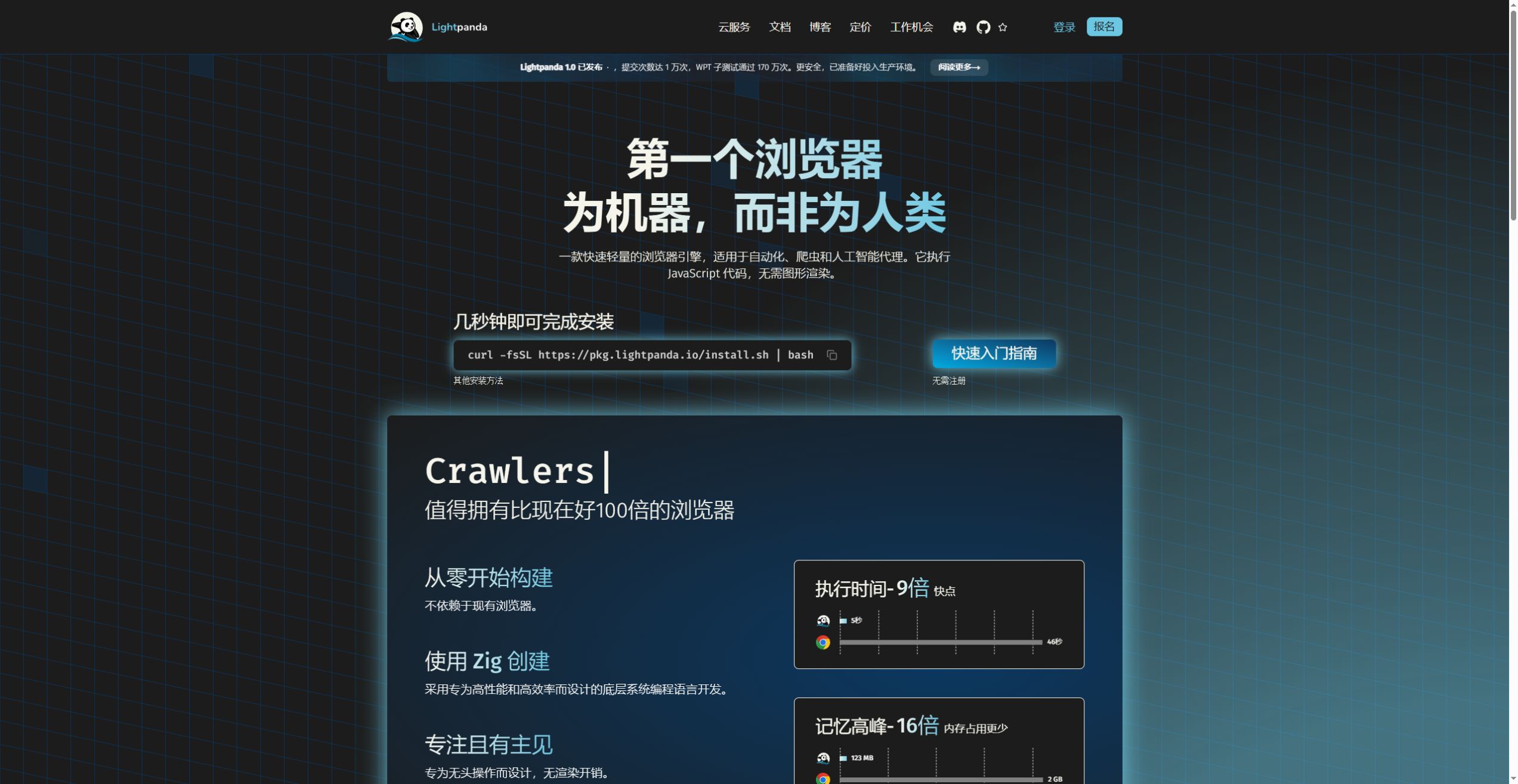 Visualizza immagine intera
IL QUADRO GENERALE
Lightpanda is an independent headless browser for web extraction, automation and AI agents. Written mainly in Zig, it executes JavaScript with V8, maintains the DOM and exposes page interactions through the CLI, CDP, WebDriver BiDi and native MCP. It can read dynamic content, extract HTML or Markdown and run fixed workflows.
Version 1.0, released October 2, 2026, ended the Beta phase. The engine does not provide complete graphical page rendering: text PNG/PDF exports come from Markdown layout and cannot replace full CSS screenshots or visual acceptance tests. Validate Web API and client behavior on the target sites.
Local software is open source with AGPL-3.0-only as the default license. Supply your own environment and compute. Cloud meters hosted sessions in browser hours, with model and bring-your-own proxy fees separate. Start with a representative set of authorized pages and measure completeness, success rate, latency and memory before expanding.
UNO SGUARDO PIÙ DA VICINO
Esplora le schermate del prodotto e gli esempi pubblicati. Apri un’immagine per osservarla più da vicino.
Official homepage captured in Chrome, not a page rendered by Lightpanda.
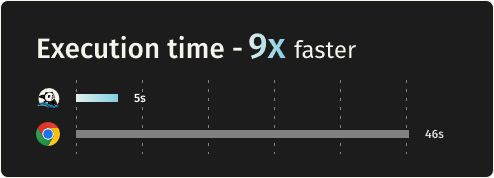
Published execution-time chart for 25 tasks and 933 URLs; not rerun here.
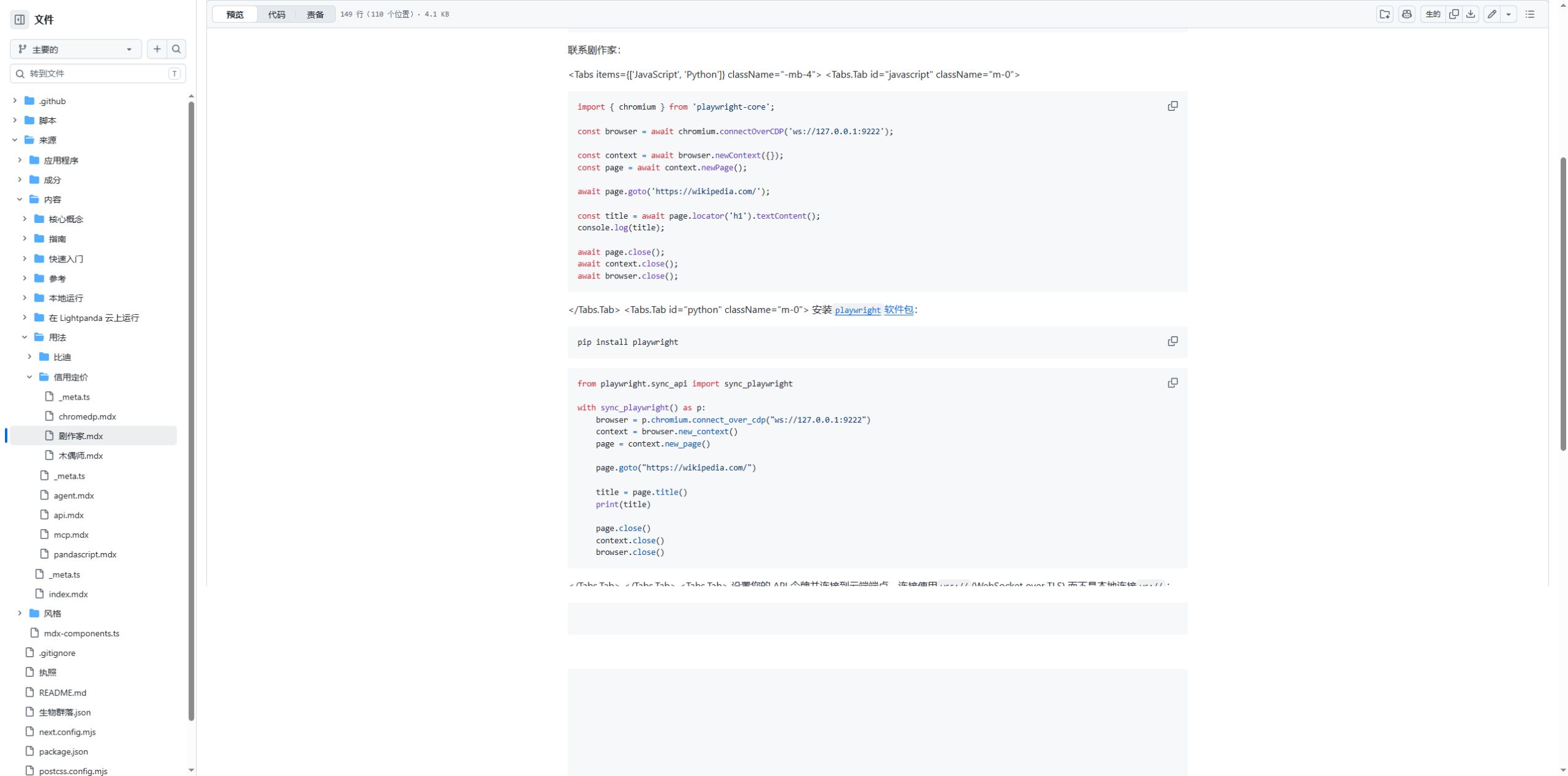
JavaScript and Python connection code in the official docs repository, captured in Chrome with translated navigation.
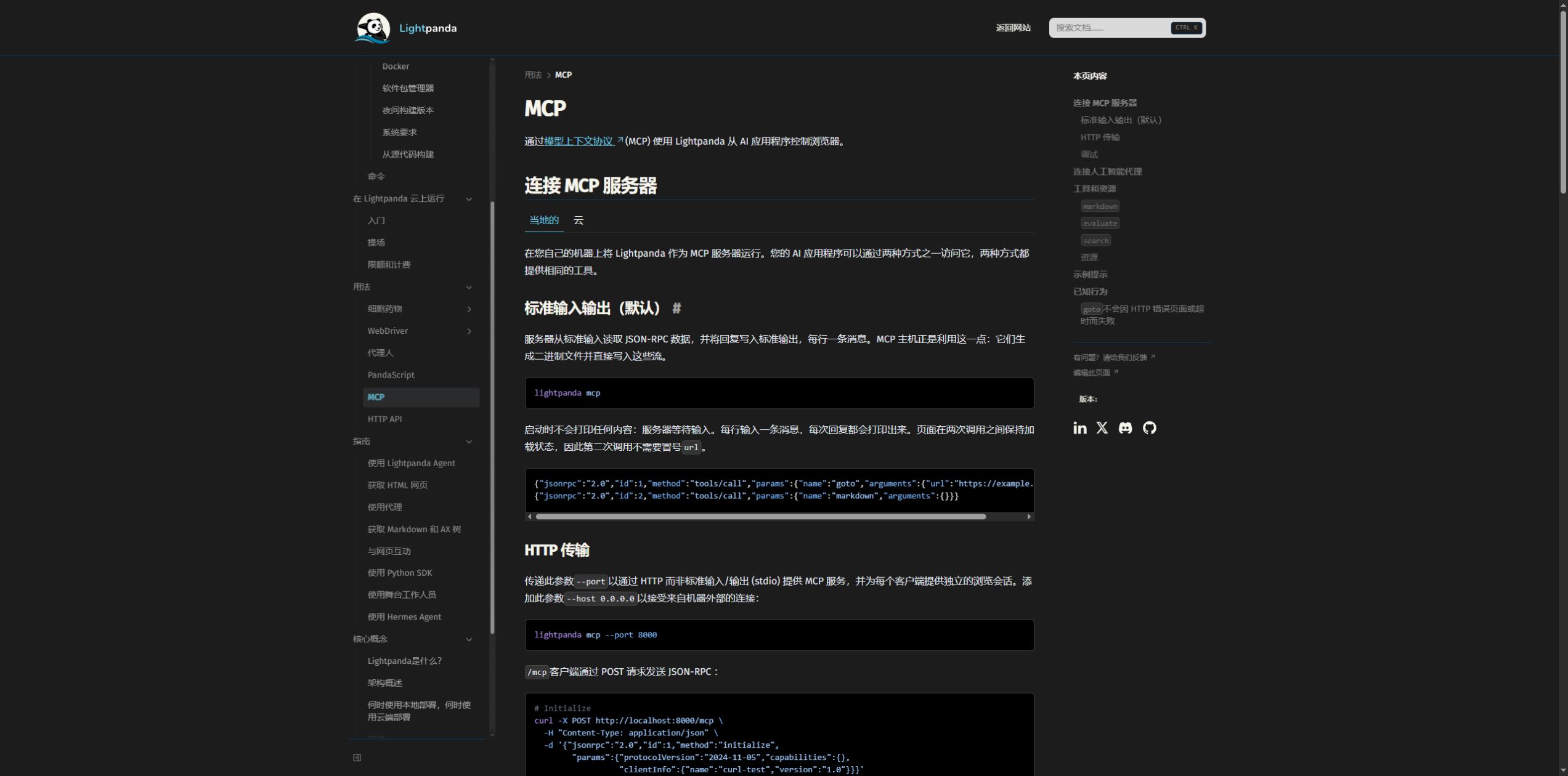
Official MCP documentation captured in Chrome with translated explanatory text.
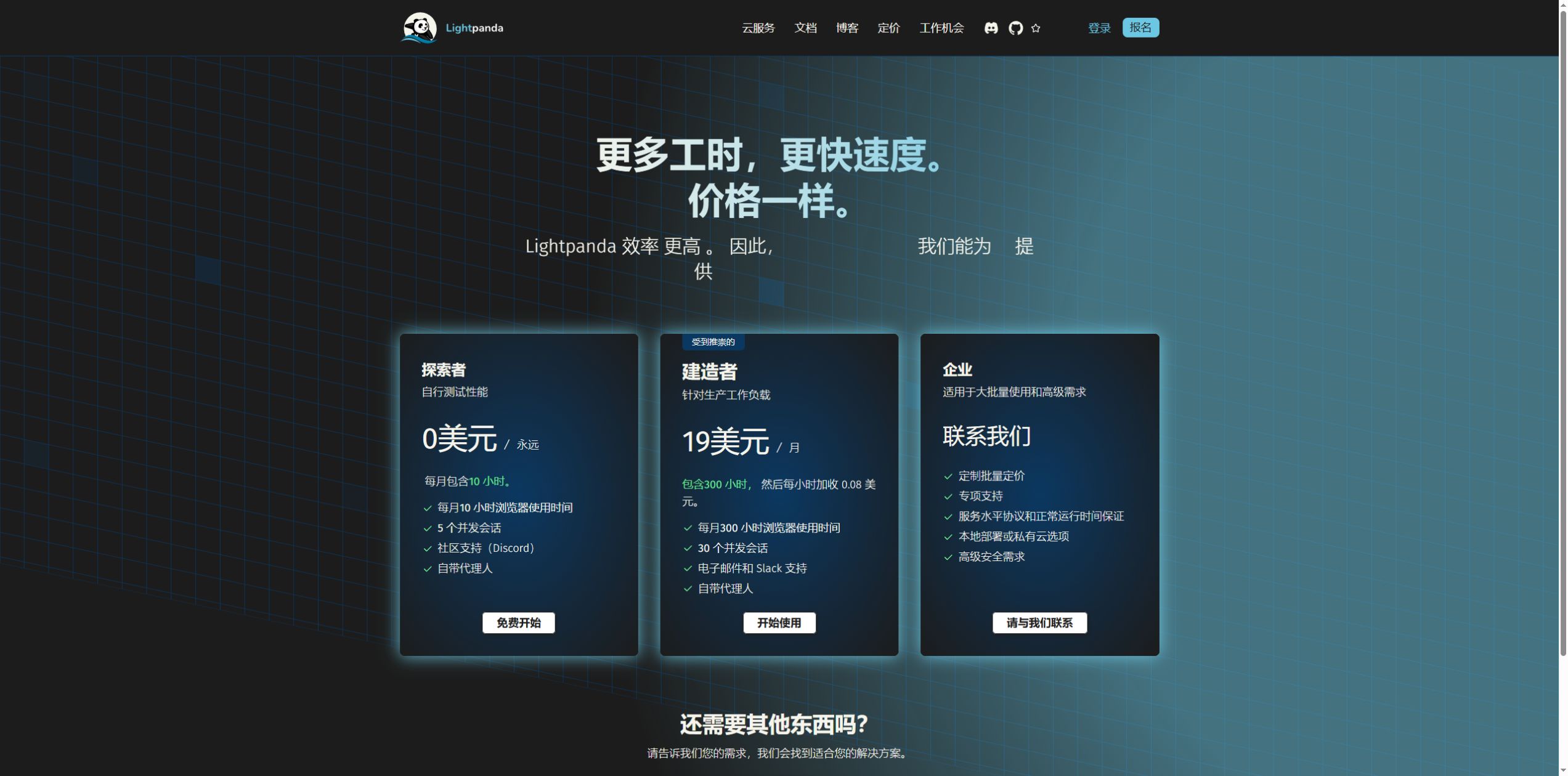
Official pricing page on October 15, 2026, captured in Chrome with some translated plan names.

Official project logo.
COSA PUOI FARE
Scopri le funzionalità. Trova il tuo modo di usarle.
Written primarily in Zig, with V8 for JavaScript, Libcurl for HTTP and html5ever for HTML parsing. It is not a Chromium or WebKit fork and focuses on page execution, the DOM and automation.
Execute scripts and maintain the DOM to read JavaScript-generated text, links and fields. Check each target site for Web API coverage, load timing and authentication; a working homepage does not establish site-wide compatibility.
The fetch command exports page content. Markdown supplies readable text for models and research, while HTML supports further parsing. Inspect login pages, error pages, pagination and missing fields after extraction.
Use clients or native tools to click, enter text and navigate. Suitable for authorized forms and repeatable workflows. Choose locators from the actual page structure and verify the outcome rather than accepting a completed click as success.
Local serve mode exposes CDP over WebSocket. Playwright chromium.connectOverCDP still connects to the independent Lightpanda engine. Protocol support does not imply complete Chrome behavior or API parity.
WebDriver BiDi is available alongside CDP for compatible Selenium or Puppeteer workflows. Record server protocol options and client versions, then test the commands your task actually uses.
Stdio and HTTP servers expose page reading, script execution and session management to MCP clients. Send the Mcp-Session-Id returned at initialization with later HTTP calls; omitting it uses the default shared session.
The built-in agent can plan browser actions with an LLM and export PandaScript. Fixed scripts can be replayed, avoiding another inference charge for steps without model calls. Site changes and expired sessions still require checks.
Configure cookies, headers, proxies and request interception for session-based tasks. Proxy providers can charge separately, and a proxy configuration does not grant permission to access or reuse site data.
Linux and macOS builds cover x86_64 and arm64; the Docker image is lightpanda/browser. Windows uses Linux through WSL2. No native Windows binary is currently supplied, and Linux binaries depend on glibc.
Cloud provides remote browser connections with time and concurrency allowances. Browser hours accumulate across open sessions, while concurrency counts sessions open at once. Long tasks need disconnect handling and intermediate results.
In the published 933-URL, 25-task benchmark, Lightpanda took 4.81 seconds and peaked at 123.0 MB; Chrome took 46.70 seconds and 2.0 GB. The units are processes and tabs respectively. Results do not generalize to every site, and were not rerun here.
Page Markdown can be laid out as a text PNG or PDF. This is not a screenshot with complete CSS, graphics and font rendering, and is unsuitable for visual regression, pixel comparisons or design acceptance.
Version 1.0 enforces CORS by default. Telemetry is enabled and can be disabled with LIGHTPANDA_DISABLE_TELEMETRY=true. Source defaults to AGPL-3.0-only; check obligations for deployment, modifications and distribution, separately from Cloud terms.
PENSATO PER IL TUO FLUSSO DI LAVORO
Extract lists, details, links and script-generated fields from authorized pages. Define the output schema and sample checks so missing data and error pages are visible.
Supply Markdown or structured results to a model with source URLs and check dates. Verify model summaries against the original page evidence.
Expose navigation, extraction and scripts to an agent, separating tasks through sessions. Handle authorization and outcome checks for login, submission or external writes.
Connect a small Playwright or Puppeteer job first, compare required fields, failures, resources and waiting behavior, then expand page by page.
Export a checked workflow to PandaScript for recurring reading or form prechecks. Keep success conditions, versions and failures, and recheck after page changes.
Compare time, peak memory and completeness on the same sites, workload and outputs. Account separately for local compute, model calls and proxy charges.
I TUOI PRIMI PASSI
Install a Linux or macOS build matching the architecture; use WSL2 on Windows. Distinguish stable from nightly, run lightpanda version and record it.
Start with fetch --obey-robots --dump markdown on the project demo. Inspect text, links and dynamic fields, and check that the result is not an error or login page.
Run lightpanda serve --obey-robots --host 127.0.0.1 --port 9222 for local access. The client endpoint is ws://127.0.0.1:9222.
Create a context and page with playwright-core or puppeteer-core and read one defined field. Add waits, forms and cookies step by step, keeping response status and extracted results.
Start lightpanda mcp --obey-robots for stdio. HTTP clients retain Mcp-Session-Id after initialization. Use separate sessions for separate tasks and close them afterward.
Check httpStatus, required fields and output types. Handle 404, 500, timeouts, redirects and empty lists; a successful tool call alone does not establish a correct task result.
Configure a provider when model planning is needed, export PandaScript and use lightpanda run session.js. Save demonstration data rather than keys or private cookies.
Record success rate, completeness, time and peak memory. For Cloud, track accumulated hours and concurrency allowances too. Increase volume within site permissions and request budgets.
PIANIFICA IL TUO PROSSIMO PASSO
Local open-source use; Cloud has free Explorer and paid Builder / Enterprise plans. Prices checked October 15, 2026.
PIANO
Free Cloud allowance; bring-your-own proxy charges are separate.
$0
/month
PIANO
Includes 300 browser hours; overage $0.08 per hour.
$19
/month
PIANO
Capacity, support, SLA or private deployment arranged for the workload.
Custom quote
Prezzi, limiti di utilizzo e condizioni possono cambiare. Verifica gli ultimi dettagli sul sito ufficiale dello strumento prima di abbonarti.
Browser hours accumulate across open sessions. Model, bring-your-own proxy and local compute costs are separate.
Fonti verificate
It is a headless engine for programs and agents, controlled through the CLI, automation protocols and tool services. Gallery images show the official site and docs in Chrome, not a Lightpanda desktop interface.
Version 1.0 was released on October 2, 2026, ending the Beta phase. Older articles, forks and nightly builds may describe different states. This profile was checked on October 15, 2026.
It is not a Chromium or WebKit fork. The engine is primarily Zig, with V8 for JavaScript, Libcurl for HTTP and html5ever for HTML. Sharing V8 does not mean sharing the whole Chrome browser implementation.
Yes. It executes JavaScript and maintains the DOM for dynamic content and interactions. Web API coverage still differs, so check actual sites rather than assuming every complex page behaves like Chrome.
Text PNG/PDF exports are laid out from page Markdown, not fully rendered CSS screenshots. Color, font, layout, Canvas and visual regression checks require a browser with the appropriate rendering capability.
No. The detailed published test uses 933 URLs, 25 parallel tasks and a specific AWS environment and client. Lightpanda uses multiple processes and Chrome multiple tabs; the single-task gap also differs. We did not rerun it.
chromium.connectOverCDP is a Playwright CDP client interface. When pointed to the Lightpanda WebSocket, the server engine is Lightpanda. Verify selectors, waiting, cookies and the protocol commands you use.
No native Windows binary is currently supplied. Use the Linux build in WSL2 or a compatible container environment, checking CPU architecture and glibc requirements.
No. Send the Mcp-Session-Id obtained during initialization with later requests to continue that separate session. Calls without it use the default shared session. Close sessions when tasks finish.
Do not rely solely on the tool success flag. MCP navigation can return a result for some 404, 500 or timeout cases. Check httpStatus, the target URL and required fields to identify error pages or incomplete content.
A fixed script without LLM calls avoids the corresponding repeated inference charge. It still uses browser compute, networking and possibly paid proxies. Open Cloud sessions consume browser hours.
Local open-source use does not require a Cloud subscription; supply your own environment and resources. Cloud is a separate hosted service with free and paid plans. Check source, Cloud and third-party model terms separately.
The October 15, 2026 page lists ten monthly browser hours and up to five sessions open at once. Five sessions running one hour consume five hours. Concurrency is not a total API-call allowance; exceeding it returns 429.
Current documentation lists a 15-minute CDP connection limit and a five-minute MCP idle limit. Save intermediate results, close unused sessions and handle disconnects. Free usage stops at the monthly allowance; paid overage is metered.
Telemetry is enabled by default and can be disabled with LIGHTPANDA_DISABLE_TELEMETRY=true. Model providers, search and external pages involve separate network communication. Private pages, logs and scripts can contain cookies or content; review configuration and retention.
The LICENSING file specifies AGPL-3.0-only by default. Check source and notice obligations for modifications, distribution and network services. Cloud and third-party components have separate terms; open source does not mean unconditional use.
CONTINUA A ESPLORARE
DALLA COMMUNITY
Accedi per condividere la tua esperienza e aiutare gli altri a trovare lo strumento giusto.
LA TUA PROSSIMA SCOPERTA
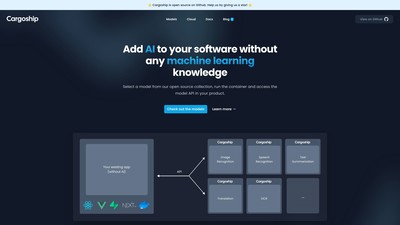
Il modo più semplice per integrare l’IA nel tuo software! Trova e implementa modelli di machine learning di alta qualità, selezionati per le tue esigenze specifiche, tramite API e container Docker facili da usare. Inizia oggi ad aggiungere funzioni intelligenti alla tua app!
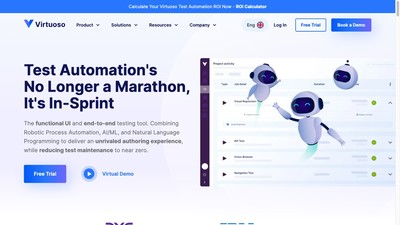
Virtuoso è una piattaforma di automazione robotica dei test senza codice che accelera i test di 10 volte, permettendo a tecnici e non tecnici di creare automazioni autogestite nel cloud. Virtuoso potenzia il controllo qualità di applicazioni aziendali e personalizzate basate su browser automatizzando i test di UI, UX, funzionalità, integrazione, aspetti visivi, compatibilità, accessibilità e sicurezza.
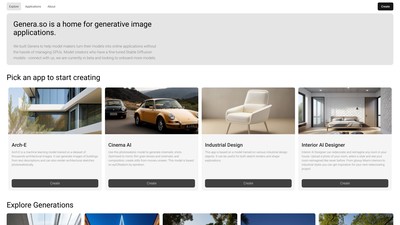
Genera.so è una piattaforma per applicazioni di immagini generative che consente ai creatori di modelli di trasformarli facilmente in applicazioni online, senza gestire GPU o creare interfacce.
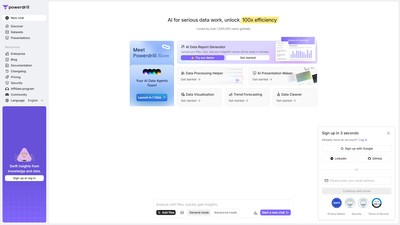
Powerdrill è uno strumento IA per attività avanzate sui dati, progettato per aumentare l’efficienza di 100 volte. Il suo team di agenti dati IA consente di caricare file, avviare processi con un clic e ottenere rapidamente insight, report e presentazioni.
FAI LA TUA PROSSIMA MOSSA
Visita il sito ufficiale per scoprire le funzionalità più recenti e iniziare.