
Photo-based redesign
Use an existing outdoor view as the starting point for a different arrangement of planting, surfaces, and outdoor features.
TOOL PROFILE TOOLAI
Explore a new direction for your garden, yard, or patio from a photo.
 View full image
THE BIG PICTURE
Landscape Design AI is a browser-based visualization tool for outdoor spaces. Start with a photograph, choose a type of project and a style, then describe the changes you want to explore. Its dedicated tools cover gardens, backyards, patios, front yards, and other exterior settings.
It is most useful early in a project, when you want a visual reference for a conversation. Keep the original photo beside each concept, compare alternative priorities, and choose the elements you would like a professional to assess. The official examples below show the provider's published demonstrations; they are not results generated by ToolAI.
A CLOSER LOOK
Explore product screens and published examples. Open any image for a closer look.
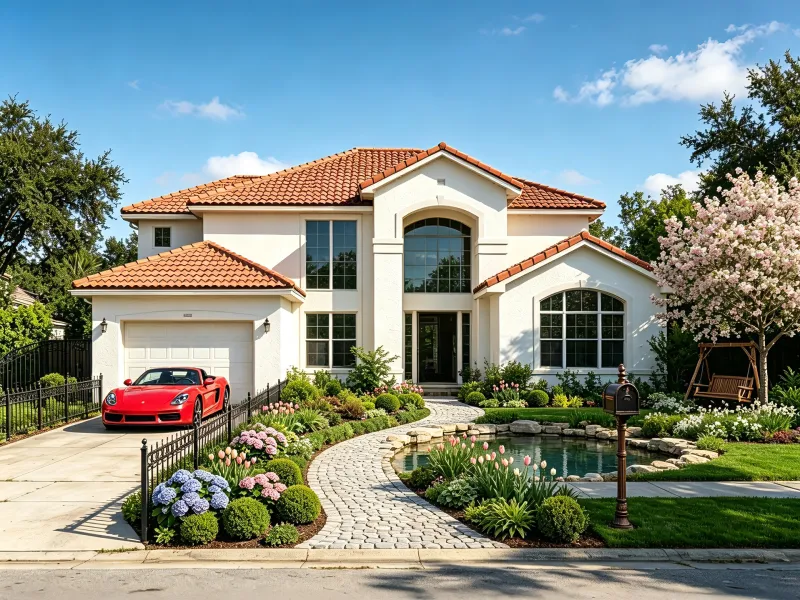
Official example of a landscaped front garden.

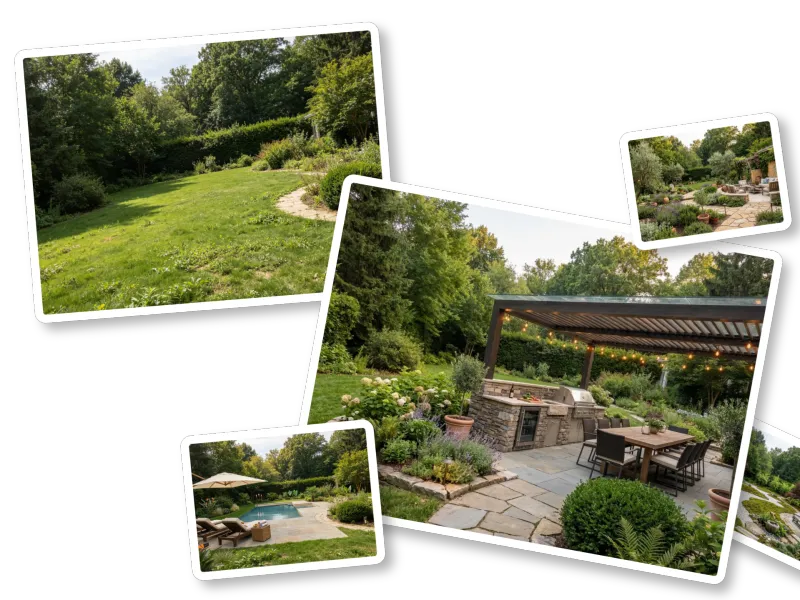
The matching before image published alongside the redesign.
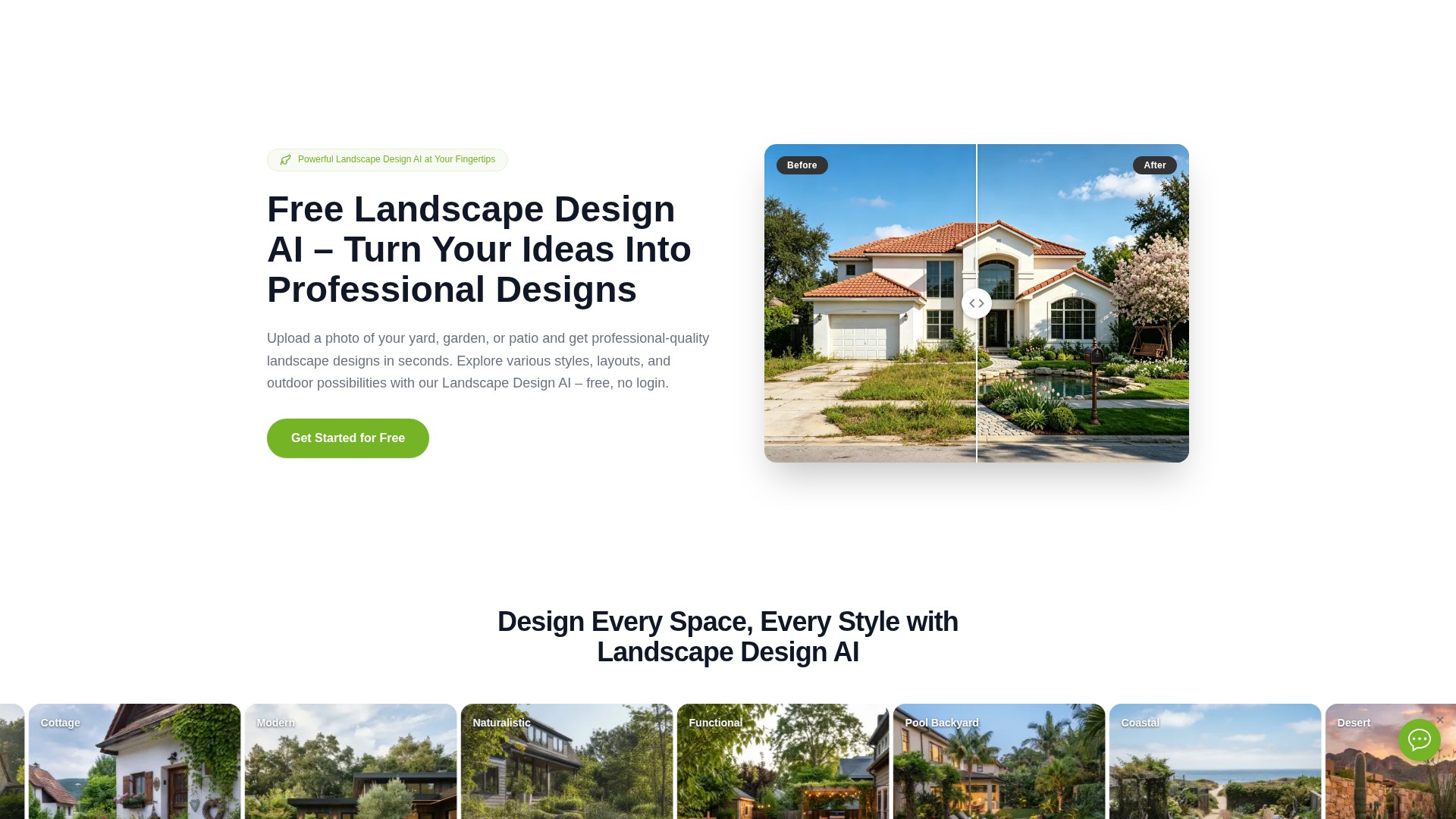
Official illustration of the outdoor redesign workflow.
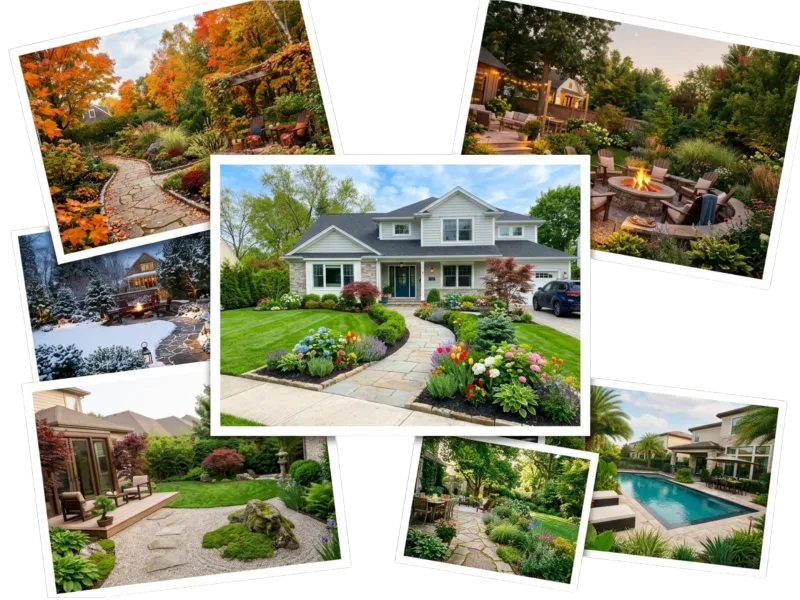
The provider's illustration of available landscape styles.
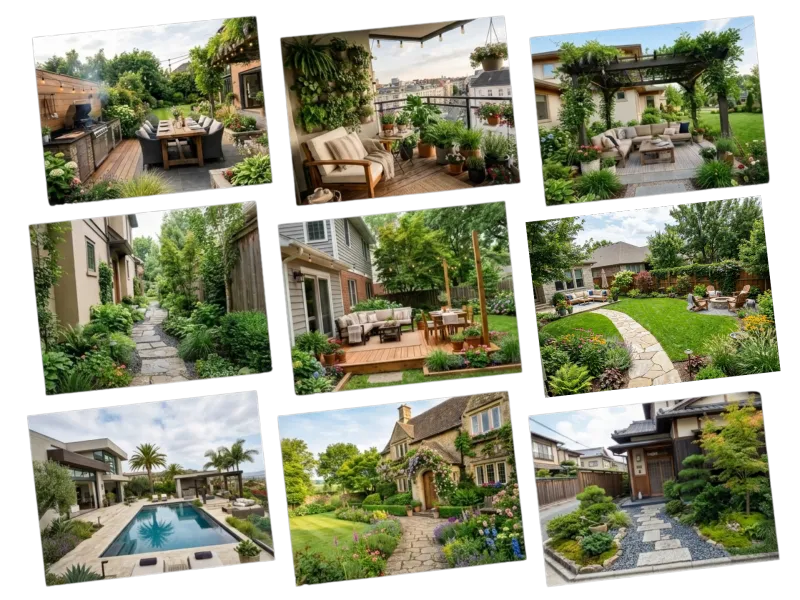
Official example showing the range of spaces the tool addresses.
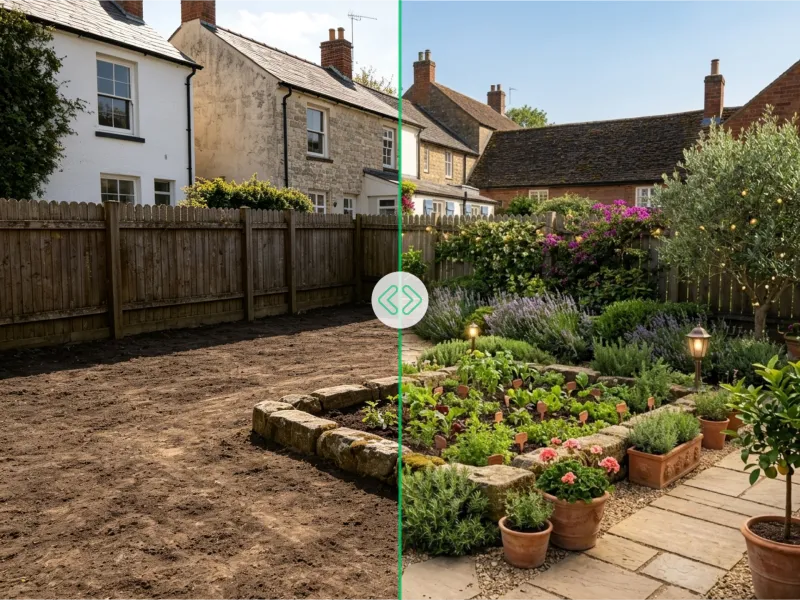
Official garden comparison that illustrates a concept you can discuss with a designer.
WHAT YOU CAN DO
Get to know the capabilities. Find your own way to use them.
Use an existing outdoor view as the starting point for a different arrangement of planting, surfaces, and outdoor features.
Choose a visual direction such as modern, cottage, Mediterranean, or Japanese, then compare the same space with another approach.
Describe the mood, materials, planting, or layout you want to explore instead of relying entirely on a preset.
Separate garden, backyard, and patio tools help frame the brief around the kind of space you are changing.
Explore seating, dining, paving, shade, and planted edges as parts of one outdoor room.
Save the visual direction you prefer and bring it into a discussion with family, a designer, or a contractor.
MADE FOR YOUR WORKFLOW
Compare a planting-focused concept with a seating-focused one. Write down which areas should stay open and which existing features must remain.
Explore changes to beds, paths, and materials. Use the image to define an aesthetic, then check plant choices and maintenance needs locally.
Test the relationship between the dining area, shade, and circulation. Keep routes to doors and gates visible when evaluating a concept.
Prepare several clearly labelled concepts from the same original view. Record the client's preferred elements before preparing measured drawings.
YOUR FIRST STEPS
Choose a well-lit view that includes the area to redesign and useful context, such as doors, boundaries, and established trees.
Open the relevant garden, backyard, or patio tool. Select a style and add the changes that matter most to your project.
Generate a concept on the official site. Review it against the original photo, then change one priority at a time.
Download selected concepts and add your own notes about measurements, budget, and questions for a local professional.
TAKE A LOOK AROUND
Explore the tool's demo or video to see its interface and workflow.
PLAN YOUR NEXT STEP
Free access is advertised on the official website. Usage allowances are shown by the provider.
PLAN
Start with the free entry point on the official website.
Free
Provider usage limits apply
Prices, usage limits and terms can change. Confirm the latest details on the tool's official website before subscribing.
Checked on 26 September 2026. No separate paid-plan price was verified; check the tool before starting a larger project.
Sources checked
It produces visual concepts for an outdoor space from a photograph and selected preferences. Treat the result as a way to explore a direction and explain it to other people.
The backyard tool describes support for compact and unfinished spaces. A photo that shows boundaries and surrounding structures gives a clearer starting reference.
Yes. Use the style choices and written preferences. Keep a record of the settings when you compare variations, so you can tell which change produced the direction you prefer.
No. The backyard and patio pages distinguish visual concepts from build-ready documents. Dimensions, drainage, utilities, budgets, and site feasibility still need professional assessment.
The official garden page describes mobile-browser use. For comparing fine details across several results, opening the downloaded concepts on a larger screen may be useful.
Save it with the original photograph, mark the elements you want to keep, and list what needs checking. This creates a clearer brief than sending an unannotated AI image.
FROM THE COMMUNITY
Sign in to share your experience and help others find the right tool.
YOUR NEXT DISCOVERY

CoMaker.ai è una piattaforma di creazione di contenuti basata sull’IA che genera facilmente testi, immagini e modelli usando modelli avanzati di intelligenza artificiale.

Kive è una piattaforma di collaborazione creativa basata sull'IA per gestire l'ispirazione, creare archivi avanzati e lavorare insieme alla pianificazione di progetti creativi.

AnimeGenius è un generatore gratuito di arte anime basato sull’IA che offre diversi strumenti per creare immagini e video anime di alta qualità, trasformando l’immaginazione in realtà senza richiedere competenze di disegno.
MAKE YOUR NEXT MOVE
Visit the official website to explore the latest features and get started.