
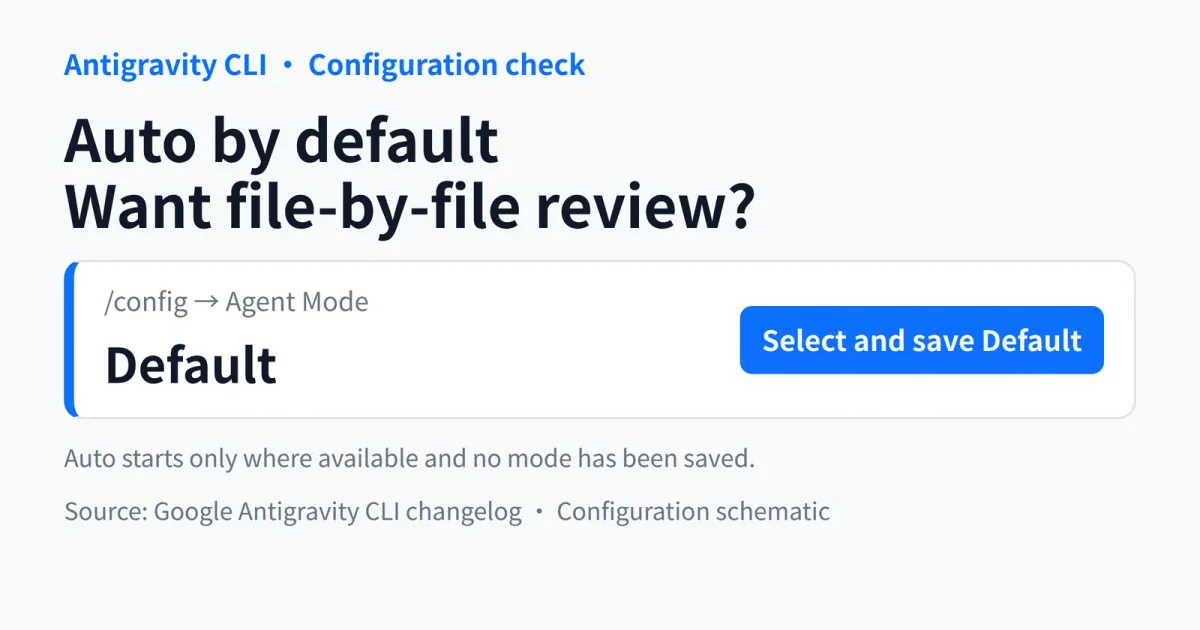
If you upgrade Antigravity CLI without having saved an agent mode, do not assume it will keep asking before each file change. Google's November 12 release notes for version 1.5.7 say eligible sessions now start in Auto. Where Auto is unavailable, they fall back to Default. Headless runs launched with -p are included.
The CLI permissions documentation limits that availability: Auto requires the terminal sandbox and is not available for business or enterprise accounts. The new default therefore does not apply to every installation.
Save the behavior you want at startup
Google's prescribed way to retain the previous behavior is to open /config, find Agent Mode, and select Default. That choice is saved. You can also cycle through modes with Shift+Tab, but if your goal is to preserve a startup preference, follow the documented configuration route rather than relying on what you remember seeing in an earlier session.
The release notes provide a useful detail for checking the result: selecting Default saves agentMode as an empty string in settings.json. A present field with an empty value is not the same as an unsaved mode. Do not delete it as part of a cleanup of empty settings.
The scope matters: the change concerns sessions without a saved mode. It is not an announcement that every existing preference will be overwritten. For interactive use, check the mode before starting work. If you invoke the CLI from scripts, inspect the configuration in the environment that actually runs those scripts. Your everyday terminal is not a substitute for that check.
Auto reduces approval prompts, not every permission check
The CLI section of Google's permissions documentation says Auto approves workspace file edits and runs terminal commands inside the sandbox by default. Commands needing to leave that sandbox undergo automatic evaluation. Those assessed as safe and reversible can proceed; risky or irreversible operations still require approval.
Default, by contrast, requests an interactive diff review before modifying or creating files. That is the distinction to consider if you want to inspect changes before they reach your working files, rather than simply reviewing the result afterward.
Explicit permission rules continue to apply, with Deny taking priority over Ask, and Ask over Allow. The release notes also specify that a strict Tool Permission setting overrides Auto for file edits: those edits still require approval.
Our recommendation is to treat this as a startup-configuration check, not a model upgrade. Save Default if reviewing each file change is part of your workflow. If you prefer automatic handling of routine edits, first verify the permission behavior in a disposable working copy. An operation being approved to run does not mean its output has passed your acceptance checks.