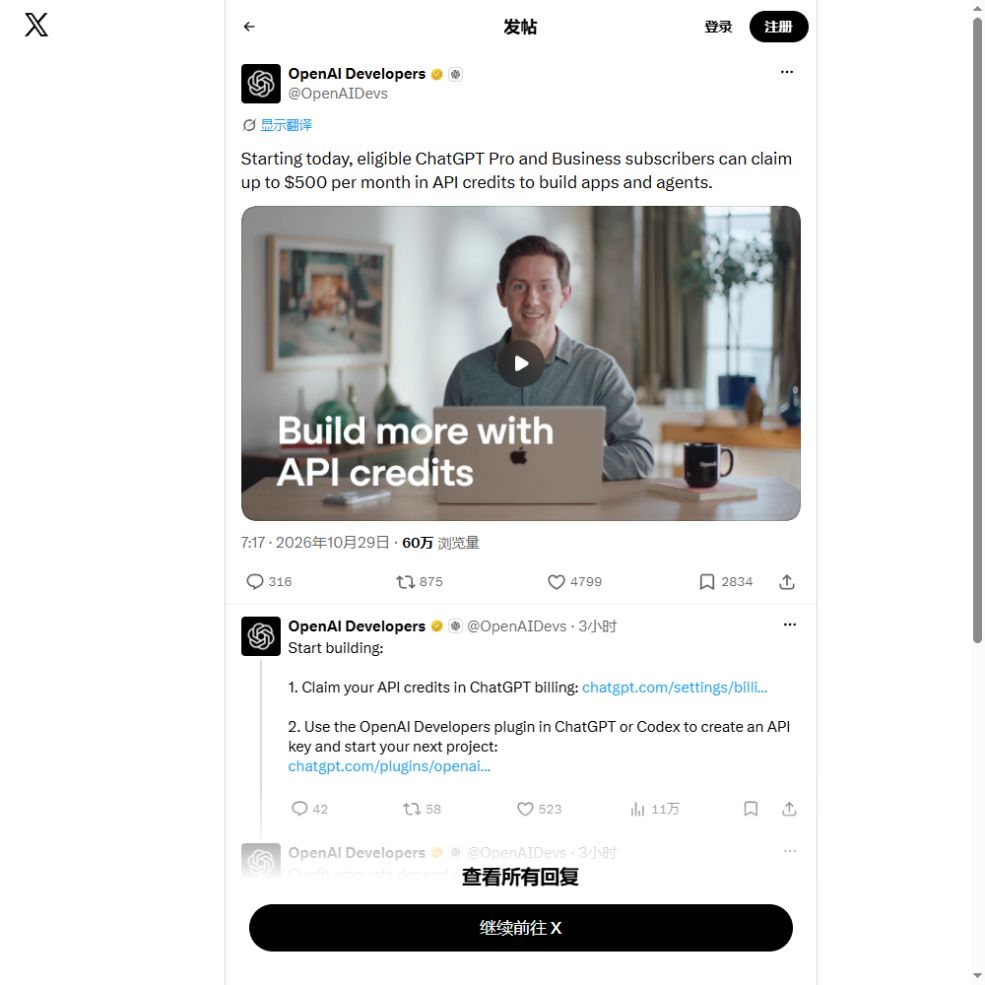
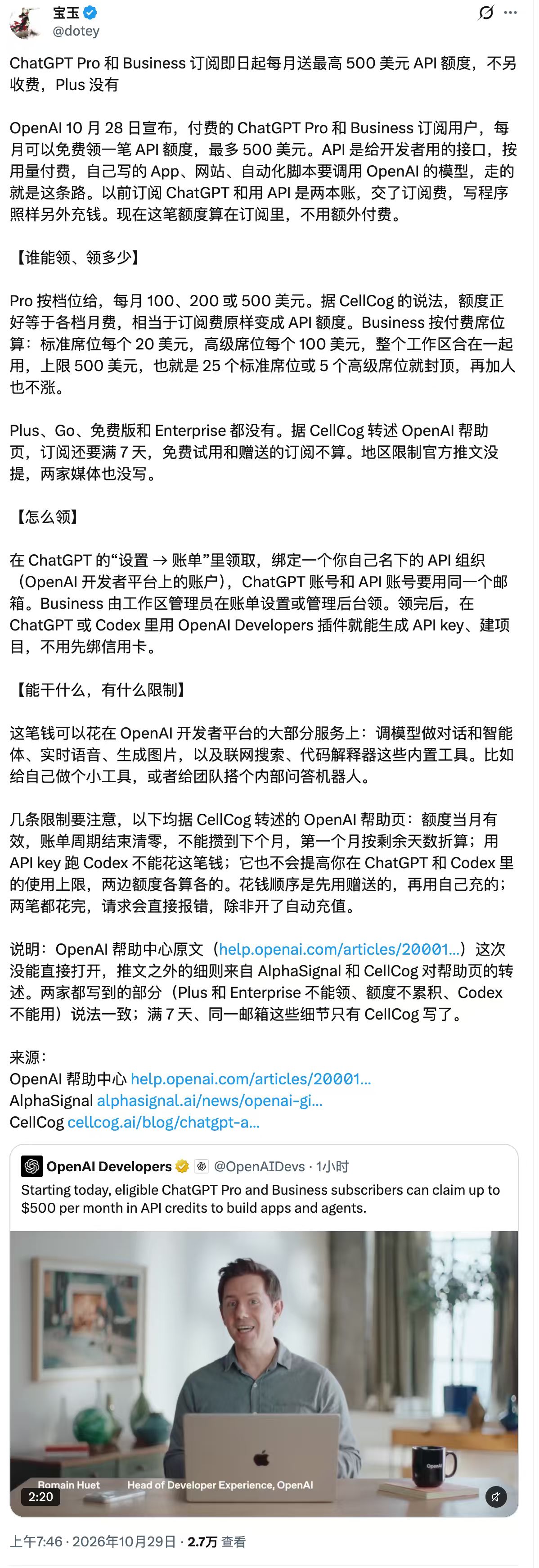
Eligible ChatGPT Pro and Business subscribers can claim API credits for applications and agents, with a monthly allowance up to $500. That ceiling is not a universal grant. ChatGPT and API billing remain separate, and the benefit funds a linked API organization rather than expanding conversation allowances.
Calculate the allowance
Pro tiers priced at $100, $200 and $500 receive matching full-period monthly allowances. Monthly Business workspaces pool $20 per paid Standard seat and $100 per paid Premium seat, capped at $500. Plus and free trials are excluded; Enterprise, Edu and legacy Codex seats are not listed as eligible.
Five Standard seats and three Premium seats contribute $400. Ten Standard and four Premium seats calculate to $600, but the cap still applies. Additional seats have subscription costs. Buying seats solely to maximize credits is different from paying for collaboration your team needs.
Check ownership and organization
The eligible paid subscription must be active for at least seven days. Linking requires matching account emails and the required ownership and billing permissions. Business activation needs a workspace owner; administrator status alone is insufficient. Availability also depends on cohort and country.
One subscription or workspace links to one API organization, and that organization can have one active benefit link. Identify the organization your application uses before confirming. Checking another organization can make an issued grant appear missing.
Claim, verify, make a small request
Pro users start in ChatGPT Settings and Billing. Business owners use workspace billing or Admin Console. Select the receiving organization, review the amount and confirm, then inspect Billing and Credit grants in API Platform. API Platform Billing also provides a linking entry point.
Activation, usable credentials and a successful request are separate milestones. Create a restricted test-project key, store it on the server or in a secret manager, and run one small request. Check activity and balance in the intended organization. Never embed the secret in public browser code.
Expiration follows the billing cycle
Monthly grants expire at the subscription cycle’s end without rollover. A first grant claimed partway through a period is prorated. Eligible renewals issue later grants automatically while the benefit remains available.
Annually prepaid Business workspaces receive the annual grant upfront, capped at $6,000 per annual cycle. The first grant is prorated and expires at that cycle’s end. Read the grant’s actual expiration date rather than assuming all credits disappear at calendar month-end.
What is covered
The benefit covers applicable linked-organization API usage including text, agents, realtime voice, images and relevant built-in tool usage or storage. It excludes Codex through API keys and does not increase ChatGPT or signed-in Codex limits. Business seats do not automatically grant API organization or project access.
A useful first project could classify support questions into a fixed schema for human review. Keep inputs small, retain failures and compare results with a manual baseline. Credits fund experiments; they do not replace access controls, data checks or evaluation before deployment.
What happens when credits run out
An active promotional grant does not require an API payment method. Promotional credits are spent before purchased credits. Requests continue against any remaining paid balance; with none available, they fail for insufficient credit. Auto Recharge can purchase additional balance, so inspect its threshold, target and monthly purchase limit.
A balance does not remove request-rate, model or project limits. Use clear errors and bounded retries. Existing eligible subscribers can experiment at lower incremental cost, while upgrade decisions should still consider actual demand, collaboration needs and recurring expense.
English original and Chinese screenshot