Perangkum

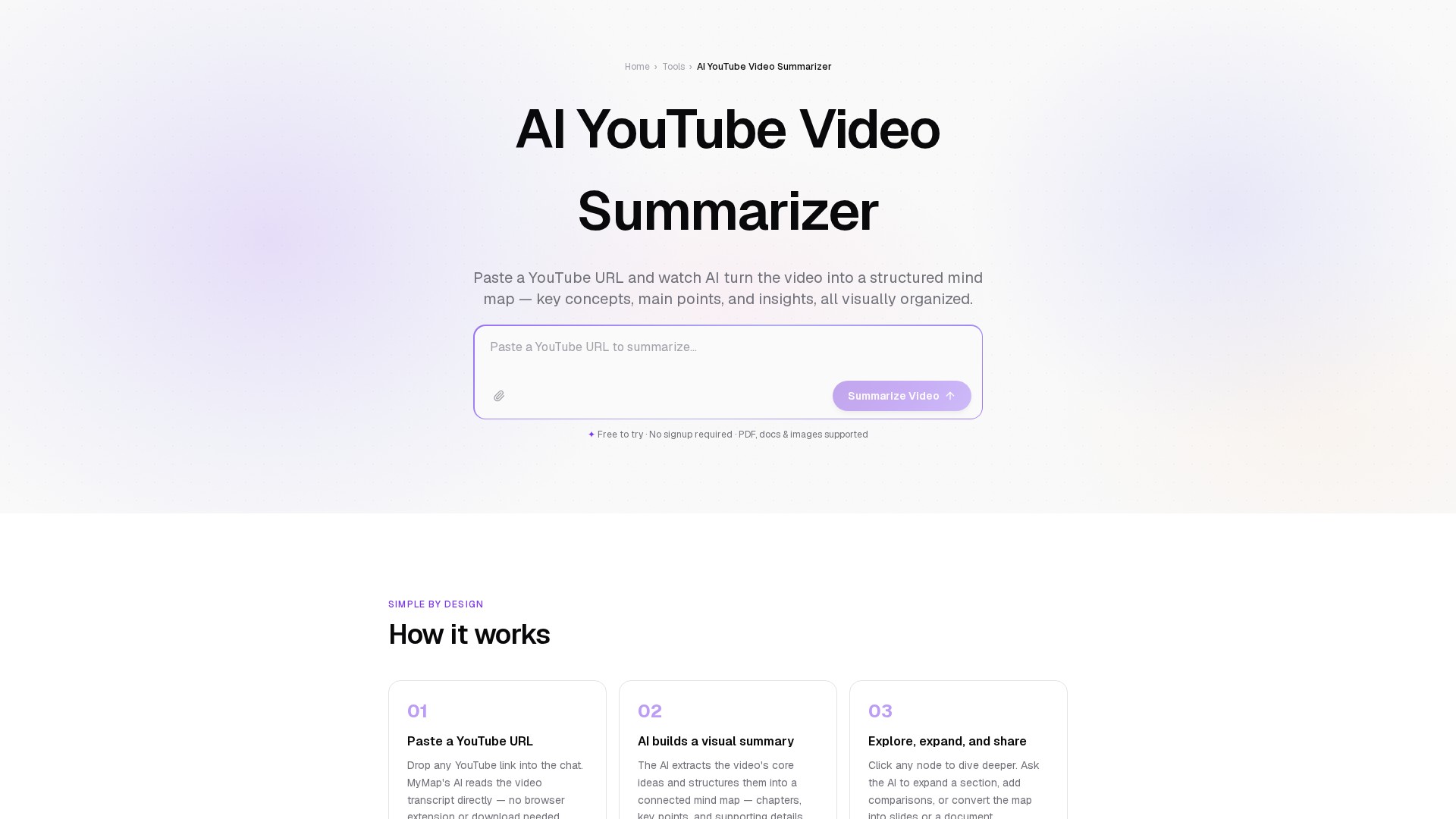
MyMap.AI YouTube Summarizer

Main functions: Generate AI summaries by inputting YouTube video URLs with three-step workflow (input URL, edit summary, export/share). Core features: AI-native automation, support for videos of any length/format, web search integration for accuracy, real-time collaboration, multi-format export. Target users: Students (efficient lecture review), professionals (rapid industry insights), content creators (streamlined competitor research). Advantages: Completely free, no registration required, instant summaries, shareable links. Use cases: Students extracting lecture key points, professionals analyzing industry trends, creators researching market topics.

Tayangan -
Kunjungan bulanan --
Peringkat global --
Suara 0

Tentang alat ini

Main Features

  • AI Video Summarization: Reads a video's content and condenses it into a structured overview — capturing the core arguments, key concepts, and important details without requiring you to watch the full video.
  • Visual Mind Map Output: Organizes the video's ideas spatially, making structure and relationships immediately clear. Click any node to dive deeper, add comparisons, or convert formats.
  • Format Conversion: Transforms the summary into notes, timelines, flowcharts, or slides with a single request.
  • Active Engagement: Lets you ask follow-up questions about any part of the content after summarizing.

How it Works

  1. Paste a YouTube URL: Drop any YouTube link into the chat. MyMap's AI reads the video transcript directly — no browser extension or download needed.
  2. AI builds a visual summary: The AI extracts the video's core ideas and structures them into a connected mind map — chapters, key points, and supporting details.
  3. Explore, expand, and share: Click any node to dive deeper. Ask the AI to expand a section, add comparisons, or convert the map into slides or a document.

Core Advantages

  • Chapter-level organization mirrors the video's own structure, making it easy to navigate to specific sections.
  • The AI interprets meaning, groups related ideas, and organizes the summary for fast comprehension, going beyond a raw transcript.
  • Bridges the gap between video depth and reading speed.

Target Users

Especially useful for students processing lecture content, professionals keeping up with industry talks, and researchers quickly assessing whether a video contains relevant material.

Pricing Model

  • Free to try, no signup required.
  • Free accounts include a generous monthly limit.
  • Upgrade to Pro for unlimited summaries and access to more powerful models.

FAQ

  • Is it free? Yes, you can summarize YouTube videos for free without signing up. Free accounts include a monthly limit. Upgrade to Pro for unlimited summaries and more powerful models.
  • What videos are supported? Any public YouTube video with a transcript or auto-generated captions. This covers most English-language videos including lectures, TED talks, tutorials, podcasts, and documentaries.
  • How does the AI read the video? MyMap uses Gemini's native YouTube URL processing — the model reads the video's transcript directly from the URL. No download, no browser extension, no extra steps.
  • Can I customize the output format? Absolutely. After the initial summary, ask the AI to reformat it into bullet notes, a flowchart, a timeline, or a slide deck. You can also ask follow-up questions.
  • Can it summarize long videos? Yes. The AI handles full-length lectures, conference talks, and long-form podcasts. For very long videos, it prioritizes the most significant sections and key arguments.

Analisis traffic

Sinyal lalu lintas, peringkat, dan interaksi untuk alat ini.

Belum ada data analitik

Pratinjau antarmuka
Ulasan pengguna