वीडियो संपादन
Tutorial AI
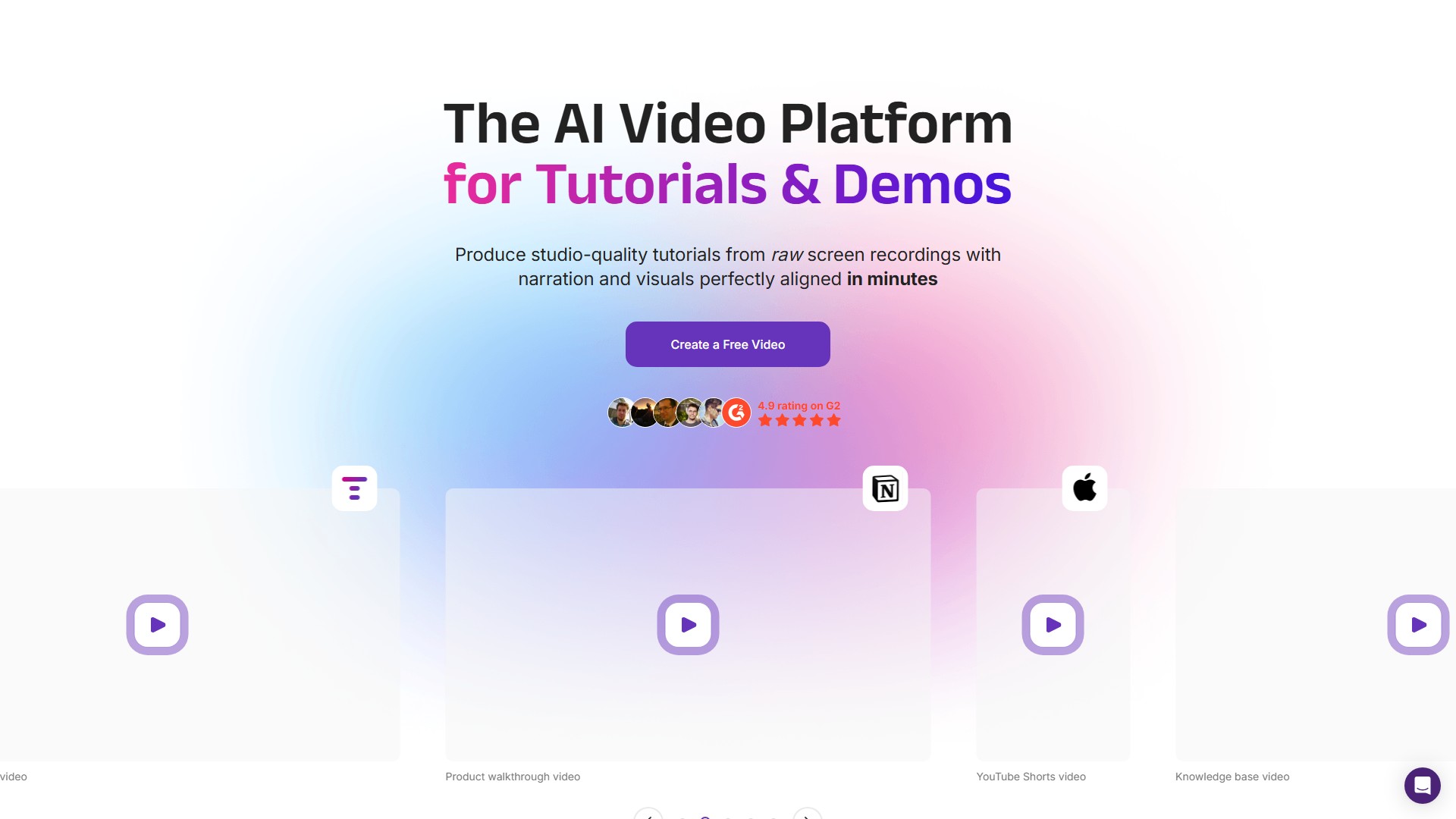
Tutorial AI tutorials और demos बनाने के लिए विशेष रूप से बनाया गया AI video platform है। यह raw screen recordings से narration और perfectly aligned visuals वाले studio-quality tutorials कुछ ही मिनटों में बनाता है।
इस टूल के बारे में
मुख्य विशेषताएँ
AI Screen Recording: Mac या Windows पर workflow record करें—बिना आवाज़ या natural narration के साथ।
Intelligent Narration Features
- AI Voices: 30+ भाषाओं में studio-quality, human-like voices जोड़ें।
- AI Scripts: screen recording के आधार पर automated scripts बनाएं और polish करें।
- AI Transcribe: screen recordings को accurate, editable narration में बदलें।
- Edit like a Doc: complex video timeline edits के बिना voiceovers आसानी से जोड़ें।
- AutoRetime™ Translations: video timelines edit किए बिना 30 भाषाओं में translate करें।
Studio Effects
- Cursor Size: engagement के लिए cursor visibility बढ़ाएं।
- Cursor Effects: polished, professional studio finish।
- Zooming: महत्वपूर्ण content को highlight और key points पर जोर दें।
- Backgrounds और Shadows: backgrounds और shadow effects से video customize करें।
- iPhone + iPad Recording: iPhone और iPad screens को high quality में record करें।
Brand Consistency: Brand Kits से हर video में brand consistency बनाए रखें, logo जोड़ें, colors सेट करें और style तय करें।
Workflow
- Record: silently record करें या freely बोलें। Mac या Windows पर workflow record करें।
- AI-enhanced narration: AI polished script बनाता है और, यदि आपने बोलकर record किया है, तो words को transcribe और refine करके natural voiceover तैयार करता है।
- Studio quality में publish करें: footage को YouTube, Vimeo पर publish, embed या share करने योग्य studio-quality video में बदलें।
लक्षित उपयोगकर्ता
- Knowledge Base Video Creators: help center articles में engaging videos जोड़कर adoption बढ़ाएं।
- Sales Enablement Teams: conversions बढ़ाने के लिए sales reps को product benefits पर train करें।
- Internal Systems Training: audio-visual content से colleagues को internal processes सिखाएं।
- Marketing Communication: studio-quality product explainers और walk-through videos बनाएं।
मुख्य लाभ
- Endless retakes नहीं: AI scripts automatically generate और optimize करता है।
- Perfect audio-video sync: narration video के साथ perfectly aligned रहती है।
- Multiple visual effects: cursor effects, automatic zooming, blur और highlight।
- Team collaboration: teammates invite करें, workspaces बनाएं और videos share करें।
- Multi-language support: automatic timeline sync के साथ one-click translation।
Pricing
Free Plan
- 1 Editor seat
- 3 video projects
- AI Script generation और AI Voice narration
- 1080p export quality
Solo Plan: $29/seat/month (annual $18/seat/month)
- Unlimited projects
- 10 mins / month
- AI Transcription, Video hosting
- 4K export quality
Growth Plan: $89/seat/month (annual $64/seat/month)
- Solo plan की सभी सुविधाएँ
- 1-Click Translation, Animated Slides
- Advanced AI voices, iPhone/iPad recording
- 30 mins / month
Enterprise Plan: pricing के लिए संपर्क करें
- Unlimited Workspaces
- Multiple Editors
- Custom AI voices, Voice Cloning
- Brand kit, Priority Support
FAQ
Tutorial AI अलग कैसे है? यह screen recording को अन्य apps से अलग तरीके से संभालता है। Recording के दौरान mouse cursor capture करने के बजाय यह केवल screen record करता है और precise mouse movement data track करके final video में cursor बाद में जोड़ता है।
क्या आप मेरी voice record करते हैं? दो विकल्प हैं: recording के दौरान बोलें—आपकी voice transcribe होगी, AI से enhance होगी और AI voice के साथ regenerate होगी; या चुप रहें—AI video content का analysis करके script automatically generate कर सकता है।
Audio और video align कैसे होते हैं? Script में drag-and-drop किए जा सकने वाले thumbnail markers के माध्यम से।
क्या Windows और MacOS पर काम करता है? Tutorial AI एक online SaaS tool है, जिसके recorders MacOS 13.1 और Windows 10 या बाद के versions के लिए हैं।
ट्रैफ़िक विश्लेषण
इस टूल के ट्रैफ़िक, रैंकिंग और सहभागिता के संकेतक।
अभी तक कोई एनालिटिक्स डेटा नहीं
इंटरफ़ेस पूर्वावलोकन