Outils de développement
nuvo Pipelines de données sans code
Créez, lancez et exécutez des pipelines reliant des sources comme les fichiers CSV, (S)FTP et HTTPS, avec mappage assisté par IA, transformations et suivi en temps réel.
À propos de cet outil
Produits et fonctionnalités principaux
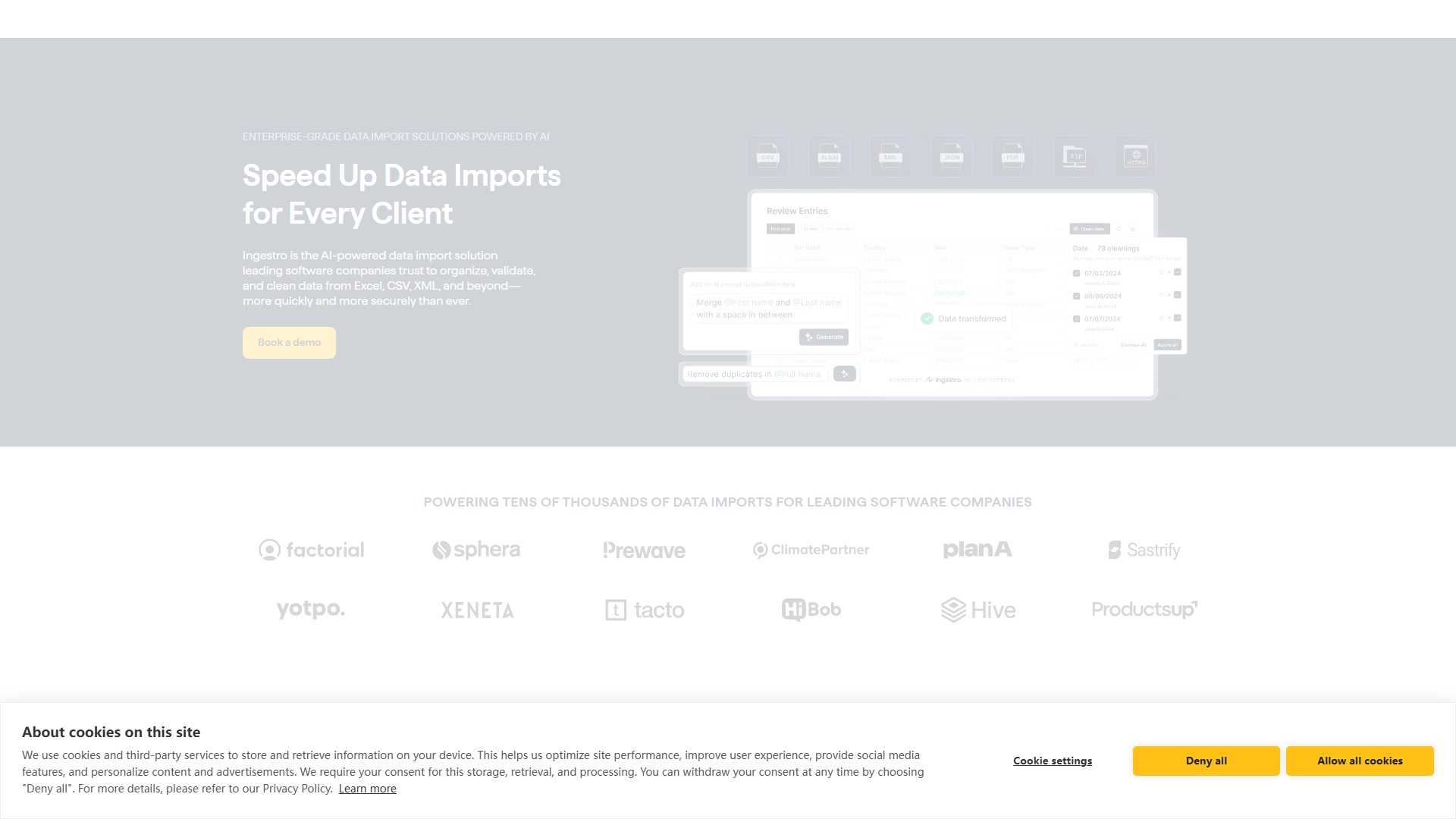
- Ingestro Data Importer SDK : importations manuelles en libre-service, interface personnalisable et prise en charge de CSV, Excel, XML, JSON, PDF, FTP et HTTPS. Le mappage par IA, les fonctions de nettoyage et les règles de validation réduisent le traitement manuel des feuilles de calcul.
- Ingestro Data Pipelines : importations récurrentes automatisées depuis n’importe quelle source, avec transformation et gestion dans Ingestro ou votre système préféré.
- Ingestro AI : automatise le mappage, la validation et le nettoyage. Modifiez des données en masse avec des prompts, détectez et corrigez les erreurs, standardisez les formats, supprimez les doublons et convertissez des modèles ou du texte en modèle de données Ingestro.
Avantages clés
- Automatisation par IA : analyse la similarité entre les colonnes importées et celles du modèle cible pour limiter l’intervention manuelle.
- Sécurité et évolutivité de niveau entreprise : traite plus de 1 milliard de lignes, prend en charge plus de 50 langues pour le mappage et garantit une disponibilité de 99,9 % avec surveillance en temps réel. Certification ISO 27001, conformité RGPD, possibilité d’auto-hébergement et téléversements sans limite de taille.
- Économies de ressources développeur : plus de 70 environnements de code prêts à l’emploi et configuration sans code. Permet d’intégrer rapidement les importations en un sprint, avec une économie annoncée de 6 mois de ressources développeur.
- Réussite client : peut aider les équipes Customer Success à intégrer 3 fois plus de clients, réduire le temps d’importation de 30 à 40 % et transformer des tâches d’une journée en tâches d’une heure.
Utilisateurs et processus : entreprises de logiciels, équipes produit, d’ingénierie et Customer Success confrontées aux importations manuelles ou récurrentes. Téléversez les données, mappez-les au schéma, nettoyez-les et validez-les, puis importez-les dans le système choisi.
Tarification : essai gratuit et option « Réserver une démo » avec tarification personnalisée pour les entreprises, selon un modèle freemium, payant ou sur devis.
Analyse du trafic
Signaux de trafic, de classement et d’engagement pour cet outil.
Tendance des visites
Aucune donnée de tendance
Engagement
- Taux de rebond--
- Pages par visite--
- Durée moyenne--
Sources de trafic
Aucune donnée sur les sources
Principaux pays
Aucune donnée par pays
Aperçu de l’interface