Assistant de code
How2
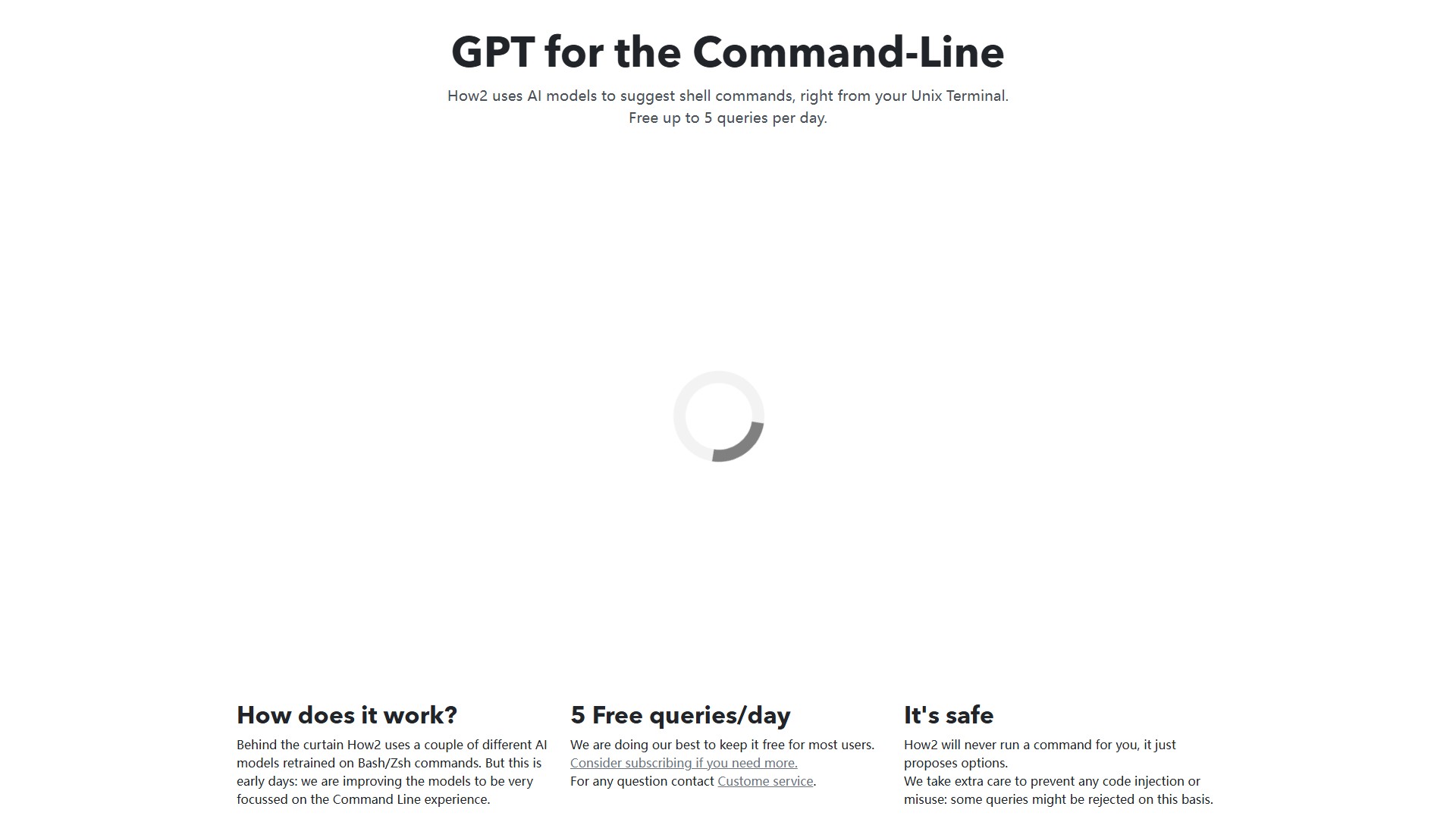
How2 utilise des modèles d’IA pour suggérer des commandes shell directement depuis votre terminal Unix.
Vues
3,3K
Visites mensuelles
3,3K
Classement mondial
##6,046,936
Votes
0
À propos de cet outil
How2 est un outil d’IA conçu pour les terminaux Unix et la ligne de commande, parfois décrit comme « GPT pour la ligne de commande ». Il suggère des commandes shell dans le terminal à l’aide de plusieurs modèles d’IA réentraînés sur des commandes Bash/Zsh.
Fonctionnalités principales
- Suggestions de commandes shell : How2 propose des options dans le terminal, mais n’exécute jamais de commande à la place de l’utilisateur. Des mesures supplémentaires limitent les risques d’injection de code ou d’utilisation abusive, et certaines requêtes peuvent être refusées pour cette raison.
- Création de scripts Bash : l’outil peut créer rapidement des scripts Bash. Si la réponse ne convient pas, ajouter « for loop », « bash script » ou « one liner » à la fin de la demande peut améliorer le résultat avec les grands modèles de langage.
- Recherche sur StackOverflow : par défaut, How2 utilise un modèle d’IA entraîné sur des programmes Bash/Zsh. Avec l’option
-s, il recherche sur StackOverflow via Google. - Prise en charge de PowerShell : l’outil comprend le contexte et fonctionne également avec PowerShell.
Utilisation et installation
- MacOSX : installation via Homebrew avec
brew tap how2terminal/how2 && brew install how2. - Ubuntu/Debian : télécharger et installer le paquet
how2.debavecwget how2terminal.com/how2.deb && sudo dpkg -i how2.deb. - Autres systèmes Linux : télécharger le binaire Linux.
- Windows : télécharger le binaire Windows.
- npm : installer globalement avec
sudo npm install -g how2. Sanssudo, lancer l’outil avecnpx how2.
Tarification
Le modèle freemium inclut jusqu’à 5 requêtes gratuites par jour. Les utilisateurs qui ont besoin de davantage de requêtes sont invités à envisager un abonnement. Pour toute question, ils peuvent contacter le service client.
Analyse du trafic
Signaux de trafic, de classement et d’engagement pour cet outil.
Classement mondial
##6,046,936
Classement par pays
#3,505,982
Visites mensuelles
3,3K
Tendance des visites
Aucune donnée de tendance
Engagement
- Taux de rebond--
- Pages par visite--
- Durée moyenne--
Sources de trafic
Aucune donnée sur les sources
Principaux pays
Aucune donnée par pays
Aperçu de l’interface