Assistant de conception
CamPlan AI
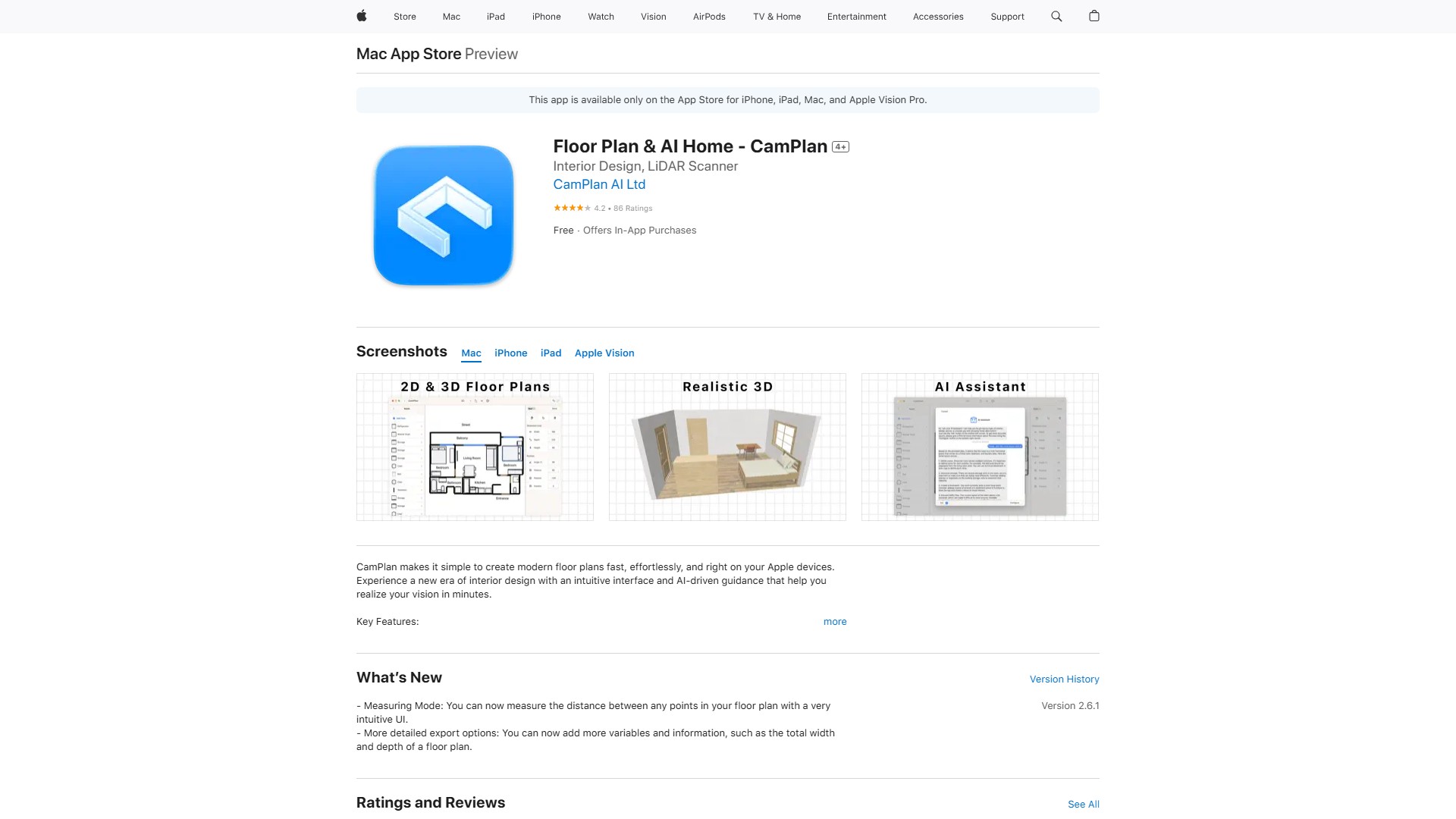
CamPlan permet de créer rapidement des plans d’étage modernes grâce à la numérisation AR et à l’assistance de l’IA.
À propos de cet outil
CamPlan combine la numérisation en réalité augmentée et l’assistance de l’IA pour créer des plans d’étage modernes en quelques minutes.
Fonctionnalités principales
- Plans 2D : organisez et personnalisez rapidement les meubles, ajustez les dimensions, faites pivoter les éléments et affinez les détails.
- Visualisation 3D : explorez des modèles 3D réalistes et testez l’éclairage, les matériaux, les textures et les couleurs.
- Assistance à la conception par IA : échangez avec l’assistant intégré pour obtenir des conseils sur l’agencement, les harmonies de couleurs, les matériaux et le placement des meubles, selon le style du logement, la configuration des murs et la position des fenêtres.
- Exportation : partagez les plans sous forme d’images ou exportez-les aux formats 3D usdz et usd.
- Mode mesure : mesurez la distance entre deux points du plan grâce à une interface intuitive.
- Options d’exportation détaillées : ajoutez des informations comme la largeur et la profondeur totales du plan.
Compatibilité : disponible sur l’App Store pour iPhone, iPad, Mac et Apple Vision Pro. Conçu pour iOS, iPadOS et macOS, avec des interfaces et des gestes optimisés pour chaque plateforme. Compatible avec les modes clair et sombre.
Tarifs : une version gratuite est disponible. CamPlan Premium permet de créer un nombre illimité de projets, ainsi que de les partager et de collaborer. Achats intégrés : Pro hebdomadaire (7,99 $), Pro mensuel (14,99 $), Personal (19,99 $). L’abonnement se renouvelle automatiquement, sauf si le renouvellement automatique est désactivé au moins 24 heures avant la fin de la période en cours.
Avis des utilisateurs : interface simple et intuitive, mesure et conception faciles, plans détaillés et professionnels. Certains utilisateurs ont toutefois signalé que l’application pouvait se charger sans interface ou sans autre contenu.
Analyse du trafic
Signaux de trafic, de classement et d’engagement pour cet outil.
Tendance des visites
Aucune donnée de tendance
Engagement
- Taux de rebond--
- Pages par visite--
- Durée moyenne--
Sources de trafic
Aucune donnée sur les sources
Principaux pays
Aucune donnée par pays
Aperçu de l’interface