Generador de resúmenes
MyMap.AI: resumidor de PDF
Sube documentos PDF y genera con un chat de IA resúmenes visuales detallados, mapas mentales y puntos clave.
Acerca de esta herramienta
Funciones principales
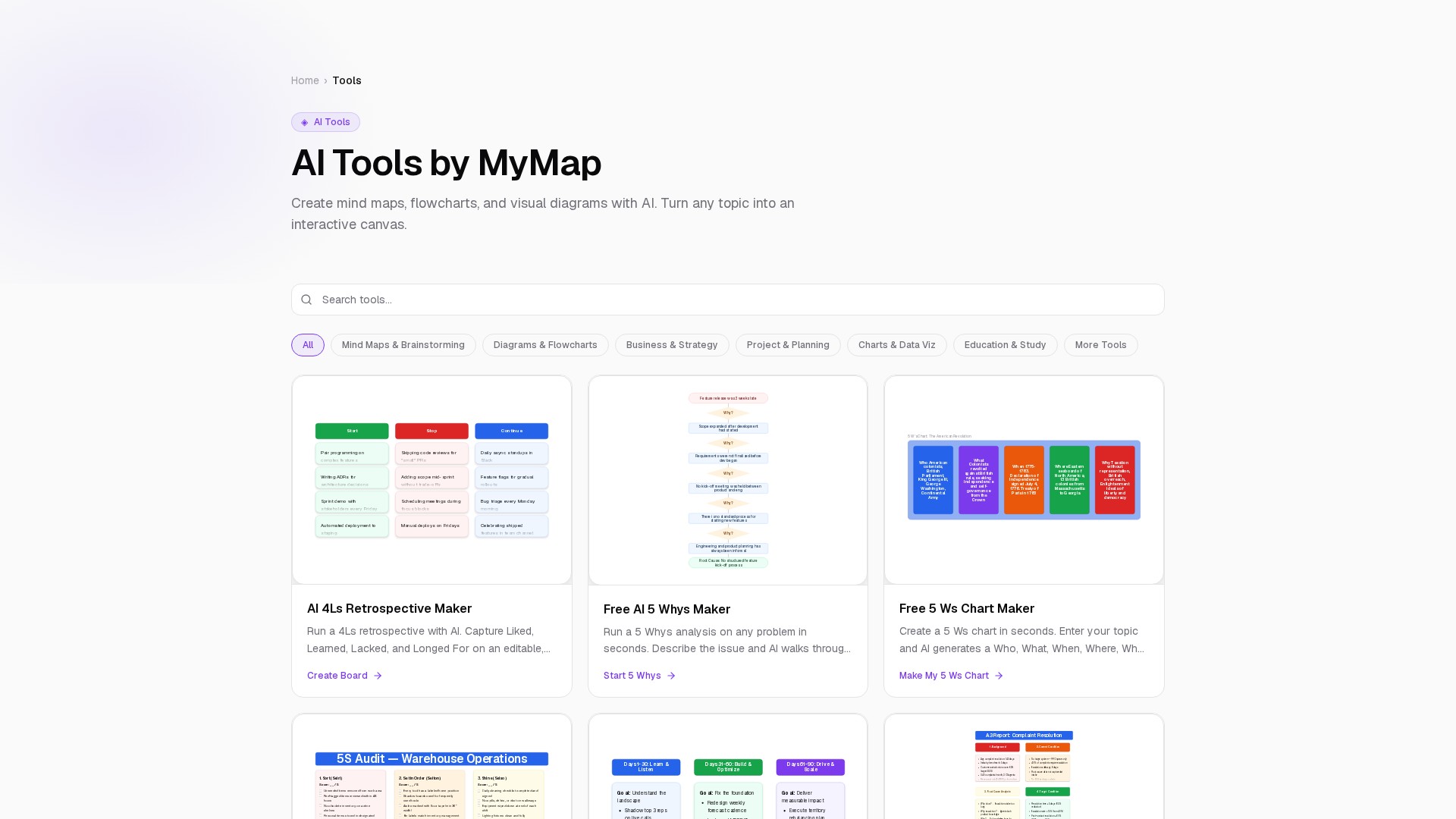
- Genera mapas mentales, diagramas de flujo, diagramas de arquitectura, pizarras, presentaciones PowerPoint/Slides y gráficos ancla desde lenguaje natural.
- Resume artículos, PDF y audio, como podcasts y clases, en notas estructuradas con mapas mentales.
- Crea tarjetas de memoria, cuestionarios y guías de estudio con IA, y convierte artículos en tarjetas de preguntas y respuestas y preguntas de cuestionario.
- Incluye generadores para la matriz de Ansoff, informe A3, 5 Whys, 5 Ws Chart, retrospectiva 4Ls, auditoría 5S, embudo AARRR, mapa de cuentas y diagramas de afinidad.
- Genera planes de 90 días y planes de acción con fases, cronogramas, responsables y entregables.
- Permite describir una idea desde cero para crear un mapa personalizado; los nodos y enlaces se pueden seleccionar, mover y eliminar.
Ventajas y usos
La IA genera diagramas estructurados en segundos y muestra un tablero terminado dentro de los 5 segundos posteriores a la escritura. El lienzo infinito admite arrastrar nodos, editar enlaces y colaborar en tiempo real. Sus plantillas cubren mapas mentales, lluvia de ideas, diagramas, flujos, estrategia, proyectos, planificación, visualización de datos y educación.
Los equipos de producto pueden realizar retrospectivas y análisis de causas raíz. Los equipos de ventas pueden mapear personas, equipos y relaciones en cuentas B2B objetivo. Los investigadores pueden condensar artículos o podcasts, mientras que estudiantes y docentes pueden crear diagramas científicos, guías de estudio y tarjetas de memoria. Las startups pueden crear presentaciones y lienzos de modelos de negocio, y los ingenieros diagramas de arquitectura de sistemas.
Usuarios objetivo: fundadores individuales, responsables de producto, equipos de diseño, educadores, equipos de 50 a 500 personas, PMO empresariales, consultores autónomos, equipos de ventas, estudiantes e investigadores.
Precios: modelo freemium. Muchas herramientas son gratuitas y no requieren registro; las funciones avanzadas, los planes de equipo y límites de uso superiores están disponibles mediante suscripciones de pago, como Pro o contratos Enterprise.
Análisis del tráfico
Señales de tráfico, clasificación y participación de esta herramienta.
Aún no hay datos analíticos
Vista previa de la interfaz