Übersetzung

BlipCut Video Translator

Main features: AI video translation supporting 130+ languages, batch video translation, automatic localization, multi-speaker recognition with voice cloning, auto source language detection, 300+ free voice library, ChatGPT/DeepSeek-powered AI rewriting, free editing tools (speech speed adjustment, real-time preview, clip repositioning, subtitle customization). Use cases: marketing video localization, educational content translation, social media video processing, movie/documentary translation, podcast multilingual adaptation, healthcare material translation, news video distribution. Core advantages: time efficiency (batch processing), high accuracy (contextual understanding), cost reduction (replacing voice actors), editing flexibility (all features free to use). Pricing: Offers free trial and basic free tier, premium features require paid subscription, with enterprise/student discount plans available.

Aufrufe -
Monatliche Besuche --
Globaler Rang --
Stimmen 0

Über dieses Tool

Main Features & Characteristics:

  • 140+ Language Support: Greatly save time on translating videos and audio files, scaling across 140+ languages.
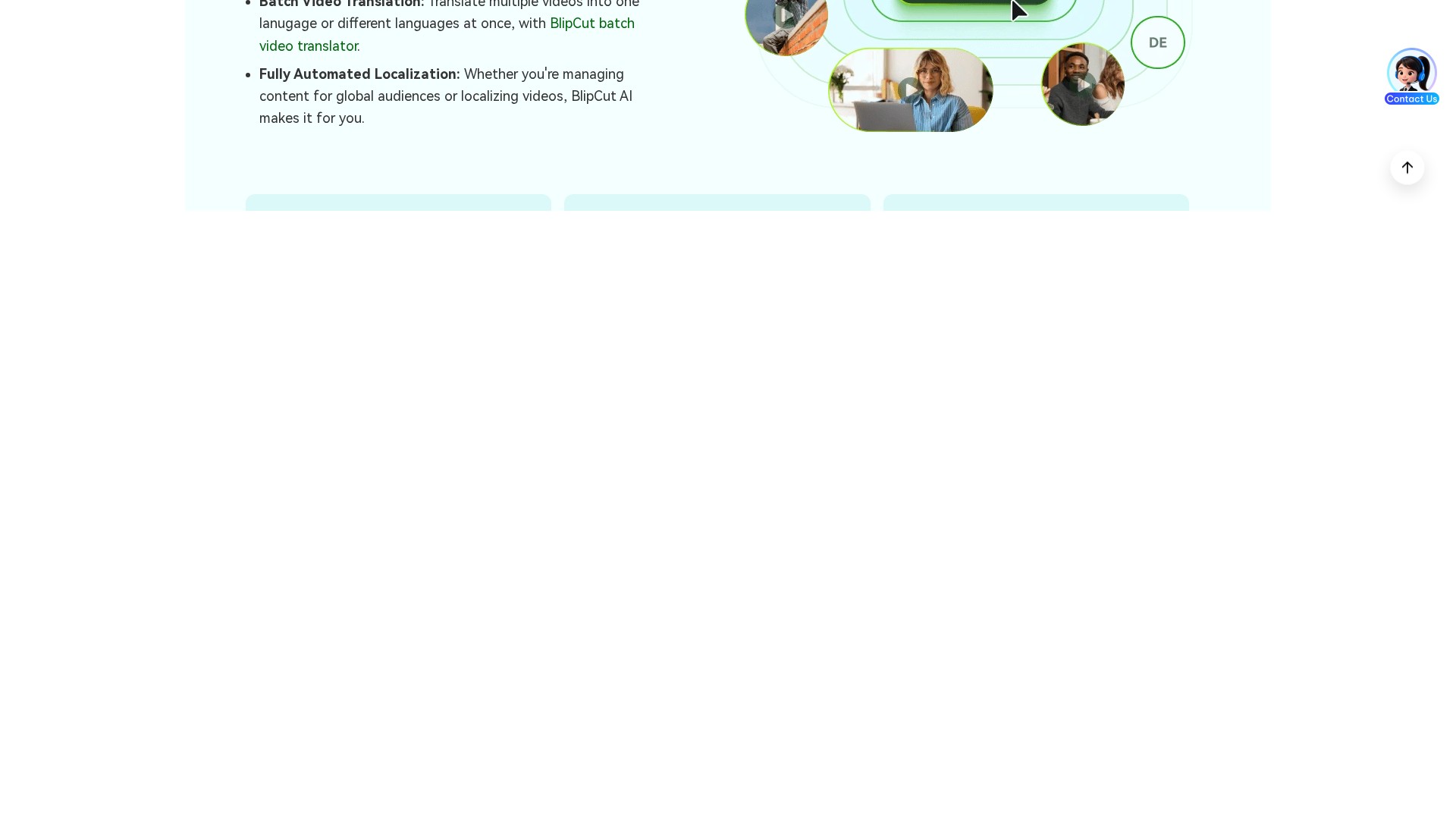
  • Batch Video Translation: Translate multiple videos into one language or different languages at once with BlipCut batch video translator.
  • Fully Automated Localization: Whether managing content for global audiences or localizing videos, BlipCut AI makes it fully automated.
  • Multi-Speaker Recognition: Accurate voice cloning and lip-syncing for each speaker in multi-speaker videos.
  • Source Language Recognition: Offers auto source language recognition and high accuracy on transcription.
  • 300+ Free Voice Library: Significantly cutting expenses while delivering fast results with built-in voice library, no need to hire voice actors.
  • Powerful AI Rewrite: Powered by ChatGPT and DeepSeek, it is a more cost-effective solution compared to traditional or outsourced services.
  • Free to Edit Dialogues: All BlipCut editing functions are free to use, allowing fine-tuning of the transcript and translation content after translation to improve quality. Users can edit or merge the transcript, modify translation content, and ensure subtitles and dubbing are consistent with the original meaning.
  • Customization: Customize speech speed to solve inconsistent voice speed, real-time preview of editing effects, flexibly drag and drop to adjust clip positions, and customize subtitle color, font, position, etc.
  • More Solutions: Provides AI Subtitle Generator, AI Lip Syncing, AI Audio Translator, AI Subtitles Translator, AI Voice Cloning, AI Clip Maker, YouTube Transcript Generator, AI Video Dubbing, Voice Library, AI Voice Changer, Audio to Text, Long Video to Shorts.

Target Users & Scenarios: Content creators, businesses, and educators. Suitable for translating and localizing videos in marketing, education, social media (YouTube/TikTok/Facebook/Instagram, etc.), filmmaking, podcast, healthcare, and news.

Typical Workflow:

  1. Upload video: Choose to upload a video/audio for video localization, or just paste a video link directly.
  2. Select your language: Choose the target languages and speaker voices you want before translation.
  3. Preview & Download: Preview the translated video, edit transcription and translation, then download it safely.

Core Advantages: High accuracy on translation, multi-speaker recognition, AI lip syncing, AI voice cloning, automation and efficiency, reduced labor costs, DeepSeek & ChatGPT rewrite, scalability and mass processing.

FAQ & Pricing Info:

  • BlipCut offers a free video translator for users to experience AI video translation with voice cloning.
  • Currently, 140 languages are easily supported, including English, Chinese (Mandarin/Cantonese/Taiwanese), Spanish, Portuguese, French, Russian, Italian, German, Japanese, Korean, etc.
  • Operates fully online without needing an app, working smoothly on Chrome/Safari/Edge, but also provides Windows and Mac clients and a Chrome extension.

Traffic-Analyse

Traffic-, Ranking- und Engagement-Signale für dieses Tool.

Noch keine Analysedaten

Interface-Vorschau
Nutzerbewertungen