
Scenario Agent Skills is an open skill library published by Scenario. It stores procedures for image, video, audio and 3D work in SKILL.md files that an Agent Skills client can load when a task calls for them. The files describe the method and tool calls; Scenario’s service or a local creative application carries out the work.
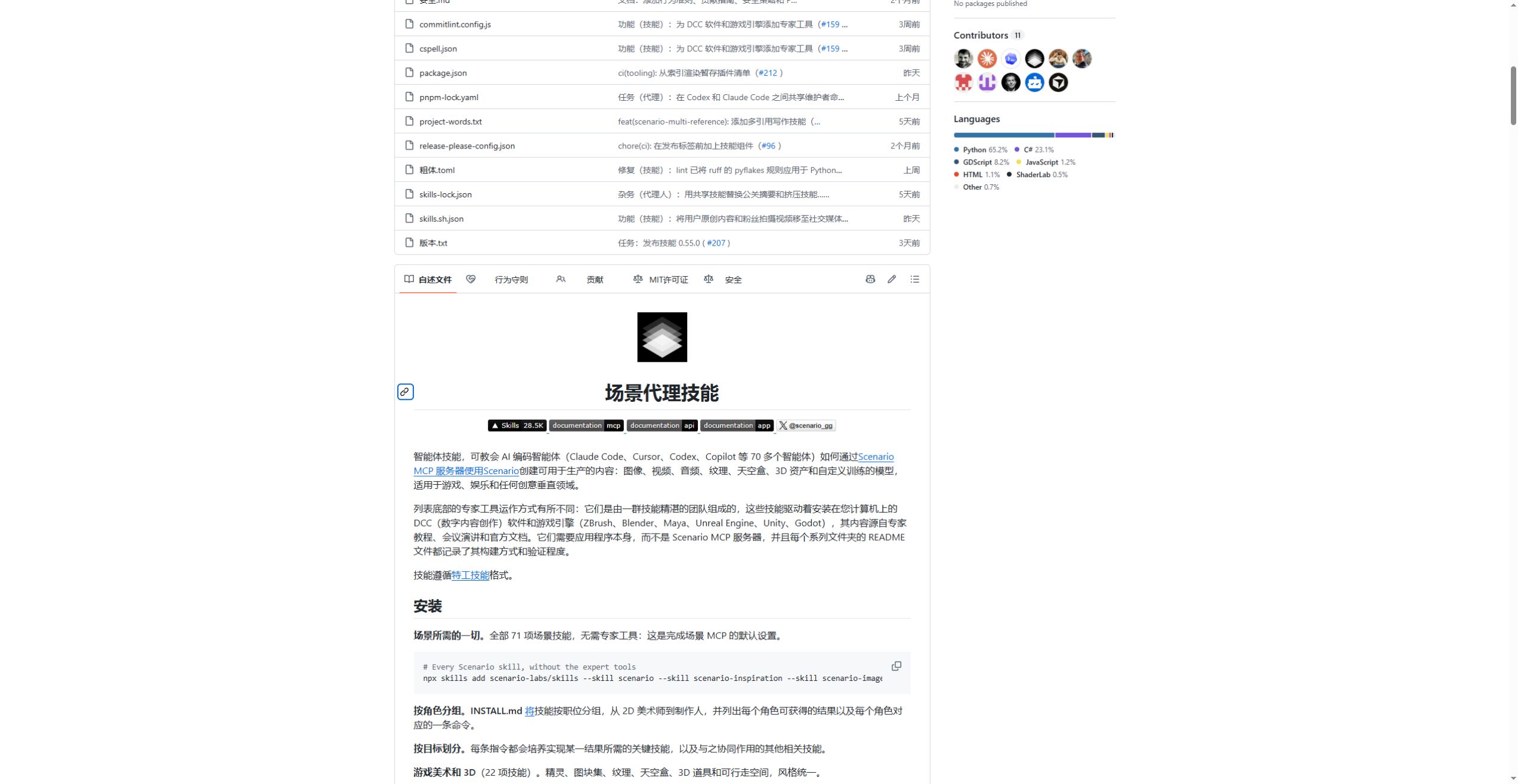
The library is arranged around creative tasks
The image skills cover text-to-image, multiple references, product shots, local edits, background removal and text overlays. Game-asset skills include icons, sprite animation, seamless textures, skyboxes and 3D props. Video and audio skills cover shots, voices, music, captions and assembling the finished material. Reference management, identity libraries and custom-model training address projects that need a recurring character or visual style.
These groups fit jobs with a specific deliverable: a set of transparent inventory icons, a tiling texture or a narrated product clip. Model-family skills describe generation modes, reference fields and output sizes so the assistant can choose an appropriate call.
Check the inputs and cost before generating
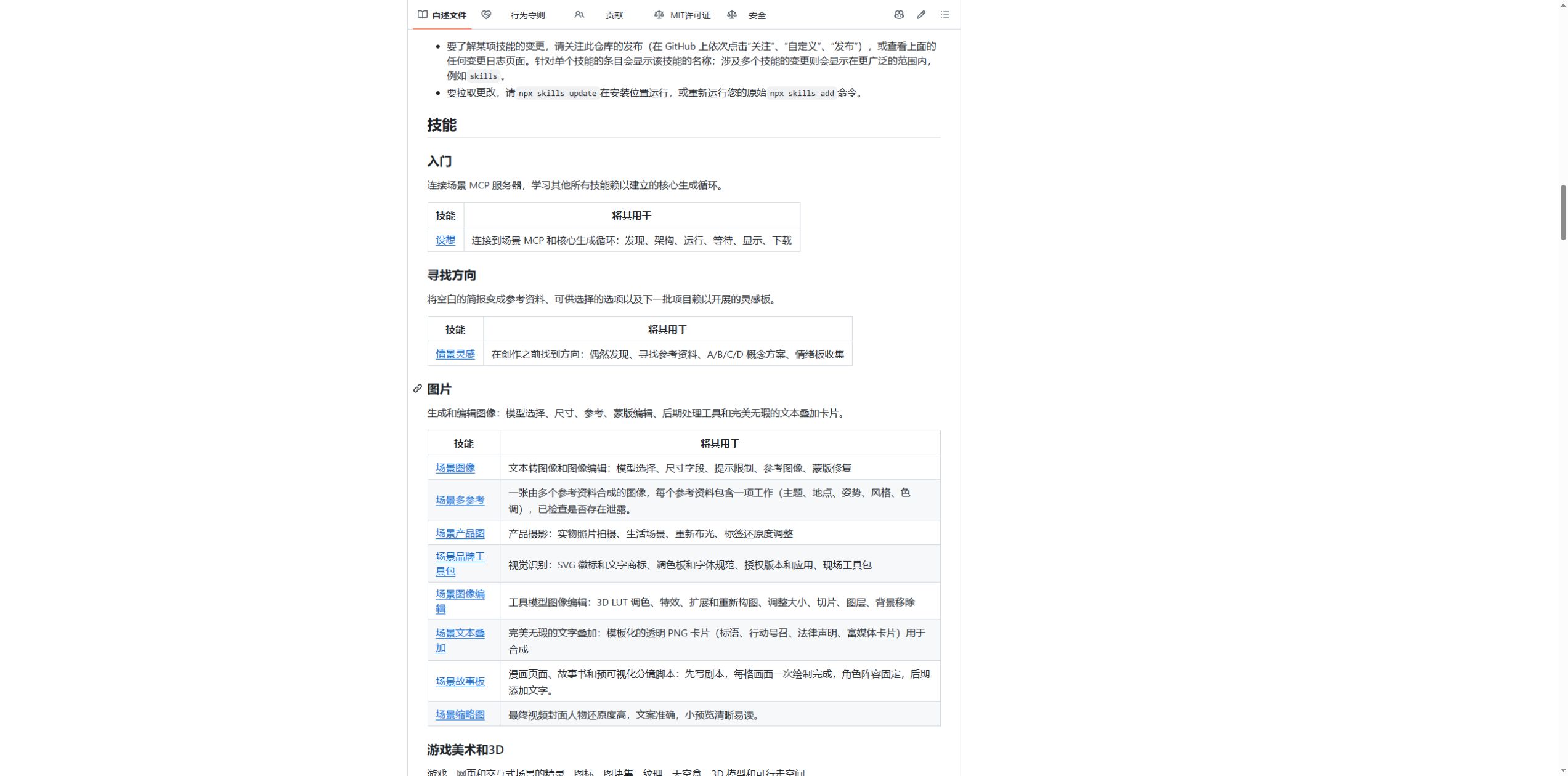
The core scenario skill describes a full sequence: choose the team and project, find a model, read its schema, submit the job, wait for completion, then preview and download the asset. It calls for model_schema_get before model_run, which helps avoid sending one model’s reference or size fields to another.
The sequence also includes a cost check. A dry_run on model_run can return the Creative Units required by the exact parameter set before a job is created. Resolution, duration and model choice can all affect that cost. Finished assets can be added to collections and tagged for later work.
Install the skills and connect Scenario
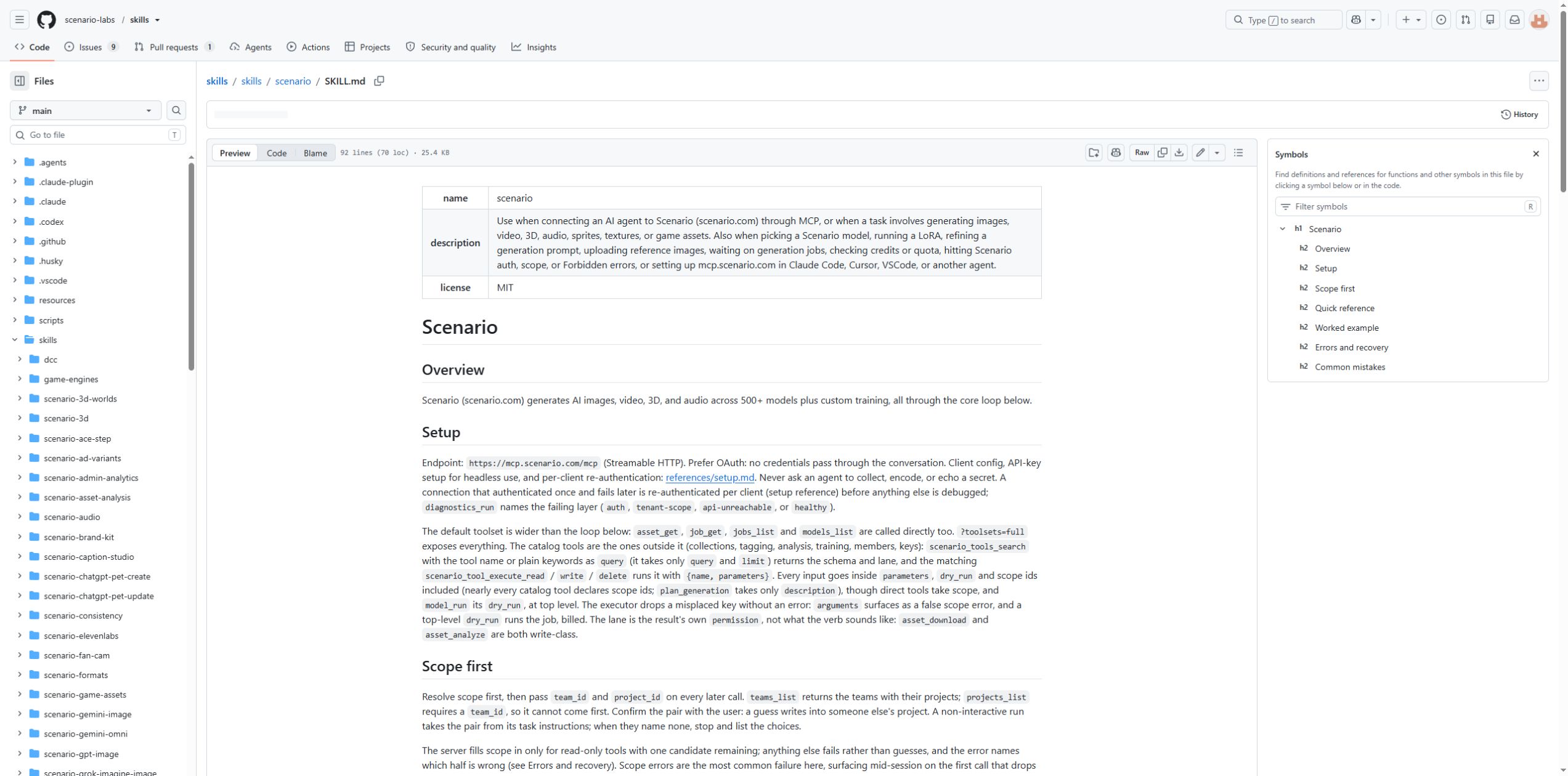
Installation needs a Node.js environment that can run npx. The first command opens the selection menu; the second installs the core skill:
npx skills add scenario-labs/skills
npx skills add scenario-labs/skills --skill scenario
Add https://mcp.scenario.com/mcp to an MCP client and sign in with a Scenario account. For Claude Code, the connection command is:
claude mcp add --transport http scenario https://mcp.scenario.com/mcpThe project’s installation guide groups skills by profession and goal. Starting with an image or game-art group gives a smaller working set; video, audio and training can be added when needed. Updates use npx skills update.
A separate group works in local creative software
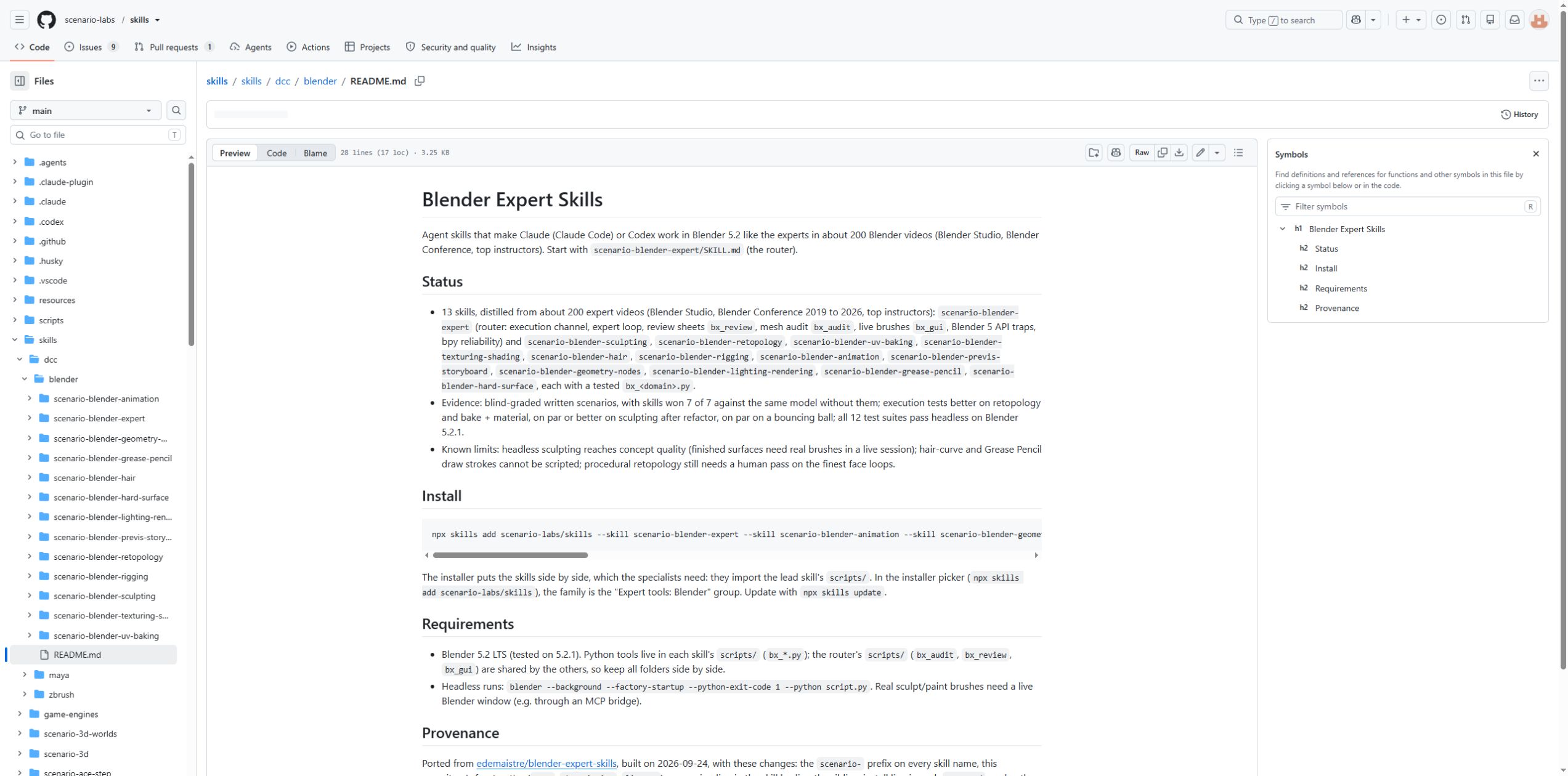
The repository also contains expert skills for Blender, Maya, ZBrush, Unreal Engine, Unity and Godot. These require the corresponding application on the computer and use Python, batch jobs or editor connections for execution. Local operations do not depend on the Scenario MCP server.
The Blender documentation, for example, covers sculpting, topology, UVs and baking, materials, rigging, animation and lighting. It also describes concrete limits: headless sculpting reaches concept quality, finished surfaces need live brushes and fine facial topology needs a human pass. Those details help divide a production task between the assistant and the artist.
The repository and the hosted service have different costs
The repository uses the MIT license, allowing the skills to be read, modified and reused. Scenario’s hosted generation and training use credits; its pricing page lists free exploration and paid plans. Teams producing several asset types can use the library as a starting point for their procedures. Finished work still needs checks for text, character consistency, visual details and the exported files.
Project links: GitHub repository · Scenario website. Project documentation and screenshots: Scenario, © 2026 Scenario, MIT License. This article was prepared from public documentation; no paid generation jobs were run.