ভিডিও সম্পাদনা
HitPaw Video Enhancer
ভিডিও উন্নত করার সফটওয়্যার, যা ভিডিওর মান পুনরুদ্ধার ও উন্নত করে 8K রেজোলিউশন পর্যন্ত নিতে পারে।
ভিউ
1.8M
মাসিক ভিজিট
1.8M
বৈশ্বিক র্যাঙ্ক
##34,517
ভোট
0
এই টুল সম্পর্কে
প্রধান ফিচার ও বৈশিষ্ট্য
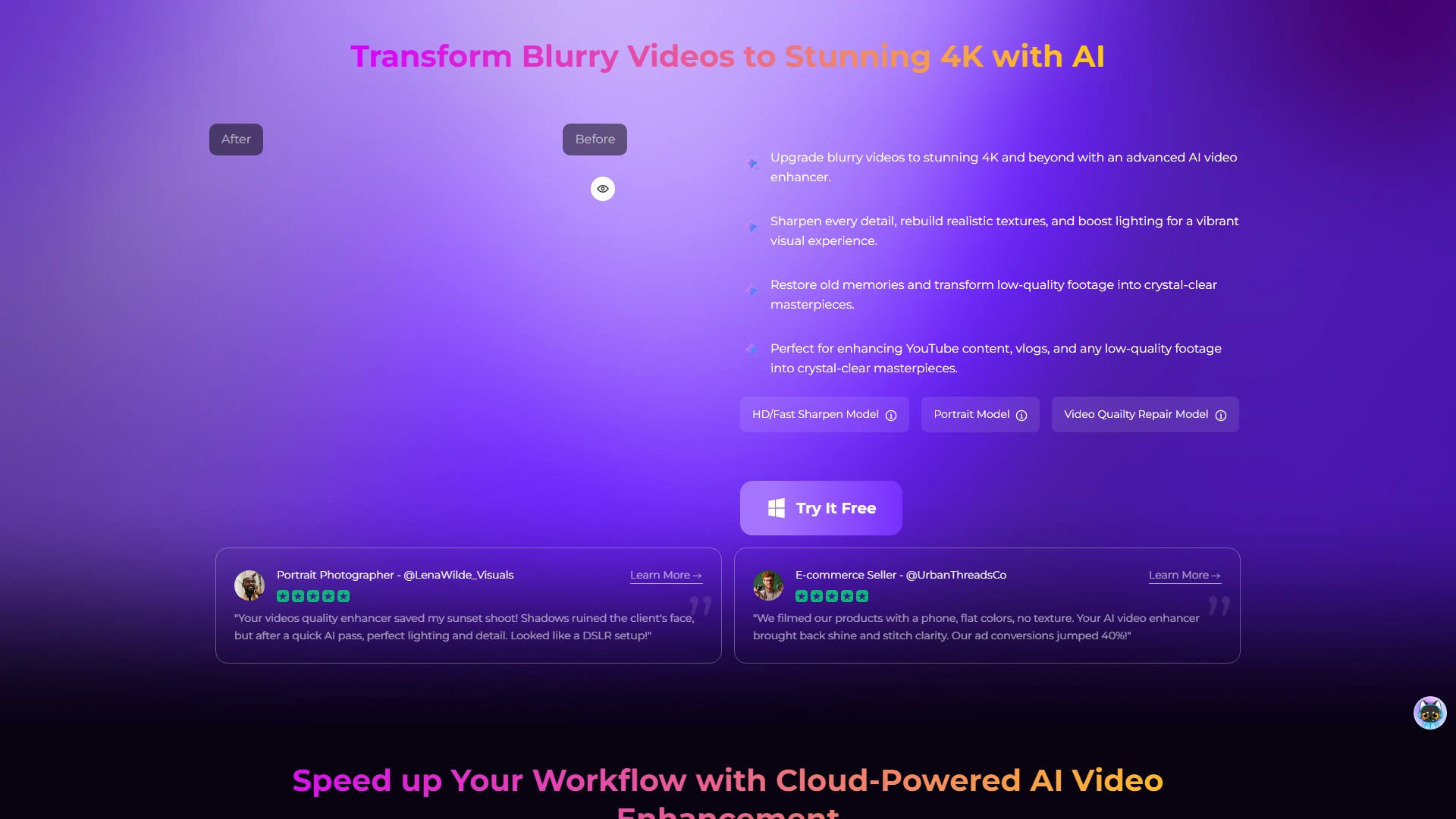
- AI ভিডিও আপস্কেলিং: ঝাপসা ভিডিও 4K ও 8K পর্যন্ত আপস্কেল করুন, প্রতিটি ডিটেইল শার্প করুন, বাস্তবসম্মত টেক্সচার পুনর্গঠন করুন এবং আলো উন্নত করুন।
- স্মার্ট AI মডেল: বিভিন্ন দৃশ্যের জন্য একাধিক AI মডেল রয়েছে, যার মধ্যে HD/Fast Sharpen Model (General Denoise), Portrait Model (Face Model), Video Quality Repair Model, Frame Interpolation Model, Stabilize Model, General Restoration Model, Color Enhancement Model, SDR to HDR এবং Low-light Enhancement Model অন্তর্ভুক্ত।
- ক্লাউড-অ্যাক্সিলারেটেড রেন্ডারিং: ক্লাউড রেন্ডারিং ও অ্যাক্সিলারেশন প্রযুক্তি দ্রুত ভিডিও প্রসেসিং করে এবং বড় ফাইল ও ব্যাচ টাস্ক সমর্থন করে। 4-GPU রেন্ডারে মাত্র 18 মিনিট লাগে।
- সর্বজনীন ফরম্যাট সমর্থন: পুনরায় এনকোড না করেই উৎস থেকে সরাসরি MP4, MOV, MKV, AVI, FLV, WMV এবং আরও অনেক ফরম্যাট সমর্থন করে।
- স্মার্ট এডিটিং টুল: AI Background Control দিয়ে ব্যাকগ্রাউন্ড বদলান, ব্লার করুন বা কাস্টমাইজ করুন; Universal Video Repair দিয়ে ঝাপসা ভাব, ত্রুটি ও ক্ষতিগ্রস্ত ফাইল ঠিক করুন; Invisible Watermark Removal দিয়ে অদৃশ্য ওয়াটারমার্ক মুছুন।
- অতিরিক্ত কমপ্রেস করা ভিডিও উদ্ধার: এক ক্লিকে কমপ্রেশন আর্টিফ্যাক্ট ঠিক করুন; AI হারিয়ে যাওয়া টেক্সচার পুনর্গঠন করে এবং ছবিকে মসৃণ করে।
ব্যবহারের ধাপ
- সফটওয়্যার চালু করে আপনার ভিডিও বা ভিডিওগুলো আপলোড করুন।
- আরও ভালো উন্নত ফলাফলের জন্য ভিডিওর ধরন অনুযায়ী একটি AI মডেল বেছে নিন।
- AI ভিডিও উন্নতির ফলাফল প্রিভিউ করে আপস্কেল করা ভিডিও এক্সপোর্ট করুন।
লক্ষ্য ব্যবহারকারী ও সাধারণ ব্যবহার
- ডকুমেন্টারি ভিডিওগ্রাফার, পোর্ট্রেট ফটোগ্রাফার, ট্রাভেল ভিডিওগ্রাফার, ই-কমার্স বিক্রেতা, ড্রামা অনুরাগী, ওয়েডিং ভিডিওগ্রাফার, গেমার, অ্যানিমে অনুরাগী ও ক্রিয়েটর এবং ফুটবল অনুরাগীদের জন্য তৈরি।
- সাধারণ ব্যবহারের মধ্যে পুরোনো পারিবারিক বিয়ের ভিডিও পুনরুদ্ধার, ই-কমার্স পণ্য ভিডিওর স্বচ্ছতা বাড়ানো, কাঁপা আউটডোর ট্রেইল ফুটেজ স্থিতিশীল করা, কম আলোয় ধারণ করা ঐতিহাসিক আর্কাইভ ভিডিও ঠিক করা এবং টাইমস্ট্যাম্প ওয়াটারমার্ক সরানো রয়েছে।
মূল সুবিধা
- স্বয়ংক্রিয়ভাবে দৃশ্য শনাক্ত করে এবং এক ক্লিকে রং সমন্বয়, নয়েজ অপসারণ ও ডিটেইল শার্প করে।
- ডিটেইল না হারিয়ে রেজোলিউশন বাড়ানোর পাশাপাশি সামগ্রিক ভিজ্যুয়াল মান উন্নত করে।
- কনটেন্ট নিরাপত্তার জন্য লোকাল প্রসেসিং এবং গতির জন্য ক্লাউড প্রসেসিং সমর্থন করে।
মূল্য ও মূল্যসংক্রান্ত তথ্য
- বিনামূল্যের ট্রায়াল রয়েছে, যার মাধ্যমে ব্যবহারকারীরা সব ফিচার পরীক্ষা ও উন্নতির ফলাফল প্রিভিউ করতে পারেন। এতে Portrait, General Denoise, Animation, Color Enhancement, Colorize এবং Low-light Enhancement মডেল অন্তর্ভুক্ত, তবে এক্সপোর্ট ফাংশন নেই।
- সম্পূর্ণ এক্সপোর্ট সুবিধাসহ পেইড সংস্করণ কেনার জন্য উপলব্ধ। Windows ও Mac সংস্করণের দাম আলাদা।
প্রায়শই জিজ্ঞাসিত প্রশ্ন
- AI কি ভিডিও উন্নত করতে পারে? হ্যাঁ। এটি রেজোলিউশন বাড়াতে, নয়েজ কমাতে, ডিটেইল শার্প করতে, রং সমন্বয় করতে এবং কাঁপা ফুটেজ স্থিতিশীল করতে পারে।
- কোন রেজোলিউশন পর্যন্ত আপস্কেল করা যায়? SD থেকে HD, HD থেকে 4K এবং 4K থেকে 8K পর্যন্ত।
- ভিডিও এনহ্যান্সার ও আপস্কেলারের মধ্যে পার্থক্য কী? এনহ্যান্সার রং, ডিটেইল ও কনট্রাস্টসহ সামগ্রিক ভিজ্যুয়াল মান বাড়ায়, আর আপস্কেলার রেজোলিউশন বাড়ানোর দিকে মনোযোগ দেয়। VikPea দুটিই প্রদান করে।
- HitPaw VikPea ও HitPaw Video Enhancer-এর মধ্যে পার্থক্য কী? 29 অক্টোবর 2024 তারিখে HitPaw Video Enhancer-এর নাম আনুষ্ঠানিকভাবে HitPaw VikPea করা হয়। নতুন সংস্করণে নির্ভুল 4K উন্নতির জন্য ভিডিও এনহ্যান্সমেন্ট মডেল, ভিডিও মান পুনরুদ্ধার, অপ্টিমাইজ করা ইন্টারফেস এবং AI Color Module যোগ করা হয়েছে, যেমন SDR থেকে HDR রূপান্তর।
ট্রাফিক বিশ্লেষণ
এই টুলের ট্রাফিক, র্যাঙ্কিং ও এনগেজমেন্টের সংকেত।
বৈশ্বিক র্যাঙ্ক
##34,517
দেশের র্যাঙ্কিং
#46,612
মাসিক ভিজিট
1.8M
ভিজিটের প্রবণতা
প্রবণতার কোনো ডেটা নেই
এনগেজমেন্ট
- বাউন্স রেট--
- প্রতি ভিজিটে পৃষ্ঠা--
- গড় সময়কাল--
ট্রাফিকের উৎস
উৎসের কোনো ডেটা নেই
শীর্ষ দেশসমূহ
দেশের কোনো ডেটা নেই
ইন্টারফেসের প্রিভিউ