
Passport Photo Template

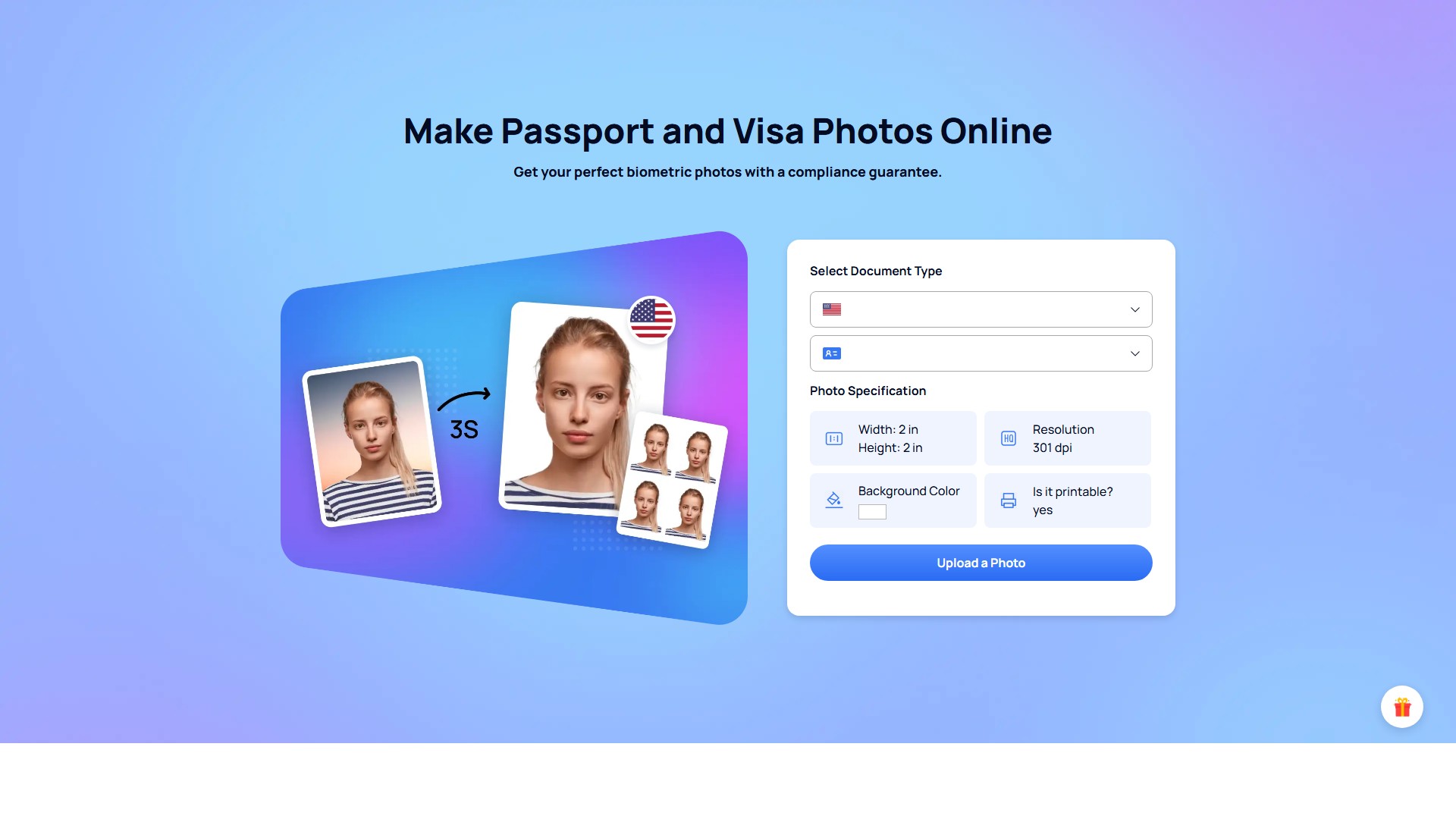
Main Features: Online passport and visa photo creation, AI automatic background removal and replacement (plain white/off-white), automatic cropping and resizing to meet specific country regulations, facial proportion and alignment detection, glasses and accessory detection, digital photo and printable template downloads.
AI Tool Suite:
- AI Removal Tool: Remove Background, Face Cutout, Retouch Portrait Online
- AI Recovery Tool: Blur Background, Photo Enhancer, Photo Colorizer, Old Photo Restoration, Photo Color Correction
- AI Generation Tool: Cartoon Selfie, Photo to Anime, Passport Photo Maker
Key Characteristics & Core Advantages:
- Cost-Effective Solution: Generate digital biometric photos online and get them printed at stores providing photo services at a more favorable price.
- AI Processing Technology: Intelligently examines passport photos online, automatically formatting the size, background, and format without altering the photos.
- Ensured Compliance: Ensures 100% acceptance of photos, avoiding rejections.
- Time Saver: Get online passport photos at home in seconds, without spending hours lining up at a photo studio.
- Wide Range of Photo Services: Supports various photos including US passport, US visa, Green Card, driver's licenses, etc., covering multiple countries like the US, UK, Canada, and Australia.
- Free of Charge: Free and accessible passport photo maker with no gimmicks or hidden fees.
Usage Workflow:
- Take a fresh photo using your smartphone's rear camera against a plain white background with sufficient daylight, maintaining a distance of 4 to 6 feet (1 to 2 meters).
- Upload the image to the AiPassportPhotos website and select the type of passport or document.
- The tool automatically corrects, adjusts, and resizes your photo to create a fully compliant passport-size photo.
- Download the digital passport photos and printable template in the required format, then cut it out and use it.
Target Users: Individuals and families (including babies) needing photos for passports, visas, green cards, ID cards, driver's licenses, etc., who want to save time and money and avoid queuing at photo studios.
Pricing & Billing Model: Offers free photo creation and compliance checking; digital photos and printable templates can be downloaded for free. Operates on a freemium model (page mentions 'free download' and 'free of charge', but also has a 'Pricing' page).
FAQ Details:
- About Editing: Editing photos with software like Adobe Photoshop for official documents is forbidden and will cause rejection. AiPassportPhotos is the right tool to adjust photos instead of PS software.
- About Shooting: You can take a passport photo yourself with a cell phone or digital camera. Use the rear camera, not the selfie camera.
- About Clothing: Do not wear naked white and black colors. Smart-casual style is advised for a better and more professional look. Religious clothing is allowed, but extravagant uniforms might cause rejection.
- About Makeup: Makeup is allowed before taking a visa photo, but it must reflect your natural skin color tone without exaggerating so much that it changes your look.
- About Baby Photos: Infants under one year old are allowed to have their eyes closed. Children older than 1 should have their eyes open. The baby must have a closed mouth and a fully visible face.
- US Passport Photo Standard Size: Height and width are 2 inches (51mm x 51mm), which is also the size of most official documents in the US, including ID cards and driver's licenses.
- Printing Locations: After getting the digital template, you can print it at popular photo-copying stores in the USA like Walmart, Walgreens, Rite Aid, or Costco.
- Compliance Check: The intelligent AI-backed photo tool scans each uploaded photo to notify users if it's acceptable. If inadequate, it offers suggestions to retake the photo.
議論する