TOOL PROFILE TOOLAI

Wondershare Dr.Fone

All-in-one mobile device management toolkit for iOS and Android

drfone.wondershare.comPRODUCT PREVIEW
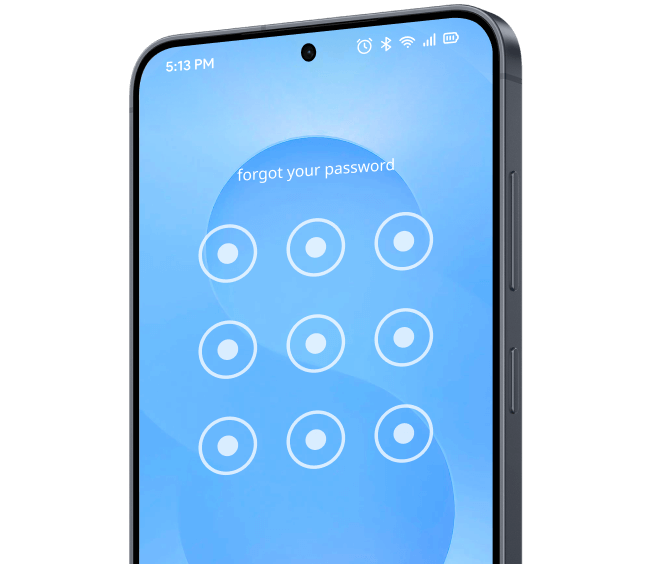
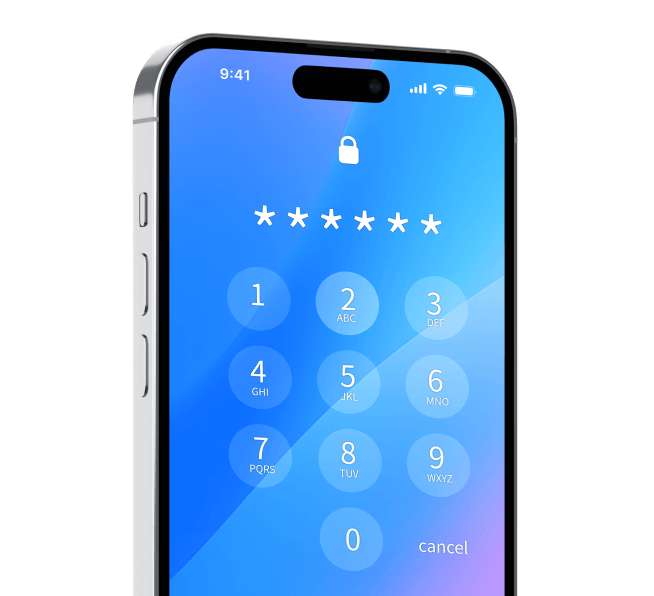
Official illustration of a phone passcode screen, used to introduce the device-unlock feature. View full image
Official illustration of a phone passcode screen, used to introduce the device-unlock feature.Images: 5

THE BIG PICTURE

About Wondershare Dr.Fone

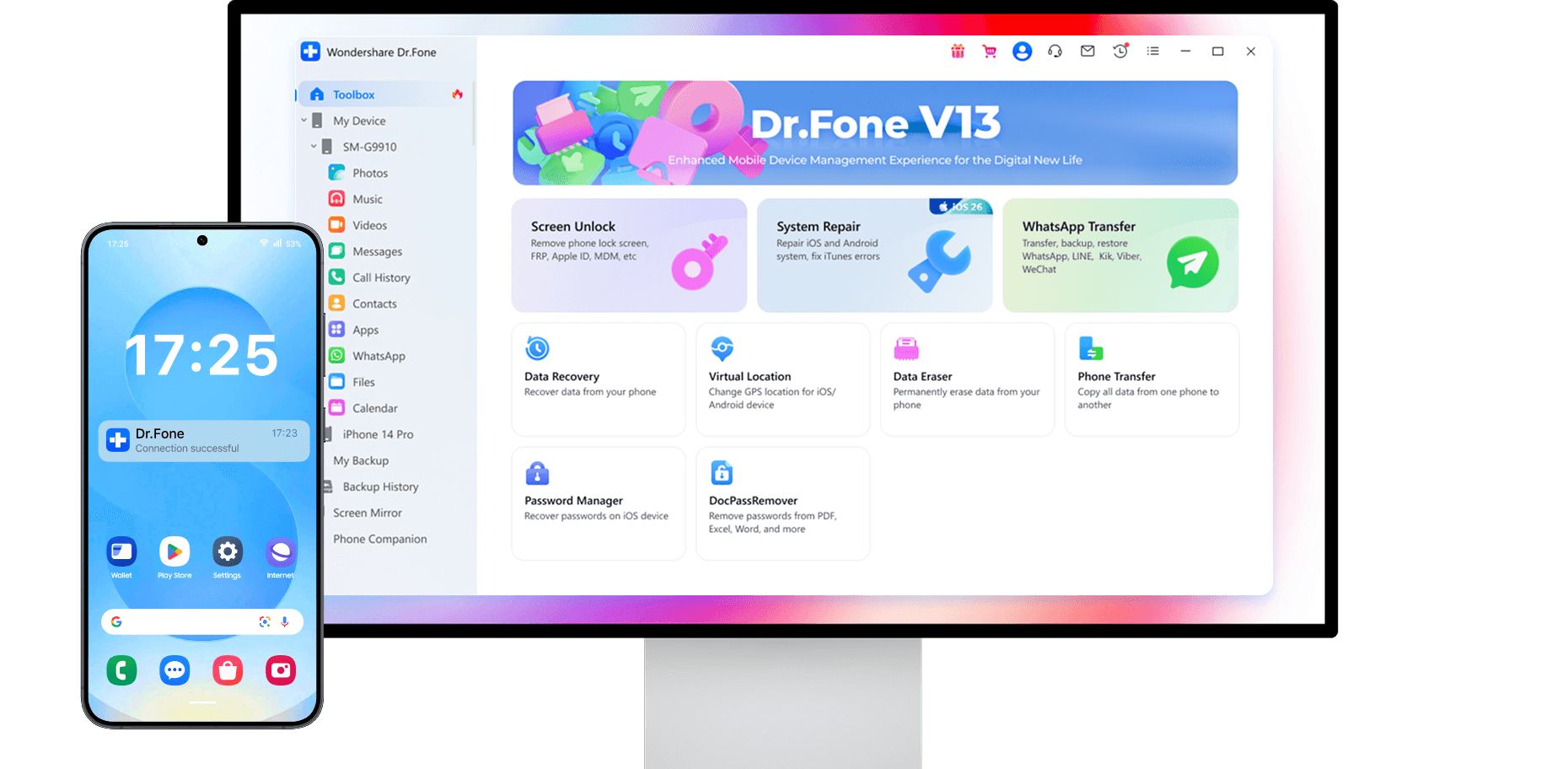
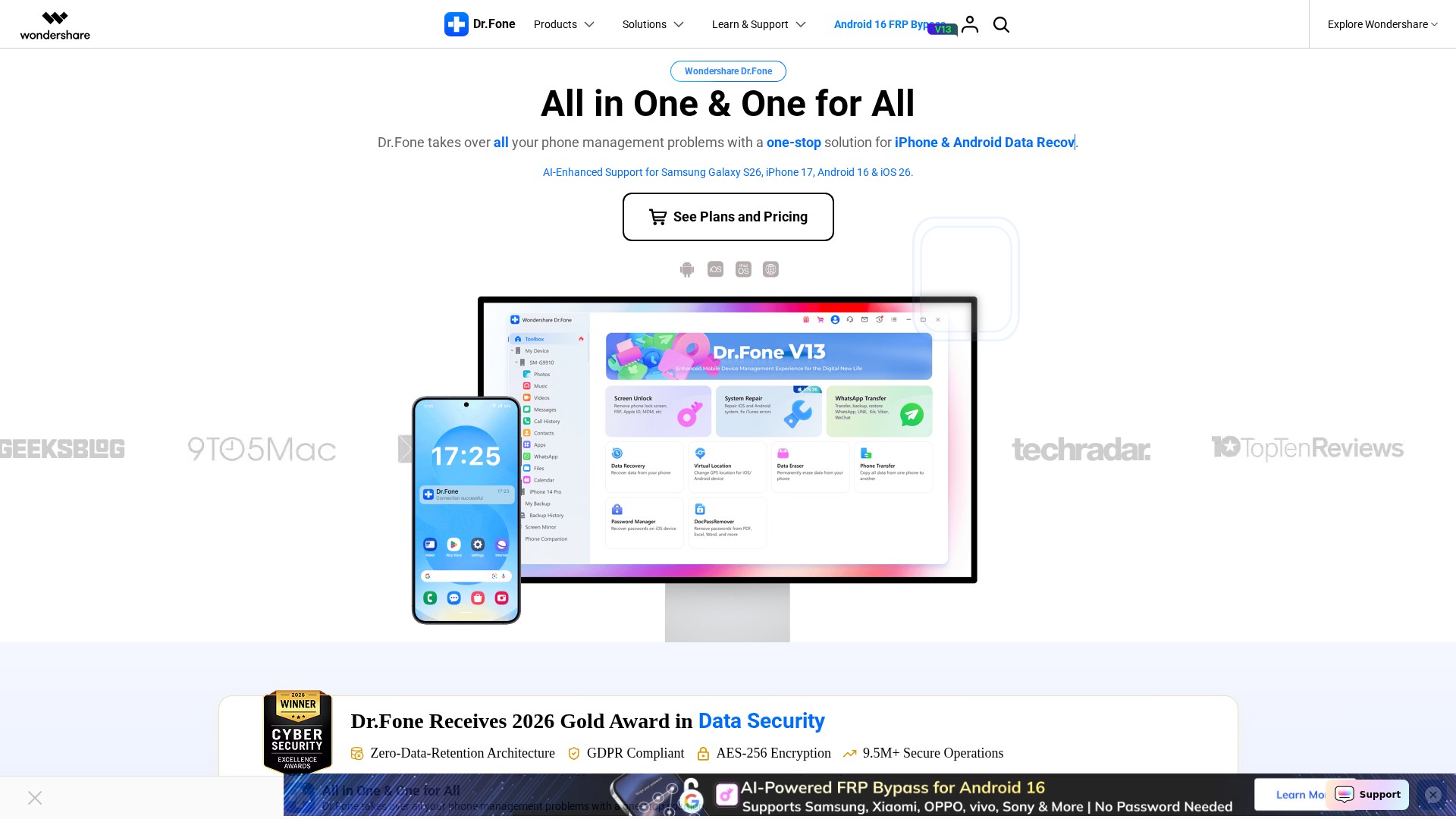
Wondershare Dr.Fone is described on its official site as a one-stop mobile solution that "takes over all your phone management problems." It is positioned as an all-in-one toolkit rather than a single-purpose utility: the homepage groups its capabilities into screen unlocking, system repair, data recovery, WhatsApp transfer, phone transfer, data eraser, password manager, and virtual location, alongside a "Basic" data-management and backup module. The product is offered for Windows and Mac, with some tools also available as browser-based online services and companion mobile apps.

The toolkit is organized around device tasks. Screen Unlock is presented for removing lock screens and handling FRP, iCloud activation, Apple ID and carrier/SIM locks on supported iOS and Android devices. Data Recovery is described as recovering deleted photos, messages, WhatsApp chats and other files from iOS and Android, including from broken phones and from iTunes/iCloud backups. System Repair is presented as fixing iOS and Android system issues, with the iOS module described as addressing 150+ issues and supporting upgrade or downgrade without data loss. Transfer tools cover WhatsApp (with Viber, LINE and WeChat also noted) and general phone-to-phone migration between iOS and Android.

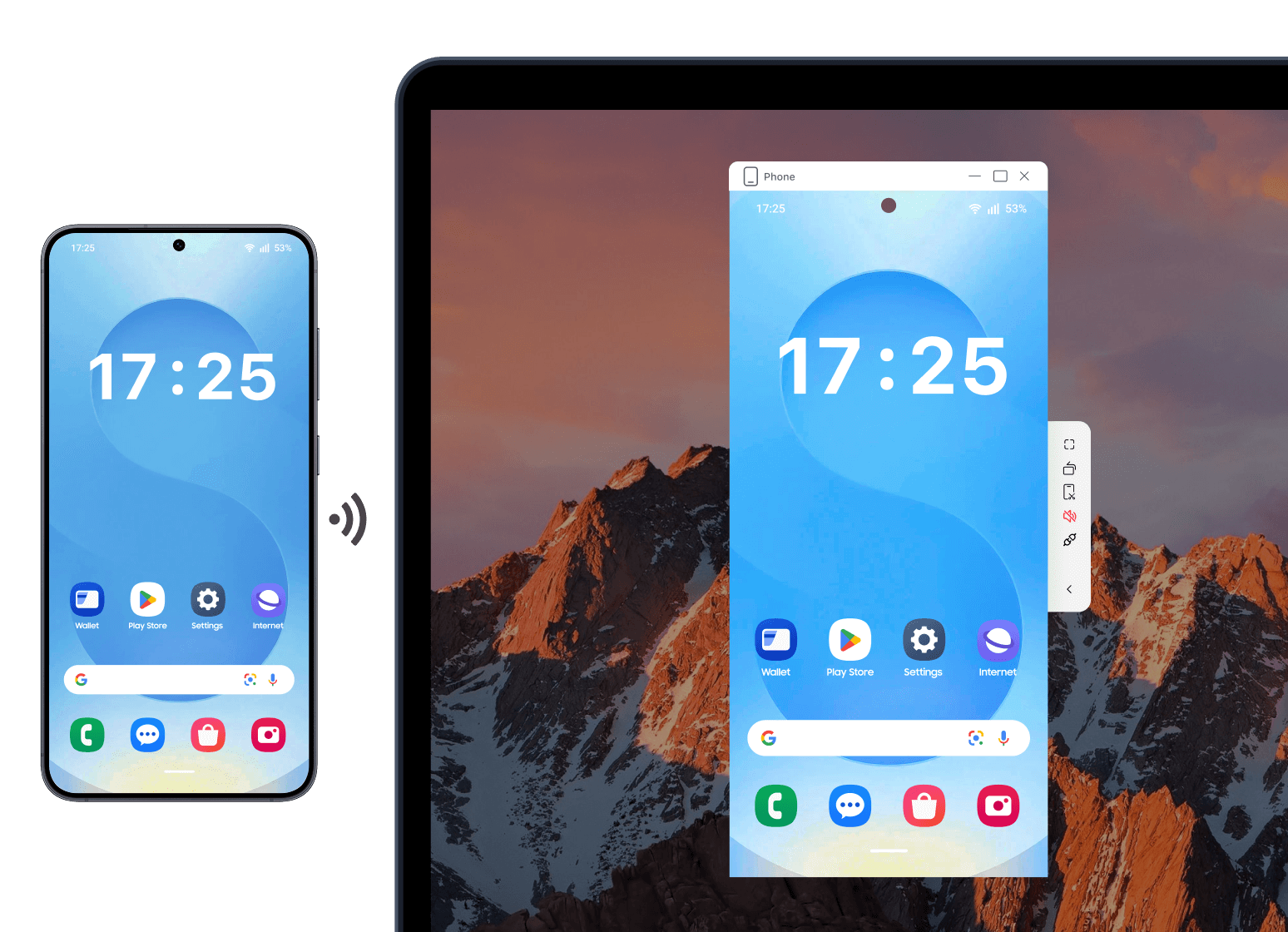
Beyond repair and recovery, Dr.Fone includes everyday management features: a device manager for browsing, importing and exporting phone data; backup and restore with wireless and incremental options; screen mirroring to a PC or Mac with recording and screenshots; a phone verification/diagnostics report covering system version, storage and battery; a data eraser for permanent wiping; a password manager for viewing stored credentials on iOS; and a virtual location changer for GPS simulation. The site also lists online tools such as Dr.Fone Online Unlock, Dr.Fone Air, and an online HEIC converter, plus separate mobile apps. The official store sells these as individual modules or as a combined Full Toolkit license.

WHAT YOU CAN DO

A toolkit worth exploring

Get to know the capabilities. Find your own way to use them.

Screen Unlock

Removes lock screens and handles FRP, iCloud activation, Apple ID and carrier/SIM locks on supported iOS and Android devices. The store describes the Android module as removing PIN, pattern and biometric locks and bypassing FRP, and the iOS module as unlocking iPhone, iPad and iPod touch and bypassing iCloud activation, SIM locks and MDM.

Data Recovery

Recovers deleted or lost files from iOS and Android, including photos, messages and WhatsApp data, and can work from iTunes/iCloud backups or broken devices. The store notes preview and selective restore, and describes Android recovery as not requiring root.

System Repair

Fixes iOS and Android system problems. The iOS module is described as repairing iOS and iPadOS systems, addressing 150+ issues, and supporting upgrade or downgrade without data loss; the Android module is described as repairing Samsung, Xiaomi, Redmi and POCO devices and accessing Samsung Download Mode.

WhatsApp Transfer

Transfers, backs up and restores WhatsApp chats and attachments across iOS and Android. The homepage also notes that Viber, LINE and WeChat are supported, and the store lists a separate WhatsApp Business transfer option.

Phone Transfer

Moves data between iOS and Android devices, described as one-click transfer of contacts, messages, photos and other data, including from local files or cloud backups.

Data Eraser

Permanently wipes iOS and Android data to free up space and protect privacy, described on the store as using military-grade security and as boosting device resale value.

Password Manager

Finds and displays Apple ID, Wi-Fi, app, web, email and Screen Time passwords stored on iOS devices.

Virtual Location

Changes GPS location on iOS and Android devices and simulates GPS movement, with Monthly, Quarterly and Annual plans listed on the store.

Basic data management, backup and mirroring

The Dr.Fone Basic module manages phone data from a PC or Mac across iOS and Android, performs one-click backups with selective restore, and mirrors screens. The homepage describes wireless and incremental backup and screen mirroring with real-time recording and screenshots.

Phone verification and diagnostics

Produces a verification report covering details such as system version, storage condition and battery life, with a score, intended to help users understand a device and increase credibility in the used-device market.

Online tools and mobile apps

Browser-based options include Dr.Fone Online Unlock (Samsung FRP, Xiaomi/iCloud bypass, carrier SIM unlock, free IMEI check), Dr.Fone Air for screen mirroring and file access, and an online HEIC converter. Separate mobile apps cover Android data recovery, iPhone storage cleaning and app blocking, photo cleaning, and WhatsApp view-once saving/status checking.

MADE FOR YOUR WORKFLOW

Where it fits into your day

USE CASE 01

Recovering deleted phone data

Users who have lost photos, messages or WhatsApp chats on an iOS or Android device can use Data Recovery to scan the device or backups, preview results and selectively restore files.

USE CASE 02

Regaining access to a locked device

Screen Unlock can help users who are locked out by a forgotten passcode or facing FRP, iCloud activation, Apple ID or carrier/SIM locks on supported devices.

USE CASE 03

Fixing system problems without a service center

System Repair is intended for devices stuck in abnormal states, with the iOS module described as covering 150+ issues and supporting upgrade or downgrade without data loss.

USE CASE 04

Migrating to a new phone

Phone Transfer and WhatsApp Transfer can help move contacts, messages, photos and chat history between iOS and Android devices, including from cloud backups.

USE CASE 05

Preparing a device for resale

Data Eraser permanently wipes device data, and the phone verification report provides system, storage and battery details that can support a used-device listing.

YOUR FIRST STEPS

From first click to first result

Try it on the official website
  1. Download and install Dr.Fone

    Download the latest version for Windows or Mac from the official site, or open the relevant online tool in a browser for web-based tasks.

  2. Choose the module for your task

    From the toolkit, select the relevant tool such as Screen Unlock, Data Recovery, System Repair, WhatsApp Transfer, Phone Transfer, Data Eraser, Password Manager or Virtual Location.

  3. Connect the device

    Connect the iOS or Android device to the computer as directed by the selected module; some modules also work from backups rather than a live device.

  4. Follow the on-screen workflow

    Proceed through the module's guided steps, such as scanning for recoverable data, selecting files to restore, or starting a repair or unlock process.

  5. Review and save results

    Preview results where offered, then restore, export, transfer or save the output, and use the user guide or support channels if a step needs clarification.

PLAN YOUR NEXT STEP

A plan for the way you work

Dr.Fone is sold as individual modules and as a Full Toolkit license, with Monthly, Annual and Perpetual options. On the official store, the Windows Full Toolkit is listed at $34.95/Month, $34.95/Year and $34.95/Perpetual, and the Mac Full Toolkit at $39.95/Month, $39.95/Year and $39.95/Perpetual. Module prices vary (for example, Android Screen Unlock from $29.95/Month and iOS Screen Unlock from $34.95/Month).

Subscribe on the tool's website

PLAN

Dr.Fone - Full Toolkit (Windows)

All-in-one solution for Android and iOS covering Screen Unlock, Data Recovery, Transfer, Repair and more; listed as 5 Devices / 5 PCs.

34.95

per month, per year, or perpetual (one-time)

  • Screen Unlock
  • Data Recovery
  • Virtual Location
  • WhatsApp Transfer
  • Phone Transfer
  • Data Eraser
  • System Repair
  • Password Manager
View plan on website

PLAN

Dr.Fone (Mac) - Full Toolkit

Mac version of the all-in-one toolkit for Android and iOS; listed as 5 Devices / 2 Macs.

39.95

per month, per year, or perpetual (one-time)

  • Screen Unlock
  • Data Recovery
  • Virtual Location
  • WhatsApp Transfer
  • Phone Transfer
  • Data Eraser
  • System Repair
  • Password Manager
View plan on website

PLAN

Dr.Fone Basic

Data management and backup module for iOS and Android from a PC, with one-click backups, selective restore and screen mirroring; listed as 5 Devices / 2 PCs.

34.95

per month, per year, or perpetual (one-time)

  • Data management
  • Backup and restore
  • Screen mirroring
View plan on website

PLAN

Dr.Fone - Screen Unlock (Android)

Removes Android lock screens including PIN, pattern and biometric locks and bypasses FRP; listed as 5 Devices / 2 PCs.

29.95

per month (annual and perpetual options also listed)

  • Android lock screen removal
  • FRP bypass
View plan on website

PLAN

Dr.Fone - Screen Unlock (iOS)

Unlocks iPhone, iPad and iPod touch and removes passcodes, iCloud activation, SIM locks and MDM; listed as 5 Devices / 2 PCs.

34.95

per month (annual and perpetual options also listed)

  • iOS passcode removal
  • iCloud activation bypass
  • SIM lock removal
  • MDM bypass
View plan on website

PLAN

Dr.Fone - Data Recovery

Recovers deleted iOS and Android data including WhatsApp Business, passwords, iCloud, iTunes and Google Drive from broken devices; listed as 5 Devices / 2 PCs.

44.95

per month (annual and perpetual options also listed)

  • iOS and Android recovery
  • Backup recovery
  • Broken device recovery
View plan on website

PLAN

Dr.Fone - Virtual Location

Changes GPS location on Android and iPhone and simulates GPS movement; listed as 5 Devices / 1 PC.

4.97

per month (quarterly and annual options also listed)

  • GPS location change
  • GPS movement simulation
View plan on website

Prices, usage limits and terms can change. Confirm the latest details on the tool's official website before subscribing.

Prices above are taken from the official store page and may vary by platform, module and region; the store also lists separate Team & Business and Education categories. Confirm current amounts and license terms on the official pricing page before purchase.

Sources checked

A FEW MORE THINGS

Good questions. Useful answers.

More on the official website

What is Wondershare Dr.Fone?

It is an all-in-one mobile device management toolkit for iOS and Android. The official site groups its tools into screen unlocking, system repair, data recovery, WhatsApp transfer, phone transfer, data eraser, password manager, virtual location, and a Basic data-management and backup module.

Which platforms does Dr.Fone support?

The official site offers Dr.Fone for Windows and Mac, plus browser-based online tools and separate Android and iOS mobile apps. Some individual modules are platform-specific; for example, DocPassRemover and one Android System Repair listing are marked Windows-only.

What is the difference between Dr.Fone Basic and the Full Toolkit?

According to the official store FAQ, Dr.Fone Basic lets you transfer, manage, back up and restore data across devices and mirror your mobile screen to a computer. The Full Toolkit includes everything in Basic plus Screen Unlock, Data Recovery, Virtual Location, WhatsApp Transfer, Phone Transfer, Data Eraser, System Repair and Password Manager.

How is Dr.Fone priced?

The official store sells individual modules and the Full Toolkit with Monthly, Annual and Perpetual options. For example, the Windows Full Toolkit is listed at $34.95 for each of those periods, and the Mac Full Toolkit at $39.95. Module prices differ, and the store also lists Team & Business and Education categories.

Can I try Dr.Fone before buying?

Dr.Fone offers a free trial and downloads for Windows and Mac. Check the current trial terms for included features and limits before choosing a paid plan.

Does Dr.Fone offer a refund?

The official store states a 7-day money-back guarantee if the product does not perform as intended, subject to the refund policy. It also states that license keys are delivered within minutes after purchase and that support is available via live chat and email with responses within 24 hours.

Where can I find instructions for each tool?

The official Dr.Fone User Guide provides step-by-step guides for iOS and Android covering data recovery, screen unlocking, phone transfer, system repair and more, along with FAQs on installation, device connection, registration, purchase and refunds.

FROM THE COMMUNITY

What has your experience been?

YOUR NEXT DISCOVERY

More tools to explore

Explore all tools

Regex.ai

A tool to find matching regular expressions.

Puzzle

The AI-powered glossary for your community and customers. Bring clarity to your product, service, and community with a superpowered glossary.

MyMap.AI Idea Generator

Main features: instantly generates fresh, actionable ideas by inputting topics/goals with visual editing and export capabilities. Core characteristics: AI-native interaction, multi-format file upload, web search integration, real-time collaboration, export/share functions. Target users: students (research projects), marketers (social media campaigns), entrepreneurs (business opportunities). Key advantages: offers diverse visual outputs vs competitors, supports real-time modification and team collaboration. Typical workflow: input topic → refine AI-generated ideas → export as PNG or share via URL. Pricing: free tier with 5 daily AI credits, unlimited access requires paid plans.

Kuration AI

Main features: AI agents automate research, enrichment, scoring, and qualification of B2B leads. Users describe ideal customers in natural language (e.g., 'CTOs at fintech companies in Singapore'), and the system aggregates/verifies data from 100+ sources, providing company details, tech stack, funding, hiring signals, and identifies decision-makers with verified contacts. Use cases: B2B sales, marketing, business development, competitive intelligence, events/exhibitions, M&A research. Target users: B2B sales teams, marketing professionals, business development personnel, individual researchers, and small project teams. Core advantages: time-saving (no manual filtering), comprehensive data (100+ sources), data accuracy (multi-step verification), flexible search (any criteria like 'remote-first'). Pricing: Paid plans starting at $49/month (5,000 sourcing credits + 500 company research credits ≈100 qualified leads), with 30-day refund guarantee.

MAKE YOUR NEXT MOVE

Ready to explore Wondershare Dr.Fone?

Visit the official website to explore the latest features and get started.

Visit official website
Wondershare Dr.Fonedrfone.wondershare.com
Visit website

GALLERY

PASS IT ALONG

Share Wondershare Dr.Fone