

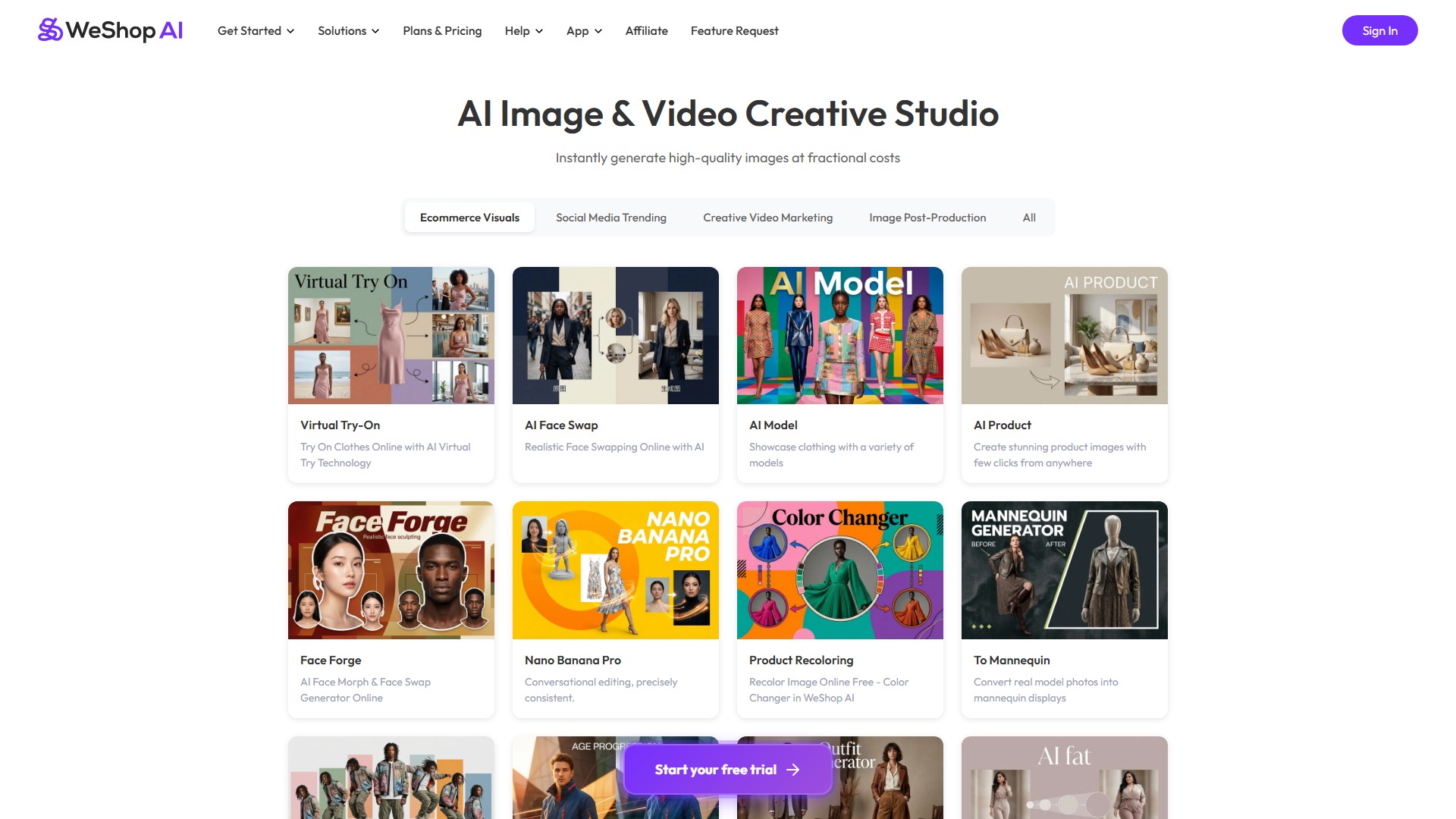
Virtual Try-On
Lets users try on clothes online using AI virtual try technology, with WeShop Flash, WeShop Pro, and Nano Banana Pro options consuming different point amounts.
TOOL PROFILE TOOLAI
Ecommerce-focused AI image and video generation platform with virtual try-on, AI fashion models, and AI product photography tools.
 View full image
THE BIG PICTURE
WeShop AI is a browser-based AI image and video generation platform aimed primarily at ecommerce sellers, brands, photographers, and marketing teams. Its official site states that it is backed by MOGU, an NYSE-listed company, and that it is trusted by more than 3,000,000 users worldwide. The platform bundles a large set of ecommerce-oriented tools — Virtual Try-On, AI Fashion Model, AI Product Photography, Model To Mannequin, AI Pose Generator, AI Outfit Generator for Ecommerce, Background Remover, AI Hands & Feet Fixer, Magic Eraser, and AI Photo Enhancer — alongside a broader library of creative effects such as AI Face Merge, AI Age Progression, AI Image Combiner, and AI Photo Recolor.
Alongside its own tools, WeShop AI lists a range of supported AI image models, including GPT Image 2.5, Nano Banana, Seedream 5.0 Pro, Qwen Image Edit, Midjourney, Z-Image, FireRed Image Edit, and Grok Imagine, and supported AI video models including Seedance 2.5, MiniMax H3, Seedance 2.0, Kling 3.0, HappyHorse, Sora 2, Wan, Grok Imagine, Hailuo, Vidu Q3, and Veo 3. A Video Agent is offered for instant content creation, and the platform also provides a Watermark Video Remover and AI Video Enhancer. The site organizes these under AI Image, Effects, and AI Video sections, with a Solutions area for merchants and sellers, global brands, photographers and designers, marketing teams, ecommerce operations, and third-party vendors.
Access is organized around a points system rather than GPU ownership. The help center states that pricing is based on AI computing power, with a reference standard of roughly 10 points per generated image, though individual tools and models consume different amounts as listed in the points pricing table. Users can generate between 1 and 16 images at a time via the Settings icon, and 4K downloads are available by hovering over a generated preview and clicking the 4K icon. The platform is available through a web app and downloadable apps for mobile and desktop, and it also exposes an API for programmatic access.
A CLOSER LOOK
Explore product screens and published examples. Open any image for a closer look.
WHAT YOU CAN DO
Get to know the capabilities. Find your own way to use them.
Lets users try on clothes online using AI virtual try technology, with WeShop Flash, WeShop Pro, and Nano Banana Pro options consuming different point amounts.
Showcases clothing on a variety of generated models, allowing sellers to present apparel without booking live models.
Places uploaded product photos into realistic scenes to create studio-quality marketing visuals. It offers Recommended, Similar, and Creative Adaptation composition modes, a Fixed Location mode for consistent scenes across products, and preset canvas sizes for platforms such as Instagram, Facebook, YouTube, and Pinterest.
Converts real model photos into mannequin displays, useful for consistent catalog presentation.
Changes model poses to make clothing displays look more natural, with Lite, Pro, and Old Version options at different point costs.
Creates AI clothes styling from a model photo, garment, or style prompt.
Includes Background Remover, Magic Eraser, AI Hands & Feet Fixer, AI Photo Enhancer, Relight, Expand Image, and Design Repair for cleaning up and improving generated or uploaded images.
Provides an AI Video Generator, Video Agent for instant content creation, Watermark Video Remover, and AI Video Enhancer, with access to models such as Kling, Seedance, Veo, Sora, Hailuo, and Vidu.
The site lists supported AI image models including GPT Image 2.5, Nano Banana, Seedream 5.0 Pro, Qwen Image Edit, Midjourney, Z-Image, FireRed, and Grok Imagine, and supported AI video models including Seedance 2.5, MiniMax H3, Kling 3.0, Sora 2, Wan, Hailuo, Vidu Q3, and Veo 3.
Users can adjust the number of images generated per task from 1 to 16 via the Settings icon, and download 4K versions by hovering over a preview and clicking the 4K icon.
MADE FOR YOUR WORKFLOW
Sellers can upload standard product photos and use AI Product Photography to generate polished, scene-based visuals suitable for online store listings.
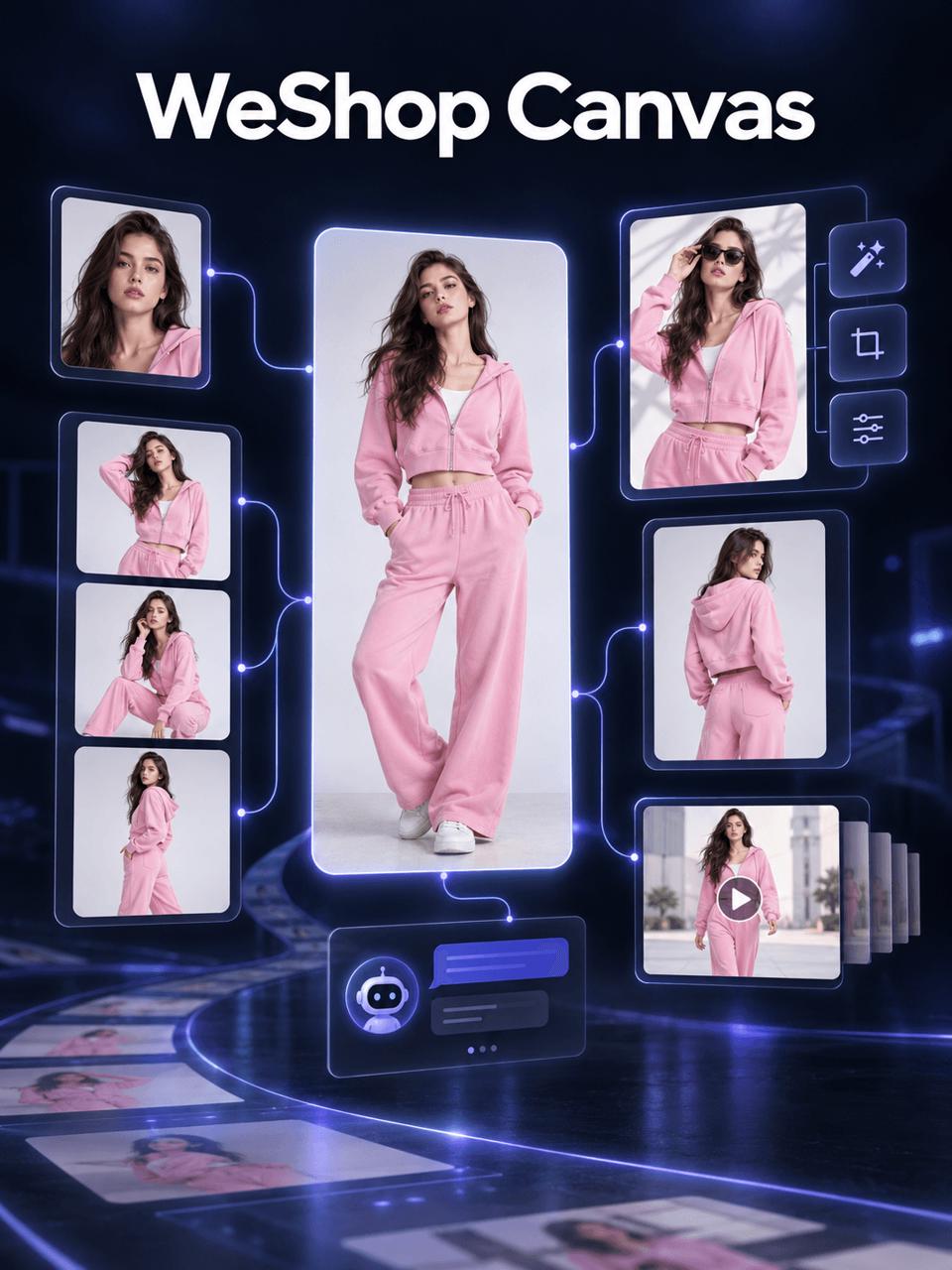
Virtual Try-On, AI Fashion Model, Model To Mannequin, and Change Pose can help present clothing on varied models and poses without organizing a physical photoshoot.
Preset canvas sizes for Instagram, Facebook, YouTube, and Pinterest, plus Fixed Location mode, support consistent branded visuals across social and advertising channels.
The AI Video Generator and Video Agent can turn images or descriptions into short videos, and the Watermark Video Remover and AI Video Enhancer help prepare clips for publishing.
Tools such as AI Face Merge, AI Age Progression, AI Image Combiner, and AI Photo Recolor support experimental and social-media-oriented image creation.
YOUR FIRST STEPS
Start by clicking to upload an image on the WeShop AI interface.
Choose the AI model and the location or scene settings for the generation.
Run the generation so the selected model presents your product in the chosen setting.
Use the Settings icon at the bottom right to set how many images to generate, from 1 to 16 at a time.
Hover over the generated image preview and click the 4K icon in the lower-left corner to download a high-definition version.
PLAN YOUR NEXT STEP
Points-based subscription with Free Trial, Pro, Ultra, and Enterprise tiers. Pro is listed at $7.99/mo billed annually ($9.99 monthly), Ultra at $36/mo billed annually ($45 monthly), and Enterprise at $365.6/mo billed annually ($457 monthly). Annual plans are offered at a 20% discount versus monthly.
PLAN
Includes 200 points, access to selected models only, 1 concurrent job, and frequency limits. 200 free points on registration.
$0
PLAN
12,000 points per year, access to all models, 16 concurrent jobs, frequency limit, API access to Standard Agents, and unlocks WeShop AI's exclusive ecommerce-focused tools.
$7.99
per month, billed annually
PLAN
72,000 points per year, access to all models, 48 concurrent jobs, high-priority queue, API access to Standard Agents, and unlocks ecommerce-focused tools.
$36
per month, billed annually
PLAN
180,000 points per year, access to all models, 48 concurrent jobs, high-priority queue, full API access covering Standard and Premium OpenAPI skills, and unlocks ecommerce-focused tools.
$365.6
per month, billed annually
Prices, usage limits and terms can change. Confirm the latest details on the tool's official website before subscribing.
Plan prices and point allocations are taken from the official pricing page; monthly versus annual billing changes the effective rate, and point allowances are listed per year for annual plans. Confirm current pricing on the official page before purchase.
Sources checked
The official pricing page lists Free Trial, Pro, Ultra, and Enterprise. Pro is described as for individual users with everyday creation needs, Ultra for users who need more power and higher usage limits, and Enterprise for teams and users who need broader API access.
WeShop AI's pricing is based on AI computing power rather than requiring users to purchase or maintain GPUs. The platform's reference standard is approximately 10 computing power points per generated image, though different tools and models consume different amounts as shown in the points pricing table.
Points do not roll over and must be used within the subscription period. Monthly plans issue points each month that expire at the end of the billing cycle, while yearly plans grant points once per year with no monthly rollover. Pay-As-You-Go points remain valid throughout the current subscription period.
Compute packs are available to Ultra and Enterprise subscribers, but are not currently offered on Free or Pro. The provider does not cap purchases of Pay-As-You-Go points. Those points remain valid for the duration of the subscription.
The file size must not exceed 10MB, the aspect ratio must be less than 2, and GIF is not supported.
You can adjust the number of images using the Settings icon at the bottom right. You can generate from 1 to 16 images at a time.
WeShop supports business and personal fashion imagery, including swimwear and lingerie. It describes itself as a general creative platform with safety filtering, so explicit requests or results may be blocked or fail.
According to the help center, generated images are only accessible through your own account, and WeShop does not share your creations with third parties.
WeShop says it deducts points when a generation is requested and reverses the charge automatically if the request errors. To see the updated balance, reload the page or check the My Points section.
WeShop recommends modern browsers such as Google Chrome, Microsoft Edge, or Safari for the best performance and compatibility.
FROM THE COMMUNITY
Sign in to share your experience and help others find the right tool.
YOUR NEXT DISCOVERY
Galileo AI creates delightful, editable UI designs from a simple text description. It empowers you to design faster than ever.
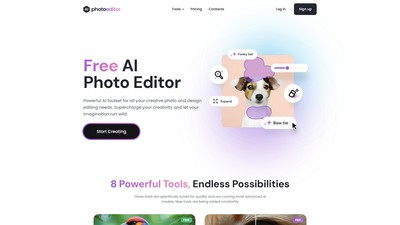
An AI photo editor for removing objects and people from images.
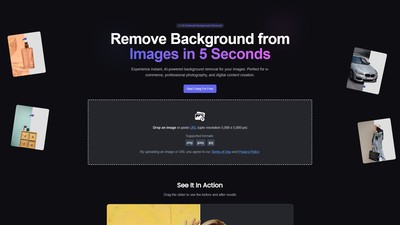
ClyrBG is an AI-powered online tool for removing image backgrounds instantly in 5 seconds. It is perfect for e-commerce, professional photography, and digital content creation, providing instant and precise background removal services.

A free online AI tool that converts text or images into animated videos in the style of Studio Ghibli. Without needing to log in or have professional art skills, users can quickly generate high-quality, magical-style animations by simply uploading content and entering a prompt.
MAKE YOUR NEXT MOVE
Visit the official website to explore the latest features and get started.