
Product link to video
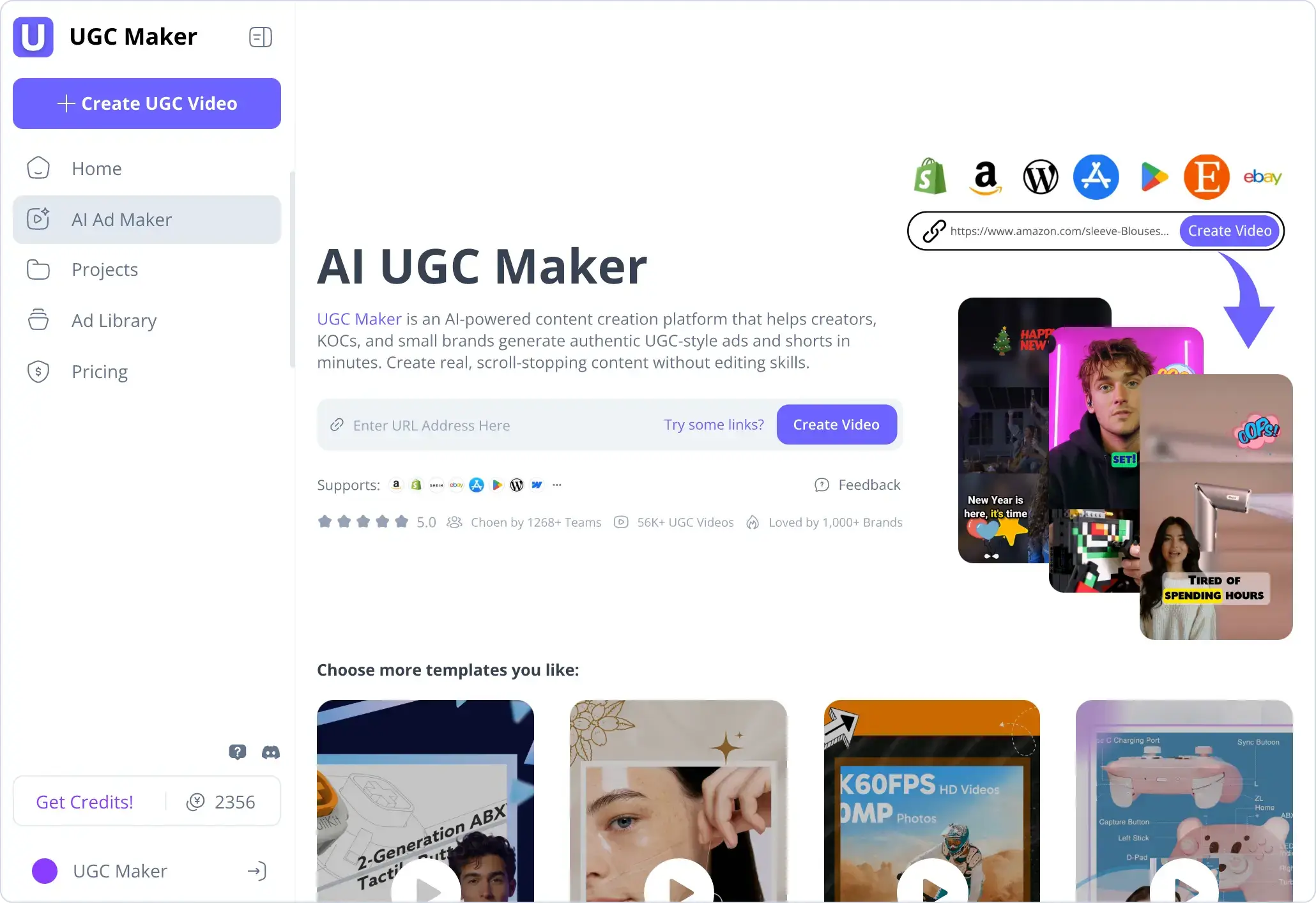
The URL workflow reads a product page and assembles a draft from its information, images, and generated narration.
TOOL PROFILE TOOLAI
Turn product information into videos, avatar presentations, and ad concepts.
View full image
THE BIG PICTURE
UGC Maker brings several marketing-creation tools into a web workspace. Its URL to Video workflow starts from a product page, while the talking-avatar tool starts from a portrait and a script or audio track. Other tools support product visuals and advertising production.
For a useful first evaluation, bring one approved product brief and a small set of images. Compare the generated script, product representation, voice, and pacing before producing more variations. The gallery contains official interface illustrations, so you can see the intended workflow before visiting the provider.
A CLOSER LOOK
Explore product screens and published examples. Open any image for a closer look.
Official interface illustration for starting from a product URL.
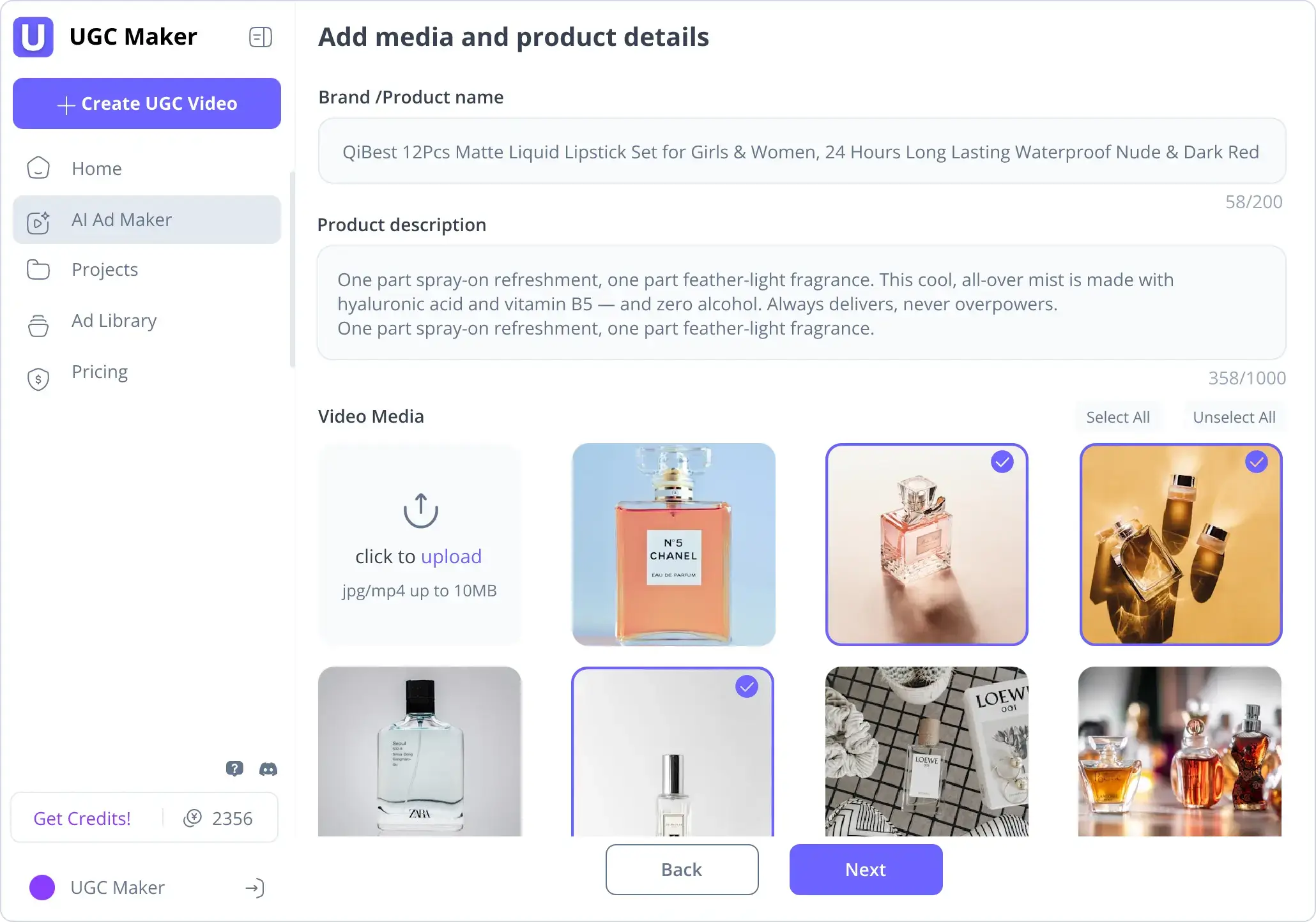
Official view of the provider's ad-creation interface.
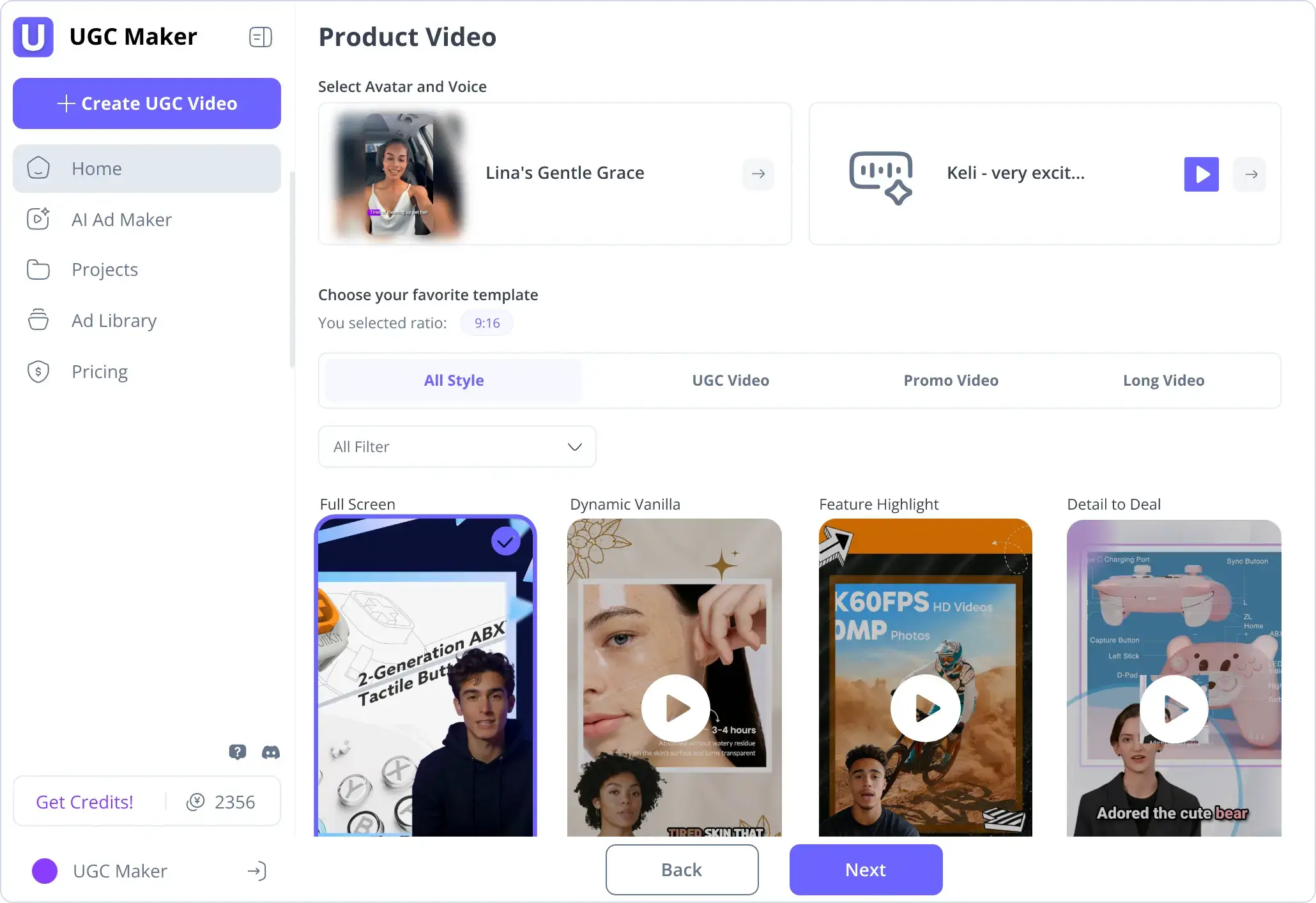
Official product-video workflow illustration.
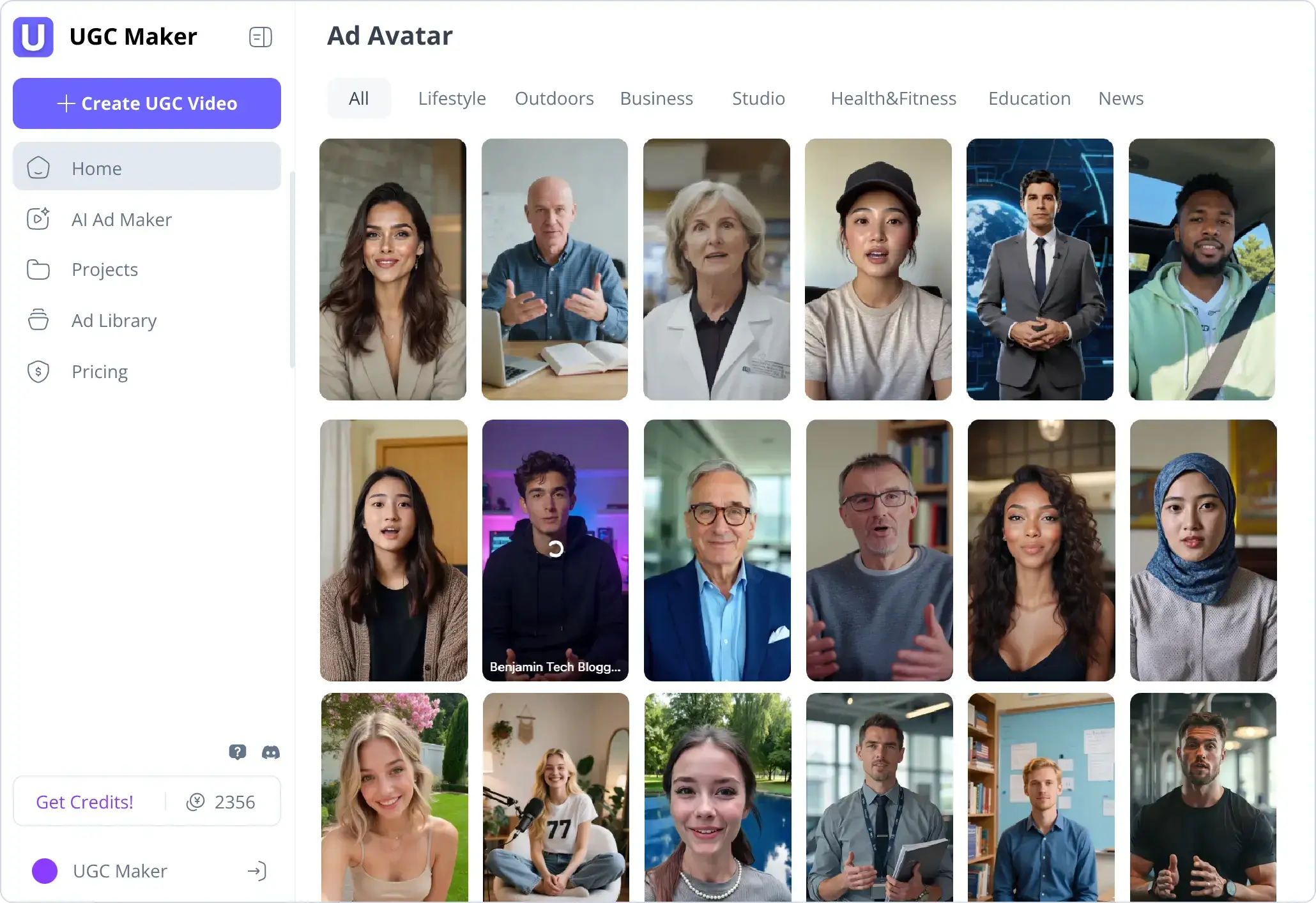
Official illustration of the avatar-creation experience.
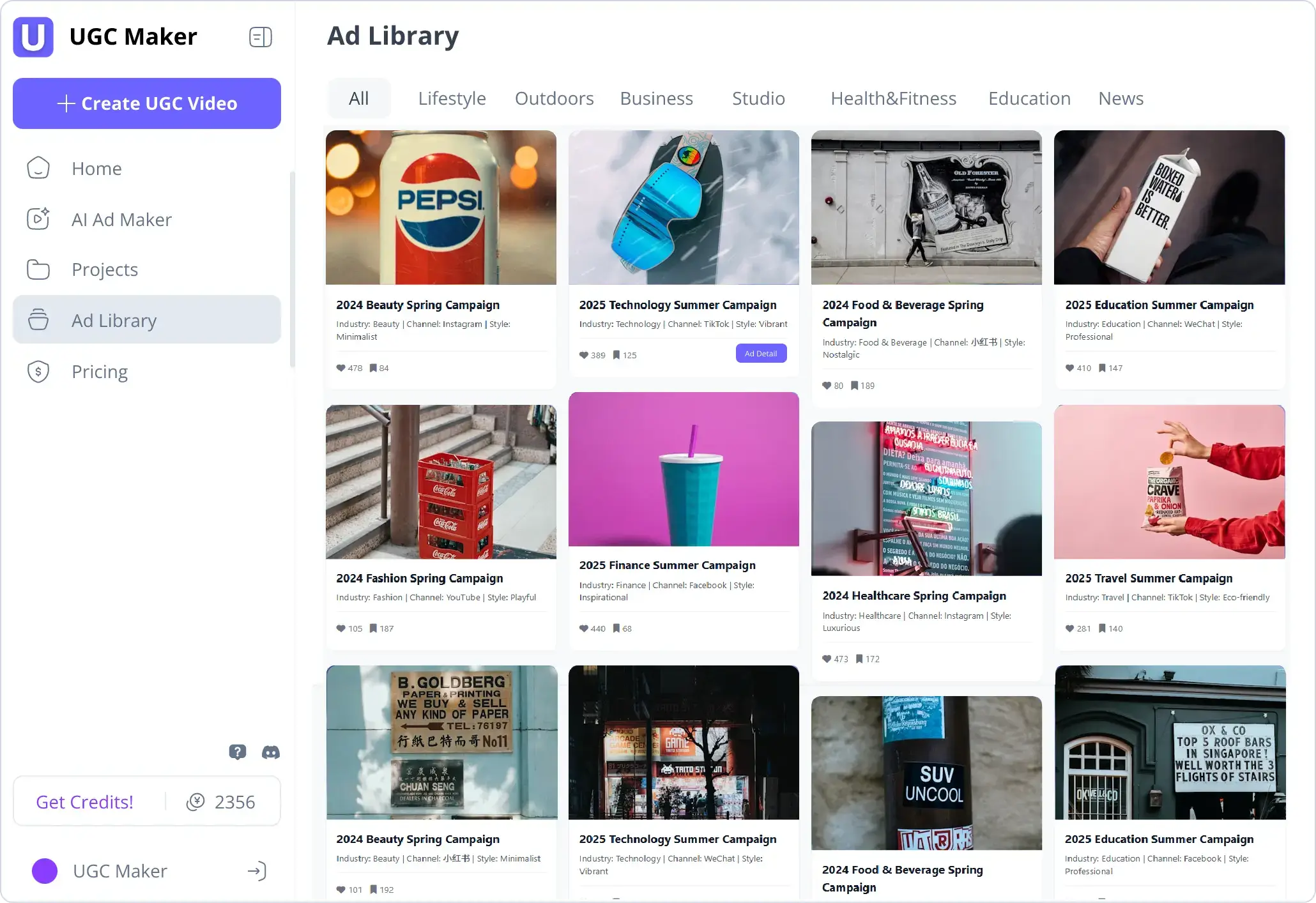
Official view of the advertised ad-library interface.
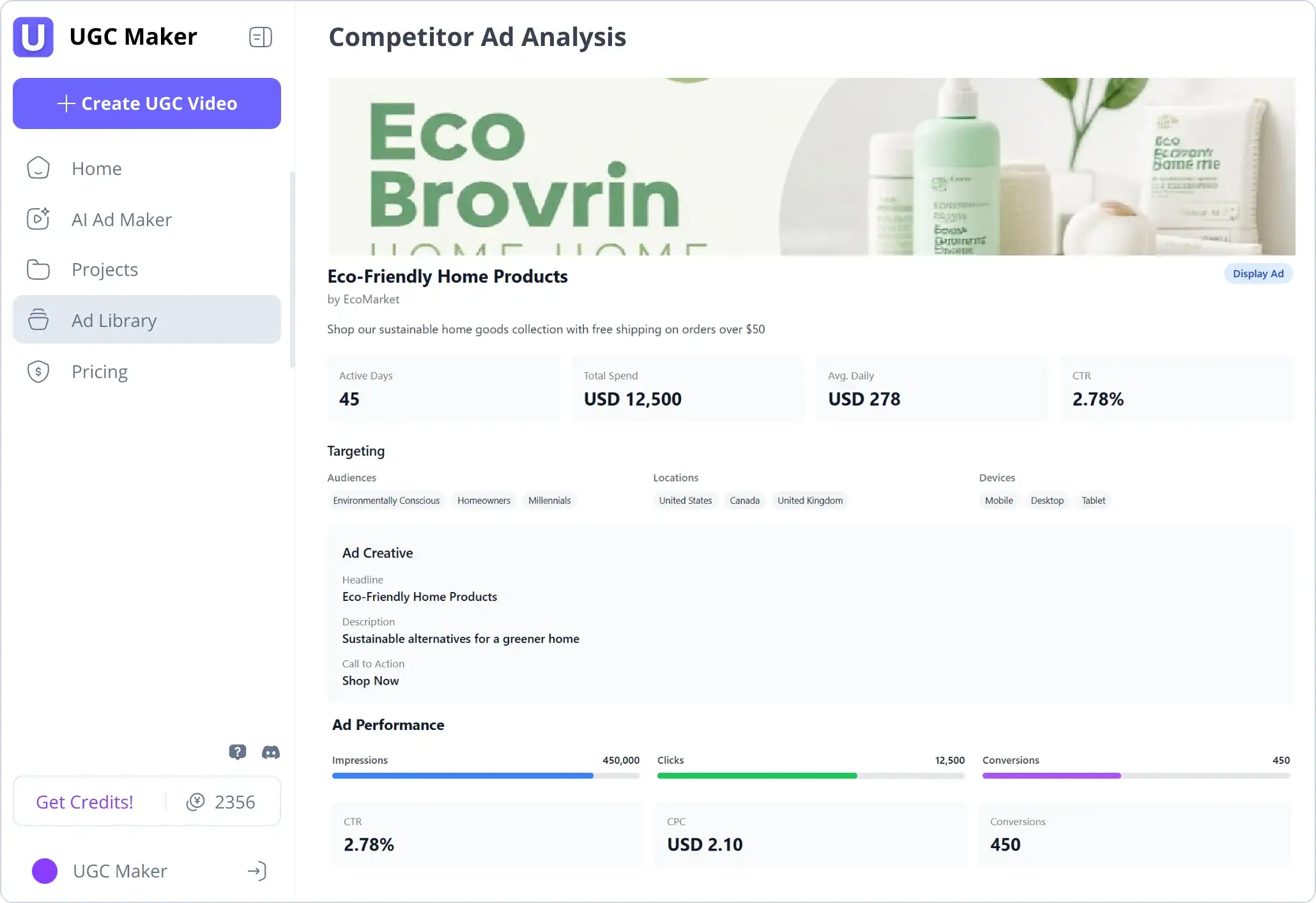
Provider-published interface illustration; figures shown are not ToolAI performance data.
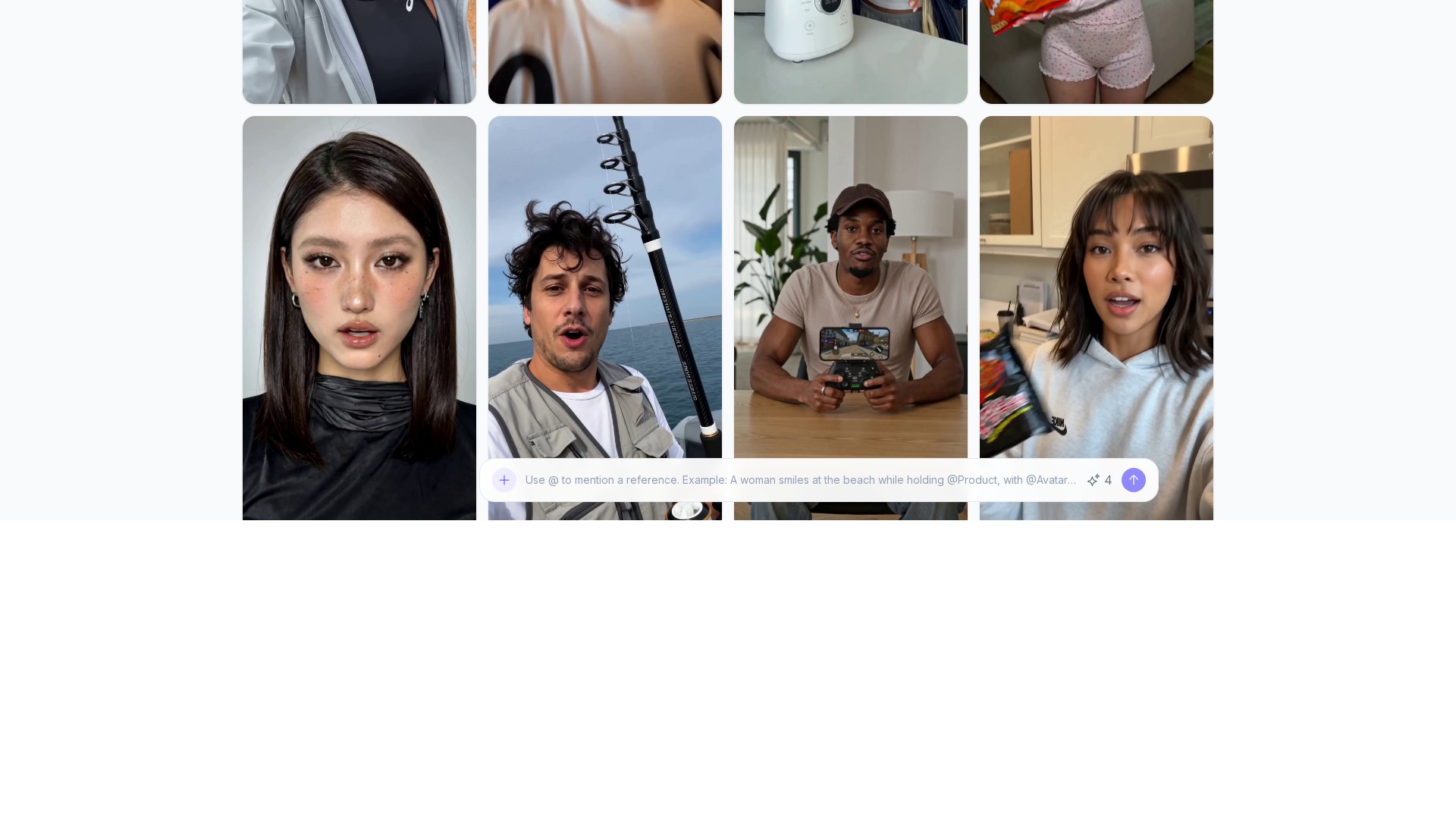
WHAT YOU CAN DO
Get to know the capabilities. Find your own way to use them.
The URL workflow reads a product page and assembles a draft from its information, images, and generated narration.
Animate a portrait with a written script or uploaded audio, then review the speaking video before export.
Marketing and ad-making tools bring product material into a structured creative workflow.
Build product-focused clips for a listing, promotion, or social post using the provider's video workflows.
Browse the advertised ad-library interface to examine presentation ideas before writing your own brief.
The site also links to photo editing, background work, and product-in-hand tools for preparing visual material.
MADE FOR YOUR WORKFLOW
Start with a product page whose details are up to date. Review the draft as an introduction to one main benefit rather than trying to fit the entire listing into a clip.
Keep the product and offer fixed while comparing different openings or presenter styles. Label versions clearly before your own campaign testing.
Prepare a reviewed translation of the script. Ask a fluent reviewer to check terminology, pronunciation, and the relationship between the voice and captions.
Bring the generated draft into the client approval process. Check facts and brand tone before treating the video as a finished deliverable.
YOUR FIRST STEPS
Open URL to Video for a product link, or the avatar tool for a portrait with a script or audio.
Check product facts and supply the message you want the audience to understand. Use a clear portrait for an avatar.
Create the draft on the official site. Watch the complete result and compare it with the source material.
Make required corrections, then download the selected result and keep the approved script with the finished file.
TAKE A LOOK AROUND
Explore the tool's demo or video to see its interface and workflow.
PLAN YOUR NEXT STEP
Free access and credit-based paid plans. The official price page lists Starter, Growth, and Pro.
PLAN
Entry paid tier for evaluating a recurring creation workflow.
See provider pricing
PLAN
A paid tier with a larger listed generation allowance.
See provider pricing
PLAN
The highest named tier in the reviewed public pricing table.
See provider pricing
Prices, usage limits and terms can change. Confirm the latest details on the tool's official website before subscribing.
Checked on 26 September 2026. Plan charges and credits depend on the selected billing period and current offers. Confirm the allowance and total on the official pricing page before purchase.
Sources checked
The talking-avatar workflow can start from a portrait with a script or an audio track. It produces a synthetic presenter rather than footage of a person giving a real testimonial.
The URL to Video page lists those storefront types. Check that the product page is accessible and that the extracted facts match the exact variant you want to promote.
Yes. The avatar page offers audio input as an alternative to a written script. Review synchronization and pronunciation in the completed clip.
The official video workflows describe preview and download. The avatar tool lists MP4 output; confirm the settings offered for your selected workflow.
Compare the current credits, tool access, billing period, and checkout total on the official pricing page. Choose a tier around the workflow you expect to use, since different generation tools can consume credits differently.
This page introduces the product and shows official examples. The experience button opens UGC Maker, where generation, account access, and any charges are handled by the provider.
FROM THE COMMUNITY
Sign in to share your experience and help others find the right tool.
YOUR NEXT DISCOVERY

With Steppit’s short-form-first, AI-assisted course builder, you can create, sell and run quality courses hassle-free.
A tool for connecting fans with virtual versions of social media stars.

Nevermined helps you tokengate your assets with time-based conditions in only a few clicks. Link your web service based AI agent, set the payment conditions and we'll generate a smart subscription that your users can use to access your AI or data right away.
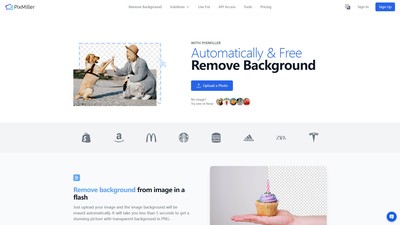
PixMiller is an AI-powered online tool that automatically removes backgrounds from any image in seconds. Users can upload a photo to get a transparent PNG for free, quickly, and with no signup required, perfect for product photos, portraits, graphic design, and more.
MAKE YOUR NEXT MOVE
Visit the official website to explore the latest features and get started.