

Bring your own provider keys
Connect supported AI providers directly, select models, and pay their API charges under your own provider account.
TOOL PROFILE TOOLAI
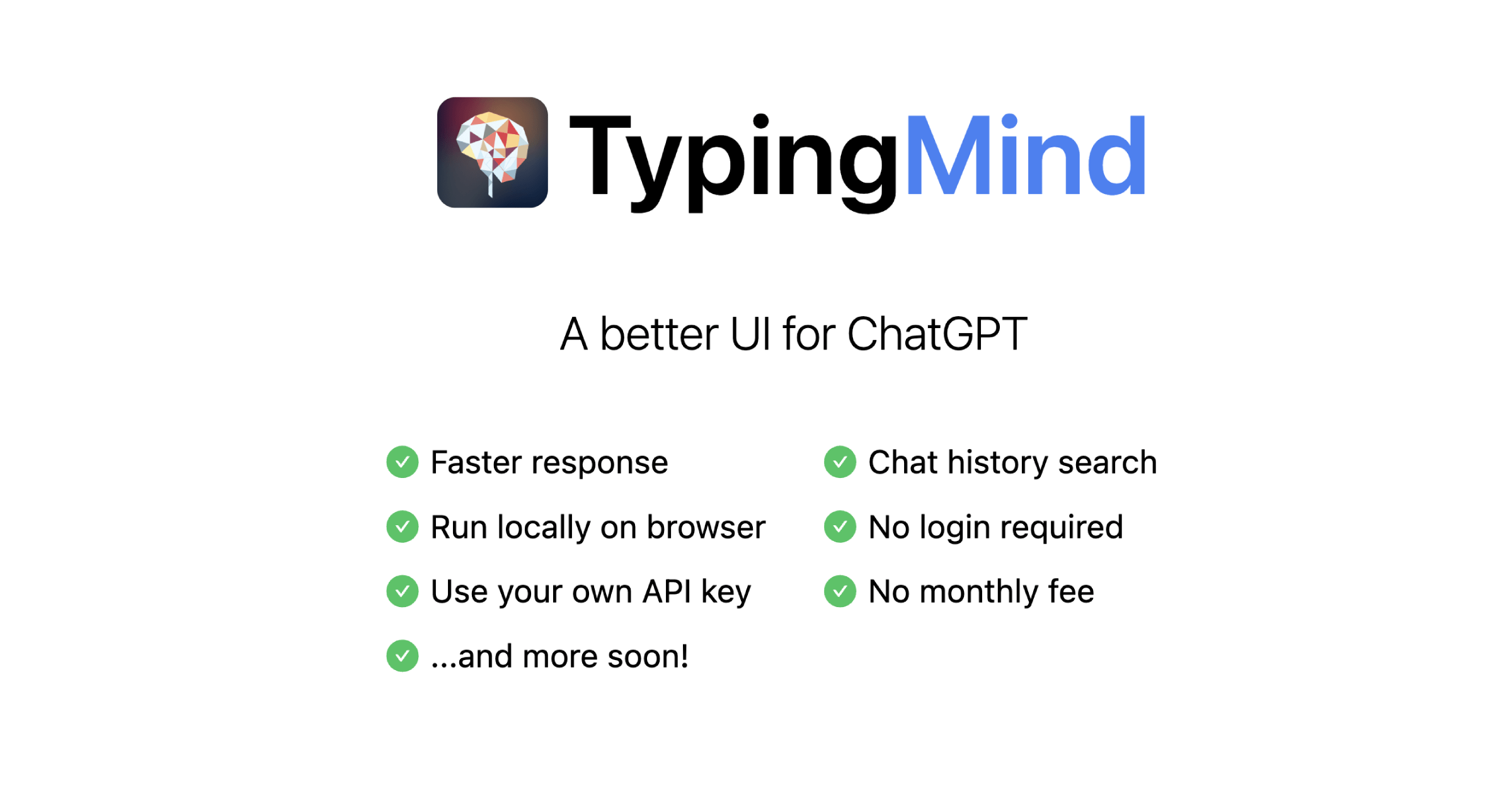
A configurable chat interface for connecting your own model keys, prompts, agents, and AI tools.
 View full image
THE BIG PICTURE
TypingMind is a user interface for chatting with language models through provider accounts and API keys that you supply. It brings model selection, custom instructions, agents, plugins, and conversation organization into one app. Depending on the license tier, the feature set includes web search, image and document workflows, multi-model chats, projects, and a canvas for working with generated content.
The important distinction is that TypingMind is the control panel, not the model provider. That can suit people who want to choose models and manage prompts in one place, but API usage is billed by the provider and cloud sync is a separate choice. The app says conversations and keys are stored locally by default; users still need to secure their device and understand each provider's data policy.
A CLOSER LOOK
Explore product screens and published examples. Open any image for a closer look.
WHAT YOU CAN DO
Get to know the capabilities. Find your own way to use them.
Connect supported AI providers directly, select models, and pay their API charges under your own provider account.
Save system instructions and configure specialized agents or plugins for repeated tasks and personal workflows.
Use multi-model chat features on eligible tiers to compare responses when a decision benefits from more than one model's view.
Higher license tiers add features such as web search, document uploads, image workflows, voice input, and text-to-speech.
The app stores data in browser storage by default; a purchased license can also unlock a compiled static app for self-hosting.
MADE FOR YOUR WORKFLOW
Ask two models the same well-scoped question and compare evidence, assumptions, and uncertainty before choosing a direction.
Save a role prompt and examples for a recurring writing task, then check each output against the source material.
Use projects and folders to group research conversations while exporting or backing up important work yourself.
YOUR FIRST STEPS
Compare the official feature list and decide whether you need search, documents, multi-model tools, projects, or self-hosting.
Add an API key for a supported model provider and review that provider's usage rates and data controls.
Create prompts, agents, or projects and test them with non-sensitive material before relying on the workflow.
Track provider usage, secure local browser data, and opt into cloud storage only if its separate terms suit you.
PLAN YOUR NEXT STEP
The checkout lists lifetime licenses at $39 Standard, $79 Extended, and $99 Premium at the time checked. Provider API usage and optional cloud storage cost extra.
PLAN
Entry license with core chat features, AI agents, chat sharing, plugins, and voice input.
$39
One-time lifetime license
PLAN
Adds features such as web search, vision and images, image generation, text-to-speech, and document uploads.
$79
One-time lifetime license
PLAN
Adds multi-model chats, projects and folders, artifacts/canvas, and unlimited plugins. The checkout may show a promotional rate.
$99 shown at checkout
One-time lifetime license
Prices, usage limits and terms can change. Confirm the latest details on the tool's official website before subscribing.
Checked on 4 October 2026. TypingMind's checkout shows one-time lifetime-license prices, including a displayed Premium discount; prices and feature bundles can change. API charges go to your model provider, not TypingMind.
Sources checked
No. You connect provider accounts or API keys, and model usage is billed by the provider separately from the TypingMind license.
TypingMind describes its app as a static browser app that stores data locally by default. Secure your device and review optional cloud-storage terms separately.
The official guide says a purchased license can download a compiled static app for deployment. It does not provide the full source code.
The current checkout lists one-time lifetime licenses. Optional cloud storage and the model providers' own API usage are separate costs.
FROM THE COMMUNITY
Sign in to share your experience and help others find the right tool.
YOUR NEXT DISCOVERY

Its ChatGPT right from your WhatsApp. Just add the phone number to your contact list on WhatsApp, and start chatting with your favourite AI - Totally free - Up to 20 messages a day
Introducing "Barrs", the innovative app that harnesses the power of OpenAI to revolutionize the music creation process.
AI-driven i18n - because managing translations is just a pain. - Almost any language, formal and informal. - Version history of each string. - Integrate into your apps via our API. - It's also free (v0.1 - it's ugly, I know)
Open Text AI is a Shopify plugin designed to revolutionize your online store's performance. Leveraging advanced language models, Open Text AI optimizes product titles, and descriptions, boosting search rankings, visibility, and sales.
MAKE YOUR NEXT MOVE
Visit the official website to explore the latest features and get started.