Video editing
Runway gen2
Runway gen2 can perfectly help you to complete the work of text to video and picture to video, and it can help you to convert the real world video to anime type with one click
Views
-
Monthly visits
--
Global rank
#- -
Votes
0
About this tool
Main Features and Modes:
- Text to Video (Mode 01): Synthesize videos in any style you can imagine using nothing but a text prompt. If you can say it, now you can see it.
- Text + Image to Video (Mode 02): Generate a video using a driving image and a text prompt.
- Image to Video (Mode 03): Generate video using just a driving image (Variations Mode).
- Stylization (Mode 04): Transfer the style of any image or prompt to every frame of your video.
- Storyboard (Mode 05): Turn mockups into fully stylized and animated renders.
- Mask (Mode 06): Turn mockups into fully stylized and animated renders.
- Render (Mode 07): Turn untextured renders into realistic outputs by applying an input image or prompt.
- Customization (Mode 08): Unleash the full power of Gen-1 by customizing the model for even higher fidelity results.
Core Advantages:
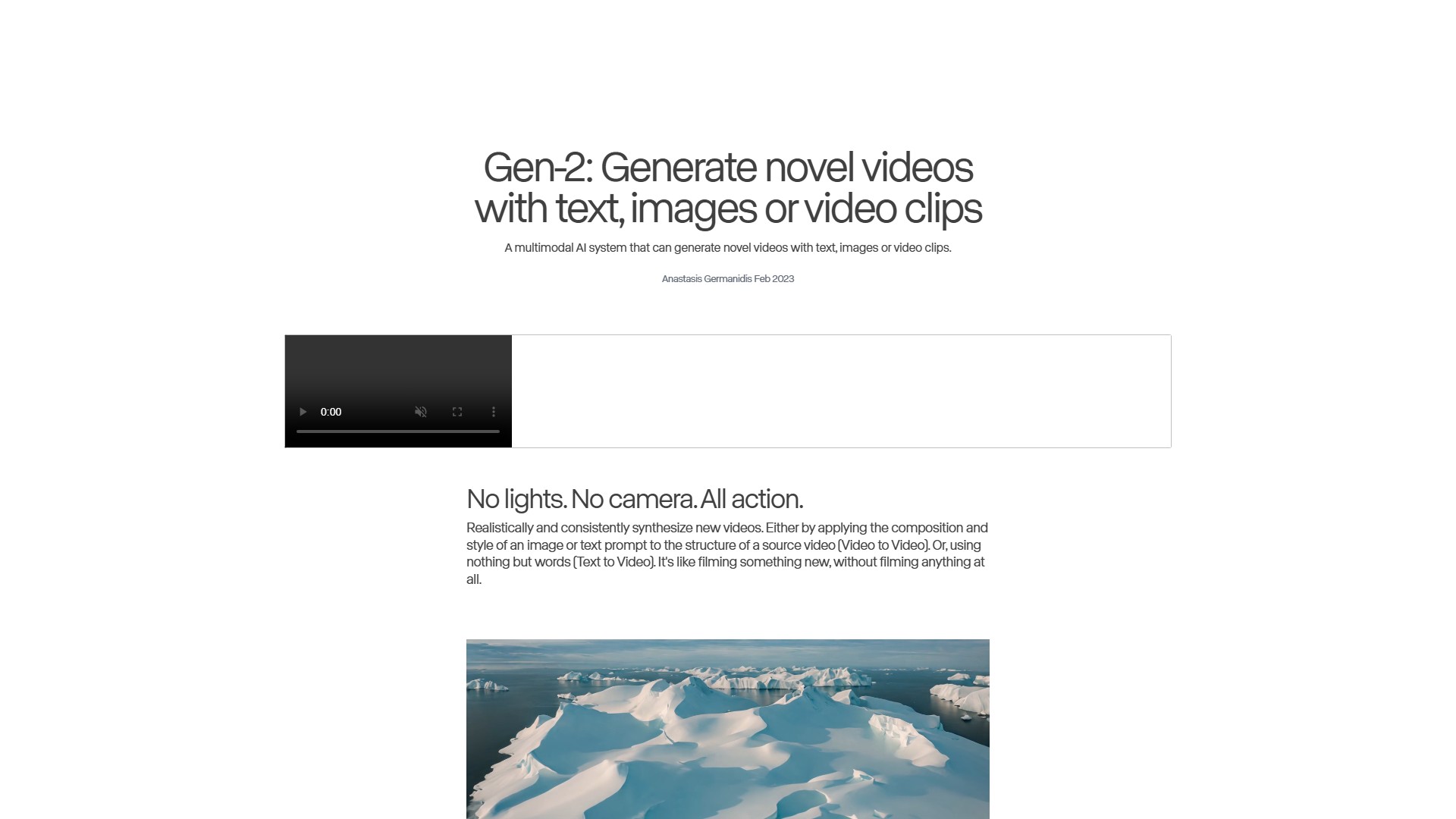
- No lights. No camera. All action. Realistically and consistently synthesize new videos. Either by applying the composition and style of an image or text prompt to the structure of a source video (Video to Video). Or, using nothing but words (Text to Video). It's like filming something new, without filming anything at all.
- Based on user studies, results from Gen-1 are preferred over existing methods for image-to-image and video-to-video translation: 73.53% preferred over Stable Diffusion 1.5, and 88.24% preferred over Text2Live.
Target Users:
- Filmmakers, video creators, designers, and creatives who need to turn text, images, or mockups into realistic video content.
Usage Instructions and Workflow:
- Users can access Gen-2 via the Runway app, input text prompts or upload source images/videos, select the desired generation mode (e.g., Text to Video, Stylization, Render, etc.), and the system will generate a novel video output based on the inputs.
Traffic analysis
Traffic, ranking, and engagement signals for this tool.
Global rank
#- -
Country rank
#- -
Monthly visits
--
Visit trend
No trend data
Engagement
- Bounce rate--
- Pages per visit--
- Average duration--
Traffic sources
No source data
Top countries
No country data
Interface preview