Social Media
Robopost
Main features: Robopost is an AI-powered social media management platform supporting scheduling, automated publishing, and content generation (text/image/video) across multiple platforms (Instagram, Twitter, YouTube, LinkedIn, etc.). Core capabilities include social media post scheduling, auto-publishing from RSS/WordPress, multi-image/video posts (up to 10), AI-generated captions/post ideas/images/videos, team management, calendar view, bulk scheduling, media gallery, tagging, post approvals, internal notes, AI faceless videos (Roboshort), hashtag suggestions, spell checker, mention management, post creation from images/videos/URLs, Canva integration. Target users: freelancers, startups, SMEs, agencies, and large corporations. Core advantages: all-in-one time-saving (users save thousands of hours), AI-driven efficiency, unlimited accounts/team members, multi-platform support. Usage flow: select platforms → compose posts → set publishing method (once/recurring) → choose publishing time (immediate/scheduled). Pricing model: freemium with free plan for entry and paid plans for advanced features.
About this tool
Main Features and Characteristics:
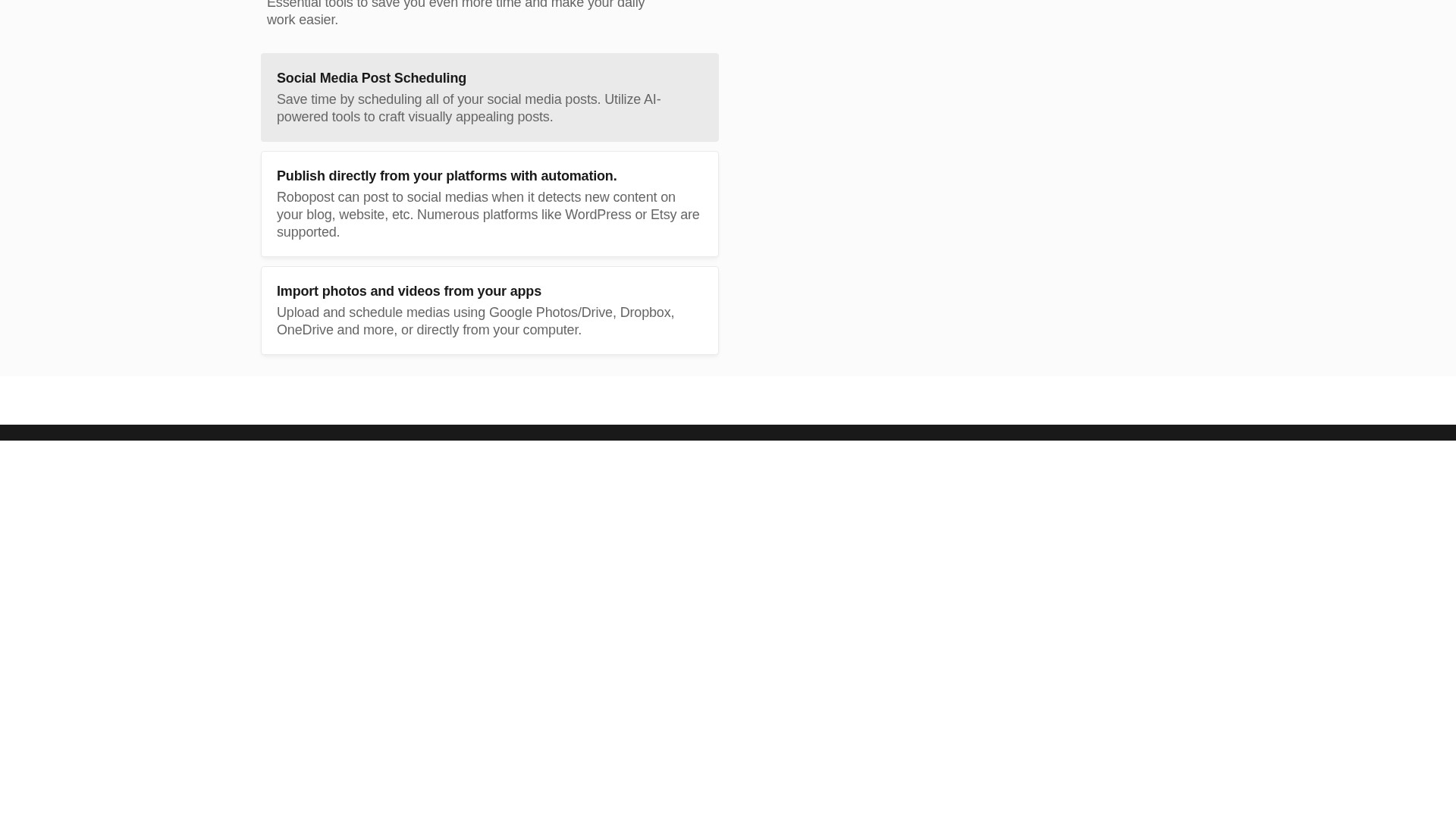
- Social Media Post Scheduling and Automation: Save time by scheduling all social media posts. Choose one or more social media platforms, compose your post, opt to publish once or set it to repost automatically at preferred intervals and frequency, and publish immediately or arrange for a future posting time.
- AI Assistance: Leverage AI to auto-generate captivating captions and post ideas complemented with striking images. Create AI Faceless Videos on Autopilot to fully automate faceless channels. Get AI-generated hashtag suggestions, AI-powered spell checker, and create posts from images, videos, and URLs.
- Automations: Post directly to social media when new content is detected on blogs, websites, etc. Numerous platforms like WordPress or Etsy are supported. Post directly from RSS feeds.
- Media Management: Upload and schedule media using Google Photos/Drive, Dropbox, OneDrive, directly from computer, or import from Canva. Store all media files in one place with Media Gallery. Easily schedule multi-image posts (up to 10 images per post) and video posts.
- Team Management: Maximize teamwork efficiency with team rights management to control access and assign roles. Maintain quality control with post approvals, and enhance collaboration with internal notes.
- Calendar View & Collections: Gain a comprehensive overview of all publications, seamlessly add events, and share them with clients. Organize posts effortlessly into collections and automate posting directly from them.
- Social Inbox & Comment Management: View and reply to all social media comments from one unified inbox. Manage comments from Facebook, Instagram, YouTube, LinkedIn, and more, and respond to Google Business reviews directly.
- Analytics & Insights: Track posts performance with detailed analytics (likes, comments, shares, reach). Visualize performance with charts, identify best-performing content, compare performance across different social networks, and track engagement trends over time.
- Bulk Schedule: Save time by uploading and scheduling multiple posts at once from CSV, Google Drive, Dropbox, or computer.
Usage Process: 1. Choosing one or more social media platforms and composing the post; 2. Opting to publish once or setting it to repost automatically; 3. Publishing immediately or arranging for a future posting time.
Target Users: Developed for freelancers, startups, SMEs, agencies, and large corporations.
Core Advantages: An all-in-one solution, incredibly user-friendly. Over 20,000 users save thousands of hours. Comprehensive support for numerous social media platforms (including Instagram, Twitter, YouTube, LinkedIn, etc.). Enjoy unlimited social accounts, posts, and team members for one fixed price, scaling business without constraints or extra costs.
Pricing Model: Offers a free plan to get started, flexible and affordable pricing plans, and a fixed-price plan for unlimited accounts.
Traffic analysis
Traffic, ranking, and engagement signals for this tool.
No analytics data yet
Interface preview