Productivity
Programming Helper
A tool to help you with programming, debugging, and other such tasks.
About this tool
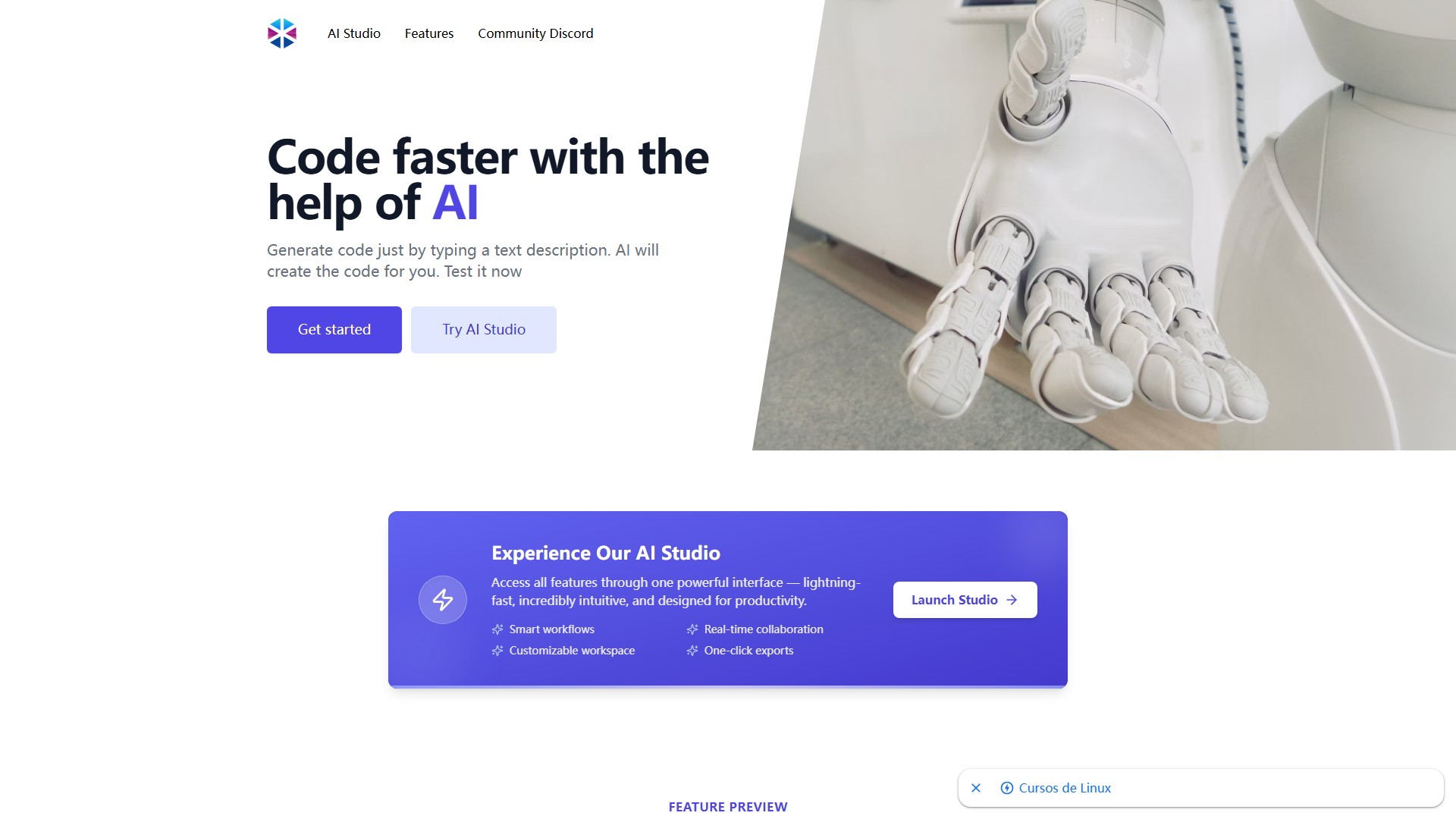
Programming Helper is an AI tool designed to help developers write code faster. Users can generate code simply by typing a text description, and the AI will create the code for them. The tool offers a powerful AI Studio interface featuring smart workflows, real-time collaboration, a customizable workspace, and one-click exports.
Main feature modules include:
- Function from Description: Generate a function just by describing what it needs to do, with a choice of many programming languages.
- Text Description to SQL Command: Create a SQL command from a description.
- Translate Languages: Translate code to any programming language.
- Generate HTML from Description: Generate small HTML from a description.
- Code to Explanation: Any code explained in plain English.
- Fix invalid Code: Helps spot a missing character and fix it.
- Get Test for Code: Create tests for your code.
- Class from Description: Generate a class just by describing what it needs to do, with a choice of many programming languages.
- Regex from Description: Create a regex from a description like "check for email".
- Regex to Explanation: Create a plain English explanation from a regex.
- Git Command from Description: Find the Git Command you are looking for from a description.
- Linux Command: Get the linux command from a description.
- Function from Docstring: Provide a docstring to generate the actual function.
- Add typing to code: Help add typing to your code.
- Get Language from Code: Get the programming language from a code.
- Time complexity: Get time complexity.
- CSS from Description: Generate CSS from a description.
- Meta Tags from Description: Generate Meta Tags from a description.
Target Users: Software developers, programmers, database administrators, and programming learners. Core Advantages: Directly converts natural language descriptions into code across multiple languages, integrating full-process assistance from code writing, translation, explanation, and debugging to testing, without needing to switch between different tools. Typical Use Cases: Community users have recently used the tool to create calculator tests, a dice class, backtest AAPL stock using the backtesting.py library, read directory files, print recursive patterns, design a recursive function for even numbers, calculate series/parallel resistances, create a login program with a maximum of 3 attempts, add items to a list without duplicates, calculate the volume of a sphere, and create a simply linked list application.
Pricing Information: The page does not explicitly list prices or billing models, but given its AI Studio and community generation features, it likely operates on a freemium model.
Traffic analysis
Traffic, ranking, and engagement signals for this tool.
Visit trend
No trend data
Engagement
- Bounce rate--
- Pages per visit--
- Average duration--
Traffic sources
No source data
Top countries
No country data
Interface preview