
Video agent
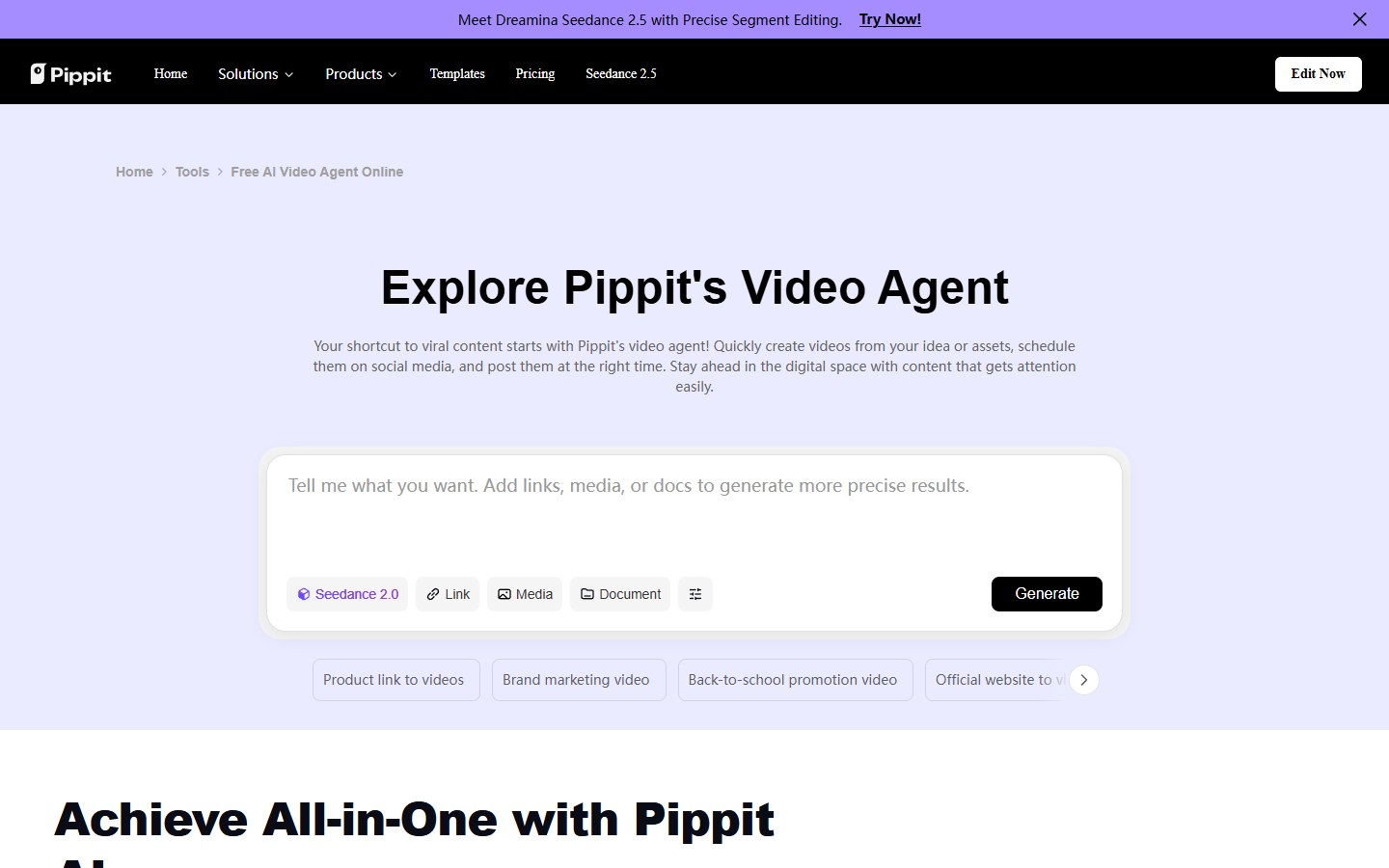
Build a video from a brief and reference media; adjust the intended format and continue refining the draft in the agent workflow.
TOOL PROFILE TOOLAI
Create product videos, marketing images and avatar presentations in one browser workspace.
 View full image
THE BIG PICTURE
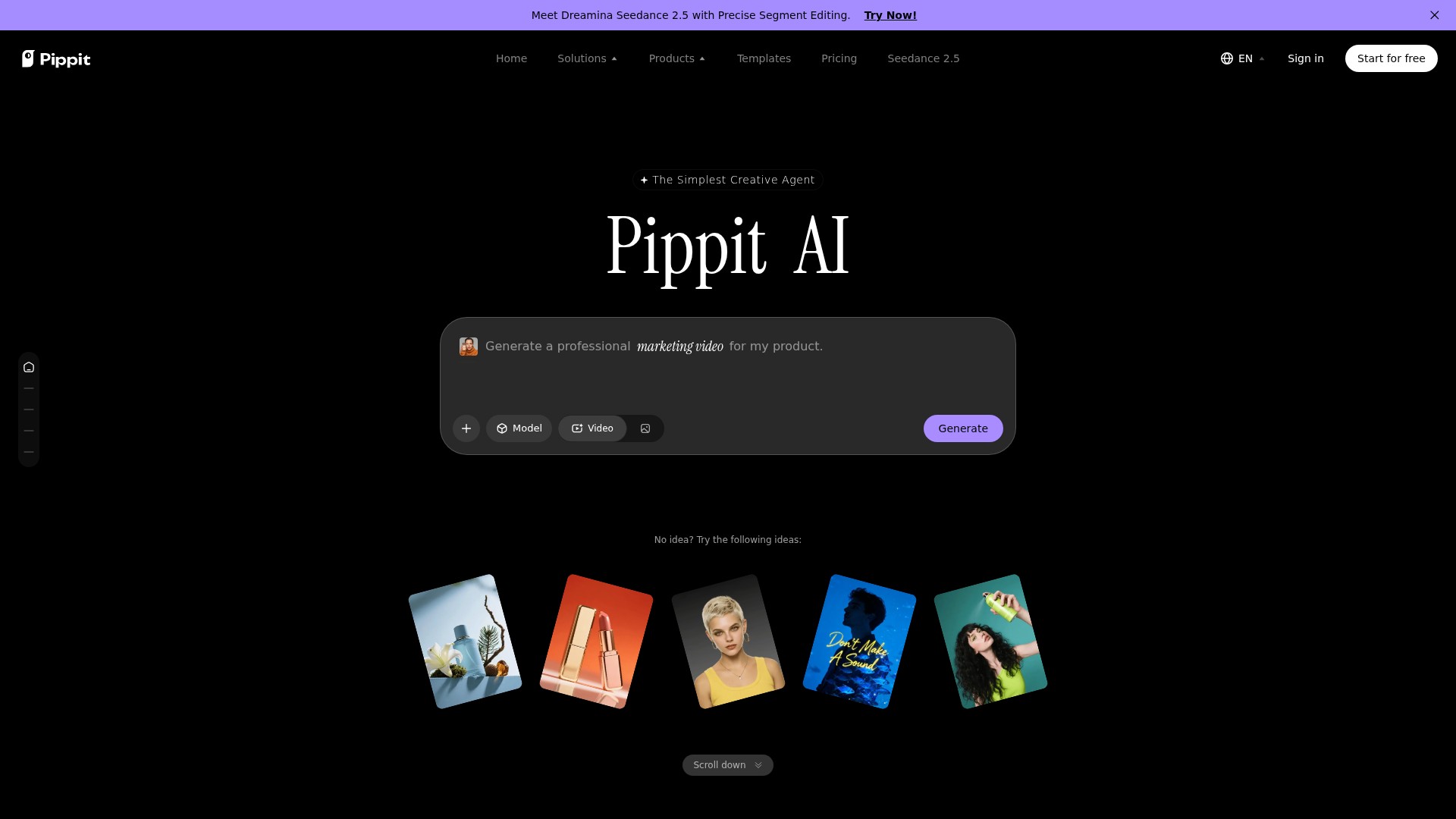
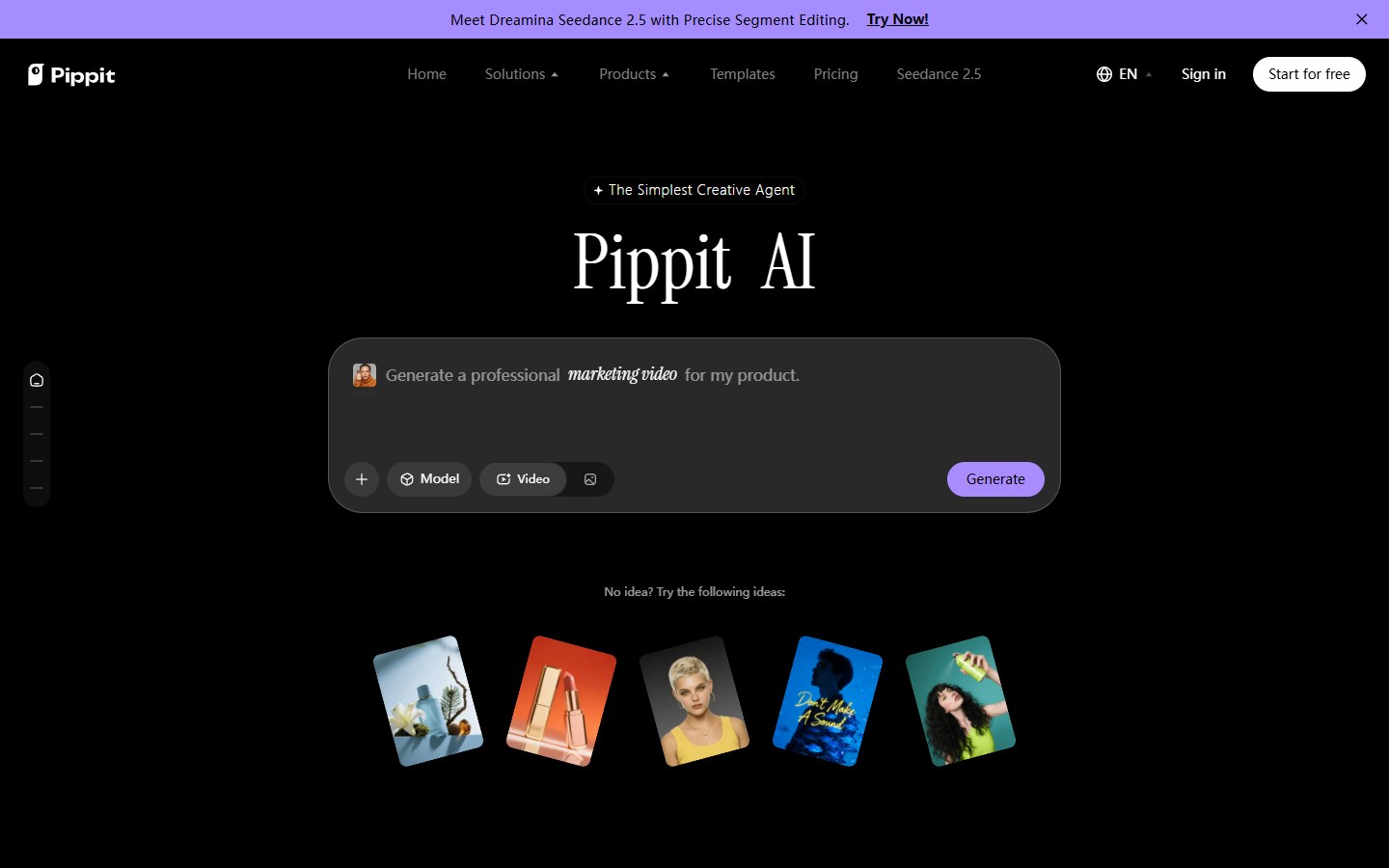
Pippit AI is a CapCut-powered creative workspace for turning product ideas and existing assets into visual content. Its video and image agents support a conversational workflow, while avatar, editing and publishing tools help carry a campaign from an initial brief to a finished post.
For a useful first test, choose one product, one audience and one distribution channel. Bring a product photo or link, describe the intended message, then compare the generated draft with the original product details before exporting. The strongest fit is repeatable marketing production where a person can review the final wording, visuals and brand consistency.
A CLOSER LOOK
Explore product screens and published examples. Open any image for a closer look.
WHAT YOU CAN DO
Get to know the capabilities. Find your own way to use them.
Build a video from a brief and reference media; adjust the intended format and continue refining the draft in the agent workflow.
Create promotional artwork from text and reference images. Background changes and composition edits help adapt assets to a campaign.
Choose an avatar or create a custom presenter, add a script and voice, then review the delivery before exporting.
Animate a photo or prepare a video for another language. Review pronunciation and translated meaning for the target audience.
Use product imagery to prepare posters and promotional video variants. Keep claims and visual details consistent with the actual product.
Connect supported social accounts to plan releases and review post performance. Available integrations depend on the account and region.
MADE FOR YOUR WORKFLOW
Prepare a product introduction and a matching promotional image, then compare both against the same campaign brief.
Try different openings and aspect ratios for a short campaign, reviewing each version before scheduling.
Adapt a reviewed script for another audience using avatars, voice and translation tools.
Keep drafting, editing and publishing tasks together when a small team needs to produce recurring marketing material.
YOUR FIRST STEPS
Open Pippit, sign in and choose video or image creation. Define the product, audience and intended channel.
Upload suitable assets or provide a product link. State the message, style and output format in the prompt.
Select the available model and settings. Review the draft, then refine the wording, visuals or voice as needed.
Check accuracy and rights, inspect export settings, then download or use a supported publishing connection.
TAKE A LOOK AROUND
Explore the tool's demo or video to see its interface and workflow.
PLAN YOUR NEXT STEP
Free entry; Starter, Plus and Pro subscriptions.
PLAN
Try the creation workflow before choosing a subscription.
Free
Entry plan
PLAN
An entry subscription for recurring generation.
See local pricing
Monthly or yearly
PLAN
Higher subscription tiers for larger production needs.
See local pricing
Monthly or yearly
Prices, usage limits and terms can change. Confirm the latest details on the tool's official website before subscribing.
Paid prices, available models and credit packages vary by region, billing cycle and promotion. Review the official checkout for the current amount and renewal terms; a fixed USD price is not assumed here.
Sources checked
Pippit is presented as a CapCut-powered creative product with its own workspace and plans. Do not assume that a separate CapCut subscription includes Pippit credits.
The Video Agent supports link-based input alongside media and files. Review imported details before generating an advertisement.
The avatar tools offer preset and custom presenters with scripts and voiceovers. Availability can differ by feature and plan.
No. The pricing page describes credits and separate paid plans; free entry should not be read as unlimited use.
The official pricing page serves regional currencies and billing options. The amount shown in your account checkout is the relevant price.
The scheduling tool supports connected publishing workflows. Confirm that your intended platform and account are supported before planning a campaign.
Pippit advertises commercial-use assets, but rights still depend on the selected material and applicable terms. Check uploaded media, music and likeness permissions for your project.
Use a short product brief and a small set of reference assets. Evaluate product fidelity, readable text, narration and export quality before scaling up.
FROM THE COMMUNITY
Sign in to share your experience and help others find the right tool.
YOUR NEXT DISCOVERY
It's a wrapper for different AI APIs like Replicate for image generation and ChatGPT for backstory lore. You can mint your creations as an NFT on the Polygon network.

Transform your portrait photos into a compliant visa or passport photo with AI technology. Our machine learning model accurately detects faces, removes background, and resizes images to meet the document requirements with ease.

Pictory is a video marketing tool that automatically creates short, highly sharable branded videos from long form content. Turn your scripts and blog posts into engaging videos on auto-pilot.
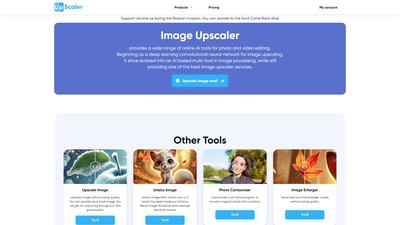
ImageUpscaler is an AI-powered online tool that increases image resolution and enhances photo quality up to 4× while preserving fine details and sharpness. It supports multiple enhancement tasks, including deblurring, background removal, object removal, and photo-to-anime conversion. The tool runs entirely in the browser with free credits available, plus subscription plans for higher-volume use.
MAKE YOUR NEXT MOVE
Visit the official website to explore the latest features and get started.