Image editing
PicWonderful
An online photo editing toolkit.
About this tool
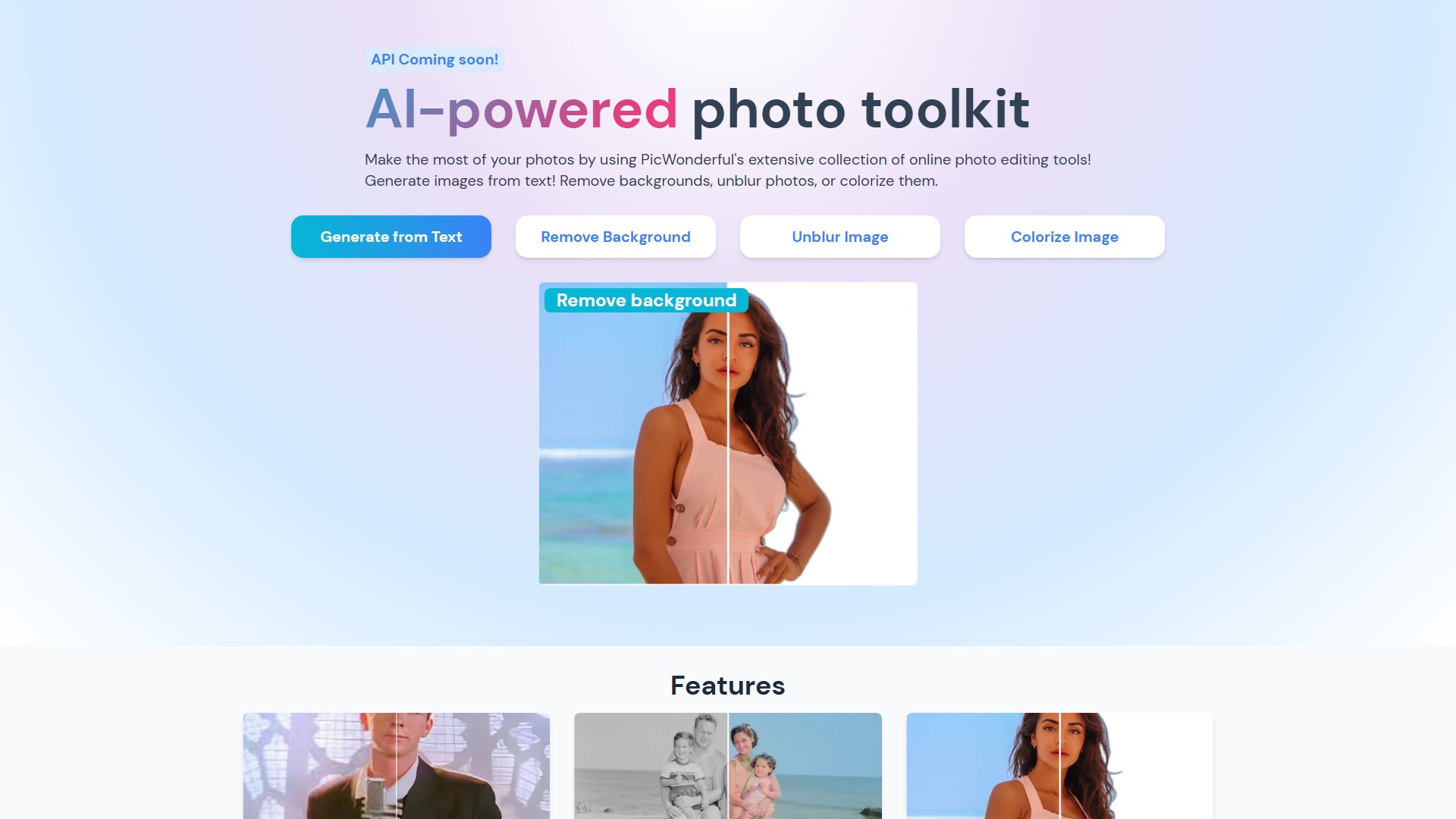
Main Features: Generate images from text, remove backgrounds, unblur photos, colorize images.
Feature Details:
- Unblur Image: Upgrade photo game with automatic image enhancement. Say goodbye to low-resolution and hello to crisp, clear images.
- Colorize Image: Revive memories by transforming black and white photos into vibrant, stunning color.
- Remove Background: Effortlessly cut out backgrounds with an intelligent feature in just a few clicks. Say goodbye to tedious manual editing.
Usage Workflow: Go to PicWonderful's website, select from a variety of editing features ranging from basic adjustments to portrait beauty and photo effects, apply the feature, download the masterpiece, and share it.
Target Users: Professional photographers or complete novices, regardless of experience level.
Core Advantages: Powerful editing and graphic design functions like a mini Photoshop at your fingertips, but with a user-friendly interface that makes it easy for anyone to master. Turn every photo into a masterpiece in just a few clicks.
API Support: API coming soon!
FAQ Information:
- What is photo editing? Transform memories into works of art! Whether the camera didn't capture the perfect shot or you just want to add a little extra something, the editor gives you the tools. Lighten up dull colors, add stunning effects, blur backgrounds, and remove unwanted elements.
- How can I edit photos online for free? Go to the website, select editing features, apply, download, and share.
- What's the difference between PicWonderful and Photoshop? Like a mini Photoshop with powerful editing and graphic design functions, but unlike Photoshop, it has a user-friendly interface that is easy for anyone to master regardless of experience level.
Pricing Info: The page mentions editing photos online for free, but does not display specific paid models or pricing tiers.
Traffic analysis
Traffic, ranking, and engagement signals for this tool.
Visit trend
No trend data
Engagement
- Bounce rate--
- Pages per visit--
- Average duration--
Traffic sources
No source data
Top countries
No country data
Interface preview