Image editing
Photo Color Correction
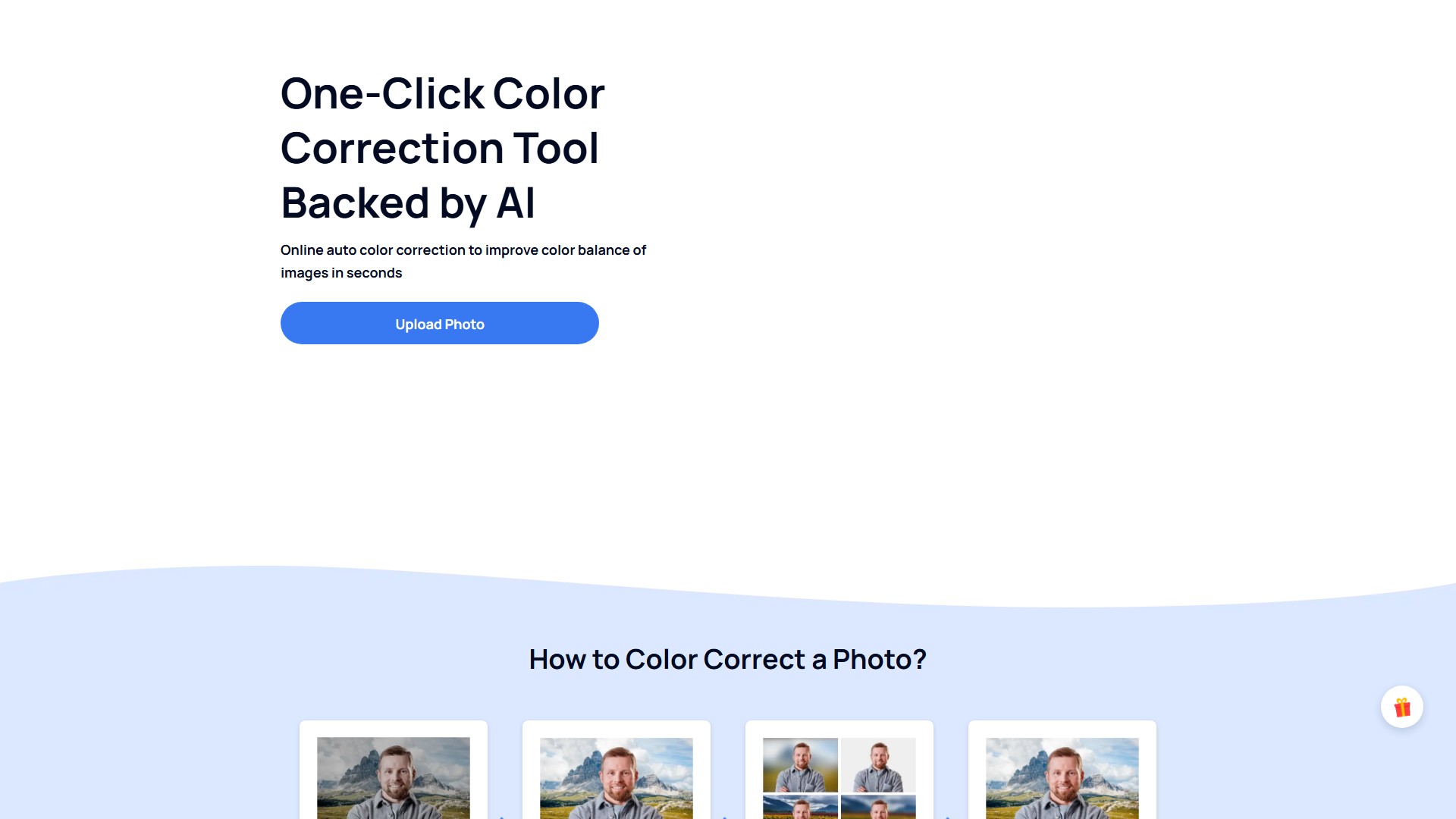
AI-backed photo color correction service can automatically balance the colors, fix exposure probelms and increase the overall contrast of your image. Upload your image and get a well-balanced photo.
About this tool
Core Features
- Automatic Color Correction: Use AI technology to balance image colors, turning washed out and desaturated photos into exquisite masterpieces, restoring them to the true colors seen by the human eye.
- Fix Dark or Overexposed Shots: The smart module automatically adjusts exposure, contrast, highlights, and shadows with a single click.
- Adjust Image Contrast: Simply adjust the contrast to highlight the subject and bring out more hidden details without needing professional photo editing tutorials.
Product Features
- AI Tech: Intelligently change, modify or enhance the color, exposure, and tone of photo with AI.
- Ease of Use: Get perfect photo enhanced by smart color correction algorithms without any specialized knowledge.
- Time Saver: Achieve amazing color correction results with a single click and in mere seconds.
- Fully Customize: An all-in-one color correction tool that can be used to adjust the color exactly to your needs.
- Format Support: Supports popular image formats such as JPG, JPEG, WebP, and PNG.
Usage Process
- Upload a Photo: Upload the image that needs correction.
- One-Click Correct: AI automatically processes color balance.
- Personalized Editing: Fine-tune details as needed.
- Get Photo Back: Download the processed photo.
Target Users
Greatly beneficial for industries such as Photography, Media and Advertisement, and mostly eCommerce. Even ordinary people who need to fix flaws like lighting issues, over/under exposure, and color balance can use the service to beautify and modify their photos.
Core Advantages
- Simple, quick, no manual editing or advanced skills required.
- The AI algorithm automatically corrects or balances colors according to picture content without damaging the original picture.
- Processing takes only a few seconds.
Pricing Information
The photo color correction service is available for all users for free. Just upload a photo and get well-balanced color. If you want to download a more high-resolution image without a watermark, it's better to create an AiPassportphotos account for unlimited features.
FAQ Summary
- Color Correction Definition: The process of adjusting image data to neutralize and correct any variations in how the human eye sees things.
- Difference from Color Grading: Color correcting is fixing colors to get them back to what they should look like; color grading is editing colors to give them a stylistic look.
- No Significant Changes: If no noticeable change is seen after correction, it means the algorithm recognized the chromaticity of the original file is already balanced.
- Best Color Standard: Color is comprised of 3 main elements: saturation, temperature, and hue, which work in harmony to help get the right tonal balance.
Traffic analysis
Traffic, ranking, and engagement signals for this tool.
Visit trend
No trend data
Engagement
- Bounce rate--
- Pages per visit--
- Average duration--
Traffic sources
No source data
Top countries
No country data
Interface preview