
Imagvio AI
Main Features
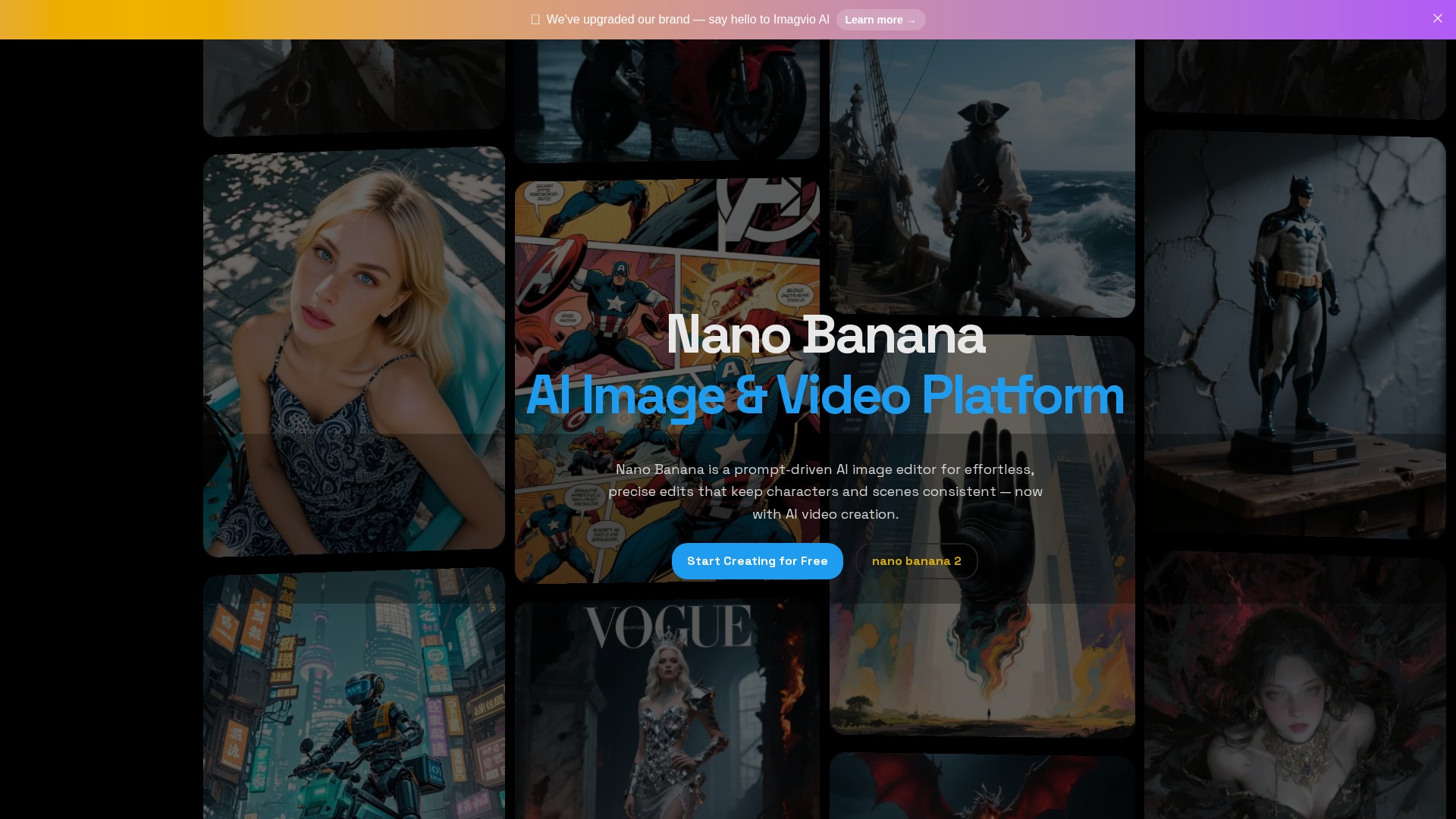
Nano Banana is a fast, natural-language image editor. Describe what to change—Nano Banana applies prompt-based local edits, keeps character consistency, preserves scene layout/lighting, and even fuses multiple images into one coherent result. Now also includes AI video creation.
Key Features
- Keep Characters Consistent: Reuse the same character across different outfits, poses, lighting, and scenes—Nano Banana preserves facial identity and style.
- Prompt-Based Local Edits: Describe the change; Nano Banana makes precise, context-aware updates without breaking composition.
- Multi-Image Fusion & Style Transfer: Blend up to three images to combine objects, colors, and textures or transfer a reference style into one coherent result.
- Scene Preservation: Maintain layout, depth, and lighting while targeting specific regions for edits.
- Background & Object Control: Remove or replace objects, clean backgrounds for product shots, or swap environments in seconds.
- Pose, Lighting & Color Control: Nudge posture, re-light subjects, recolor elements, and fine-tune details with natural-language prompts.
- Variations & Cohesive Sets: Generate multiple options from a single prompt, or produce a consistent series for storytelling and brand kits.
- Fast & Cost-Effective: Nano Banana enables rapid iterations suited for daily creative workflows.
- Responsible by Design (SynthID): All AI outputs include invisible SynthID watermarking for transparency and safer sharing.
How to Use
- Upload or Start from Text: Add an image or begin with a text prompt.
- Craft Your Prompt: Prompt what to change in plain English (e.g., 'make the jacket red', 'add warm sunset light').
- Generate & Refine: Export the final result or continue iterative edits.
Target Users
Designed for everyone - from professional artists to complete beginners. Suited for daily creative workflows, marketing materials, social media, or professional presentations.
Core Advantages
Requires no artistic skills; creates beautiful artwork via natural language descriptions; generates high-quality images in just a few seconds; performs precise context-aware local edits without breaking composition; maintains character facial identity across multi-shot projects; supports multi-image fusion directly.
Typical Use Cases
- Character Editing: Maintain the same character's facial identity and stylistic look across different scenes.
- Local Editing: Remove specific objects like a helmet using simple prompts.
- Multi-Image Fusion: Remix and blend multiple images into one composition.
- Scene & Style Transfer: Transform subjects into cartoon characters on a 1960's cereal box while maintaining realistic scene layouts.
- Design Exploration: Apply patterns to surfaces, restyle interiors and fashion, try new colorways.
Pricing Model
Freemium model. New users can get free credits. Users can also earn credits through daily check-ins and by inviting friends to register and subscribe. Image generation consumes credits (e.g., 3 credits per generation). Upgrade plans are available with a 50% OFF promotion.
FAQ
- Is it free to use? Yes, new users can get free credits. Earn more via daily check-ins and inviting friends.
- Do I need artistic skills? Not at all! Designed for everyone. Simply describe what you want in plain text.
- What types of images can I create? Virtually any type: portraits, landscapes, abstract art, concept designs, illustrations, 3D renderings, etc. Various styles supported.
- How long does it take to generate? Just a few seconds, perfect for tight deadlines.
- Can I use images commercially? Yes, downloaded artwork can be used for personal, commercial, or creative projects.
- What if I'm not satisfied? Easily refine results by adjusting text prompts or trying different style keywords.
Comment