

Text-to-image generation
Create AI images from simple text prompts by describing the scene, style, subject, and mood, then generating visuals online in the browser.
TOOL PROFILE TOOLAI
Browser-based GPT Image 2 generator, editor, and upscaler for product visuals and creative assets
 View full image
THE BIG PICTURE
The submitted website, gptimage2.dev, currently redirects to ImgEditor at imgeditor.app. This profile describes the publicly available tools on that destination site.
GPT Image 2 on ImgEditor is a browser-based AI image workspace that combines text-to-image generation, prompt-based image editing, reference-image workflows, and upscaling in one interface. According to the official pages, users can create images from text prompts, upload reference images to guide composition or preserve product details, and edit existing photos by describing changes such as background replacement, relighting, color adjustments, and style changes. The site positions the tool around product visuals, ecommerce imagery, posters, ads, and social graphics.
The workflow is designed to avoid local installation or complex design setup. The generator and editor share a workbench where users can drag or upload up to eight reference images, type a natural-language brief, generate previews, refine results, and export watermark-free by default. The pages state that ImgEditor supports 1K and 2K image generation, with 4K options mentioned in some FAQ answers when available for the plan and workflow. Output resolution and credit cost are shown before generation begins.
Access starts with a free account that includes 30 starter credits, described as enough to generate about two standard images with the model. Credits are consumed by generation, editing, upscaling, and advanced edits, and the pages state that credits are charged only for successful outputs. Paid plans are aimed at higher-volume creative work and include commercial usage rights for eligible plans, subject to the Terms of Service and provider policies. The site also notes that API access is not the current focus, and that support is available by email.
A CLOSER LOOK
Explore product screens and published examples. Open any image for a closer look.
Original input image published by ImgEditor for its editing examples; this is not a software interface or a verified generated result.

Original input image published by ImgEditor for its editing examples; this is not a software interface or a verified generated result.
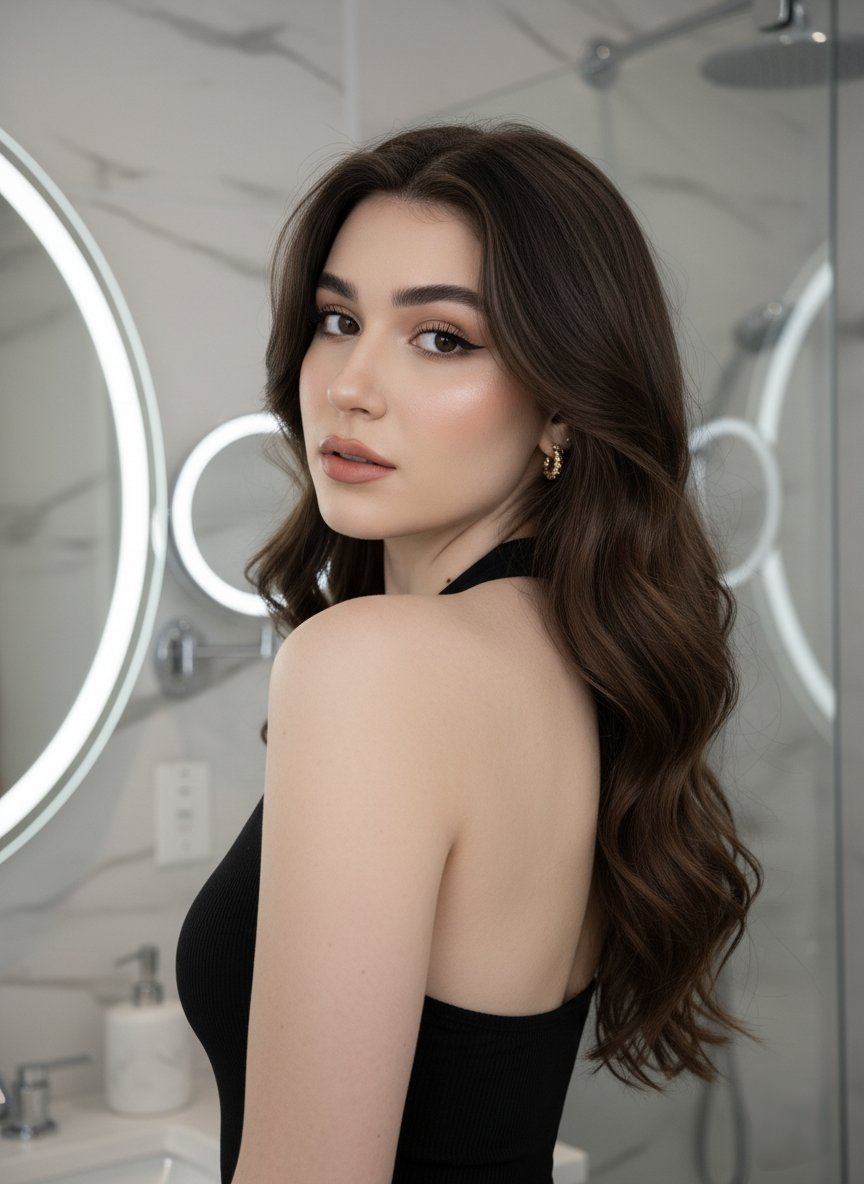
Original input image published by ImgEditor for its editing examples; this is not a software interface or a verified generated result.
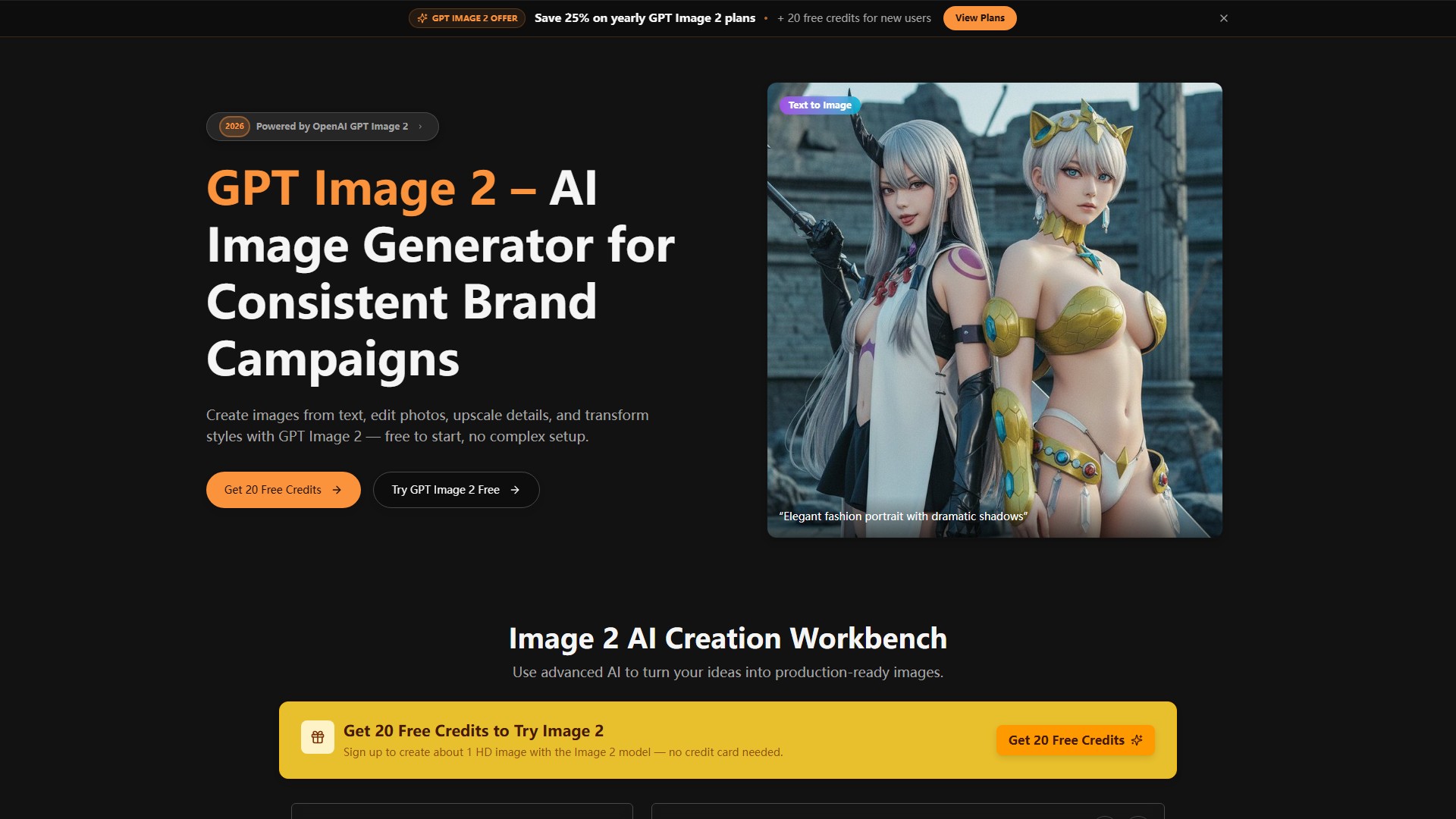
WHAT YOU CAN DO
Get to know the capabilities. Find your own way to use them.
Create AI images from simple text prompts by describing the scene, style, subject, and mood, then generating visuals online in the browser.
Upload an existing image and edit backgrounds, objects, lighting, colors, or visual style using natural-language prompts rather than manual design tools.
Use up to eight uploaded reference images to guide composition, subject, style, or layout while generating a new image, helping preserve product shape, packaging details, and brand color across variations.
Enhance image details and improve visual clarity for sharper previews, product shots, posters, and social media images after generating or editing.
Replace locations with natural-language prompts and adjust exposure, rim light, and color temperature, with the site stating that depth, reflections, and product shadows are understood so composites stay believable.
Clean up product shots, refine lighting, sharpen labels, and prepare ecommerce-ready images without rebuilding the whole scene.
Create campaign posters, thumbnails, social media images, and creative concepts with composition and headline space from a short brief.
Generate layouts where headlines, labels, and short copy remain clearer and more readable inside the image composition, with the site mentioning pixel-accurate text rendering across many languages.
MADE FOR YOUR WORKFLOW
Turn product references into cleaner hero images, listing-ready visuals, and lifestyle scenes for launch pages, with prompts that preserve product shape, label, and proportions.
Generate ad-friendly product retouches and campaign directions to compare before committing time to production, including paid social and landing page visuals.
Standardize mixed product assets toward the same lighting, crop, and visual quality across a storefront using prompt-based edits.
Create posters, social media images, thumbnails, and creative concepts from a short brief in the same workflow used for generation and editing.
Generate sequential frames with consistent faces, props, and typography so pitches feel like finished productions, and test multiple environments while keeping the core subject recognizable.
YOUR FIRST STEPS
Sign up to claim 30 free starter credits; no credit card is required. Browsing examples and prompt ideas does not require signing up, but creating an image does.
Open the workbench and select text-to-image generation, image editing, image-to-image, or upscaling depending on whether you are starting from a prompt or an existing image.
Drag and drop or click to upload up to eight product shots, faces, or environment references. Supported formats are listed as JPG, PNG, WebP, and GIF up to 10MB.
Type a natural-language prompt covering the look, mood, lighting, camera, wardrobe, typography, or the specific edit you need, such as background replacement or relighting.
Review the previews, refine with additional prompts if needed, then export. The pages state that exports are watermark-free by default and that credit cost is shown before generation starts.
PLAN YOUR NEXT STEP
Free account with 30 starter credits; paid annual plans named Basic, Pro, Max, and Ultra with monthly credit allowances.
PLAN
For occasional product photo cleanup, background replacement, and listing updates. Includes 1,200 credits per month, approximately 80 2K images, 2K generation and watermark-free standard exports, product photo cleanup and prompt-based edits, priority generation queue on Pro and higher, and commercial usage rights.
$179
per year
PLAN
Best for weekly product visuals, ad-ready image refreshes, and repeat campaign work. Includes 3,000 credits per month, approximately 200 2K images, 1K/2K generation access with watermark-free exports, editing, upscaling, and reference-driven workflows, priority generation queue, commercial usage rights, and priority email support.
$359
per year
PLAN
For high-frequency product image production, launch assets, and repeated campaign updates. Includes 6,000 credits per month, approximately 400 2K images, 1K/2K generation access with watermark-free exports, a faster paid generation channel, advanced product visual workflows, commercial usage rights, and faster support.
$539
per year
PLAN
For larger catalogs, heavier production volume, and ongoing product visual operations. Includes 10,000 credits per month, approximately 660 2K images, 1K/2K generation access with watermark-free exports, high-volume product image cleanup and campaign asset production, best queue priority in the web app, commercial usage rights, and best-effort support.
$719
per year
Prices, usage limits and terms can change. Confirm the latest details on the tool's official website before subscribing.
Annual plans are billed yearly with credits granted monthly, and monthly credits expire after 30 days. Per-image credit costs by resolution are shown in the app on the product and editor pages, while the pricing page lists plan credit allowances.
Sources checked
The official pages state that ImgEditor supports 1K and 2K image generation, and recommend 2K for sharper hero visuals, product images, and social assets that need extra detail. Some FAQ answers also mention 4K options when available for your plan and workflow.
The site notes that people sometimes search for GPT Image 2.0 when referring to GPT Image 2, and that ImgEditor labels the available model as GPT Image 2 and provides it through an independent browser-based generation and editing workflow.
Yes. According to the pages, you can use the editor with an uploaded image or a generated result, then describe changes to the background, lighting, color, style, objects, or framing.
The pages state that eligible paid plans are intended for commercial workflows such as product visuals, ads, posters, and campaign assets, subject to the Terms of Service and provider policies.
Each generation, upscale, and advanced edit has a credit cost shown inside the app, with a full breakdown on the pricing page. The site states that credits are charged only for successful outputs and that failed jobs do not consume credits.
The product and editor pages state that uploads are sent to the services needed to process your request and may be retained to show your generation history, and direct users to review the Privacy Policy before uploading sensitive content. The homepage FAQ adds that images and prompts are used only to process requests and deliver results in your account, that data is not sold, and that content is not used to train their own models without explicit consent.
By default, images exported from ImgEditor do not include visible watermarks. The site notes that some platforms may still detect that assets are AI-generated, and that explicit AI labels or watermarks can be added manually or discussed with support for compliance reasons.
The current focus is the web app workflow. The site says to contact them with your use case if you need API access for automation.
Yes. New ImgEditor accounts receive 30 free starter credits to try the model online. Generation and editing use credits, so free access is limited rather than unlimited.
Browsing the example gallery and prompt ideas does not require registration. To generate an image, create a free ImgEditor account; it keeps your credits, previous generations and results together. The site says a payment card is not needed for account creation.
Yes. After generating or editing an image, you can use the ImgEditor upscaler to improve clarity and prepare a sharper output. Upscaling and higher-quality exports may require additional credits.
FROM THE COMMUNITY
Sign in to share your experience and help others find the right tool.
YOUR NEXT DISCOVERY

A tool to generate art, upscale images and prompt generator.
Openjourney bot is a free AI tool made to generate AI art via a text prompt on discord. Openjourney can generate an image in under 10 seconds based on a text prompt for free.
An online tool for swapping faces in photos and videos.
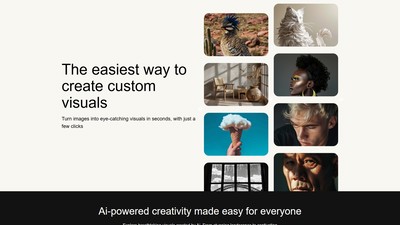
AUX MACHINA is an AI-powered image generation and editing tool that allows users to easily transform images into eye-catching visuals and offers various AI-assisted editing features.
MAKE YOUR NEXT MOVE
Visit the official website to explore the latest features and get started.