
Prompt-to-draft creation
Turn a brief, notes, or source material into a structured first draft instead of starting from a blank canvas.
TOOL PROFILE TOOLAI
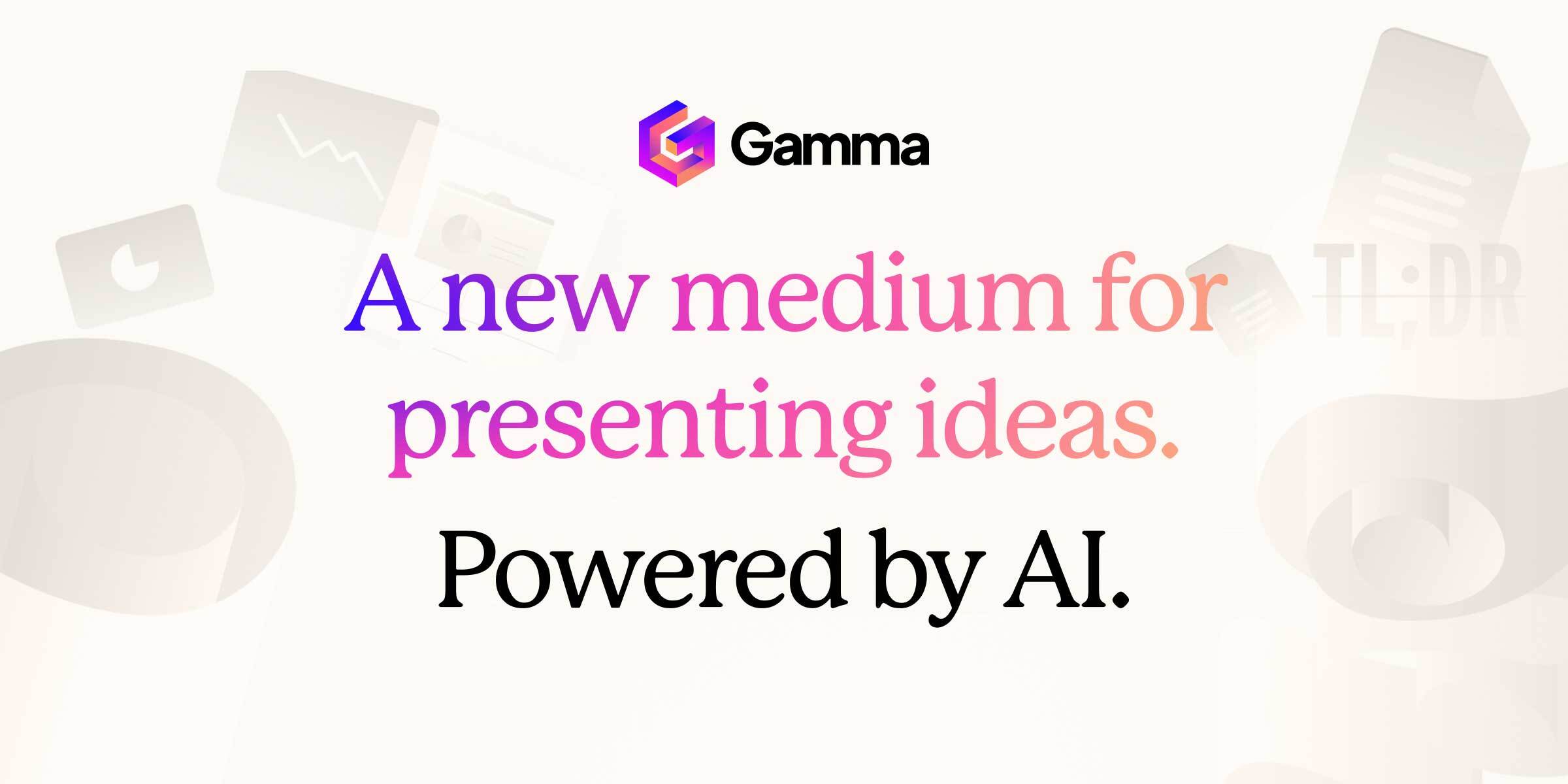
Turn a prompt or source file into a presentation, document, website, or social post, then refine the story and layout.
 View full image
THE BIG PICTURE
Gamma is a browser-based workspace for making visual content with AI. Start with a prompt, notes, or an imported file, choose a format such as a presentation, document, website, or social post, and let Gamma draft the structure and design. You can then edit the content, adjust the theme, share a link, or export the result.
Its useful idea is that one workspace serves several publishing formats; it is more than a slide generator. That makes Gamma a strong first-draft tool when a team needs to move quickly from rough material to something presentable. The trade-off is familiar: a polished layout can make weak reasoning look finished. Check the facts, narrative, and visual hierarchy before presenting or publishing.
A CLOSER LOOK
Explore product screens and published examples. Open any image for a closer look.
WHAT YOU CAN DO
Get to know the capabilities. Find your own way to use them.
Turn a brief, notes, or source material into a structured first draft instead of starting from a blank canvas.
Build presentations, documents, websites, and social content in one workspace, then adapt the material to its audience.
Adjust visual style and card layouts after generation; treat the first design as a starting point, not a locked result.
Import PDF or PPTX material and export to PDF, PPTX, PNG, or Google Slides, subject to the current plan.
Share a Gamma link; eligible paid plans add detailed analytics, custom branding, custom domains, and API access.
MADE FOR YOUR WORKFLOW
Turn a reviewed company brief into a pitch outline, then replace generic claims with verified numbers and a clear ask.
Convert a lesson plan into visual sections and speaker-ready material, then check pacing and accessibility.
Use an existing document as source material for a concise web page or social sequence, keeping the source close for fact checks.
YOUR FIRST STEPS
Paste source notes or import a supported file. State the audience, purpose, and points that must remain accurate.
Select presentation, document, website, or social format and a visual theme that suits the task.
Reorder sections, correct claims, replace generic examples, and refine layouts before sharing.
Open the share link or export and check it in the app where your audience will read or present it.
PLAN YOUR NEXT STEP
Free includes up to 10 slides per prompt and common import/export formats. Plus, Pro, and Ultra add higher generation limits, branding controls, analytics, domains, API access, or more AI usage.
PLAN
For trying Gamma and simple projects; includes up to 10 slides per prompt, imports from PDF/PPTX, and common export formats.
$0
Free plan
PLAN
Adds up to 100 slides per prompt, removes Gamma branding, and includes advanced AI image models.
See current pricing
Monthly or annual
PLAN
Higher tiers add premium models, API access, custom branding and domains, analytics, or larger AI usage allowances.
See current pricing
Monthly or annual
Prices, usage limits and terms can change. Confirm the latest details on the tool's official website before subscribing.
Checked on 4 October 2026. Gamma's pricing page shows monthly and annual billing, while the displayed price depends on the selection and location. Confirm current rates, credits, and tax in the official checkout.
Sources checked
The current pricing page lists presentations, documents, websites, social content, and images. The exact workflow and limits depend on the selected format and plan.
Gamma lists PDF and PPTX import and PDF, PPTX, PNG, and Google Slides export on its Free plan. Check the live page for changes and formatting caveats.
Gamma's developer documentation describes a generation API for presentations, documents, websites, and social posts. API access requires an eligible paid plan and account key.
No. Use it to accelerate structure and layout, then check facts, logic, sources, and the exported result before it reaches an audience.
FROM THE COMMUNITY
Sign in to share your experience and help others find the right tool.
YOUR NEXT DISCOVERY
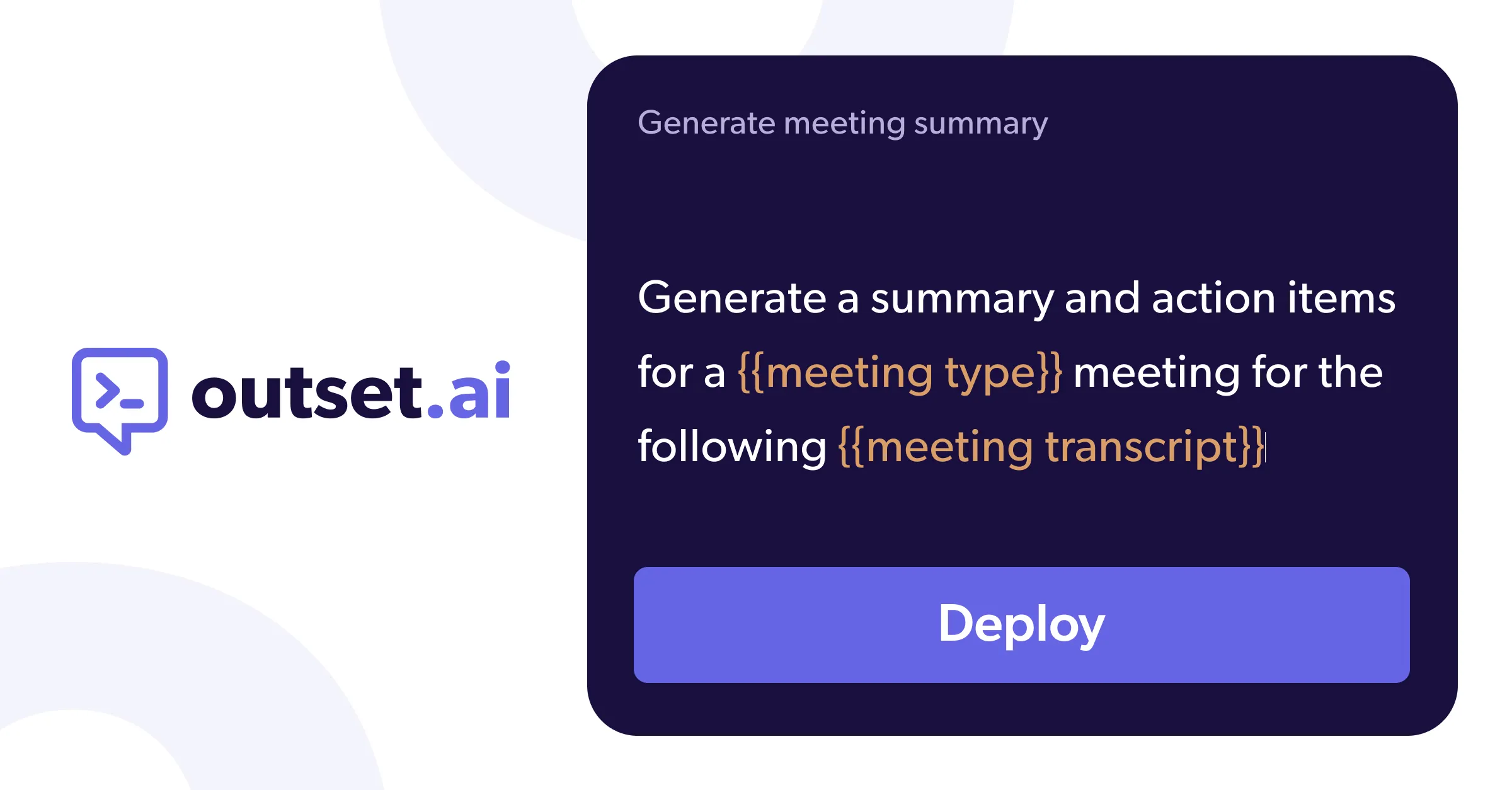
A tool for developers to integrate AI into products.
I am launching the beta for 1st ever Productivity Email App that uses ChatGPT + Gmail API. We built a ton of automation tools like split screens and keyboard shortcuts, check it out and tell us what you think
A tool to summarize various types of content.
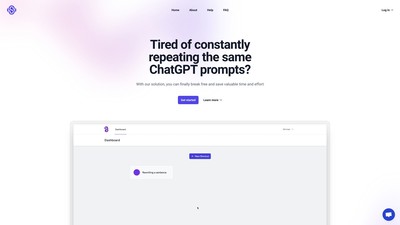
ShortcutsGPT allows you to create your own shortcuts for the repetitive prompts, so you don't waste your time telling ChatGPT to do the same thing repeatedly.
MAKE YOUR NEXT MOVE
Visit the official website to explore the latest features and get started.