

Photo-to-photo editing
Place a source face into a target photograph, with AI blending facial details and lighting.
TOOL PROFILE TOOLAI
Two photos. One new perspective.
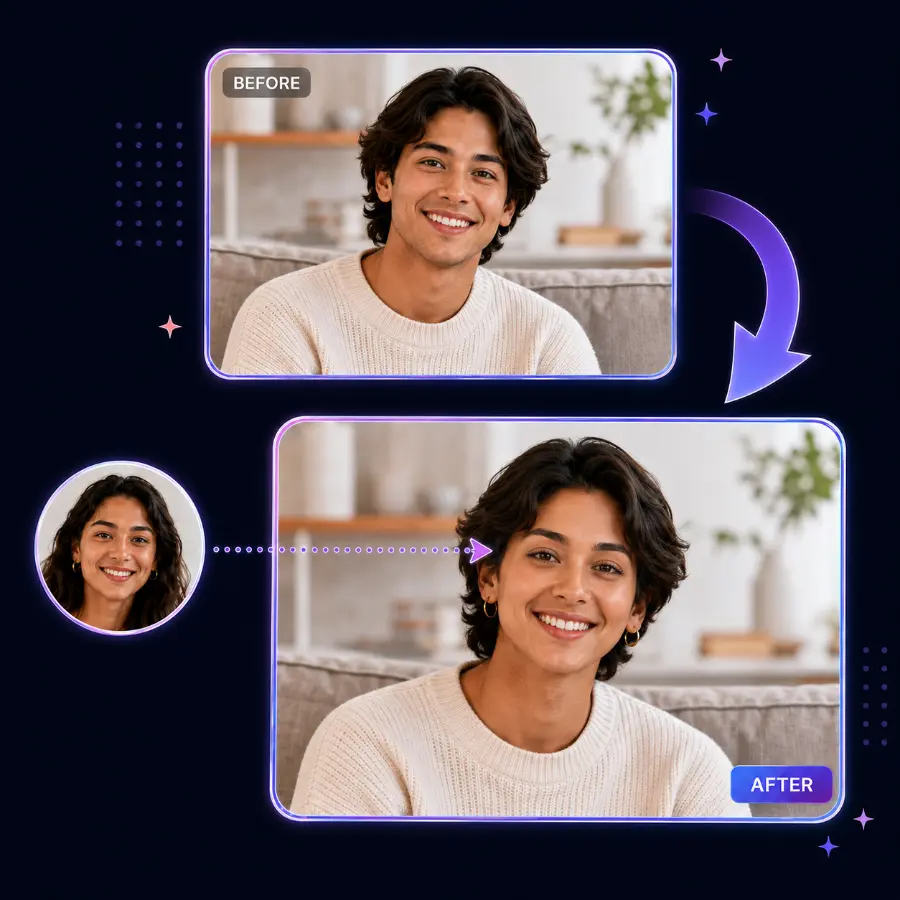 View full image
THE BIG PICTURE
Facy is a browser-based photo editor that blends a face from one image into another. Its photo face-swap page brings uploads, preview and download into one workflow, with a free starting point and no software installation.
A CLOSER LOOK
Explore product screens and published examples. Open any image for a closer look.
WHAT YOU CAN DO
Get to know the capabilities. Find your own way to use them.
Place a source face into a target photograph, with AI blending facial details and lighting.
Review the result in your browser and download the version you want to keep.
Accepts JPG, PNG, WEBP, BMP and GIF, with uploads up to 20 MB.
Facy states that uploads and results are deleted after a short time. Save your result promptly.
MADE FOR YOUR WORKFLOW
Explore a visual idea with images you have permission to edit.
Create a custom image for a greeting card or gift.
Prepare playful, clearly edited pictures for your audience.
YOUR FIRST STEPS
Upload a clear face photo and a target image. Similar angles and lighting help.
Confirm the required permissions and terms, then start the face swap.
Inspect the blend and save the image before it is removed.
PLAN YOUR NEXT STEP
Free photo face swapping
Prices, usage limits and terms can change. Confirm the latest details on the tool's official website before subscribing.
The photo page advertises free access without sign-up. Account features and video tools may have different conditions.
Sources checked
No. The photo workflow runs in a web browser.
The photo page offers free use without sign-up. Heavy use may require verification.
Use clear, front-facing photographs with comparable lighting and unobstructed faces.
FROM THE COMMUNITY
Sign in to share your experience and help others find the right tool.
YOUR NEXT DISCOVERY
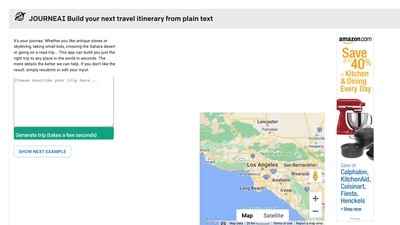
Hyper personalized trip recommendations with google map integration. Whether you like antique stores or skydiving, taking small kids, crossing the Sahara desert or going on a road trip... This app can build you just the right trip to any place in the world in seconds.
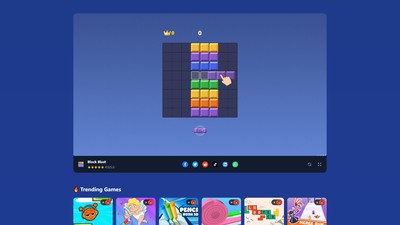
Block Blast is a free online puzzle-matching game where players challenge high scores by matching and clearing blocks. The game offers smooth controls and vibrant visuals, playable on any device, making it perfect for school breaks or casual entertainment.
SwapAnything.io is an AI-powered online tool specializing in face and outfit swapping for photos, GIFs, and videos. Users can quickly and seamlessly replace faces or change outfits in just a few simple steps, effortlessly enhancing the creativity and fun of their media content.
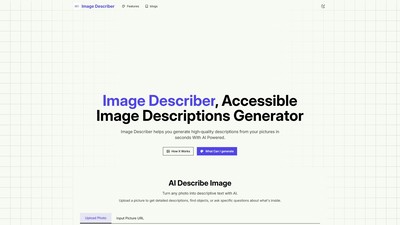
Image Describer is a free AI-powered image description generator that helps users create high-quality text descriptions from pictures in seconds. It supports multiple description types including brief descriptions, detailed descriptions, social media captions, product descriptions, text extraction, and art style analysis.
MAKE YOUR NEXT MOVE
Visit the official website to explore the latest features and get started.