
Vocal removal
Separates vocals from music in the browser. It can be used to prepare instrumental versions for karaoke, practice, remix preparation, or basic music cleanup without installing an editor.
TOOL PROFILE TOOLAI
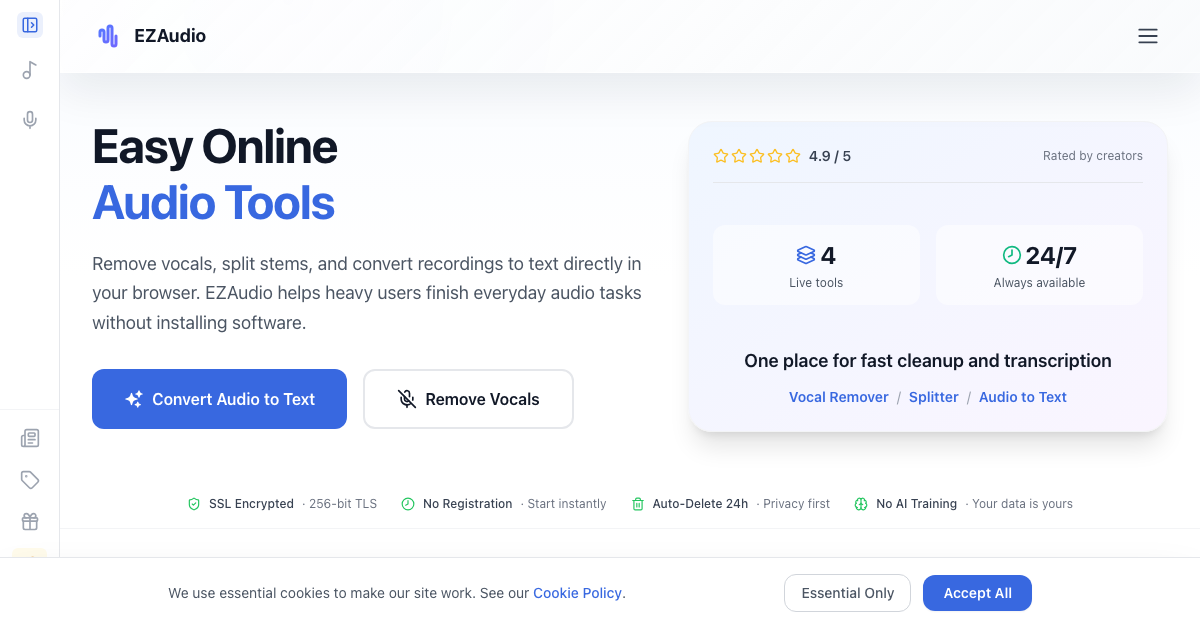
Browser-based tools for audio cleanup, stem separation, transcription, summaries, and editing.
 View full image
THE BIG PICTURE
EZAudio is an online workspace for processing audio and video without installing desktop software. Its focused tools can remove vocals, separate music into stems, transcribe uploaded audio or microphone recordings, convert video speech into synchronized text, and cut audio. The workspace runs in a browser across desktop, tablet, and mobile devices, making it suitable for people who need straightforward processing rather than a full desktop production suite.
Transcription workflows include transcript review and optional AI-generated summaries. Video results add synchronized playback, timestamps, and speaker labels, while the audio cutter provides waveform-based trimming with undo and redo. EZAudio uses a credit-based model with a limited free plan, monthly subscriptions, and one-time credit packs. The official pages state that transfers are encrypted, uploaded files are automatically deleted within 24 hours, and files are not used for AI training.
A CLOSER LOOK
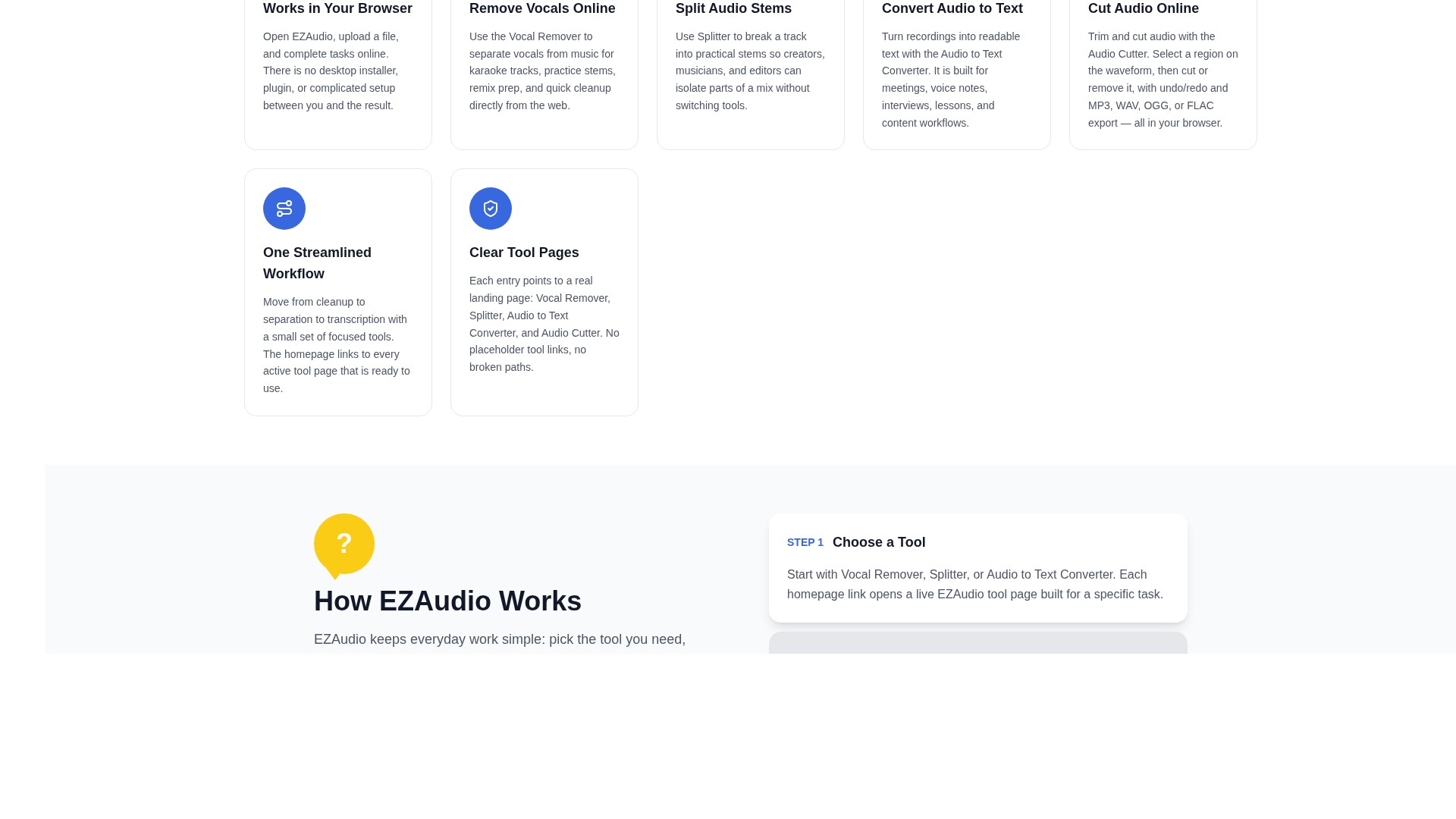
Explore product screens and published examples. Open any image for a closer look.
Illustration published on the official product website; see the source page for its context.
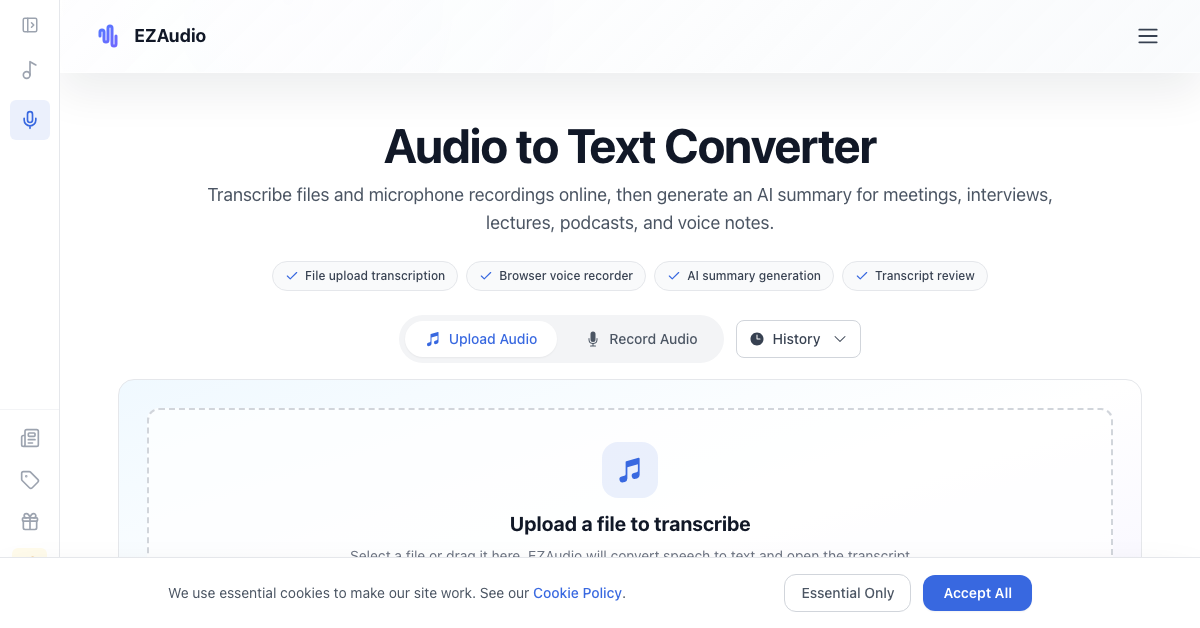
Illustration published on the official product website; see the source page for its context.
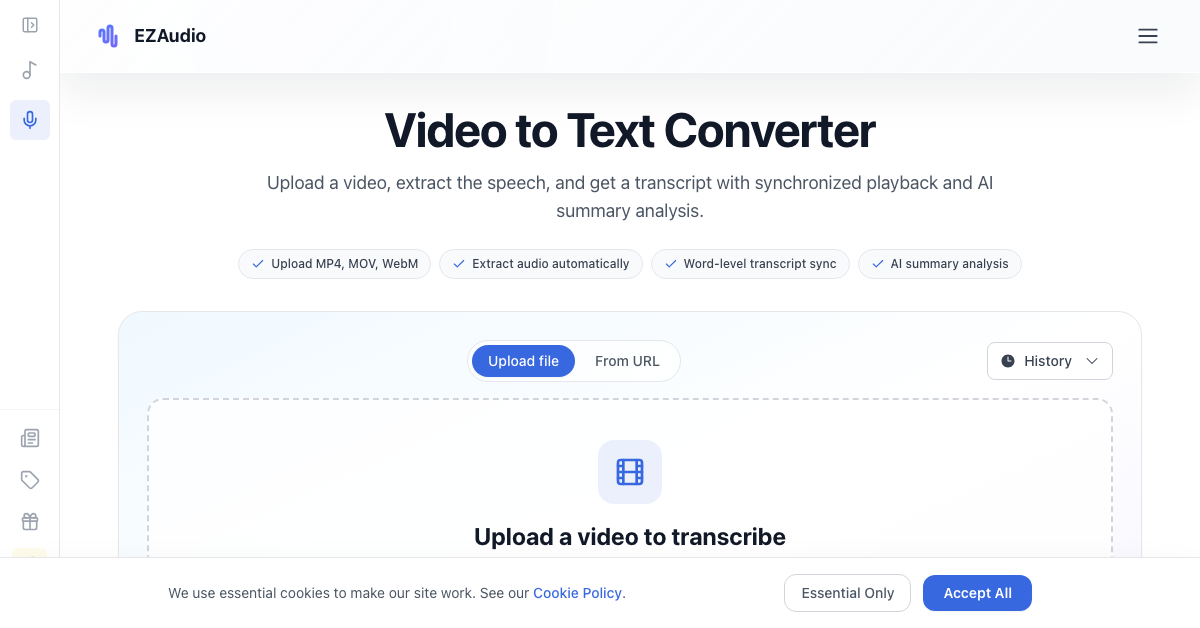
Illustration published on the official product website; see the source page for its context.
WHAT YOU CAN DO
Get to know the capabilities. Find your own way to use them.
Separates vocals from music in the browser. It can be used to prepare instrumental versions for karaoke, practice, remix preparation, or basic music cleanup without installing an editor.
Breaks a track into practical stems so musicians, producers, and editors can isolate parts of a mix before arranging, remixing, or preparing a production draft.
Converts uploaded recordings or speech captured through the browser microphone into readable text. Users can review transcript segments, copy useful text, and retain access to recent work through the history view.
Generates a concise summary after transcription, helping users review long meetings, interviews, lectures, podcasts, and voice notes without reading the entire transcript first.
Extracts speech from uploaded video and produces a transcript synchronized with playback. The result view includes word-level timing, timestamps, speaker labels, and navigation that can seek the video to a selected point.
Lets users select a region on an audio waveform and either cut or remove it. The editor includes undo and redo and can export edited audio as MP3, WAV, OGG, or FLAC.
EZAudio states that file transfers use SSL encryption with 256-bit TLS, uploaded files are automatically deleted within 24 hours, and customer files are not used for AI training.
MADE FOR YOUR WORKFLOW
Musicians and karaoke creators can remove vocals from a song to prepare an instrumental version for rehearsal, performance preparation, or content production.
Producers can split a mixed track into stems, isolate useful components, and carry those separated assets into arranging, remixing, or cleanup work.
Meetings, interviews, lectures, podcasts, and voice notes can be converted into searchable text. An AI summary can help prepare discussion notes, outlines, or an initial review, though users should verify important details against the recording.
Recorded calls, demonstrations, interviews, lessons, and training videos can become synchronized transcripts. Users can follow highlighted text during playback and jump to relevant timestamps.
YOUR FIRST STEPS
Open Vocal Remover for an instrumental track, Splitter for music stems, Audio to Text for spoken audio, Video to Text for video recordings, or Audio Cutter for trimming.
Upload a file from the device. For audio transcription, users may instead open the recording option and capture speech through the browser microphone before previewing it.
Let EZAudio remove vocals, separate stems, transcribe speech, extract and transcribe a video's audio track, or apply the selected waveform cut. Processing occurs through the online tool page.
Read and copy transcript text, generate a summary, follow a video transcript alongside synchronized playback, or export a cut file in one of the documented audio formats.
PLAN YOUR NEXT STEP
Credit-based pricing includes a free plan, monthly Starter, Pro, and Business subscriptions, plus one-time credit packs. Monthly prices range from $9 to $99, while one-time packs range from $5 to $20.
PLAN
A limited free tier with daily credits and no credit card requirement.
$0
per month
PLAN
Entry-level monthly subscription for users who need more credits and no daily task limit.
$9
per month
PLAN
Higher-credit subscription with premium support.
$29
per month
PLAN
Highest listed monthly tier, intended for heavier usage. Team collaboration is marked as coming soon.
$99
per month
PLAN
A one-time purchase of 150 credits. The pricing page says purchased credit packs do not expire.
$5
one-time
PLAN
A one-time purchase of 350 credits that do not expire.
$10
one-time
PLAN
A one-time purchase of 800 credits that do not expire.
$20
one-time
Prices, usage limits and terms can change. Confirm the latest details on the tool's official website before subscribing.
The free plan provides 20 daily non-cumulative credits and permits three tasks per day. Paid subscriptions add monthly and daily credits, with higher plans removing daily task limits. Purchased one-time credits do not expire. Check the credit cost of the selected operation before processing; subscription and bonus credits have separate expiry policies.
Sources checked
No. The documented tools run in a web browser and do not require a desktop installer or plugin.
Yes. The official homepage says the workspace runs across desktop, tablet, and mobile devices through a browser.
Yes. The Audio to Text tool includes a browser recorder. Users can record through a microphone, preview the audio, and submit it for transcription.
The Video to Text page explicitly lists MP4, MOV, M4V, WebM, MKV, and AVI.
Yes. Audio and video transcription result views can generate an AI summary after the transcript is ready.
EZAudio states that uploaded files are automatically deleted within 24 hours and advises users to download their results promptly.
Yes. The free plan includes 20 non-cumulative credits per day, up to three tasks per day, and 50 bonus credits upon registration. No credit card is required.
KEEP EXPLORING
FROM THE COMMUNITY
Sign in to share your experience and help others find the right tool.
YOUR NEXT DISCOVERY
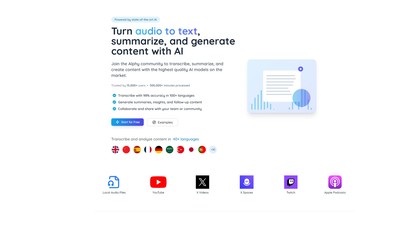
Alphy unlocks the information on online videos and recordings with the use of artificial intelligence. Submit a link to a YouTube videos or Twitter Spaces and Alphy will transcribe, summarize, and ready the content for questioning.
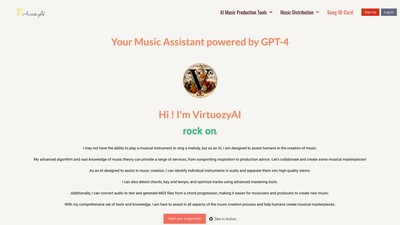
VirtuozyPro, powered by GPT-4 offers services from creation to distribution of your music, and all at one price. You can also promote your music with us. Tools : Instant Chord progressions Generator Lyrics Generator The Song Cloner The Full Song Generator Track Splitting and Stems Maker BPM Key & Chords Detector Instant Mastering Audio Transcription Music Distribution
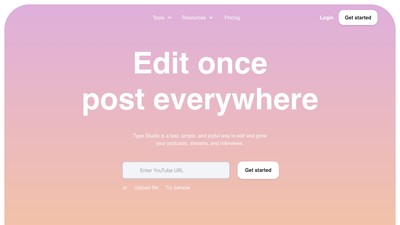
Type Studio is a text-based video editor that takes your video and transcribes it into text automatically. They also have quick tools for video editing, subtitles, podcast, repurposing, and recording.
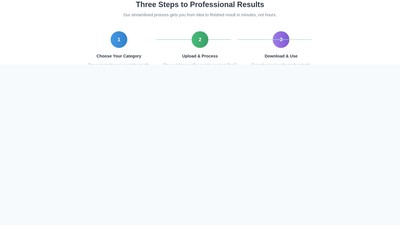
Main features: 100+ free AI tools including image processing (background removal, portrait enhancement, AI image generation, sketch-to-image), audio tools (unlimited text-to-speech, transcription), content creation (hashtag/title generators, idea tools), and utilities (QR code, CSS/JSON converters). Key characteristics: 100% free without signup, <10s processing, multi-format support, AI-powered professional results, weekly updates. Target users: content creators, e-commerce sellers, marketers, developers, educators, and small businesses. Core advantages: no watermarks, instant results, cross-device compatibility, auto-deleted files for security. Use cases: product photo editing (white background/compression), social media content generation, multilingual voice synthesis, developer utilities (CSS/JSON), educational text extraction. Pricing: permanently free with no subscriptions.
MAKE YOUR NEXT MOVE
Visit the official website to explore the latest features and get started.