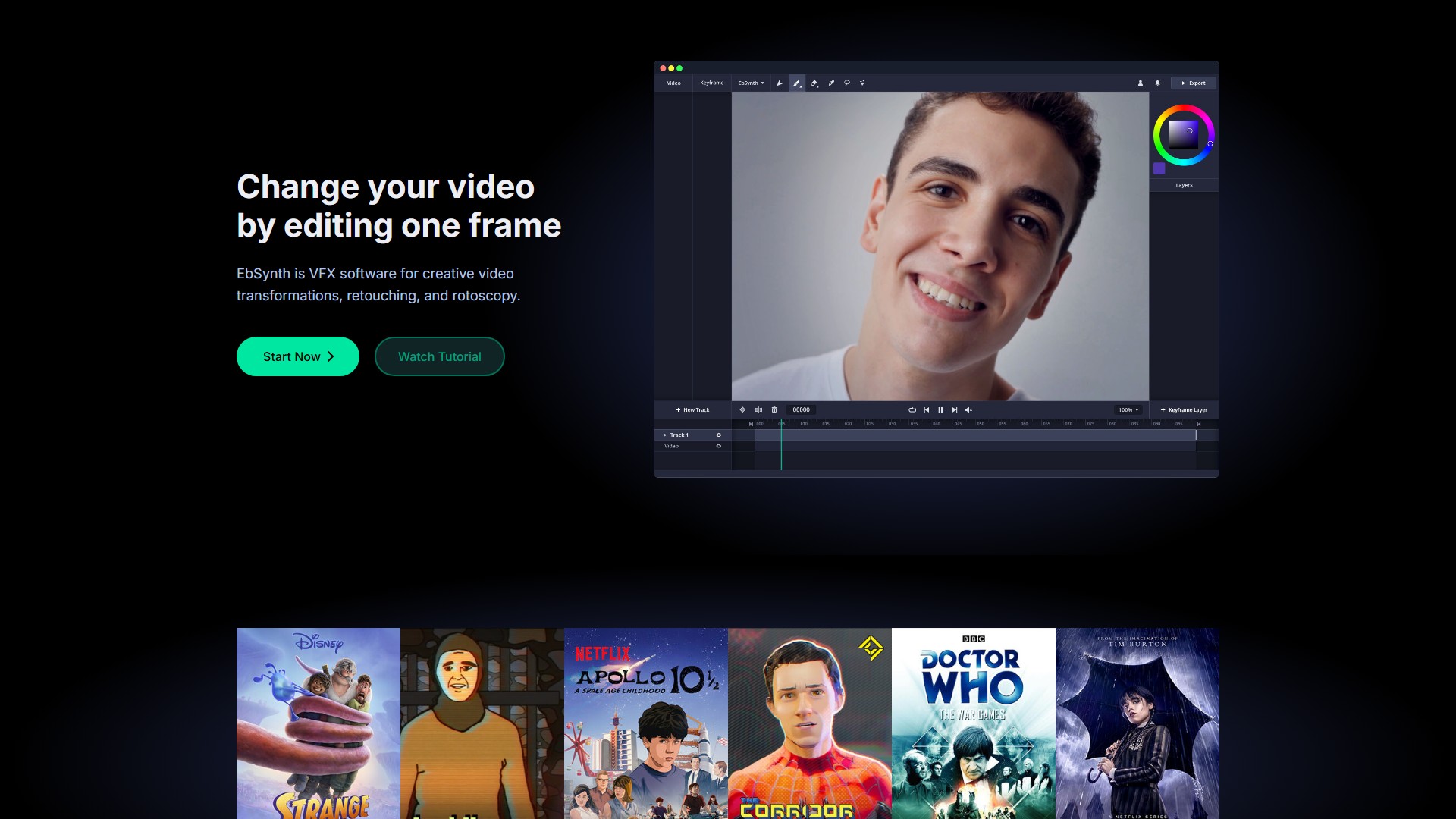
EbSynth
Core Features & Characteristics:
- Paint over Videos: Turn performance into hand-drawn animation. Just paint the keyframes, EbSynth will do the rest.
- Retouch & Colorize: Skip manual tracking! Makes video touch-ups, digital makeup, and colorizing fast and effortless.
- Explore Ideas: Brings ideas to life instantly, allowing users to iterate fast and stay immersed in the creative flow.
Technology & Algorithm: The propagation of keyframes across the timeline doesn't use AI. It's a texture-synthesis algorithm that only uses the user's video and keyframes to produce the final result, without using generative models trained on external datasets. However, there is an optional AI feature "Generate Image" that lets users generate their keyframes.
Usage Instructions (Tips for Best Results):
- KEYFRAMES: Start with a single keyframe; choose timing carefully (select frames that show the most content and clear poses, not the middle of movements); align shapes in keyframes to videoframes to avoid stretchy, ripple-like artifacts; if AI produces artifacts, use a paintbrush to roughly correct errors, then run another AI pass with lower strength; divide shots into parts that move independently (like background, face, eyes) and work on each in a separate video track; use keyframes on transparent background and isolate elements to synthesize.
- GUIDING VIDEO: Use soft, diffuse lighting to prevent hard, shifting shadows; pick clothes with interesting textures (shiny or flat materials are hard to track); increase frame rate for shots with fast movement to reduce motion blur.
Privacy & Data Security: Projects stay on the user's computer. Videos and keyframes are temporarily uploaded to servers to render animations, then immediately deleted once results are sent back. Files are never shared or used for internal purposes. The Studio Plan offers fully offline processing with no uploads.
Target Users: VFX artists, animators, video creators, and visual storytellers needing creative video transformations and retouching.
Pricing Information:
- Free: $0. All core functions, 720p HD video export, MP4 format output.
- Pro: $20/month. Up to 4K video export, PNG sequence output, 100 generated images, Priority processing.
- Studio: Custom. Runs entirely offline, Complete data privacy, Command-line automation, Dedicated support.
Frequently Asked Questions (FAQ):
- Browser Recommendation: Chrome is recommended for the best experience, especially for large projects with long or high-resolution videos, as it handles memory-intensive processing most reliably. On laptops, ensure it uses the dedicated graphics card for optimal performance.
- Free Usage: A Free plan is offered with no time or functional limitations. Upgrade to the Pro plan for advanced features like high-resolution render, PNG sequence output, or more keyframe generations.
- Subscription Cancellation: Click the user menu in the top right corner and select "Manage Subscription" to cancel. The plan stays active until the end of the current billing period.
Comment