Text to speech
Dictanote
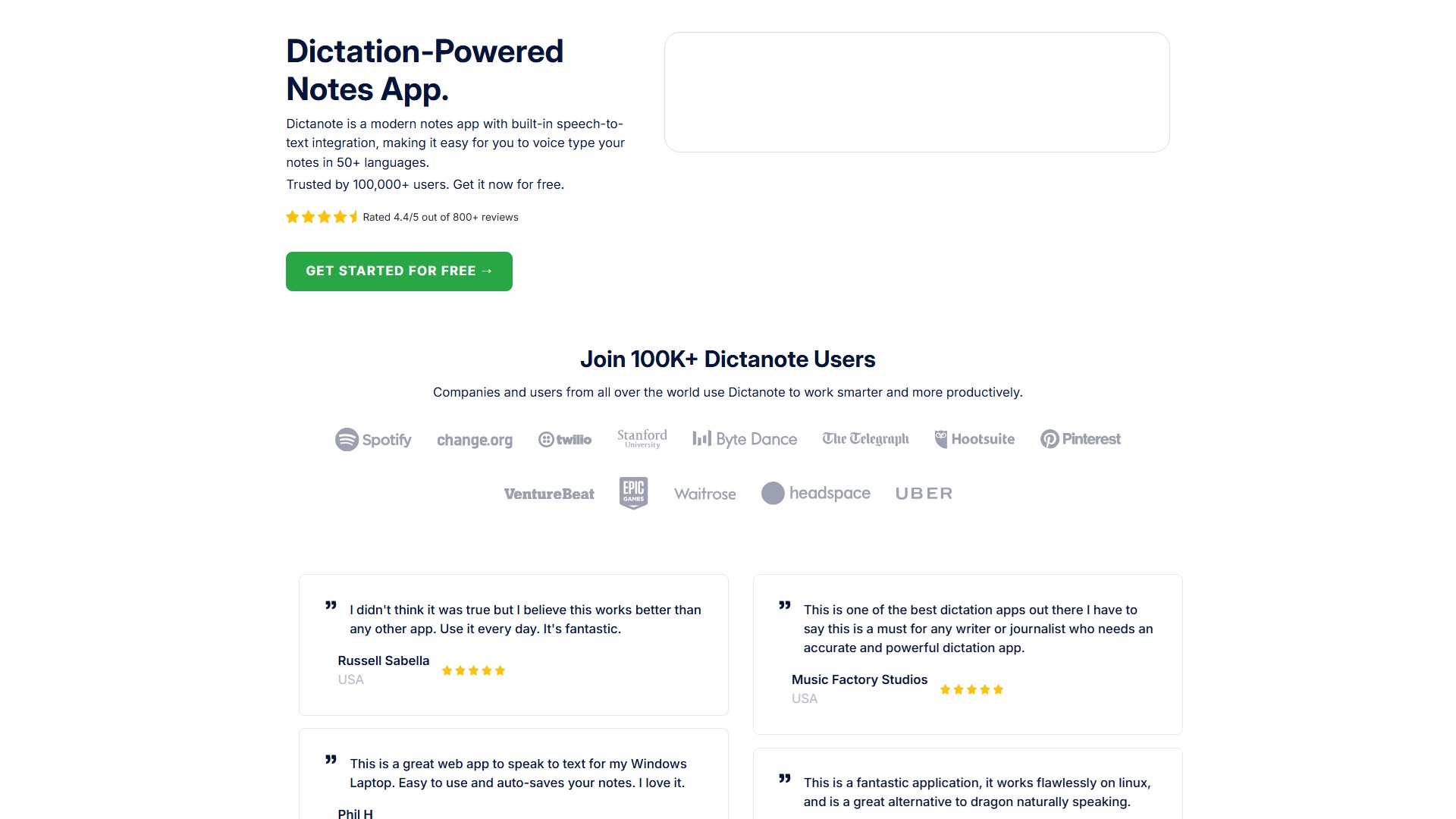
Type using Speech-To-Text Dictanote is a notes app with speech recognition integrated, making it easy for you to voice type your notes. Get it now for free.
Views
201.0K
Monthly visits
201.0K
Global rank
##163,259
Votes
0
About this tool
Main Features:
- Voice Typing: Accurately transcribes speech to text in real time with over 90% accuracy, outperforming most offline services including Dragon Naturally Speaking. Allows adding paragraphs, punctuation marks, and smileys using voice commands.
- Multi-Lingual Support: Supports speech recognition in over 50+ languages and 80+ dialects.
- Voice Commands: Use voice commands to insert punctuation, technical terms, and correct mistakes.
- Keyboard Shortcuts: Use keyboard shortcuts to start/stop dictation and easily switch languages.
- AudioScribe (Smart AI Writing Assistant): Converts voice notes into clearly summarized text using AI. Transcribes audio notes and rewrites the transcript into clear text, automatically adding punctuations, removing filler words, repetitions, and 'umms'.
- Audio to Text: Convert pre-recorded audio files to text via Dictanote Transcribe.
- Offline Support: Access and edit notes offline; dictation requires a working internet connection.
Core Advantages:
- High accuracy of over 90%, outperforming most offline services.
- Auto-saves notes and syncs them to the cloud, making them available on all devices.
- Privacy-focused: All notes are stored securely encrypted on servers. Does not store or process any audio; relies on Chrome's speech-to-text API.
Target Users:
- Writers: Use it to write their books.
- Students: Use it to take notes.
- Journalists: Need an accurate and powerful dictation app.
- Meeting participants: For day-to-day meeting notes.
- General users who prefer dictating messy thoughts.
System Requirements & Platforms:
- Desktop: Windows/Linux/Mac in Google Chrome and Microsoft Edge. Can be installed as a standalone app.
- Android: In Google Chrome. Can be installed as a standalone app.
- iPhone: Safari 12+ (only editing, no voice dictation support).
- Additional hardware: Inbuilt/external microphone.
Pricing Information:
- Offers a free version (Get Started For Free).
- Offers Dictanote Pro subscription. Subscription can be managed or cancelled in Account Settings. If cancelled before the end of the subscription period, users can still use the Pro account up to the last day of the subscription.
FAQ:
- Dictanote vs Voice In: Two separate products by the same team. Dictanote is a note-taking app with built-in voice-to-text integration and cloud sync. Voice In is a Chrome extension that lets you use speech-to-text to type on any website in Chrome (e.g., emails in Gmail, blogs in WordPress).
- Data Safety: Notes are securely encrypted; no audio is stored or processed.
- Support: Available via Help Center, user forum, or email at support@dictanote.co, usually answering within 24 hours.
Traffic analysis
Traffic, ranking, and engagement signals for this tool.
Global rank
##163,259
Country rank
#220,774
Monthly visits
201.0K
Visit trend
No trend data
Engagement
- Bounce rate--
- Pages per visit--
- Average duration--
Traffic sources
No source data
Top countries
No country data
Interface preview