TOOL PROFILE TOOLAI

Diagrimo

AI text-to-visuals tool that turns ideas and text into editable diagrams, charts, and infographics

tenorshare.aiPRODUCT PREVIEW
Illustration published on the official product website; see the source page for its context. View full image
Illustration published on the official product website; see the source page for its context.Images: 5

THE BIG PICTURE

About Diagrimo

Tenorshare AI Diagrimo is an AI-powered text-to-visuals tool that converts written ideas or text into structured visual diagrams. According to its official pages, it is designed to help users organize thoughts, plan projects, and present concepts in one place, turning text into diagrams, charts, or infographics with a single click. The product positions itself as more than a diagram builder: it combines a built-in AI writing assistant with automatic diagram generation, so the same workspace can be used to draft, refine, and visualize content.

The workflow centers on a document-style editor. Users create a new page, type a topic, and let the AI generate a first draft; they can insert blocks such as titles, lists, images, or tables, then highlight text and use the AI Visualize action to convert it into a diagram. Generated visuals can be customized with control over text, shapes, lines, colors, and layouts, and finished work can be exported or shared by link or email. The official FAQ lists PDF and image export, while the pricing page lists PPT, SVG, JPG, and PDF exports for paid plans.

Diagrimo is offered as a largely free web tool with a daily allowance of free credits, plus a Plus subscription that adds higher usage limits, watermark-free exports, premium templates, and extended page history. The official pages describe it as suitable for presentations, collaboration, education, social media, and reports, and note that it is actively being developed with planned improvements to AI visualization, templates, and team collaboration.

WHAT YOU CAN DO

A toolkit worth exploring

Get to know the capabilities. Find your own way to use them.

AI text-to-diagram generation

Diagrimo uses AI to understand entered text and automatically create a suitable diagram, such as a fishbone, flowchart, or pyramid. The official FAQ describes pressing Space in the editor and entering a topic so the AI auto-generates a first draft.

AI Visualize action

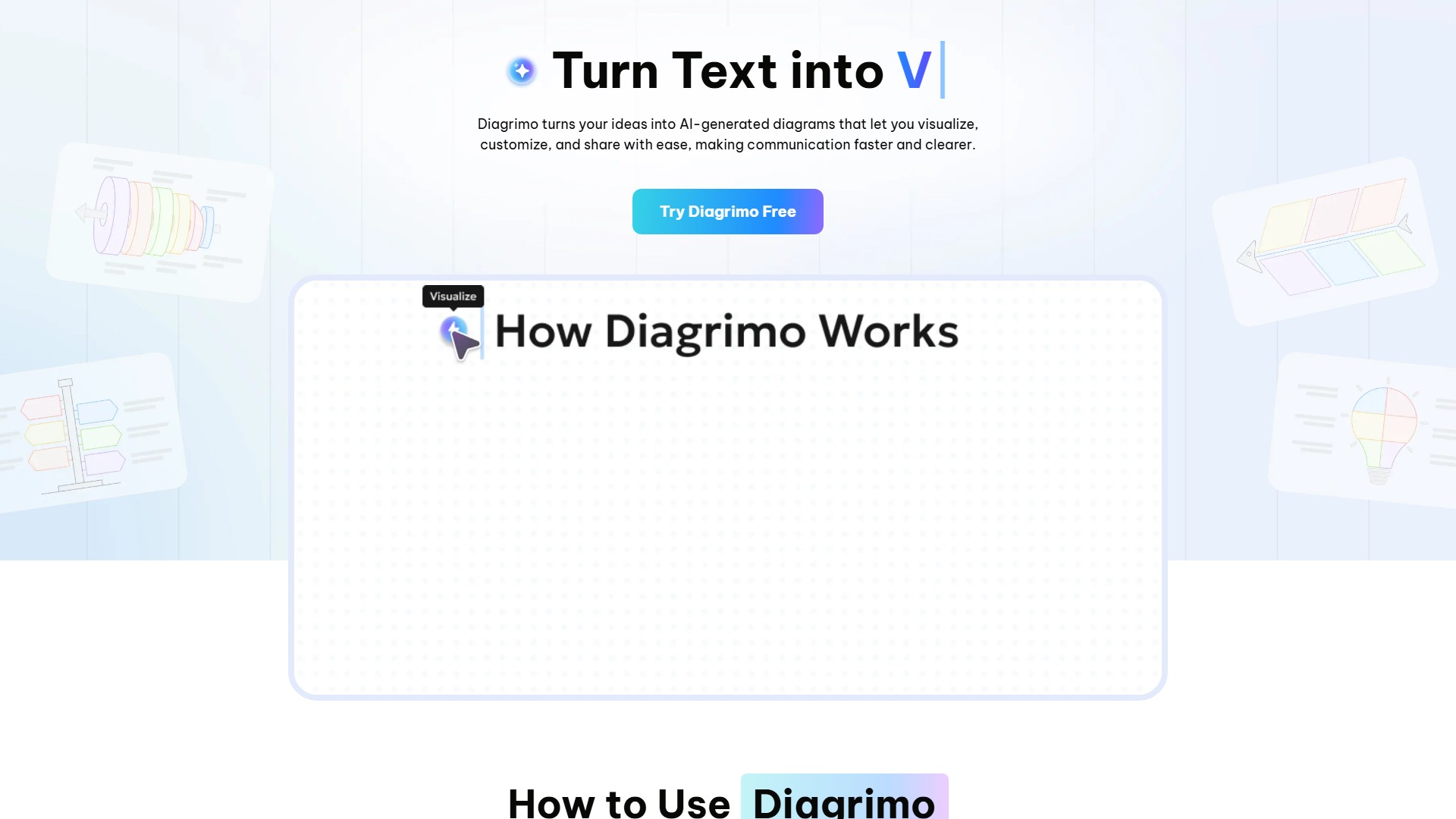
Users can highlight text and click the AI Visualize icon to convert that text into a visual diagram. This is the documented bridge between written content and a generated visual.

Built-in AI writing assistant

The AI Assistant can polish and simplify writing, correct grammar and spelling, adjust tone and formality, continue or expand text, and translate into other languages, according to the official FAQ.

Visual customization controls

Generated visuals can be customized with flexible control over text, shapes, lines, colors, and layouts, allowing users to adjust the appearance of a diagram after generation.

Block-based editor

The editor supports inserting blocks such as titles, lists, images, or tables by typing "/**", giving users structured building blocks alongside AI-generated content.

Export and sharing options

Finished work can be exported as a PDF or image file for presentations or collaboration, and the product page also lists exporting, downloading, or sharing visuals by link or email. Paid plans list unlimited exports to PPT, SVG, JPG, and PDF.

Template library

Diagrimo offers templates including fishbone diagrams, sales funnel diagrams, pyramid diagrams, step diagrams, and bullseye diagrams, and the official FAQ states the template library is being expanded.

Credit-based usage system

The pricing page explains that credits are used each time a visual is generated or the AI assistant is used, at roughly one credit per use. Free users receive a daily allowance, while Plus users receive 10,000 AI credits per month.

MADE FOR YOUR WORKFLOW

Where it fits into your day

USE CASE 01

Presentations

The product page lists presentations as a scenario for Diagrimo, where text can be turned into diagrams that make slides clearer and more engaging.

USE CASE 02

Education and simplified learning

Diagrimo is presented as useful for education and simplifying learning, helping explain concepts visually rather than only in text.

USE CASE 03

Reports and insight sharing

The product page lists reports as a use case, where visuals can help show insights from written analysis or data descriptions.

USE CASE 04

Social media content

Diagrimo is described as a way to grab attention on social media by converting text into visual content.

USE CASE 05

Collaboration and client deliverables

The product page lists collaboration as a scenario, and a testimonial describes using Diagrimo to turn text into diagrams for presentations, guides, and client deliverables.

YOUR FIRST STEPS

From first click to first result

Try it on the official website
  1. Create a new page

    Click Create to start a new page in Diagrimo, as described in the official FAQ.

  2. Generate a first draft

    In the editor, press Space and enter a topic; Diagrimo AI will auto-generate your first draft.

  3. Insert blocks as needed

    Type "/**" to insert blocks such as titles, lists, images, or tables into the page.

  4. Turn text into a visual

    Highlight text and click the AI Visualize icon to convert it into a visual diagram.

  5. Customize the visual

    Adjust the generated visual with flexible control over colors, text, and elements.

  6. Export or share

    Export the final work as a PDF or image file for presentations or collaboration, or share it by link or email.

PLAN YOUR NEXT STEP

A plan for the way you work

Free plan with a daily allowance of free credits; Plus subscription available as a Monthly Plan at $9.99/month (with a 7-day $0 trial, then $9.99/month) and a Yearly Plan at $6.99/month billed annually

Subscribe on the tool's website

PLAN

Plus - Monthly Plan

Monthly Plus subscription with a 7-day $0 trial, then $9.99/month; cancel anytime.

$9.99

per month

  • Everything in Free
  • 10,000 AI credits/month
  • Unlimited exports to PPT, SVG, JPG & PDF
  • Unlimited batch export, watermark-free
  • Unlimited AI assistant access
  • Premium visual templates
  • 30-day page history
View plan on website

PLAN

Plus - Yearly Plan

Annual Plus subscription billed yearly, described as offering 30% off compared with monthly billing.

$6.99

per month, billed annually

  • Everything in Free
  • 10,000 AI credits/month
  • Unlimited exports to PPT, SVG, JPG & PDF
  • Unlimited batch export, watermark-free
  • Unlimited AI assistant access
  • Premium visual templates
  • 30-day page history
View plan on website

Prices, usage limits and terms can change. Confirm the latest details on the tool's official website before subscribing.

Prices and plan details are taken from the official Tenorshare Diagrimo pricing page; sales tax may apply based on residence, and the annual plan is described as offering 30% off.

Sources checked

A FEW MORE THINGS

Good questions. Useful answers.

More on the official website

What is Diagrimo?

Diagrimo is an AI-powered tool that instantly turns ideas or text into clear, structured visual diagrams. According to the official FAQ, it helps users organize thoughts, plan projects, and present concepts easily in one place.

Is Diagrimo free to use?

Yes. The official FAQ states Diagrimo is largely free to use and provides a daily allowance of free credits sufficient for regular usage. Paid users get early access to new features, higher usage limits, and priority support.

How do AI credits work?

Credits are used each time a visual is generated or the AI assistant is used, at around one credit per use. Free-plan credits reset daily, while Plus users receive 10,000 AI credits per month that reset monthly.

What can the built-in AI Assistant do?

The official FAQ lists polishing and simplifying writing, correcting grammar and spelling, adjusting tone and formality, continuing or expanding text naturally, and translating into other languages.

How is Diagrimo different from other diagram builders?

The official FAQ says Diagrimo uses AI to understand text and automatically create the right diagram, such as a fishbone, flowchart, or pyramid, and also enhances writing with grammar correction, tone adjustment, and translation.

Can I cancel my Plus subscription anytime?

Yes. The pricing page states you can cancel at any time; after cancellation you keep access until the end of your billing cycle, then the account returns to the Free plan.

Is my data safe?

The pricing page states that projects are stored securely, only the user has access to their content, data is not shared with third parties, and users can delete their work or account anytime. The site footer also lists SOC, GDPR, ISO, HIPAA, SSL, and CCPA compliance.

FROM THE COMMUNITY

What has your experience been?

YOUR NEXT DISCOVERY

More tools to explore

Explore all tools

MAKE YOUR NEXT MOVE

Ready to explore Diagrimo?

Visit the official website to explore the latest features and get started.

Visit official website
Diagrimotenorshare.ai
Visit website

GALLERY

PASS IT ALONG

Share Diagrimo