
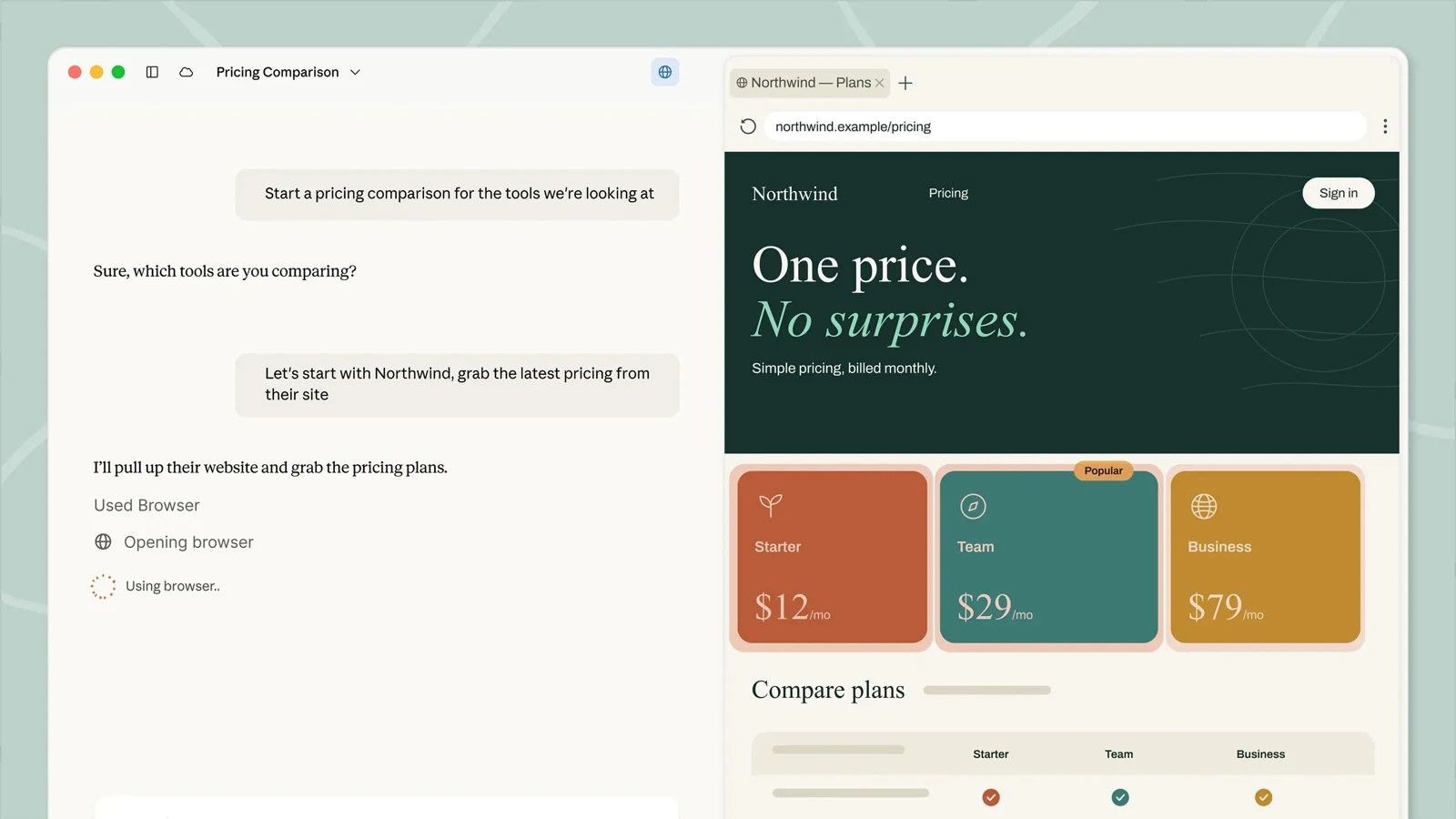
Goal-directed task execution
Describe the outcome you want instead of prescribing every action; Claude plans and completes multi-step work across the files and tools you select.

TOOL PROFILE TOOLAI
Delegate multi-step knowledge work across files, tools, and connected apps.
 View full image
THE BIG PICTURE
Claude Cowork is now part of Claude, with the unified experience rolling out across plans. It runs on desktop, web, and mobile, while the desktop app provides the fullest access to local files, local connectors, browser use, and computer interactions. Tasks can continue in the cloud, be scheduled, and be reviewed or redirected from another device.
| Tool Name | Claude Cowork |
|---|---|
| Category | Productivity , Document Assistant |
| Pricing Model | Paid plans only. Pro is listed at $20 monthly or $200 billed annually, Max at $100 or $200 monthly tiers, and Team at $20 per seat per month. Enterprise pricing is sales-led. |
| Platform & Capabilities | Claude Desktop for macOS, Windows, and Linux (beta), web, Claude mobile apps for iOS and Android, and the Claude in Chrome side panel. Some local capabilities require the desktop app to be open. |
| Listed Date | 2026-10-27 |
| Top Alternatives | SlidesGPT , AI Text Assistant , Knowledg.io |
A CLOSER LOOK
Explore product screens and published examples. Open any image for a closer look.
WHAT YOU CAN DO
Get to know the capabilities. Find your own way to use them.
Describe the outcome you want instead of prescribing every action; Claude plans and completes multi-step work across the files and tools you select.
Claude can read from and write to connected folders on your computer, avoiding manual uploading, downloading, and copying between applications.
Create working Excel files, PowerPoint decks, and formatted documents while carrying context between analysis, source material, and final presentation.
Large projects can be divided into smaller pieces that run together, allowing research, drafting, comparison, and organization to progress concurrently.
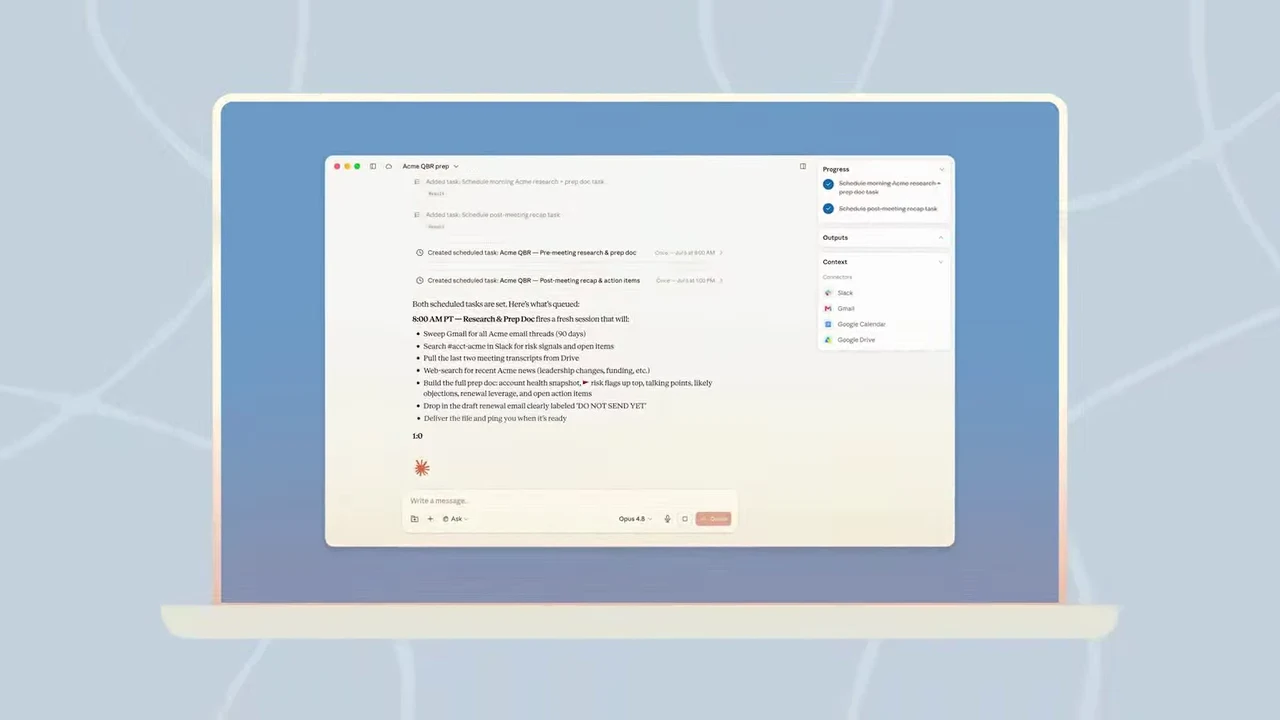
Save a task for on-demand or recurring execution, including daily, weekly, monthly, or other stated cadences, even when your device is offline.
Claude can open pages, read sites, fill forms, and complete web tasks in a browser separated from your personal tabs and logins.
Follow the files Claude opens, tools it uses, and choices it makes; redirect the task, stop it, or require approval before significant actions.
Organize persistent context in Projects and extend workflows with connectors, skills, sub-agents, and plugins that bundle knowledge and tools.
MADE FOR YOUR WORKFLOW
Schedule a weekly task that gathers figures from connected systems and folders, compares them with the previous period, flags meaningful changes, and prepares a review-ready presentation.
Provide regional exports, budget files, and reconciliation rules, then ask Claude to produce a working spreadsheet with variances identified and unresolved items explained.
Give Claude a collection of contracts and a review playbook, then use its clause-cited summaries to identify departures, missing provisions, and issues requiring human judgment.
YOUR FIRST STEPS
Select Pro, Max, Team, or Enterprise access appropriate to your individual or organizational needs.
Use Claude on the web or mobile, or install the desktop app when the task needs local folders, local connectors, or the fullest Cowork experience.
State the files, tools, timeframe, desired format, comparison criteria, and review requirements in plain language.
Choose only the folders, connectors, browser contexts, and permissions needed for the task, approving significant actions when prompted.
Watch progress, redirect Claude if necessary, inspect the resulting files or memo, and make final decisions before using the deliverable.
TAKE A LOOK AROUND
Explore the tool's demo or video to see its interface and workflow.
PLAN YOUR NEXT STEP
Paid plans only. Pro is listed at $20 monthly or $200 billed annually, Max at $100 or $200 monthly tiers, and Team at $20 per seat per month. Enterprise pricing is sales-led.
PLAN
Claude Cowork is included for individual users; usage limits apply.
$20 / $200
Monthly or annual
PLAN
Two listed Max tiers provide more capacity for longer or more frequent Cowork tasks.
$100 / $200
Monthly
PLAN
Team access includes Cowork and Slack connector access for standard and premium seats.
$20
Monthly
Prices, usage limits and terms can change. Confirm the latest details on the tool's official website before subscribing.
It is Claude's agentic workspace for multi-step, non-coding work across selected files, folders, connected tools, and browser tasks.
Cowork is now part of Claude. The unified chat-and-Cowork experience is rolling out; some accounts may still show Cowork beside Chat.
No for general web and mobile use. The desktop app is needed for or involved in local files, local connectors, and certain browser or computer capabilities.
Cloud tasks can continue after you close your laptop, and scheduled tasks can run without a device being online.
Supported formats include Word, PDF, text, Markdown, HTML, JSON, CSV, Excel, PowerPoint, common image formats, YAML, XML, TOML, Jupyter notebooks, and many programming-language files.
Yes. Team and Enterprise administrators can manage access, permissions, and spend controls; Enterprise owners can enable relevant features.
FROM THE COMMUNITY
Sign in to share your experience and help others find the right tool.
FEATURED BADGE

YOUR NEXT DISCOVERY

SlidesGPT lets you create entire presentations based on a simple prompt - ChatGPT style. * Works with PowerPoint & Google Slides * Save hours of work & mental energy * Instantly share with team * Speaker notes and images included

AI Text Assistant leverages GPT-4 to transform your workflow. Instantly summarize large texts and generate intelligent comments in any language. Save time and enhance productivity like never before!

A platform to automate AI tasks and streamlines workflow.

Zapro AI is end to end AP Automation software, with OCR, 3 way matching, PR PO, GRN capabilities We use AI in OCR, Approvals and in 3 way matching to automate the AP processes
MAKE YOUR NEXT MOVE
Visit the official website to explore the latest features and get started.