
Turn rough thoughts into venture cards
Brain Dump accepts spoken or written ideas and organizes them into clearer directions. Keep the resulting venture cards and founder notes together as the idea develops.
TOOL PROFILE TOOLAI
Give every idea a home. Give this week a focus.
 View full image
THE BIG PICTURE
BizBoard Pro is an AI workspace for solopreneurs, side-project builders, and small teams managing several business ideas. It brings venture cards, progress, logged hours, and AI analysis into a shared view, helping you compare opportunities and decide where to spend your next block of working time.
Its workflow moves from capturing an idea to evaluating it and planning the next action. Brain Dump structures rough thoughts; the Idea Validator examines viability; research and planning tools help develop a direction. Weekly Focus, Morning Brief, and an AI Co-Founder keep the work connected. Trello and Notion integrations let you carry selected plans into an existing workspace, with availability depending on the plan.
A CLOSER LOOK
Explore product screens and published examples. Open any image for a closer look.
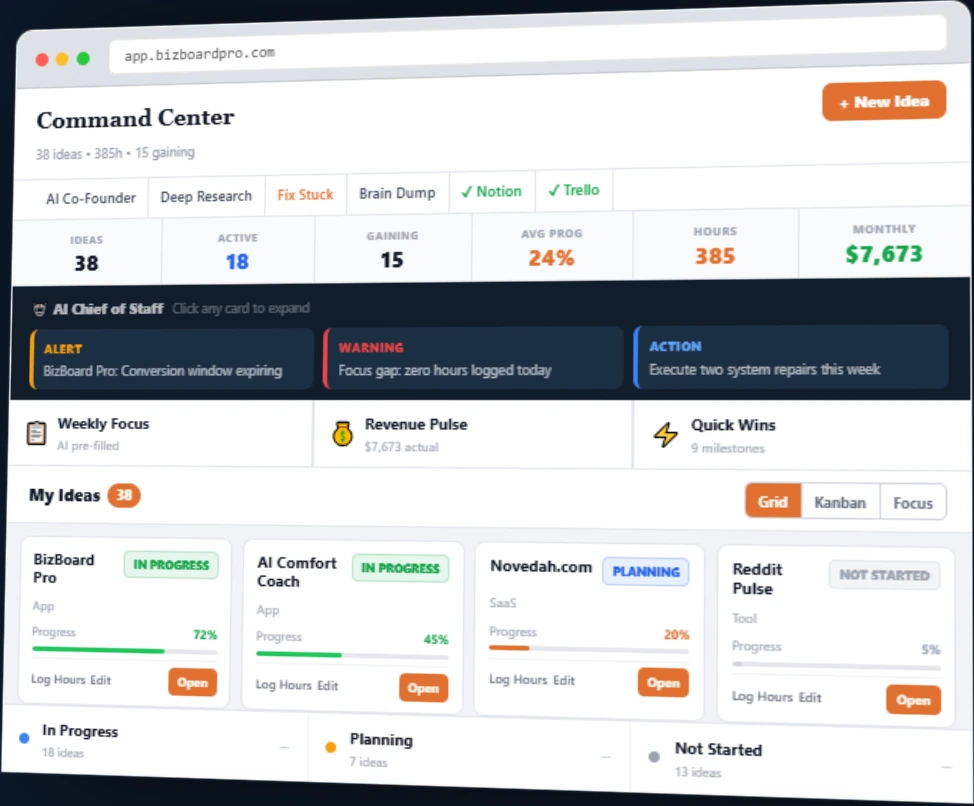
Official website Command Center demonstration with example projects, progress, hours, and revenue. This is a public product illustration, not a signed-in test.
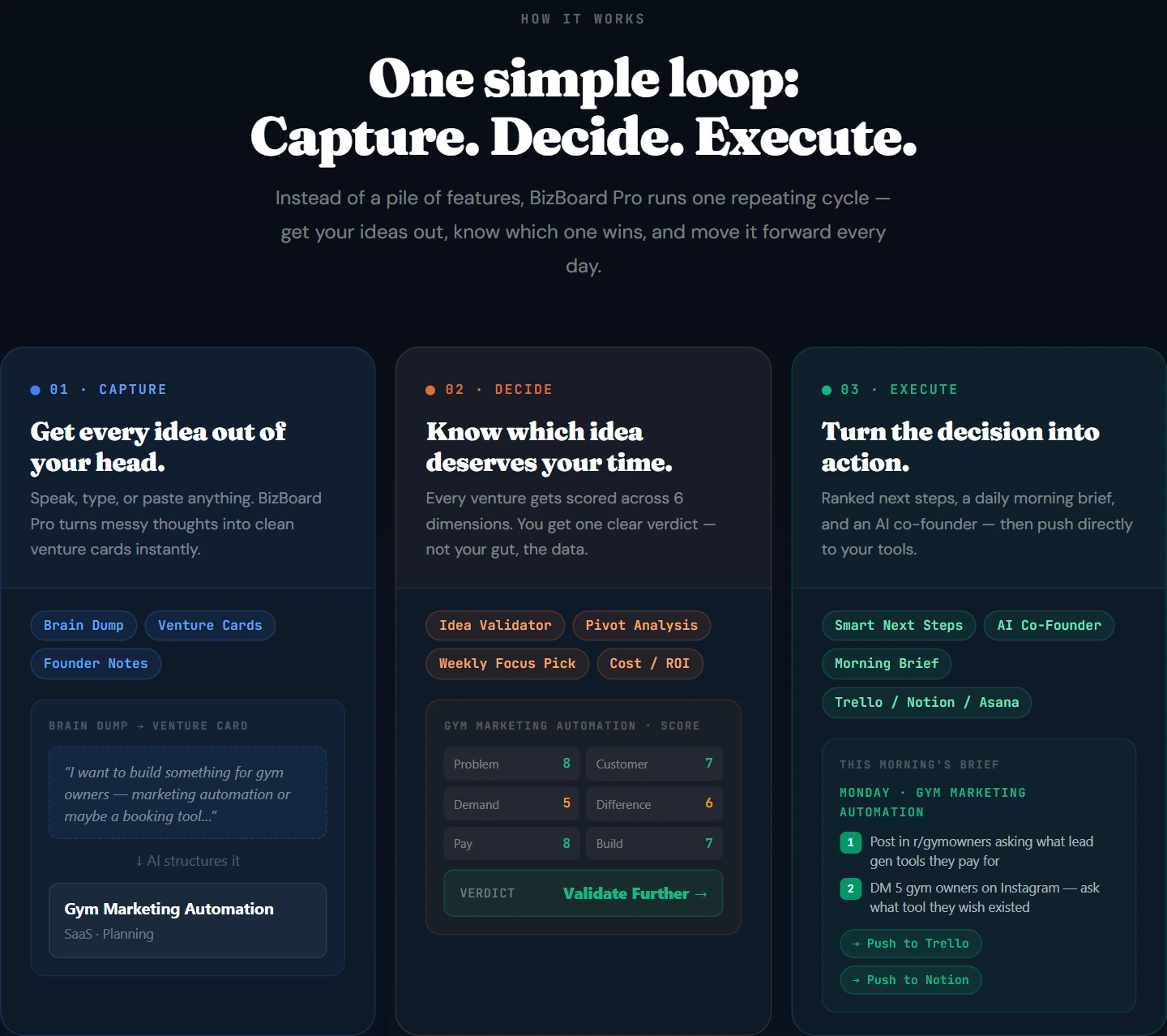
Official website demonstration of the Capture, Decide, Execute workflow. The venture and evaluation shown are illustrative examples.
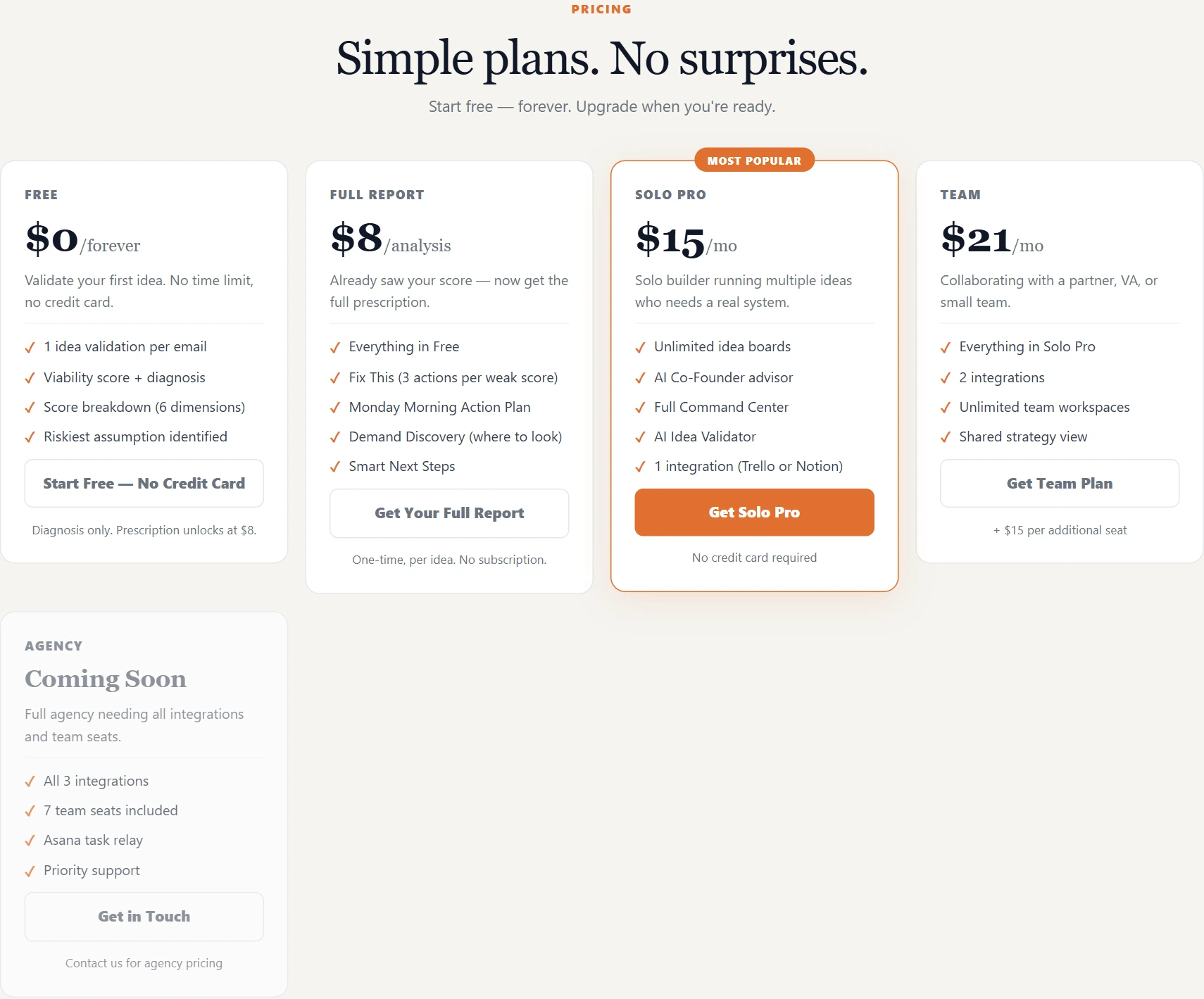
Official public pricing presentation. Agency is presented as coming soon.
WHAT YOU CAN DO
Get to know the capabilities. Find your own way to use them.
Brain Dump accepts spoken or written ideas and organizes them into clearer directions. Keep the resulting venture cards and founder notes together as the idea develops.
The Idea Validator returns a viability diagnosis, dimension scores, and the riskiest assumption. Its verdict helps frame whether to build, investigate further, narrow the idea, change direction, or stop.
The Command Center brings projects, progress, hours, revenue indicators, and priorities into one workspace. The official demonstration shows grid, Kanban, and focus views.
Deep Research covers customers, competition, monetization, go-to-market considerations, risks, and a 30-day plan. Its Content Kit adds keyword, content-title, and lead-magnet ideas for further review.
Weekly Focus considers venture progress, revenue, time invested, and momentum. Chief of Staff surfaces risks and opportunities, while Morning Brief summarizes what deserves attention each day.
Smart Next Steps produces ordered tasks. Paid reports add Fix This recommendations, a Monday Morning Action Plan, and Demand Discovery pointers to help investigate weak assumptions.
AI Co-Founder provides an advisor associated with each idea. Research Chat supports follow-up questions in the context of a venture and its research.
Send venture information or action plans into connected tools. The documented workflows create Trello task cards or a Notion page with a checklist; integration allowances vary by plan.
MADE FOR YOUR WORKFLOW
Use consistent venture records and AI diagnoses to compare several directions, then test the highest-risk assumptions before committing more time.
Review the weekly focus and next steps to give limited evening or weekend work a clearer starting point.
Use research and Demand Discovery as starting points for customer interviews, competitor checks, and a practical validation plan.
Use Team workspaces and the shared strategy view to align venture priorities, then move tasks into the connected tools your collaborators use.
YOUR FIRST STEPS
Create an account and add a venture name, category, and description, or begin with Brain Dump to organize an unfinished thought.
Run the idea evaluation and review its scores, verdict, and riskiest assumption. Separate AI suggestions from facts you have already confirmed.
Choose a single-idea Full Report or an appropriate subscription for deeper actions. Review the research and prioritize a concrete validation or building task.
Carry tasks into an available integration, keep venture progress and hours current, and revisit the focus recommendation as your work advances.
PLAN YOUR NEXT STEP
Free diagnosis; $8 Full Report for one idea; Solo Pro at $15/month; Team at $21/month plus additional seats. Agency is coming soon.
PLAN
Explore the diagnosis for your first idea without a credit card.
$0
Free forever
PLAN
Unlock the action recommendations for one specific idea without a subscription.
$8
One-time / one idea
PLAN
For a solo founder working across multiple ideas.
$15
Per month
PLAN
Add shared venture planning for a partner or small team.
$21
Per month; +$15 per additional seat
PLAN
Announced for agencies; pricing is available by contacting the provider. The listed capabilities are planned.
Coming soon
Prices, usage limits and terms can change. Confirm the latest details on the tool's official website before subscribing.
Plans follow the official homepage and pricing page. Some FAQ and Terms entries still show different older plan details. The homepage identifies the currency as USD; confirm taxes and the final charge at checkout.
Sources checked
The current pricing page includes 1 idea validation per email, with a viability score, 6-dimension breakdown, diagnosis, and riskiest assumption. It has no time limit and requires no credit card. Action recommendations require an upgrade.
No. It unlocks the detailed recommendations for one specific idea once. Solo Pro and Team include the relevant reports and unlimited validations without a separate $8 charge for each idea.
Solo Pro includes unlimited idea boards, AI validation, the Command Center, and 1 Trello or Notion integration. Team adds shared workspaces, a strategy view, and 2 integrations, with additional seat charges.
The official FAQ describes analysis of the market, customers, competitors, monetization, marketing, technical choices, and risks, plus a 30-day action plan and Content Kit. Treat the output as material to investigate, rather than independently verified market evidence.
The official FAQ says it considers progress, monthly revenue, logged hours, and momentum across active ventures, then recommends a priority and immediate actions. Keeping those records current gives the recommendation more relevant context.
The current homepage and pricing page associate Asana with the Agency offering, which is marked Coming Soon. Treat Asana availability as pending and confirm it with the provider before choosing a plan for that integration.
It can sit alongside them: BizBoard Pro organizes venture context and AI planning, then sends work into the connected tool. Available integrations depend on the subscription.
The official privacy policy describes an in-app export feature and account deletion from settings. It also says venture data is used for AI features and lists Anthropic among the service providers. Review that policy before entering sensitive business material.
The current pricing FAQ says Solo Pro can be cancelled in Settings → Billing, with access retained until the end of the billing period. Monthly subscriptions do not receive prorated refunds for the current month.
No. The official terms describe AI output as informational and do not guarantee business outcomes. Customer interviews, independent research, and your own judgment remain necessary.
FROM THE COMMUNITY
Sign in to share your experience and help others find the right tool.
YOUR NEXT DISCOVERY
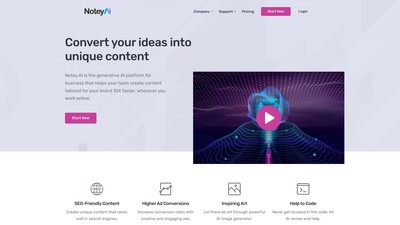
AI-powered tools can help you with everything from article writing and blog post creation to social media ad design and YouTube video titles. With 20 languages and 61 content templates available, there's no limit to what you can do with Notey.AI.

Simplify your online form filling with Filliny - the AI-powered Chrome extension that automatically fills forms based on your context. Choose from three subscription plans and enjoy customization options. Try Filliny today!
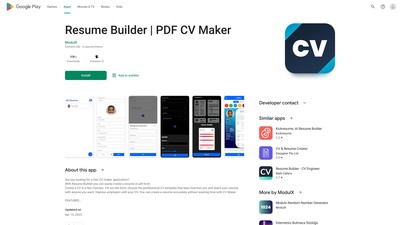
Are you looking for a free CV maker application? Create a CV in a few minutes. Fill out the form, choose the professional CV template that best matches you and share your resume with anyone you want.
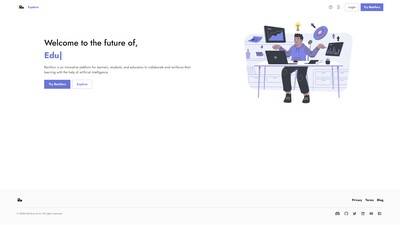
Reinforz is an AI-powered platform that helps educators, and learners save time and effort by automating academic tasks, providing an all-in-one solution for their daily needs.
MAKE YOUR NEXT MOVE
Visit the official website to explore the latest features and get started.