Video generator

AIforASMR

AIforASMR is a specialized AI video generator for the ASMR niche. It turns text prompts or uploaded reference images into calming, seamlessly loopable ASMR videos — rain on windows, ocean waves, candlelight, wood tapping — each with a matched soundscape so the audio stays in sync with the visuals automatically. Built around 45+ scene templates and synchronized sound presets, anyone can produce professional ASMR content without microphones, cameras, or editing experience. The seamless-loop output suits extended sleep, meditation, and focus sessions, plus short-form social content. Made for YouTube sleep channels, meditation creators, wellness brands, and faceless content teams. Free tier offers limited generations; paid upgrades add unlimited output and more templates. Runs in the browser.

Views -
Monthly visits --
Global rank --
Votes 0

About this tool

Main Features

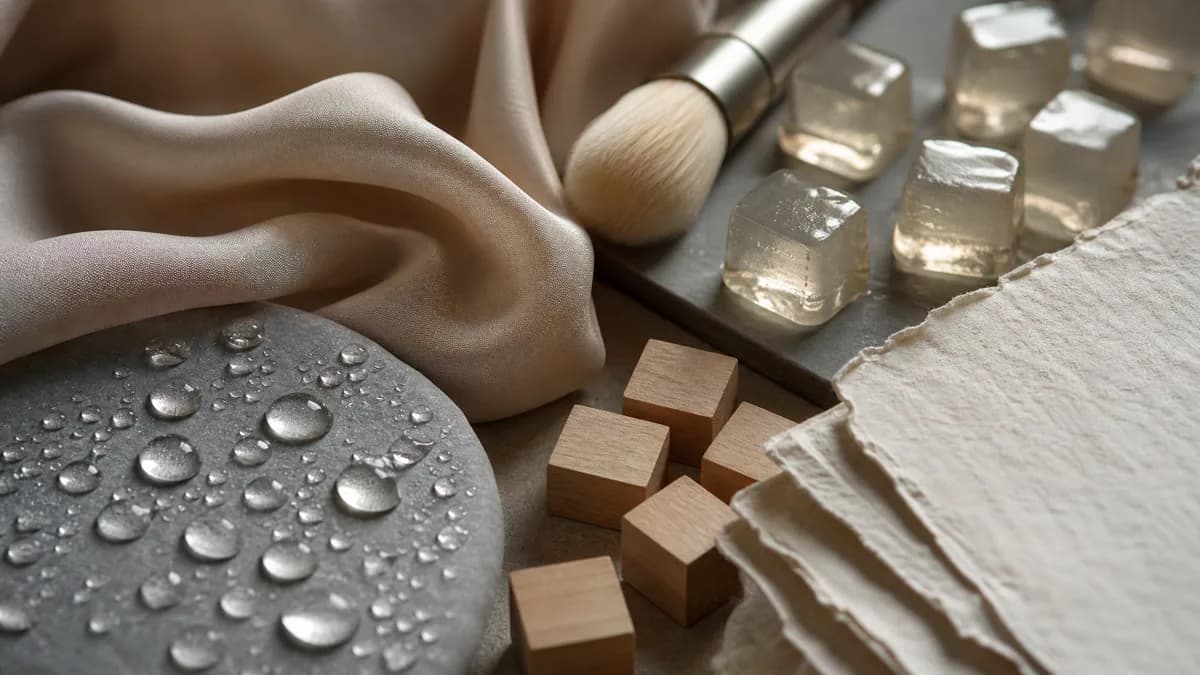
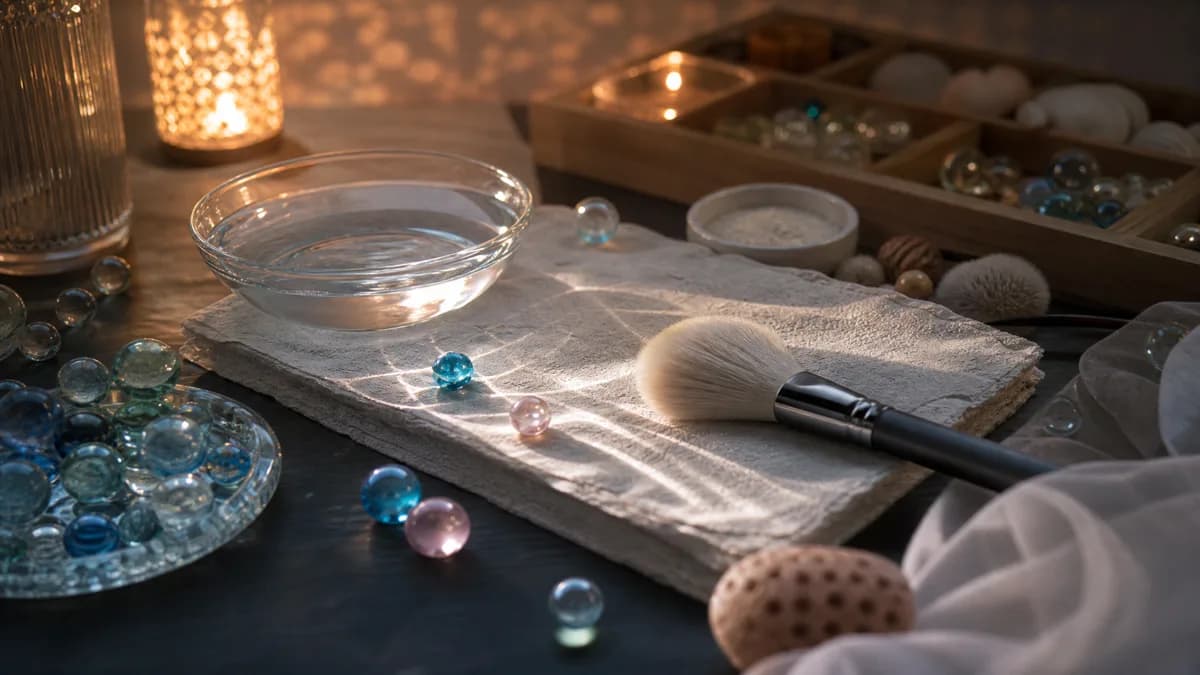
AIforASMR is an online AI tool focused on generating calming, tactile, and slow-paced videos. It generates common ASMR visual content from text prompts, reference images, or guided inputs, including rain ambience, candlelight, skincare textures, fabric motion, and other soothing visual loops.

Key Features

  • Multimodal Inputs: Supports text-only generation for quick ideas, uploading one or two images for guided motion, or using reference inputs when product, object, or style consistency matters.
  • Rich ASMR Sound & Template Presets: Offers 45+ ready-made ASMR video prompt templates across categories like Nature (Rain, Ocean Waves, Wind, Stream, Campfire, Forest Birds, Summer Cicada, Thunder, Snow Walk), Ambient (Valley Echo), Mouth Sounds (Whisper, Breath, Lip Smack, Blow, Mouth Pop), Touch (Page Flip, Paper Rustle, Fabric Fold, Finger Tap, Squeeze Foam), Food & Drink (Ice Clink, Sip, Crunch, Pour Water, Slurp Noodles), Daily Objects (Keyboard Typing, Mouse Click, Tick Tock, Scissors, Zipper), Instruments (Crystal Singing Bowl, Kalimba, Wind Chime, Rain Stick, Wood Block), Writing (Pencil Sketch, Pen Scratch, Eraser Rub, Paper Crumple, Dip Ink), Water (Bath Water, Drip, Hand Wash, Splash, Water Flow), and Wood (Door Knock, Wood Mallet, Block Clash, Bamboo Sticks, Wood Carving).
  • Workflow Optimization: Start by picking a sound or template, describe the scene's texture, lighting, camera movement, and pacing, add image guidance, then generate and iterate until the motion feels soft, loopable, and satisfying.

Usage Instructions

  1. Pick a sound or template as the starting point (e.g., rain, ocean, skincare, candlelight).
  2. Describe your scene, including texture, lighting, camera movement, pacing, and calming mood.
  3. Add image guidance: text-only for quick ideas, or upload images/references for consistency.
  4. Generate and refine: Preview output, adjust prompts or model settings, and iterate.

Target Users

Sleep ambience channel creators, product page managers, wellness/spa brand designers, faceless creators, short-form content leads, beauty motion editors, and ambient video operators.

Core Advantages

  • Prototypes rain-window loops and candle visuals much faster before committing to a full upload schedule.
  • Builds vertical ASMR clips with a clearer mood direction instead of starting from a blank creative brief.
  • Templates and prompt examples make it easier to turn abstract ideas like glass tapping or silk motion into something shippable.
  • Workflow is especially useful for skincare closeups where motion, gloss, and pacing matter more than fast scene changes.
  • Provides calmer pacing and softer motion control closer to the brand atmosphere needed for spa and wellness visuals.
  • Delivers repeatable, mood-first loops that still feel intentional enough for a content library.

Pricing Information

The page mentions choosing a credit or subscription plan for more generation volume, comparing free and paid workflow limits, but specific price amounts are not listed.

FAQs

  • What is an AI ASMR video generator?: A tool for generating calming, tactile, slow-paced videos from prompts or reference guidance.
  • Can I create ASMR videos from text, images, or references?: Yes. Start with text, upload images for guided motion, or use reference inputs for consistency.
  • What kinds of ASMR video scenes work best?: Scenes with texture, close-up detail, soft lighting, repetitive motion, and calm pacing.
  • How long does AI ASMR video generation take?: Depends on model, input type, resolution, and duration; designed for fast first drafts.
  • Can I start from templates and pricing plans?: Yes, browse 45+ ASMR templates and choose a credit or subscription plan.

Traffic analysis

Traffic, ranking, and engagement signals for this tool.

No analytics data yet

Interface preview

User reviews