TOOL PROFILE TOOLAI

AI Dubbing

Translate and dub short videos into 20+ languages through a browser-based workflow.

ai-dubbing.appPRODUCT PREVIEW
Illustration published on the official product website; see the source page for its context. View full image
Illustration published on the official product website; see the source page for its context.Images: 5

THE BIG PICTURE

About AI Dubbing

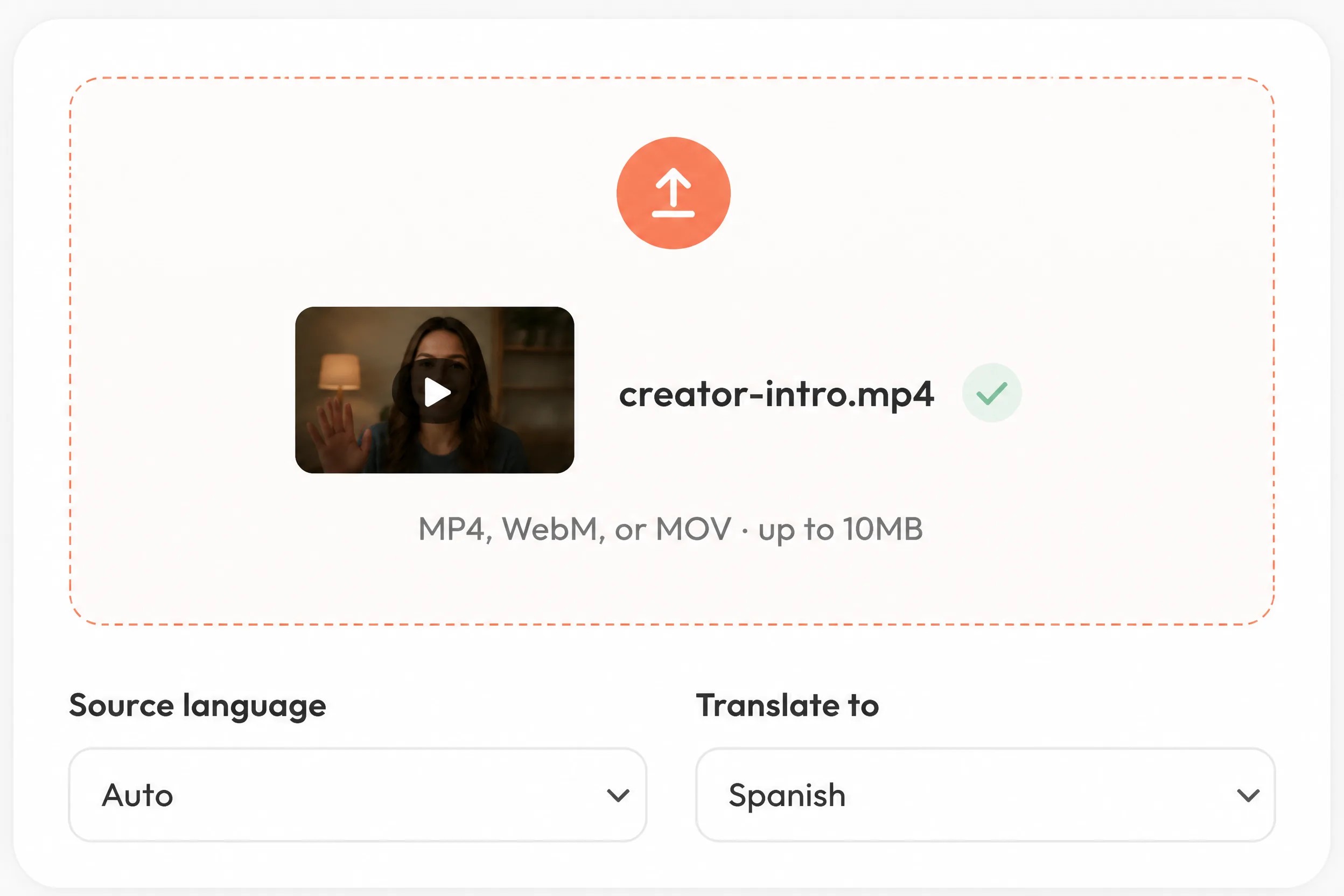
AI Dubbing is an online tool for turning spoken video into translated, dubbed video. Its workflow combines speech recognition, transcription, translation, generated voice audio, video rendering, preview, and download. The source language can be detected automatically, while the user selects the target language. The service supports more than 20 languages and accepts MP4, WebM, and MOV uploads.

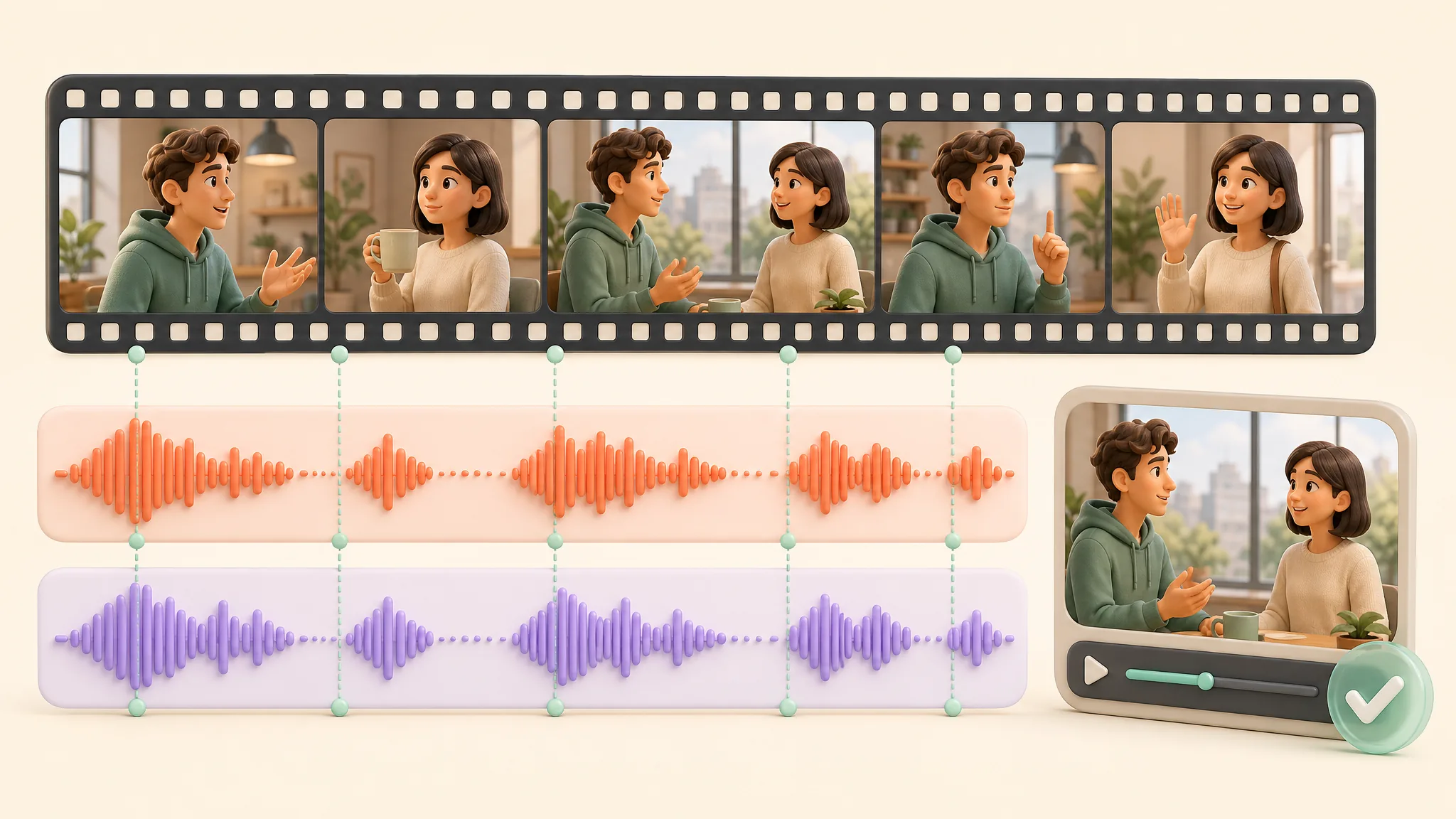
The tool is designed primarily for short clips such as social posts, product demonstrations, lessons, interviews, presentations, and internal updates. Generated speech is intended to follow the source recording’s pace and structure while retaining recognizable speaker characteristics. Results remain dependent on the recording: clear speech with limited noise, music, or overlap provides a stronger input. Users should preview names, numbers, brand terms, pronunciation, and specialist vocabulary before publishing the downloaded video.

WHAT YOU CAN DO

A toolkit worth exploring

Get to know the capabilities. Find your own way to use them.

Dubbing in 20+ languages

Translate a source video into more than 20 target languages. The interface lists options including English, Spanish, French, German, Italian, Portuguese, Chinese, Japanese, Korean, Russian, Arabic, Hindi, Dutch, Polish, Turkish, Vietnamese, Thai, and Indonesian.

Automatic source-language detection

The workflow can detect the language spoken in the uploaded video, reducing the setup required before the user selects a target language.

Integrated transcription and translation

The service transcribes speech, translates the dialogue, and generates a replacement voice track within one guided browser workflow rather than requiring a separate audio editor.

Source-aware speech timing

Generated speech follows the pace and structure of the original recording to help translated dialogue remain connected to scene changes and speaker turns.

Voice-aware generated audio

The dubbing model is designed to retain recognizable characteristics of the original speaker instead of applying the same generic narrator to every clip. Results depend on the clarity of the source recording.

Browser preview and video download

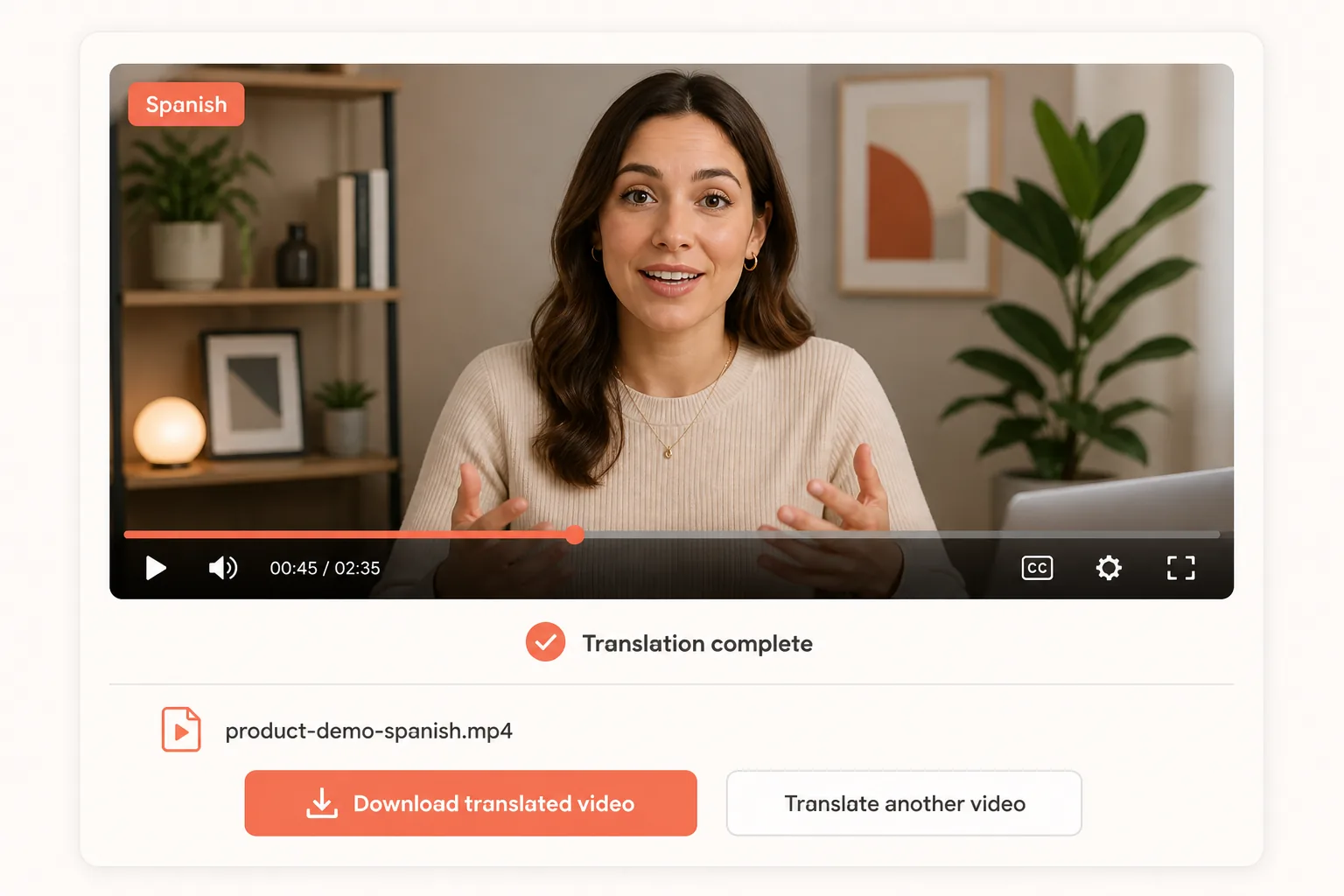
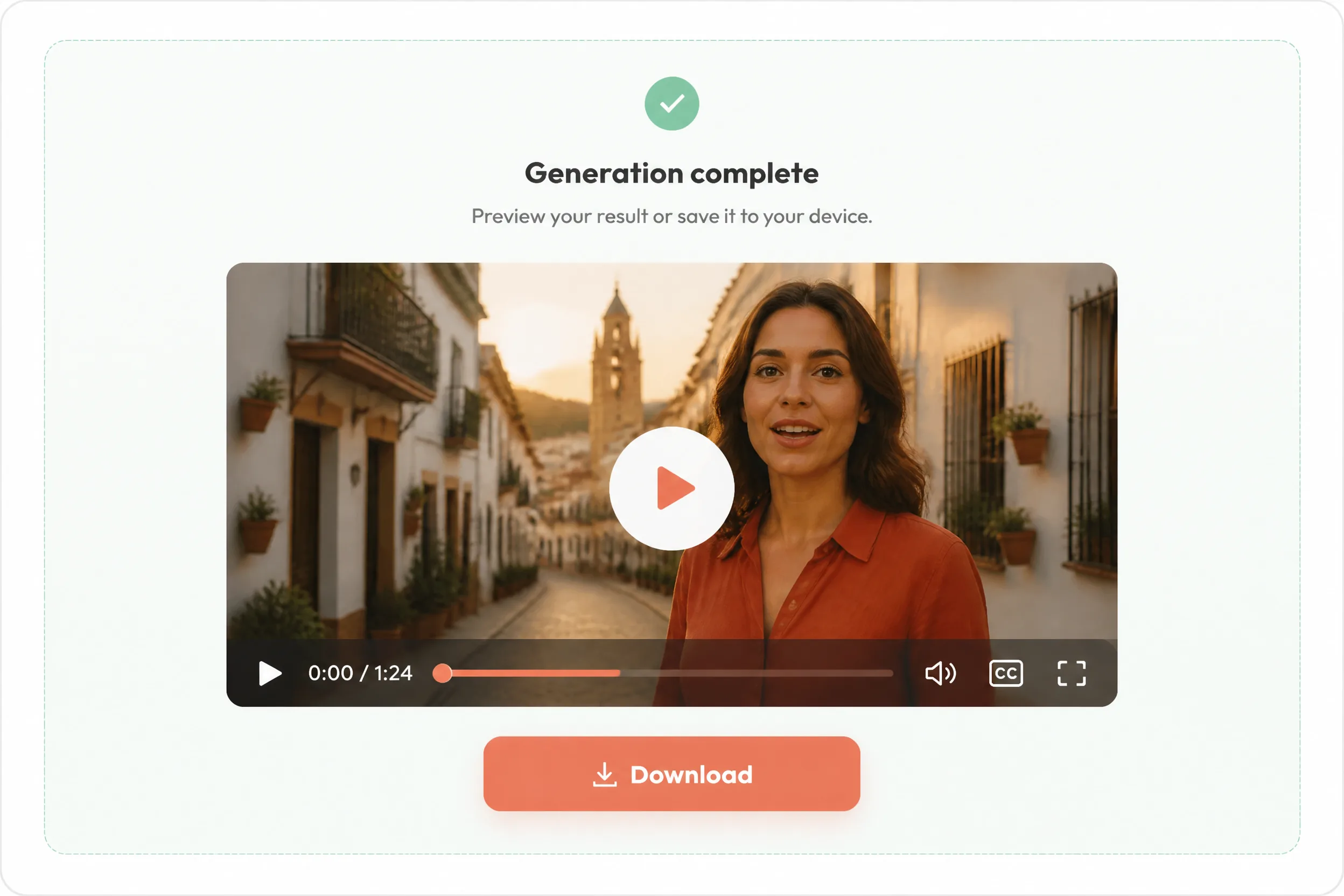
Users can watch the completed translated video in a browser before downloading it. Generated results are also added to recent generation history for later review.

MADE FOR YOUR WORKFLOW

Where it fits into your day

USE CASE 01

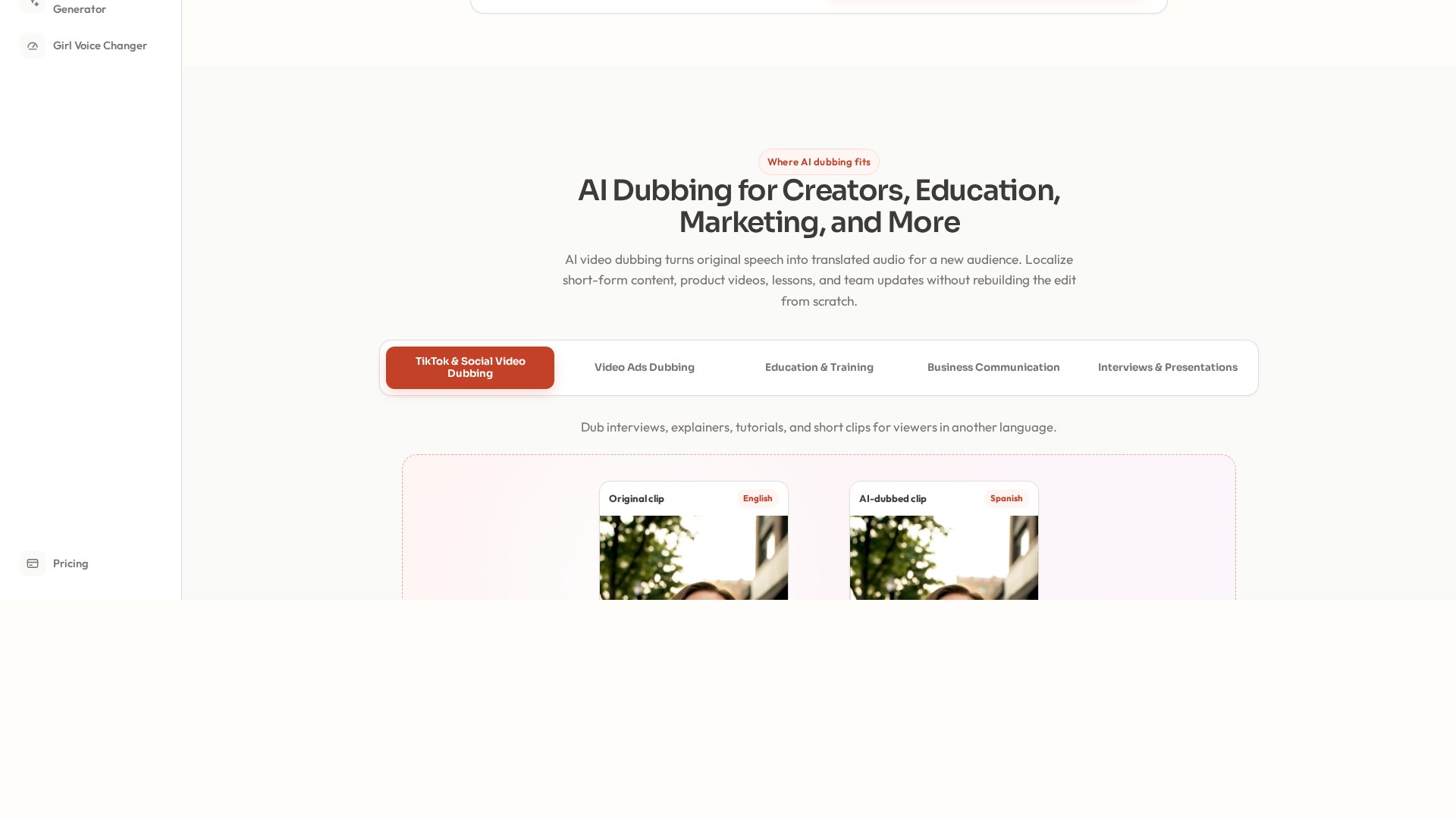
Social and creator content

Prepare translated versions of interviews, explainers, tutorials, and short-form clips for viewers who prefer another language.

USE CASE 02

Education and training

Create dubbed lessons, walkthroughs, onboarding materials, and training updates for multilingual students or employees.

USE CASE 03

Marketing localization

Adapt product demonstrations, campaign videos, presentations, and short advertisements without rebuilding the visual edit or recording each language manually.

USE CASE 04

Business communication

Produce translated versions of recorded company updates, presentations, and team messages for colleagues in different regions.

YOUR FIRST STEPS

From first click to first result

Try it on the official website
  1. Upload a supported video

    Choose or drag an MP4, WebM, or MOV clip into the web application. The documented maximum upload size is 10MB.

  2. Select the target language

    Allow the service to detect the spoken source language, then choose the language required for the translated video.

  3. Generate, review, and download

    Run the dubbing process, preview the finished video in the browser, check important terminology and timing, and download the result when it is ready.

PLAN YOUR NEXT STEP

A plan for the way you work

Credit-based service with monthly Standard, Pro, and Premium subscriptions. The documented plans cost $9/month for 400 credits, $29/month for 1,500 credits, and $99/month for 5,000 credits. The video dubbing workflow uses 4 credits per second of uploaded video.

Subscribe on the tool's website

PLAN

Standard

Entry monthly subscription with 400 credits. Credits are shared across AI Dubbing tools and reset at each billing renewal.

$9

Monthly

  • 400 credits every month
  • Shared credit balance across supported site tools
  • Monthly renewal
View plan on website

PLAN

Pro

Mid-tier monthly subscription with 1,500 shared credits that reset at each billing renewal.

$29

Monthly

  • 1,500 credits every month
  • Shared credit balance across supported site tools
  • Monthly renewal
View plan on website

PLAN

Premium

Highest documented monthly subscription with 5,000 shared credits that reset at each billing renewal.

$99

Monthly

  • 5,000 credits every month
  • Shared credit balance across supported site tools
  • Monthly renewal
View plan on website

Prices, usage limits and terms can change. Confirm the latest details on the tool's official website before subscribing.

New accounts receive 20 one-time credits for an initial test. Subscription credits renew monthly, are shared across the site's dubbing, translation, and voice tools, and do not roll over when unused. Check the official pricing page for current terms.

Sources checked

A FEW MORE THINGS

Good questions. Useful answers.

More on the official website

Which file formats can I upload?

The dubbing interface accepts MP4, WebM, and MOV video files. Uploads are limited to 10MB.

How many languages are supported?

The product page states that the tool supports more than 20 languages. Listed options include English, Spanish, Hindi, French, German, Japanese, Korean, Arabic, and Portuguese.

Can I try AI Dubbing before subscribing?

Yes. The official site says new accounts receive 20 one-time credits for testing a short video. Generations consume credits, so the available trial duration depends on the documented usage rate.

How are video generations charged?

The current upload interface states that video dubbing costs 4 credits for each second of uploaded video. The site displays the applicable credit cost in the workflow.

Does the generated voice preserve the original speaker?

The model is designed to retain recognizable speaker characteristics and source-aware timing, but this is not guaranteed. Recording quality, music, noise, and overlapping speech can affect the result.

Can I review the result before downloading it?

Yes. The finished translated video appears in an in-browser player for review and includes a download link. Completed outputs are also added to recent generation history.

Do monthly credits roll over?

No. Subscription credits reset at each monthly billing renewal, and unused monthly credits do not carry into the next billing period.

FROM THE COMMUNITY

What has your experience been?

YOUR NEXT DISCOVERY

More tools to explore

Explore all tools

MAKE YOUR NEXT MOVE

Ready to explore AI Dubbing?

Visit the official website to explore the latest features and get started.

Visit official website
AI Dubbingai-dubbing.app
Visit website

GALLERY

PASS IT ALONG

Share AI Dubbing