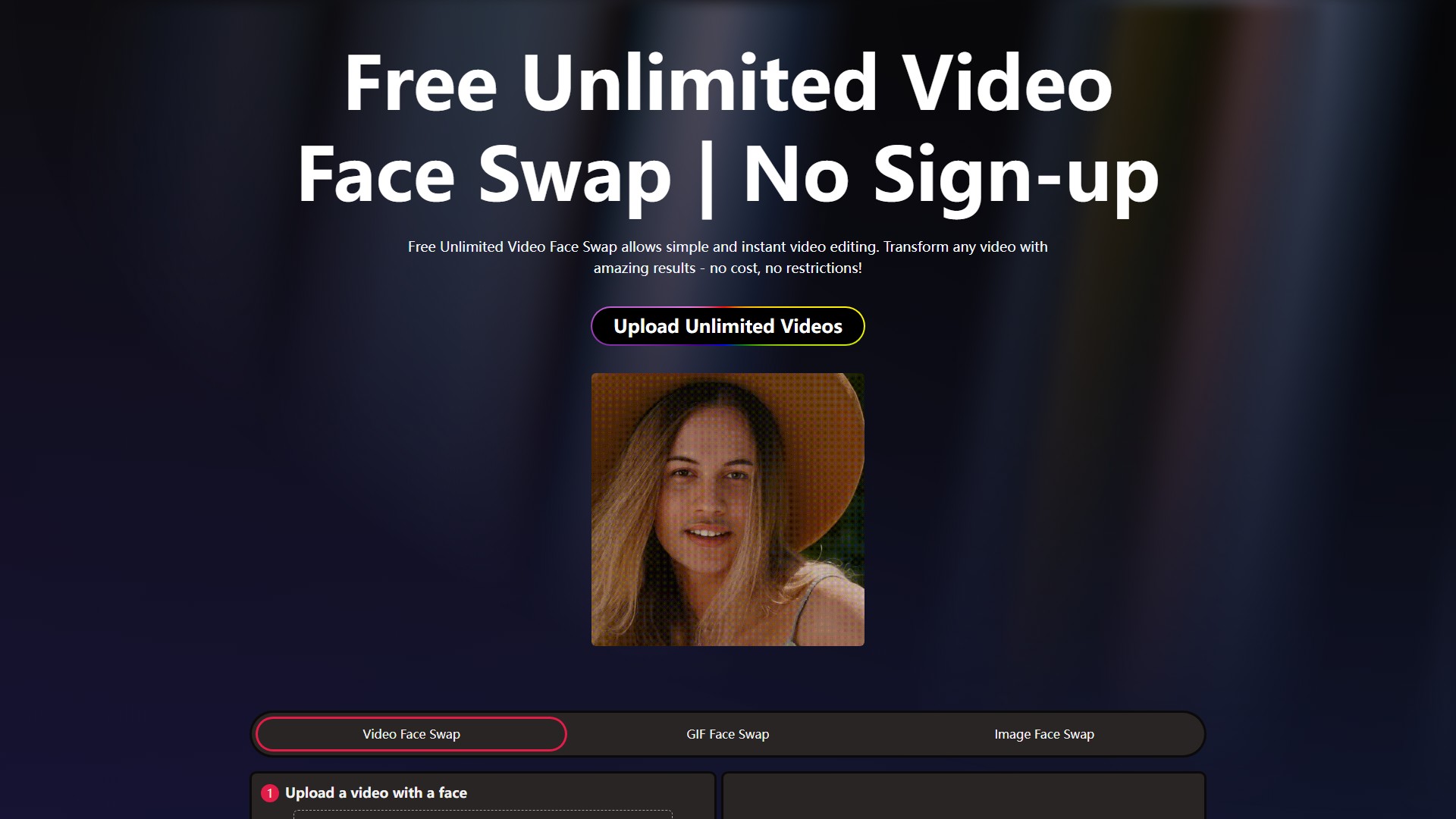
Video editing
VideoSwapFace
Check VideoSwapFace free-use limits, login conditions and credits. Prepare a short video and replacement portrait, then review the result frame by frame.
About this tool
VideoSwapFace replaces a face in a video using a separate portrait. Its editor includes Single and Multiple modes; prepare a short section with clear, visible faces before generating.
Input and workflow
The video uploader accepts MP4, WEBM and MOV files below 300MB. A replacement face photo can be JPG, PNG, WEBP or HEIC below 20MB. Upload your files, trim the section, choose the mode and review the displayed generation option.
What is free, and when is login needed?
The official editor advertises free output up to 60 seconds after login. Its FAQ also describes a guest trial. Check the allowance shown for your current session rather than assuming the guest limit is the same as the signed-in limit.
Credits and longer clips
Longer clips or higher-volume use can require credits. The pricing page lists paid credit packs, starting at 800 credits for US$9.99 on 12 September 2026, and an unlimited-plan option. Check the current charge before generating. The service should not be described as entirely free and unrestricted.
Review turns, occlusions and transitions in the result before sharing. The guide below explains how to plan a short creative clip.
Traffic analysis
Traffic, ranking, and engagement signals for this tool.
No analytics data yet
Interface preview