
seeinsta.com

Main Features
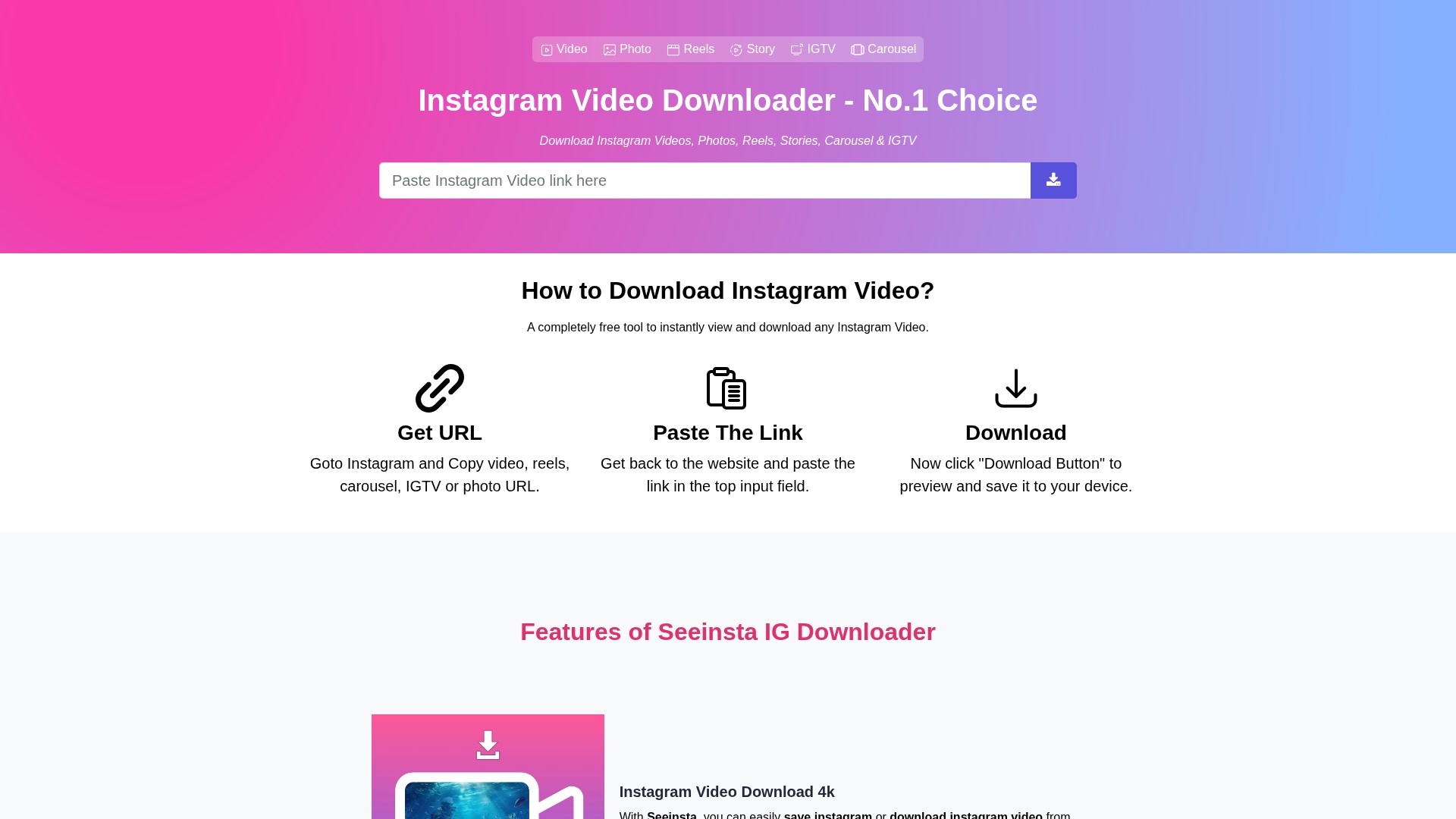
Seeinsta is an Instagram downloader that supports downloading Instagram videos (4k quality), photos, Reels, Stories, IGTV, and Carousel.
Core Features
- Instagram Video Download 4k: Easily save or download Instagram videos from your own account. Provides seamless support for downloading various video formats directly from Instagram, ensuring quick and efficient downloads.
- Instagram Photo Downloader: Effortlessly save photos from Instagram, whether it's a single image or multiple photos from a post.
- Download Instagram Reels: Provides a simple solution to save Reels videos directly to your device when Instagram itself doesn't offer a download option.
- IGTV Downloader: Easily download IGTV videos to your computer for offline viewing. Save long videos to watch later even without an internet connection.
- Snap Instagram Story Download: Allows you to download Instagram stories and view them offline anytime to save and archive a story you like.
- Instagram Carousel Download: Easily download entire carousel posts to enjoy them offline at your convenience when the app doesn't offer a download option.
Usage Process
- Get URL: Goto Instagram and Copy video, reels, carousel, IGTV or photo URL.
- Paste The Link: Get back to the website and paste the link in the top input field.
- Download: Click "Download Button" to preview and save it to your device.
Target Users & Device Support
Suitable for all users who want to save Instagram content offline. Works perfectly on all devices including PC, Mac, Android, iPhone, and iPad. On iPhone, open Safari (iOS 13 or later) or download the "See Insta" app; on Android, copy the Instagram link, install the seeinsta.com application, paste the link into the box, and hit Download.
Pricing Model
Seeinsta.com is totally free. You can download any Instagram videos, photos, reels, stories, or IGTV without any restrictions or payment.
FAQ
- What is an Instagram Downloader?: A simple tool to save videos, photos, stories, reels, and IGTV highlights content from Instagram to your device.
- How do I save Instagram videos and photos?: Step 1: Paste the Instagram link into the box and hit the Download button; Step 2: The video or photo will show up, just click Download Photo or Download Video to save it.
- Can I download Instagram Stories?: Yes, tap the three dot icon above the Story, choose Copy Link, then paste it into seeinsta.com and download.
- Can I download Instagram content directly from the app?: No, Instagram doesn't let you download content directly. You'll need to use Seeinsta.com.
- Where do my downloads go?: Check the "Downloads" folder on your phone or your browser's download history to find the saved files.
가격 모델:
Free
의론