
pixobloom
Main Features
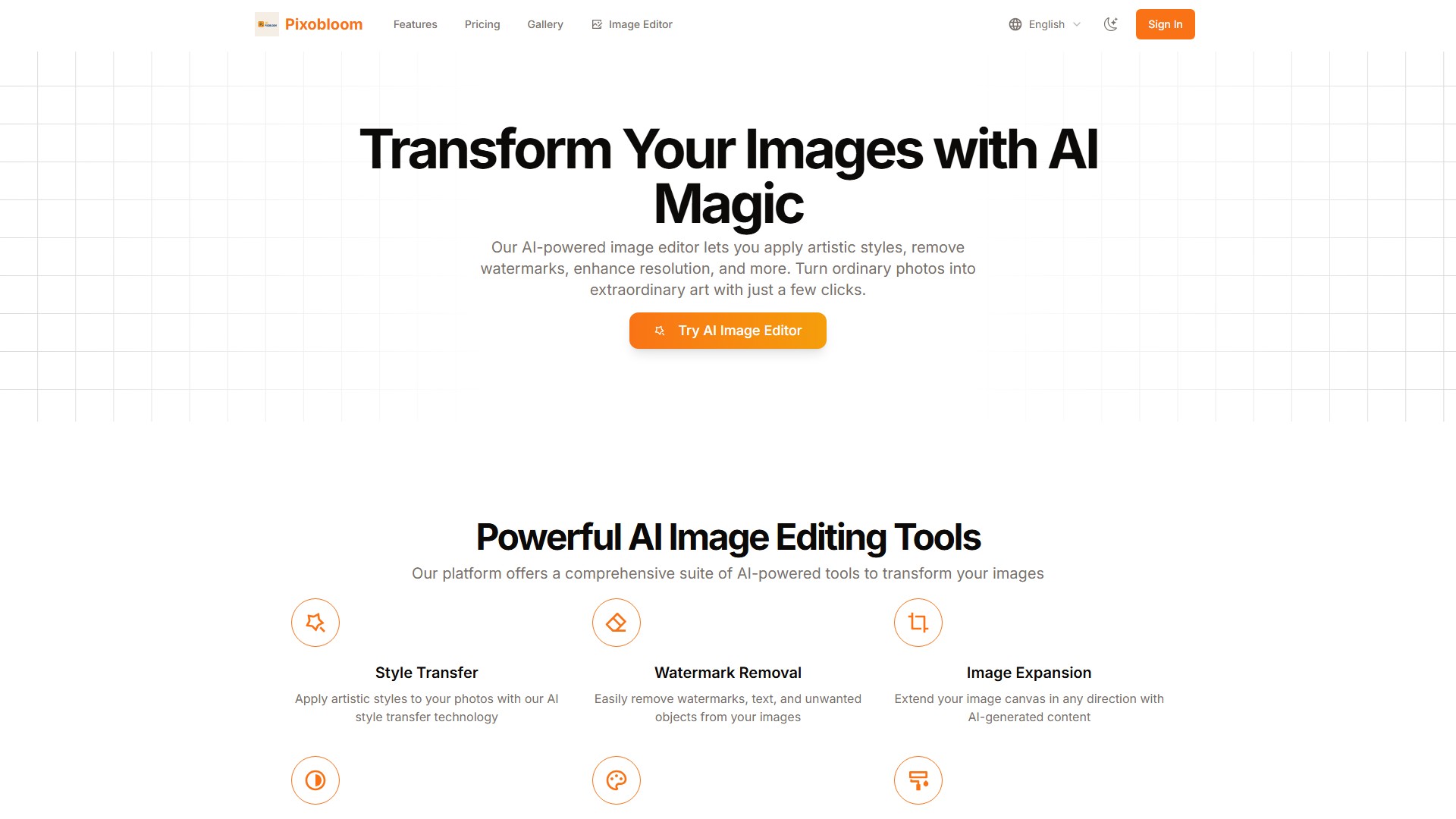
Pixobloom is a comprehensive AI image editing platform that offers the following core tools:
- Style Transfer: Apply artistic styles to photos with AI style transfer technology.
- Watermark Removal: Easily remove watermarks, text, and unwanted objects from images.
- Image Expansion: Extend the image canvas in any direction with AI-generated content.
- HD Enhancement: Upscale and enhance image resolution for crystal-clear results.
- Image Colorization: Add vibrant colors to black and white or grayscale images.
- Local Redrawing: Redraw or modify specific areas of an image with precision.
Target Users
- Casual users and beginners: Perfect for trying out AI image editing (Starter plan).
- Photographers and content creators: For creators needing advanced editing tools (Standard plan).
- Professionals and businesses: For professional users needing a complete solution and priority support (Premium plan).
Pricing Model
Pixobloom uses a credit-based paid model, with all credits valid for 1 year.
- Starter Plan: $1.99, now $0.99 USD. Includes 25 credits, covering all basic image transformations, style transfer, watermark removal, and HD enhancement.
- Standard Plan (Popular): $5.99, now $4.99 USD. Includes 150 credits, offering everything in Starter plus advanced tools, local style transfer, image expansion, and line art transformation.
- Premium Plan: $13.99, now $9.99 USD. Includes 350 credits, providing all premium features and priority support.
Core Advantages
- Turn ordinary photos into extraordinary art with just a few clicks.
- Offers a comprehensive suite of powerful AI editing tools to meet diverse needs from basic to professional.
가격 모델:
Paid
의론