
Visla
Core Features
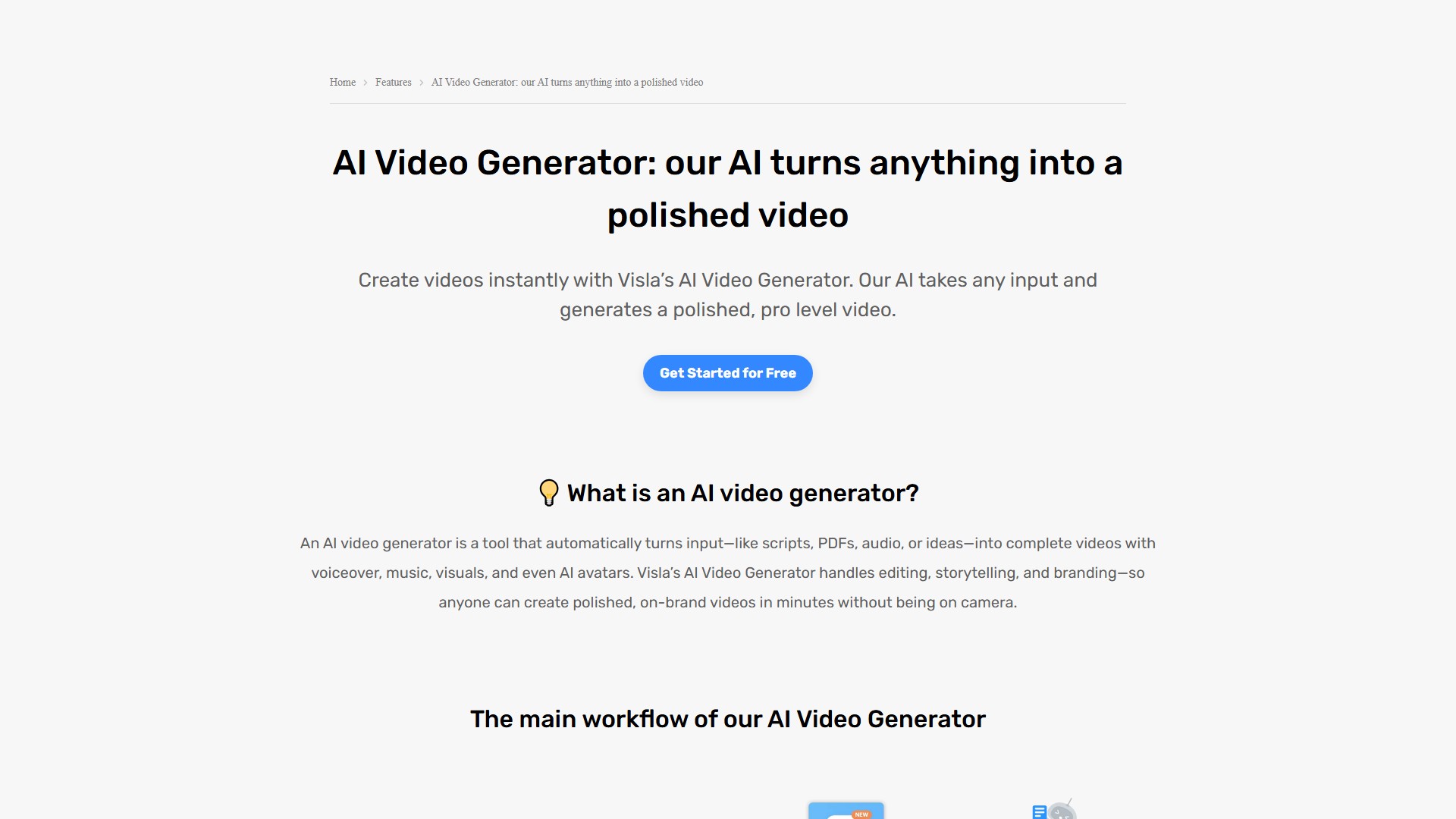
AI Video Generator: Automatically turns various inputs—like scripts, PDFs, audio, ideas, or existing footage—into complete videos with voiceover, music, visuals, and even AI avatars. Multiple Input to Video Methods:
- Idea to Video: Type an idea, and AI picks stock footage, adds music, generates voiceover, and creates subtitles.
- Text or Script to Video: Drop in a full script or raw text and let AI match visuals, voice, and music.
- Webpage to Video: Paste a URL, and Visla pulls key info and images to auto-build a video.
- Audio to Video: Turn podcasts, voice recordings, or any audio into videos with matching visuals, subtitles, and music.
- Summarize Audio/Video: Upload long interviews, meetings, or podcasts to find highlights and turn them into short recaps.
- Transform Audio/Video: Upload audio/video of someone talking, and Visla adds matching visuals, subtitles, and music.
- Create Video Montage: Upload clips or images, and AI arranges them into a smooth montage.
- Create Narrative Video: AI scans uploaded media, picks the best parts, and adds a voiceover to tell a clear story.
AI Video Editor: Features scene-based editing, text-based editing, AI Summary, background music, AI voice cloning, commentary voiceover, and custom AI voice. AI Avatars: Generate a lifelike presenter using just a photo or a simple prompt, customize the look and voice, and drop the avatar into any video project. Recording: Supports screen recording, video recording, meeting recording, multi-camera recording, teleprompter, phone as webcam, and camera background removal. Collaborate & Share: Offers shared workspaces, collaborative video editing, video sharing, review & comments, auto transcription, and embed videos.
Workflow
- Prompt: Start by prompting AI and adding materials (script, webpage, audio, footage, or images).
- Refine: Guide AI to shape the video by choosing language, voiceover, length, pace, visuals, music, aspect ratio, and layout.
- AI Magic: AI builds the video by adding footage, background music, subtitles, and other fitting elements.
- Edit: Use editing tools to swap scenes, add branding, fine-tune voiceovers, and more.
- Share: Download the video, get an embed code, or send it directly to the audience.
Target Users
- Marketing Teams: Turn campaigns, blogs, or briefs into polished videos in minutes.
- Sales Teams: Create personalized pitches, demos, or follow-ups without starting from scratch.
- Educators: Transform lessons, tutorials, and training materials into clear, engaging videos.
- Customer Success Teams: Turn FAQs, walkthroughs, or support scripts into helpful video guides to reduce ticket volume.
- Product Development Teams: Explain new features, show off prototypes, or document processes visually.
- HR & People Ops Teams: Simplify onboarding, policy rollouts, and internal communications by turning PDFs and training decks into engaging videos.
Core Advantages
- Eliminate the “blank page” problem: Drop in existing materials, and AI creates a ready-to-edit video draft.
- Produce more content without adding headcount: One person can generate and polish dozens of videos a week.
- Cut down review and approval bottlenecks: Teams can comment on specific scenes, suggest changes, and resolve feedback together.
- Make videos that match your brand: Customize fonts, colors, logos, intros/outros, and choose matching voiceovers and avatars.
Pricing Information
Visla offers flexible pricing, including a Free plan to get started and Pro and Business plans starting at $9/month billed annually. Higher tiers offer more credits, premium footage, and branding tools. Core AI video generator features are included in the free plan; upgrading is only necessary for premium stock, custom AI avatar and voice features, more branding kits, etc.
FAQ
- Best online AI video generator: Visla balances speed, creative flexibility, and professional output.
- How to make an AI-generated video: Choose input, AI builds the video automatically, then refine using the built-in scene-based editor.
- Does YouTube ban AI-generated videos? No, as long as the content complies with Community Guidelines and copyright policies.
- Can I edit the video after AI generates it? Yes, land in the scene-based editing platform automatically to cut scenes, swap shots, add text/graphics, etc.
- Can I use my own brand assets? Yes, upload logos, fonts, and brand colors, and use brand kits, Custom AI Avatars, and cloned AI voices for consistency.
価格
Basic Plan
Free
Premium Plan
$19/month
議論する