
ScreenApp
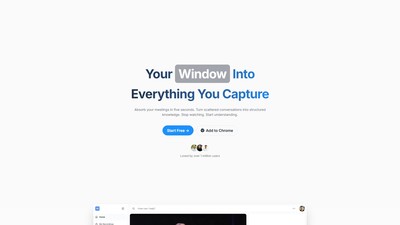
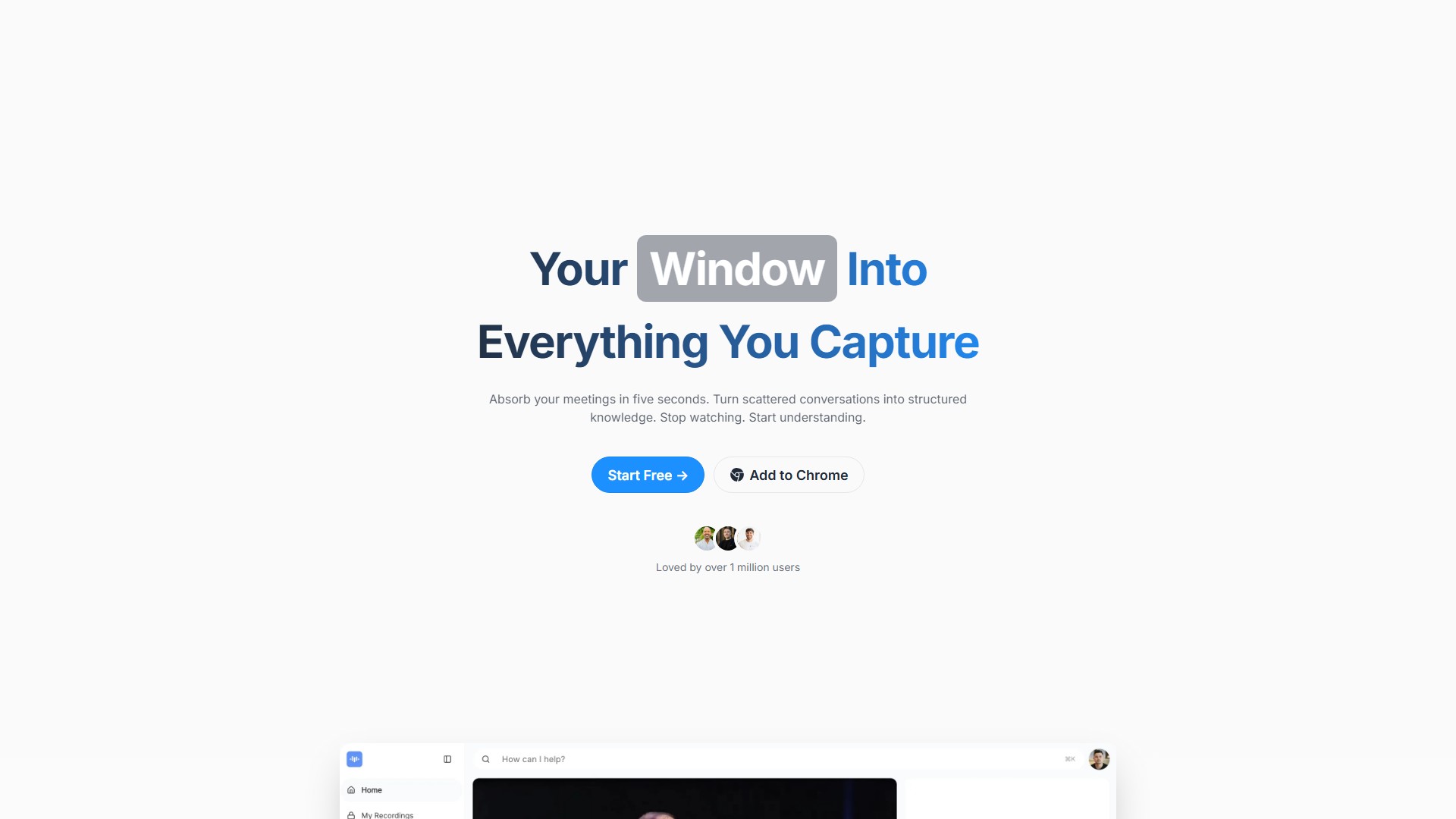
Main Features
- Record & Transcribe: Automatically record meetings, lectures, and conversations. Capture and transcribe everything you say in real-time with up to 99% transcription accuracy.
- AI Notetaker: Automatically transforms conversations into structured notes with key points, action items, and decisions in real-time.
- AI Audio & Video Summarizer: Extract the most important insights from hours of content in seconds. Get executive summaries, key decisions, and action items without watching entire recordings.
- Smart Search: Search meetings, recordings, and conversations instantly. Ask questions and get instant answers on everything you've recorded.
- Translation: Translate any recording in real-time across iOS, Mac, Web, and Android platforms.
- Document & PDF Generation: Convert any audio or video recording into formatted documents, PDFs, or text files. Generate professional meeting minutes, interview transcripts, and reports.
- SRT Generator & Subtitle Creator: Generate SRT files and create subtitles for videos.
- Video Analysis AI: Analyze video frames to find any moment in your audio and video.
Core Advantages
- No installation required; use directly in the browser, or install the mobile app/Chrome extension. Start recording in 60 seconds.
- The free plan provides 45 minutes of AI processing monthly without watermarks.
- Import recordings from Zoom, Google Meet, or YouTube, import directly via URL, or use meeting bots to automatically capture sessions. Works with all major video conferencing tools.
- All recordings and transcripts are encrypted during transfer and storage. Users control who can access their content.
Target Users
Project Managers, Operations Managers, Founders, Software Engineers, Directors, Marketing Gurus, Video Creators, and other professionals and businesses needing to handle client feedback, presentations, team demos, training videos, and meeting records.
Typical Use Cases
- Recording client presentations and team demos, using AI summaries to organize client feedback.
- Recording meetings on the go and using the dictation feature as a huge time-saver.
- Capturing the screen and instantly turning it into step-by-step guides in any format.
- Converting lectures and interviews into professional transcripts and meeting minutes.
Pricing Model
- Freemium model. The free plan includes limited transcription minutes, basic summaries, and core recording and upload features. Paid plans are available for upgrade, with the option to cancel or downgrade anytime in account settings.
FAQ
- How does the AI Notetaker work? Automatically captures, transcribes, and transforms conversations into structured notes with key points, action items, and decisions.
- Do I need to install anything? No, you can use ScreenApp directly in your browser.
- Can I use ScreenApp for dictation and document creation? Yes, convert any audio or video recording into formatted documents, PDFs, or text files.
- Can I import from Zoom, Google Meet, or YouTube? Yes, upload recordings from any platform, import via URL, or use meeting bots to automatically capture sessions.
- Is my data secure? Yes, all recordings and transcripts are encrypted, and you control access.
- Can I cancel anytime? Yes, you can cancel or downgrade your plan anytime in your account settings.
アクセス:
229.1K
国:
India
価格
Starter
$0
Growth
$7
Business
$15
議論する