
SafeSpelling
Main Features and Characteristics:
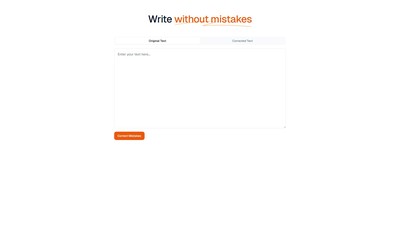
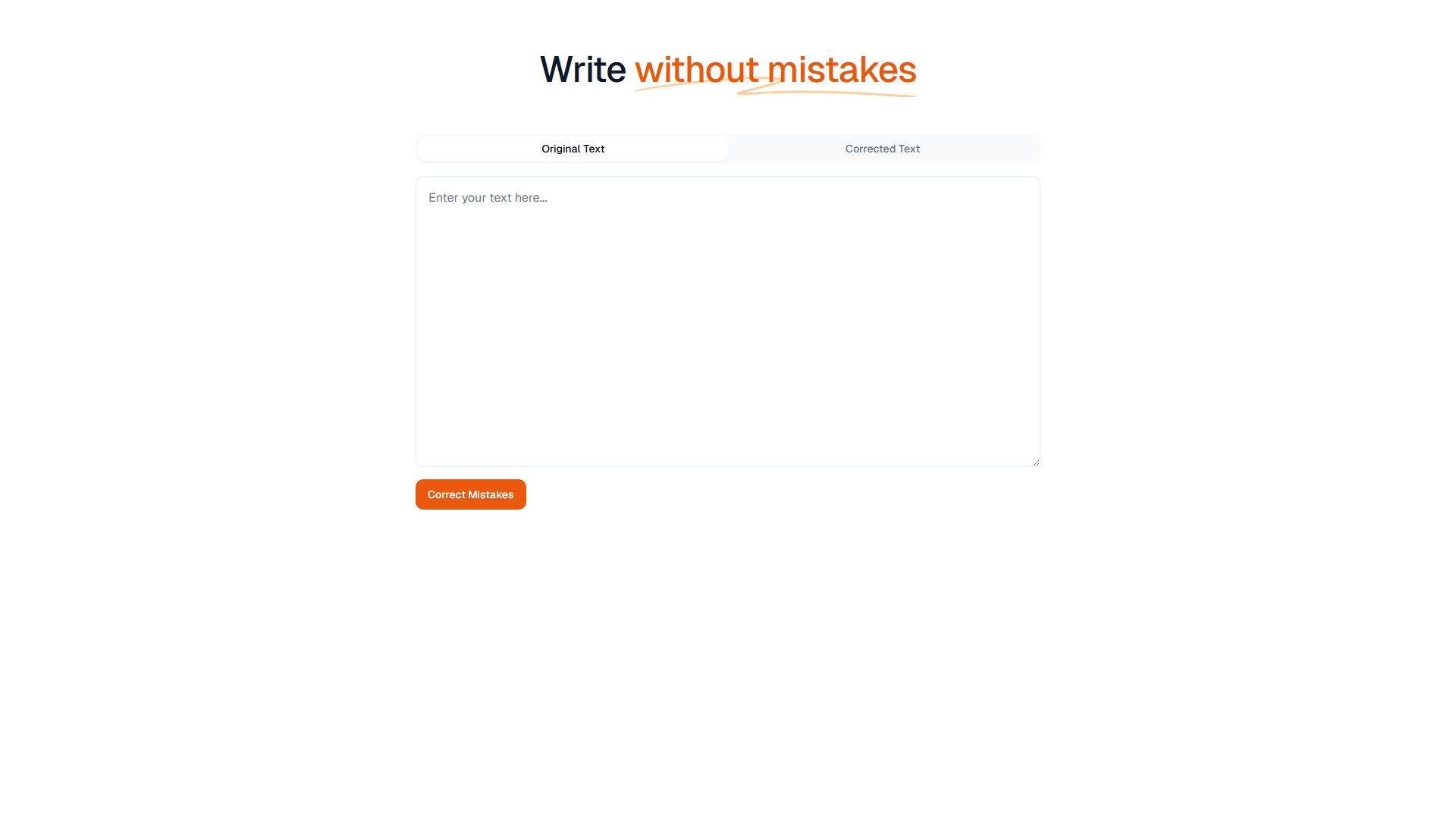
- Spelling and Grammar Correction: Provides a comparative interface of "Original Text" and "Corrected Text", capable of automatically detecting errors in the input text and outputting the corrected text.
- One-Click Correction: Users simply need to paste or type the original text in the input box and click the "Correct Mistakes" button to quickly obtain correction suggestions and results.
- Mistake-Free Writing: The core goal is to help users get rid of spelling errors during writing, achieving "Write without mistakes".
Usage Flow:
- Visit the SafeSpelling website.
- Login to get started.
- Enter or paste the text to be checked in the "Original Text" area on the left.
- Click the "Correct Mistakes" button to execute the correction.
- View the corrected text in the "Corrected Text" area on the right.
Target Users: Personnel who frequently engage in text writing, editing, and proofreading, such as content creators, copywriters, students, and office professionals.
Core Advantages: Intuitive and simple interface, one-click correction process, effectively improving text quality and reducing manual proofreading time.
Pricing Information: No specific pricing or payment model information is included on the page.
アクセス:
8.5K
国:
Germany
価格設定モデル:
Free
議論する