
Formswrite
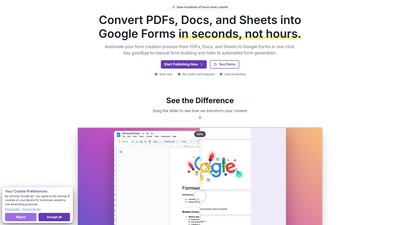
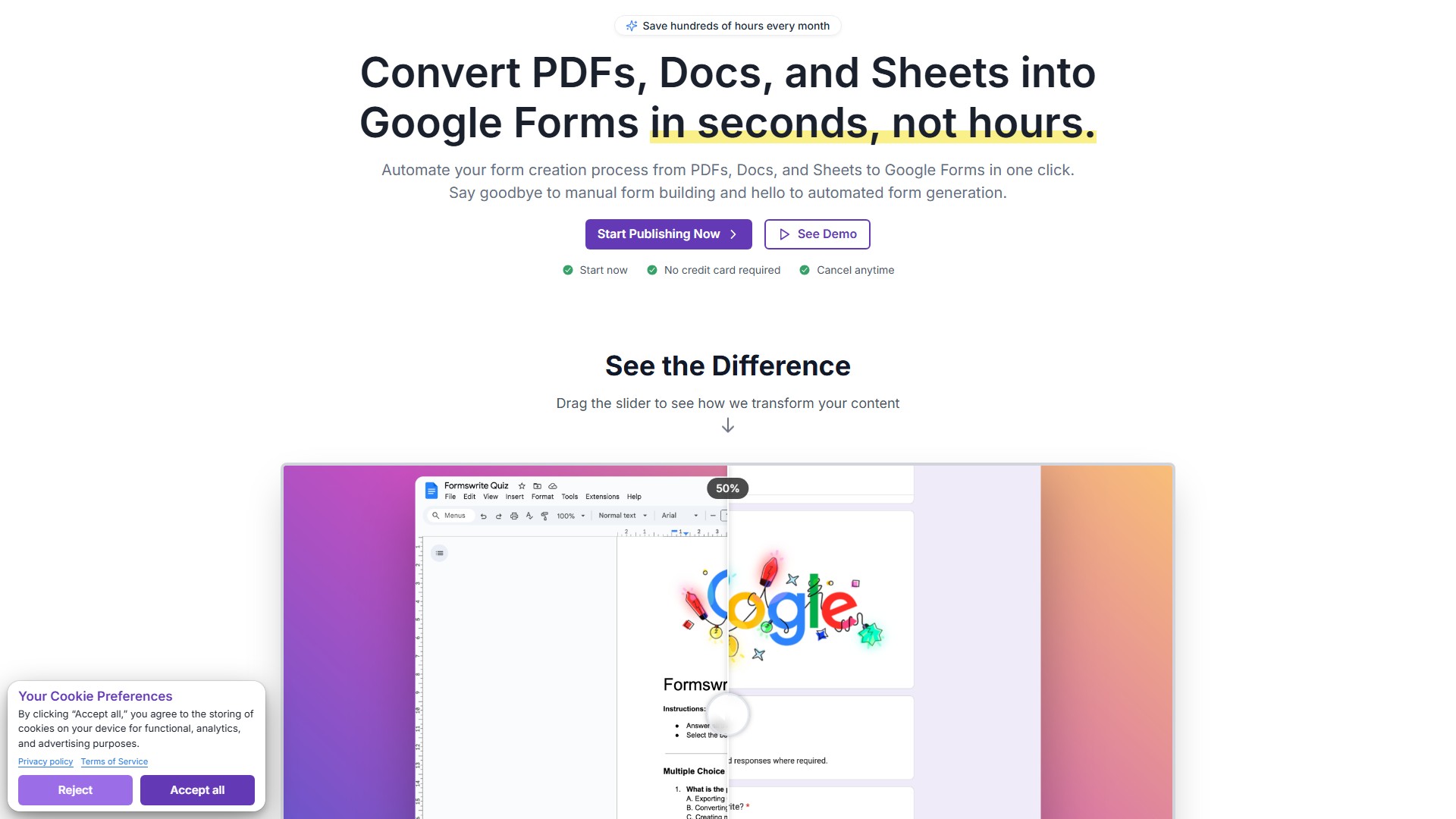
Main Features
- Smart Question Detection: Automatically identifies different question types including multiple choice, true/false, and open-ended questions
- One-Click Conversion: Instantly transform documents into fully functional Google Forms
- Format Preservation: Maintains original document formatting and images
- Automatic Scoring Setup: Creates answer keys and point allocation automatically
- Response Analytics: Track student performance with built-in Google Forms analytics
How It Works
- Write quizzes and assessments in Google Docs using simple formatting guidelines
- Formswrite AI automatically detects question types and converts to interactive Google Forms
- Share forms and collect responses, track scores and analyze results directly through Google Forms
Target Users
- Educators (teachers, professors)
- Training centers
- Schools and universities
- Professionals needing to create assessments and quizzes
Key Advantages
- Save 30+ minutes per quiz
- Support for all question types
- No manual formatting required
- Professional appearance maintained
- Seamless integration with Google ecosystem
Pricing Plans
- Trial: $2.99 one-time, includes 1 AI-powered conversion
- Basic: $9.99/month (billed yearly), unlimited form creation
- Lifetime: $600 one-time, permanent access to all features
Special Features
- Template library access
- Team collaboration tools (up to 5 members)
- API access and webhooks
- Custom branding and themes
- Advanced analytics dashboard
- Priority email support
価格設定モデル:
Free Trial
Paid
議論する