
DiffusionBee

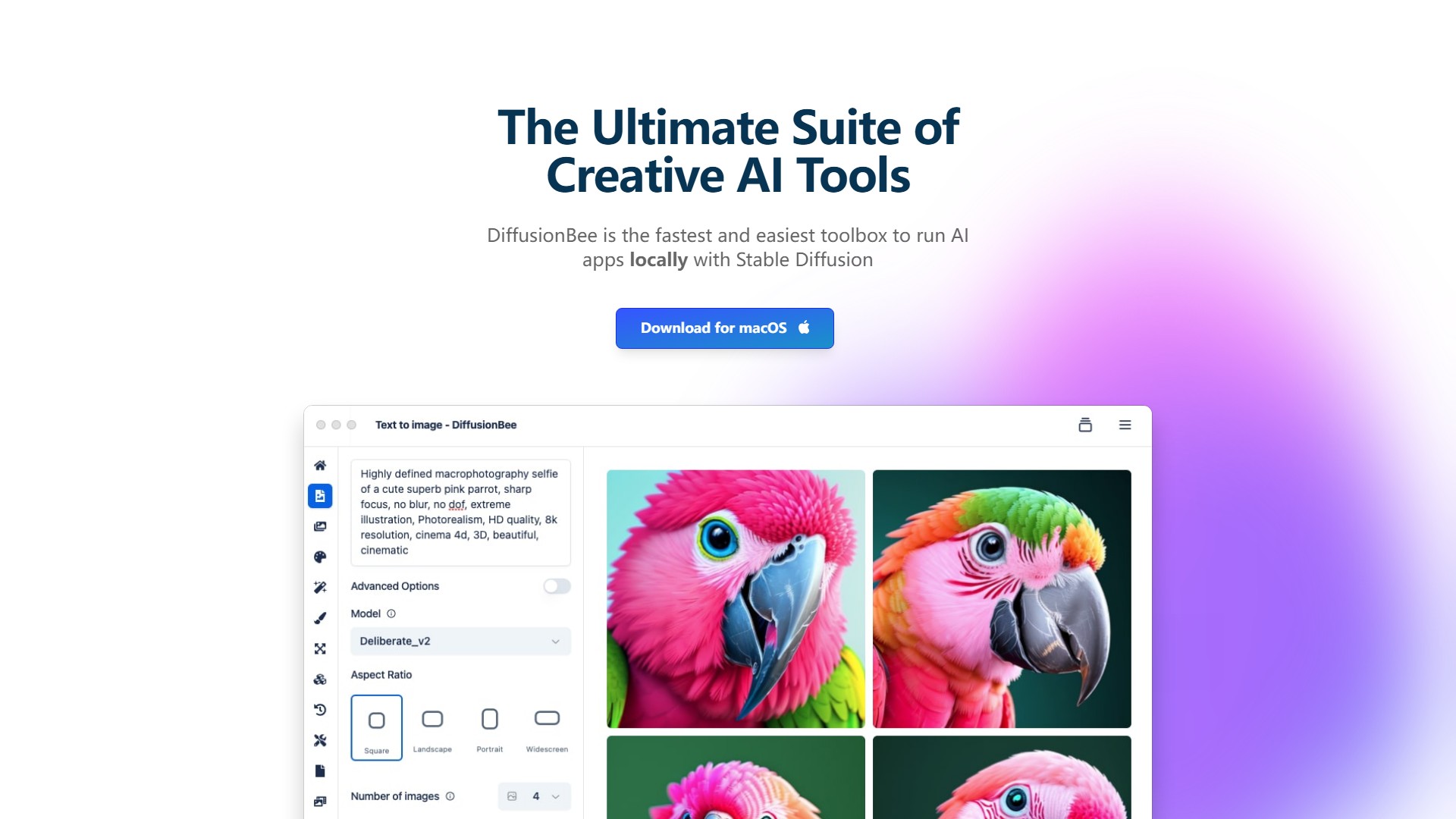
Main Features:
- Text to Image: Create stunning images from text prompts with ease.
- Generative Fill: Effortlessly add or remove objects in selected regions of images.
- Video Tools: Utilize a variety of tools to generate animations and videos using AI.
- Image To Image: Transform existing images using text prompts.
- Image Upscaler: Enhance image quality by making them sharper and higher resolution with AI.
- Image Variants: Generate several variants of images.
- Train Models: Train custom models on your dataset.
- Control Images: Create images with a specific structure using control images.
- Illusion Generator: Craft amazing illusions using AI.
- AI Canvas: Advanced AI canvas seamlessly blending human creativity with AI capabilities, letting users generate and edit images using prompts and human drawing.
Core Advantages:
- Local & Offline: DiffusionBee runs generative AI locally on your computer. Prompts, models, and generated images never leave your device. It runs 100% offline and lets you own your AI.
- Easy to use: All cutting-edge AI art tools in one easy-to-use package. Build custom models with just a few clicks.
- Generation Speed: On an 8GB M1 MacBook Air, it takes around 30 seconds to generate an image. Speeds are much higher on computers with higher specs.
Target Users: AI art creators, users requiring local image generation for data privacy, designers and artists who need to train custom models featuring specific objects, people, or styles.
System Requirements & Compatibility: Requires macOS 13.1 or higher. Machines with Apple silicon are recommended. Works with Intel-based machines, although it is very slow compared to M1 machines if there is no dedicated graphics chip.
Usage License: Generated images can be freely used as long as the user complies with the CreativeML Open RAIL-M license.
Pricing: No pricing information is mentioned on the page; the tool is available for free download and use.
アクセス:
95.3K
国:
United States
価格設定モデル:
Free
議論する